
How to Import Game-Ready 3D Models into Unity
Learn how to import game-ready 3D models into Unity with clean FBX setup, PBR textures, materials, scale, colliders, and prefabs.
Read article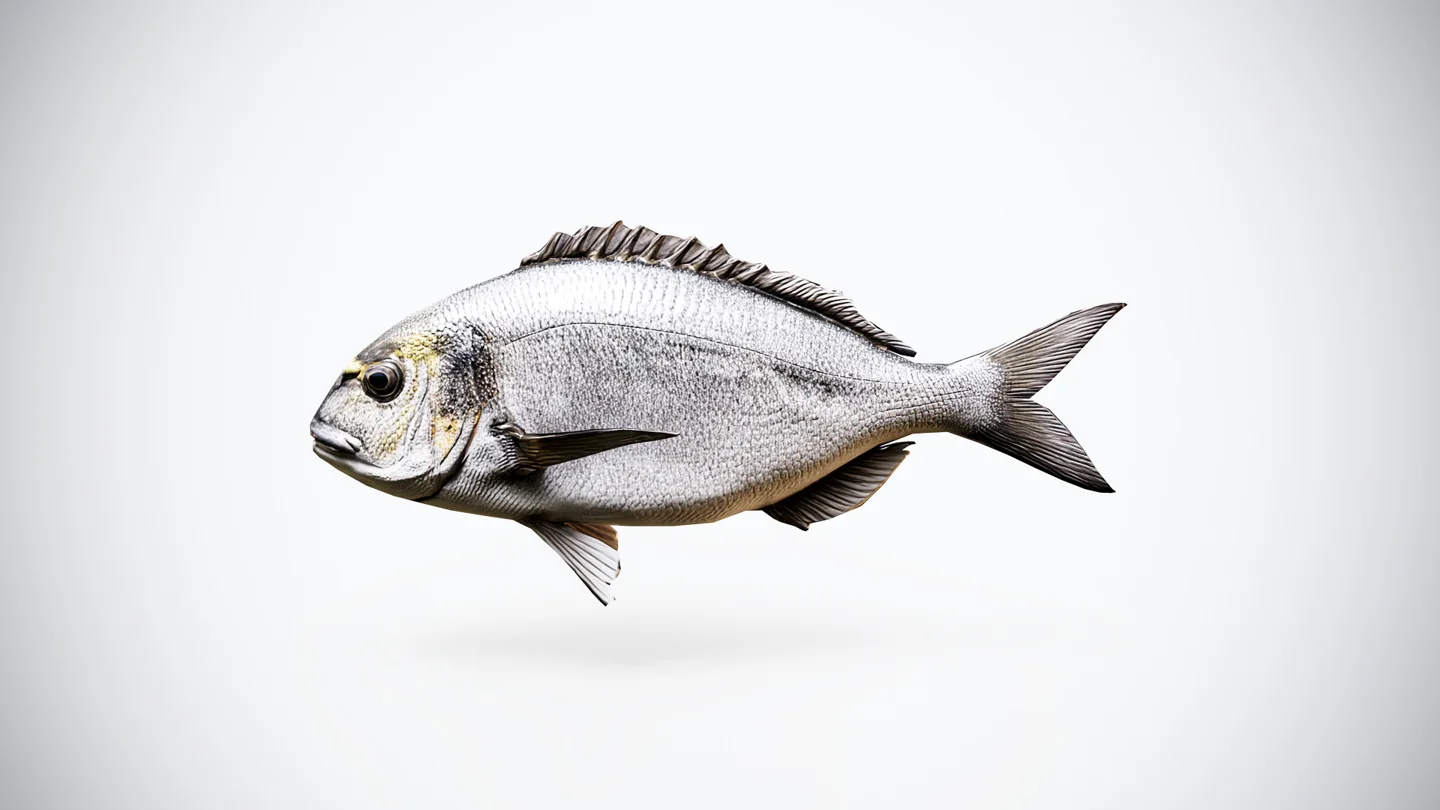
Open the image to explore the details.
Explore a game-ready Gilthead Sea Bream 3D model with an oval body and recognizable fish silhouette for food displays and aquatic scene projects.
See current pricing, available files and license details on the marketplace.
This game-ready Gilthead Sea Bream 3D model (Sparus aurata) features realistic proportions, a naturally compressed oval body shape, detailed fins, a forked tail, recognizable silver coloration, subtle golden facial markings, and a believable scale appearance.
With only 2,654 triangles, the asset is highly optimized for real-time performance while maintaining a realistic, distinctive, and easily recognizable fish silhouette.
Its clean and efficient topology makes the model suitable for custom rigging and animation workflows, including swimming cycles, turning movements, tail deformation, and other aquatic animation setups.
Learn how to import game-ready 3D models into Unity with clean FBX setup, PBR textures, materials, scale, colliders, and prefabs.
Read articleLearn how to set up PBR textures in Blender correctly with proper color space, node connections, normal maps, roughness, and export checks.
Read articleLearn how to tell if a 3D model is truly game-ready by checking polycount, topology, UVs, PBR textures, shading, and engine compatibility.
Read article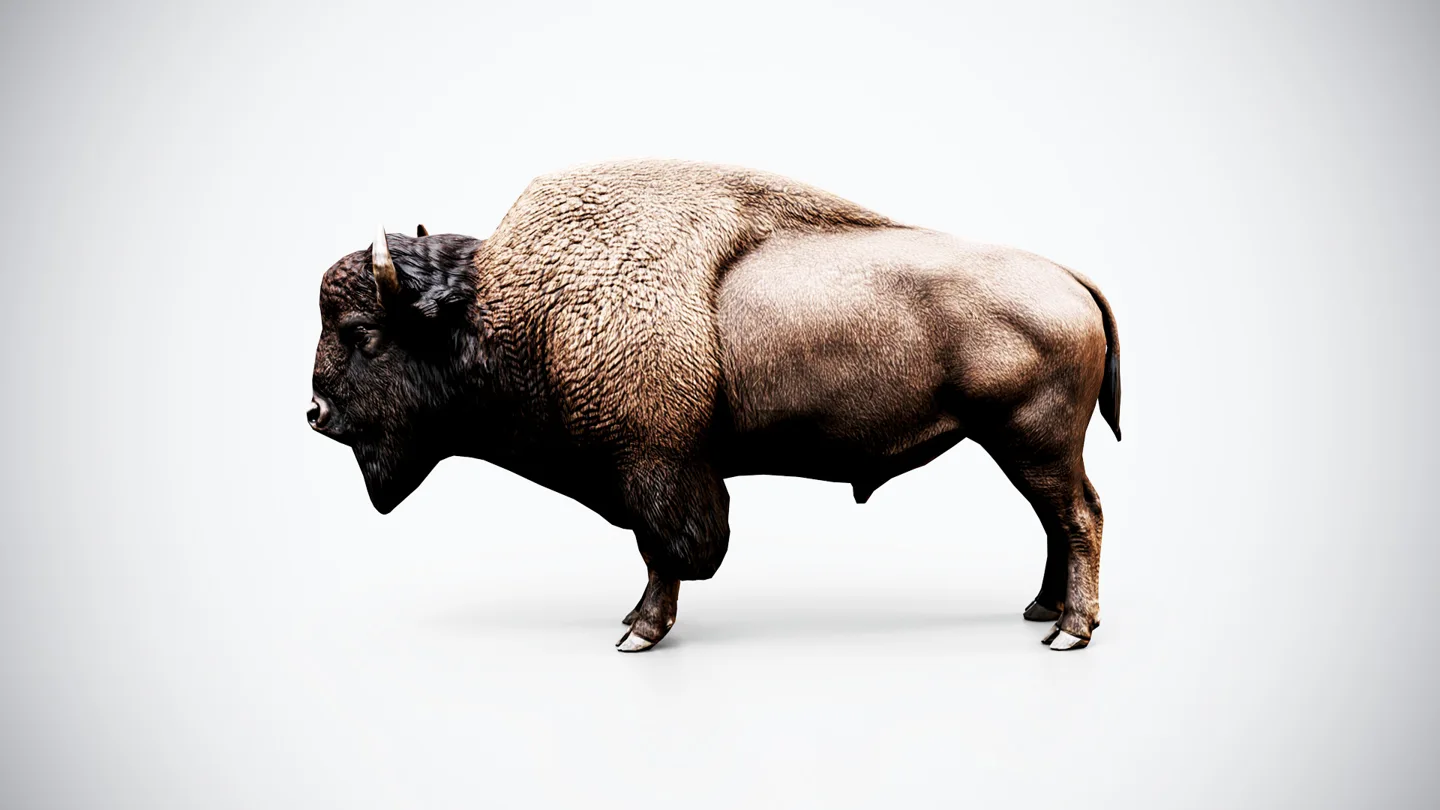
Explore a game-ready American bison 3D model with a muscular silhouette, prominent shoulder hump and curved horns for wildlife and environment scenes.
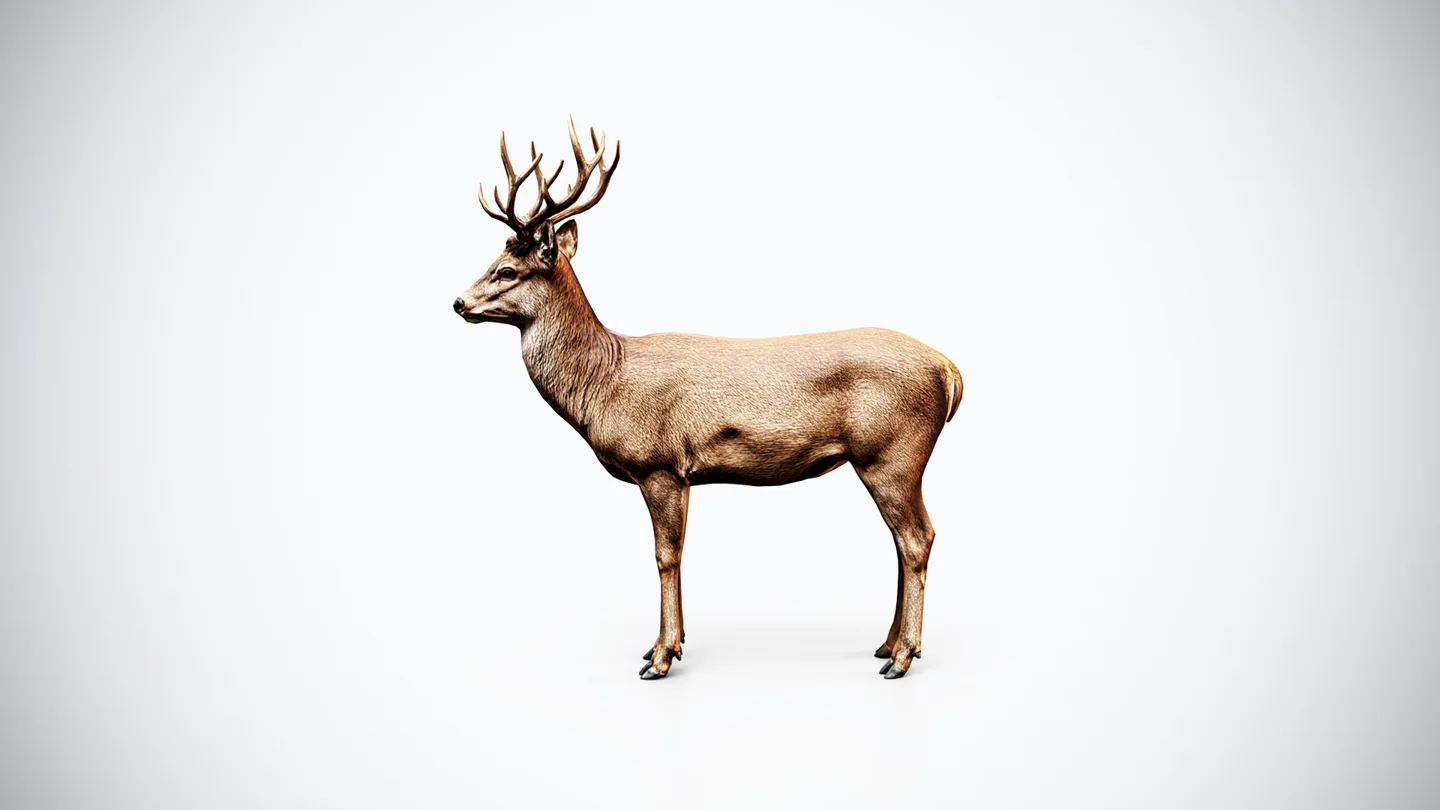
Explore a game-ready deer 3D model with branching antlers and a lean silhouette for woodland scenes, wildlife presentations and game environments.
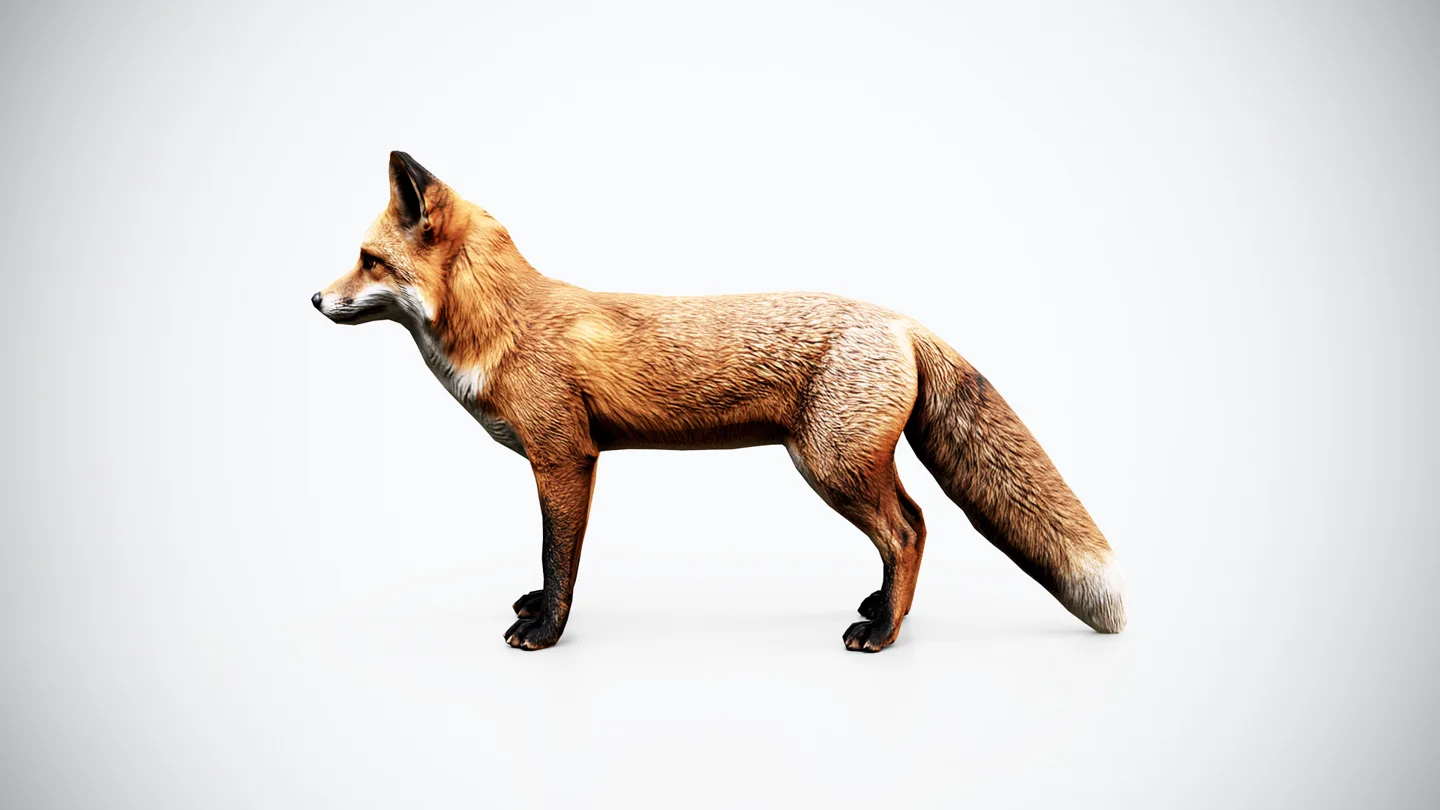
This game-ready red fox 3D model features realistic proportions, distinctive orange-and-white fur, pointed ears, slender legs, and a long bushy tail.