
How to Create Realistic Old Painted Wood in Substance Designer
Create old painted wood in Substance Designer with deliberate wood grain, paint wear, roughness and procedural controls for game-ready materials.
Read article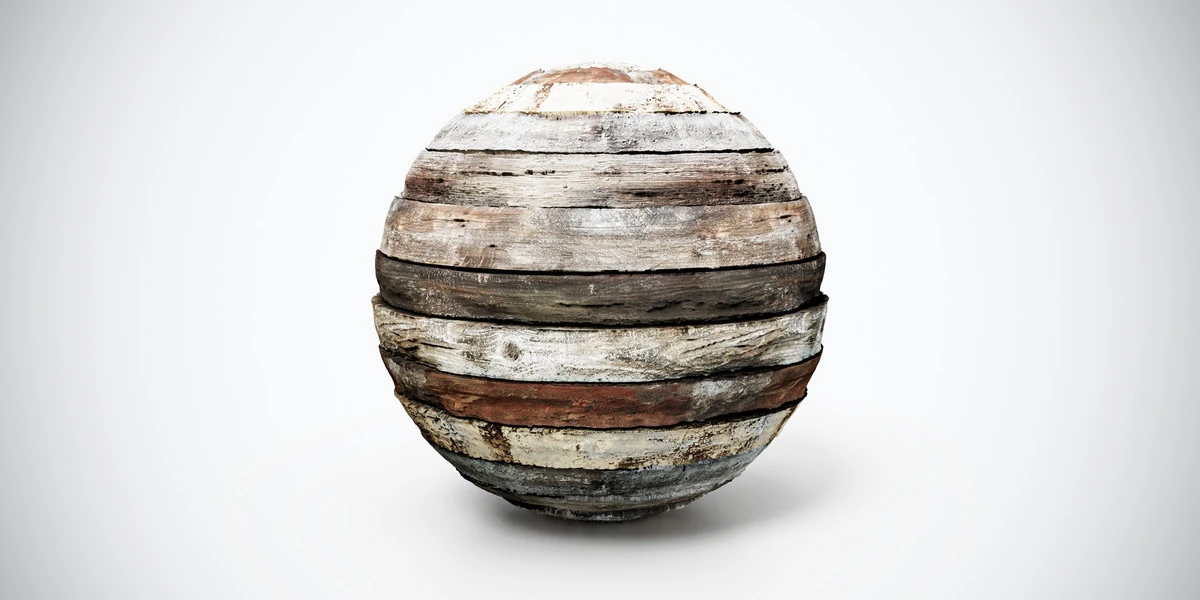
Open the image to explore the details.
Aged wood planks PBR texture with pale horizontal boards and dark joints. Seamless 1K–4K PNG maps for reclaimed walls, rustic panels and weathered interiors.
See current pricing, available files and license details on the marketplace.
Pale horizontal boards alternate with darker strips, worn grain and uneven discoloration. The preview helps compare its grain, color and surface character before applying it to a modeled object.
Use it for a reclaimed wall, boarded panel or weathered interior surface. Match the board height to the scale of surrounding furniture. Align the courses across adjacent meshes and check whether a distinctive dark strip repeats too regularly.
Keep panel construction and material detail separate: use geometry for exposed board thickness, corners and missing sections.
The product listing specifies 4K, 2K and 1K PNG maps with seamless tiling.
Use the aged wood workflow to evaluate grain direction and wear as separate features. The Blender PBR setup guide covers connecting the supplied maps before comparing finishes.
Compare dark horizontal boards for a lower-value surface with stronger reddish wear. See Aged Wood Planks PBR Texture — Dark Horizontal Boards.
Dark aged planks provide a lower-value alternative for the same boarded construction. Explore Dark Aged Wood Planks PBR Texture.
Browse the wood & bark PBR collection for other surfaces in this family. The Superhive button opens the current product listing for package contents, pricing and license details.
For a different grain and finish, compare Weathered Wood Planks PBR Texture — Peeling Paint: narrow horizontal boards combine pale peeling finish, dark cracks and muted colored remnants on weathered wood.
After downloading the material's maps, open the PBR Material Previewer to compare supported textures on a sphere, cube or plane under HDR lighting. Check normal direction, roughness and tiling locally before applying the material to your scene. Product files are not loaded automatically.
Create old painted wood in Substance Designer with deliberate wood grain, paint wear, roughness and procedural controls for game-ready materials.
Read articleLearn how to set up PBR textures in Blender correctly with proper color space, node connections, normal maps, roughness, and export checks.
Read articleYou can model a clean asset, unwrap it properly, bake a solid normal map, and still end up with a material that feels wrong.
Read article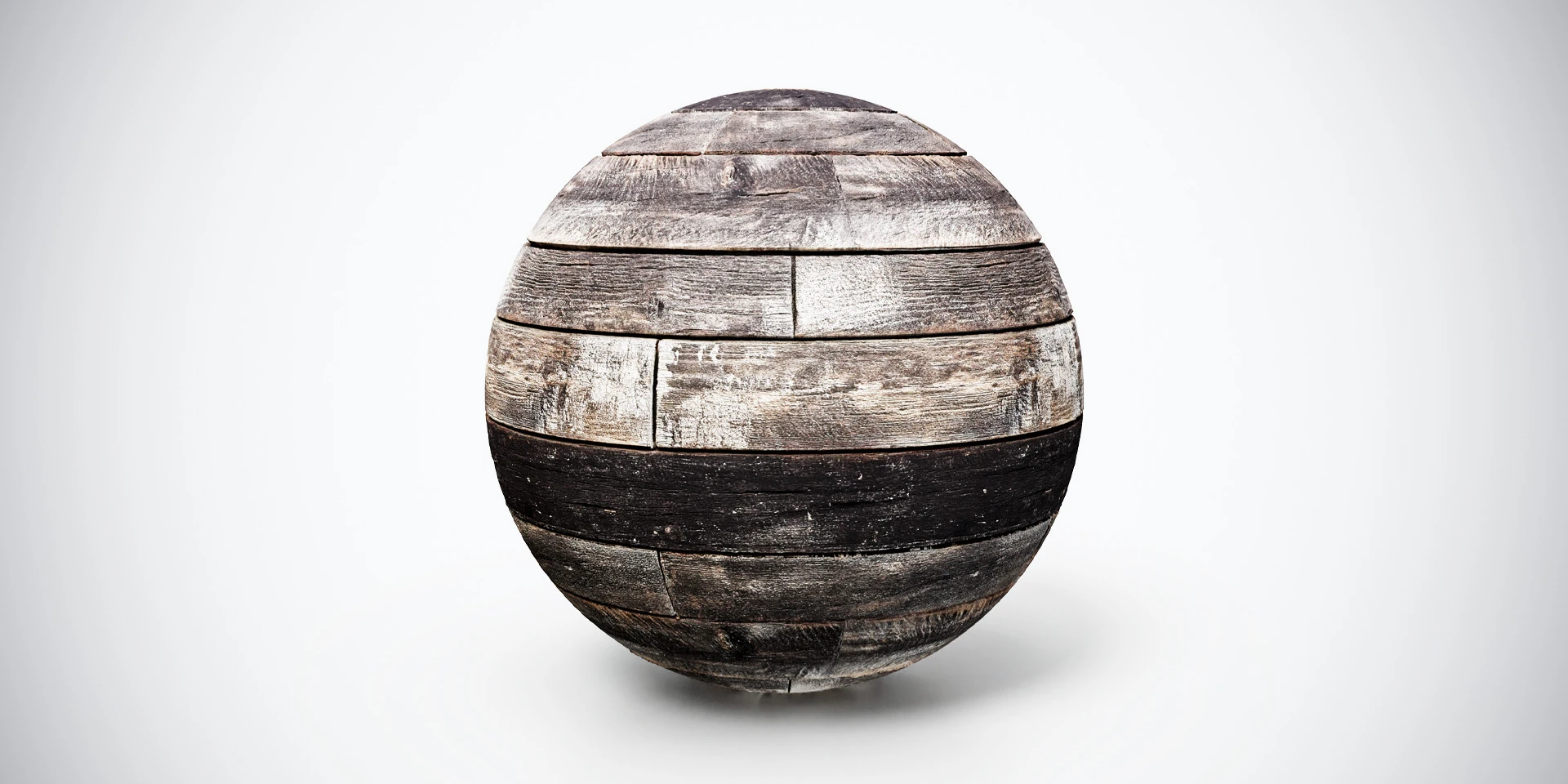
Dark aged wood planks PBR texture with weathered grain and worn boards. Seamless 1K–4K PNG maps for cabin walls, rustic panels and vintage environments.
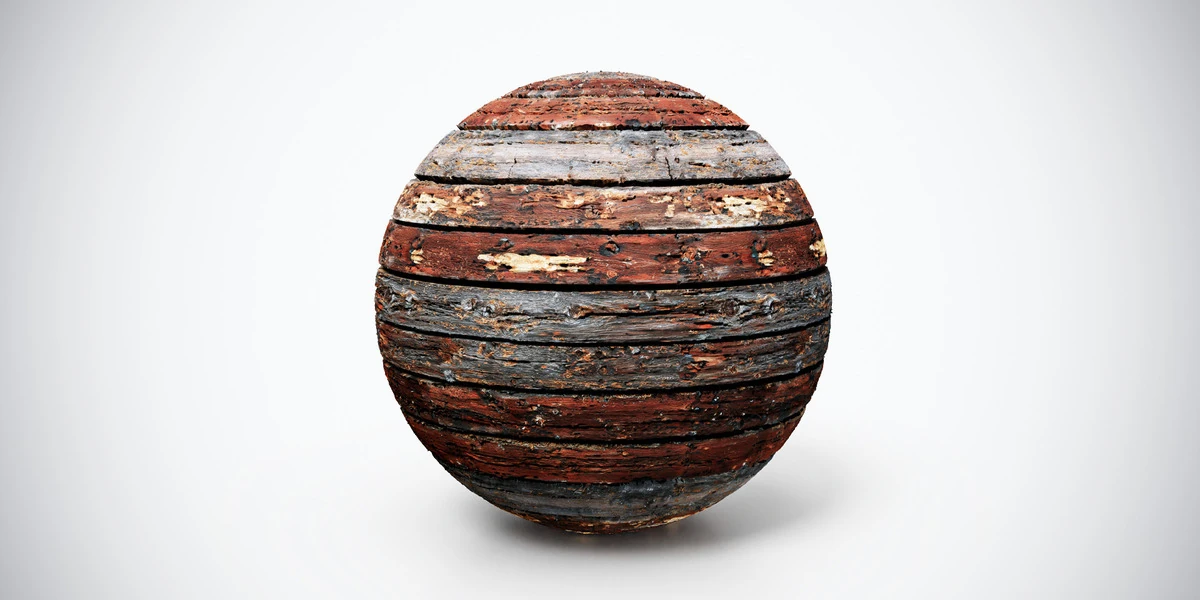
Aged wood planks PBR texture with dark horizontal boards and worn reddish patches. Seamless 1K–4K PNG maps for rustic walls, docks and weathered props.
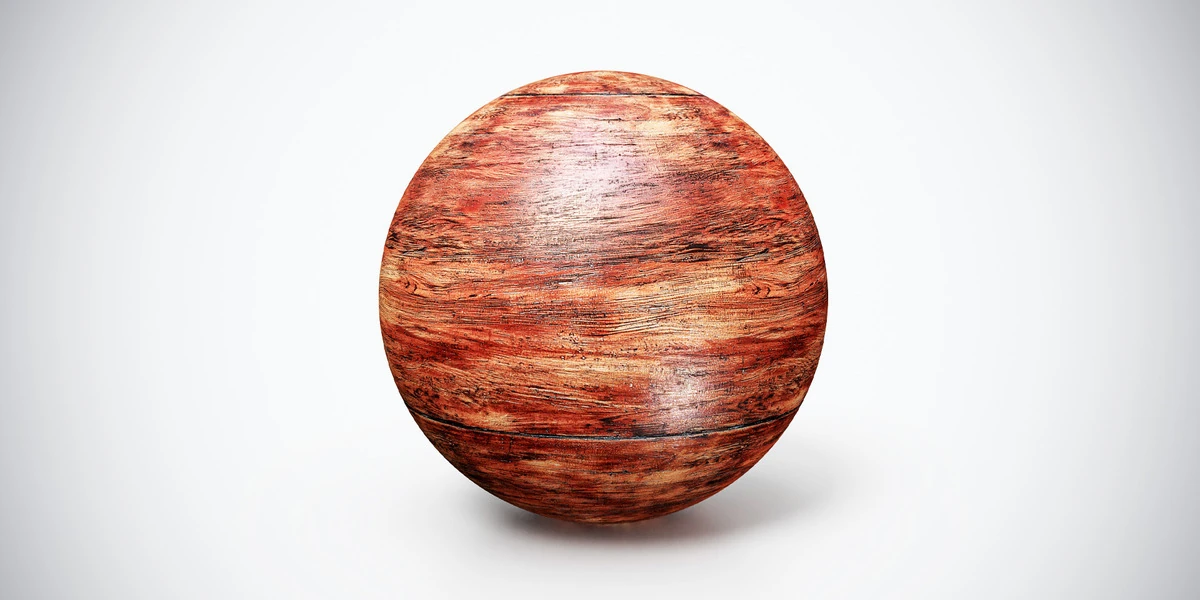
Aged Red Wood PBR Texture — Broad Grain. Explore seamless 4K maps, surface details and practical uses, with related materials and Blender workflow guides.