How to Build Believable Workshop Environments in Games
Learn how to build believable workshop environments in games with functional prop placement, realistic materials, correct scale, and smart environment storytelling.
Read article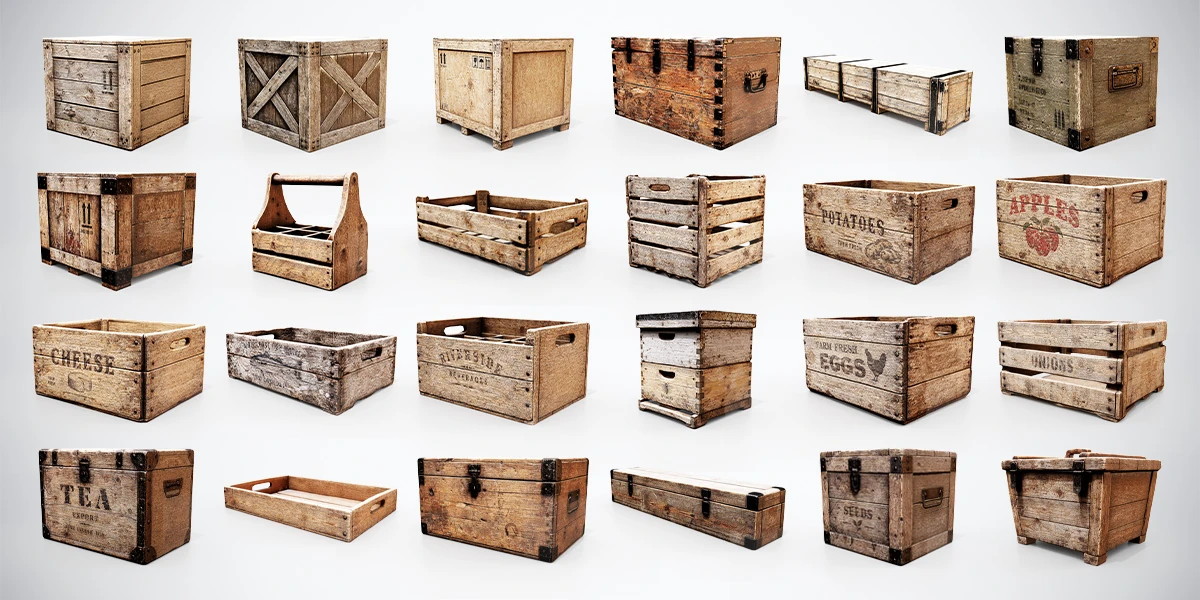
Open the image to explore the details.
Build warehouses, markets and rustic scenes with 24 low-poly wooden crates and boxes. Includes BLEND, FBX, OBJ files and PBR texture presets.
See current pricing, available files and license details on the marketplace.
Use this wooden props bundle to give a storage area a clear purpose. The collection offers closed cargo crates, metal-fitted chests, open produce containers, a handled caddy and shallow trays, with visibly different proportions and wood finishes.
The pack contains 24 individual static models in BLEND, FBX and OBJ formats, plus master.blend for browsing the collection together. Textures are packed into the Blender files. PBR Metallic-Roughness resources include presets for Blender, Unity Standard Metallic, Unity HDRP and Unreal Engine.
Closed boxes and chests have fixed lids. They are not openable, and no rigging or animations are included. Choose them for set dressing rather than an animated container interaction. The open crates and trays remain open static props.
Start with a small selection of silhouettes. Place larger containers against a wall, keep frequently used trays near the work surface and leave a clear route through the room. Rotating every crate by a random angle can make a scene look untidy without explaining how it is used.
For a workshop, combine the containers with the Workshop Tool Pack and follow the functional workshop layout guide. Use closed boxes for stored supplies and open containers where their contents need to be visible. Leave room to add the tools or goods appropriate to your scene.
In a market or farm setting, group containers by their role instead of placing all 24 variations together. A restrained selection often makes the scene easier to read. The single models versus asset bundles guide helps you decide which pieces earn their place in the project.
Use the master scene to compare props, then bring the required models into your working project. Check their dimensions against a shared scale reference and inspect the contact between each container and the ground before adding more clutter.
Engine imports may need manual texture assignment or shader configuration. Choose the relevant supplied preset, then check the result under your scene lighting. For Unity, the model import workflow provides a useful sequence of checks; for texture inspection, use the local PBR Material Previewer.
The creator discloses AI-assisted high-poly references and retopology, followed by manual cleanup, topology refinement, UV work, baking and texturing. See the Superhive listing for current package details and license terms.
Learn how to build believable workshop environments in games with functional prop placement, realistic materials, correct scale, and smart environment storytelling.
Read articleCompare single 3D models and asset bundles to choose the best option for your project, budget, workflow, visual consistency, and production needs.
Read articleA 3D model can look perfectly believable when viewed by itself and still feel completely wrong once you place it inside a larger scene.
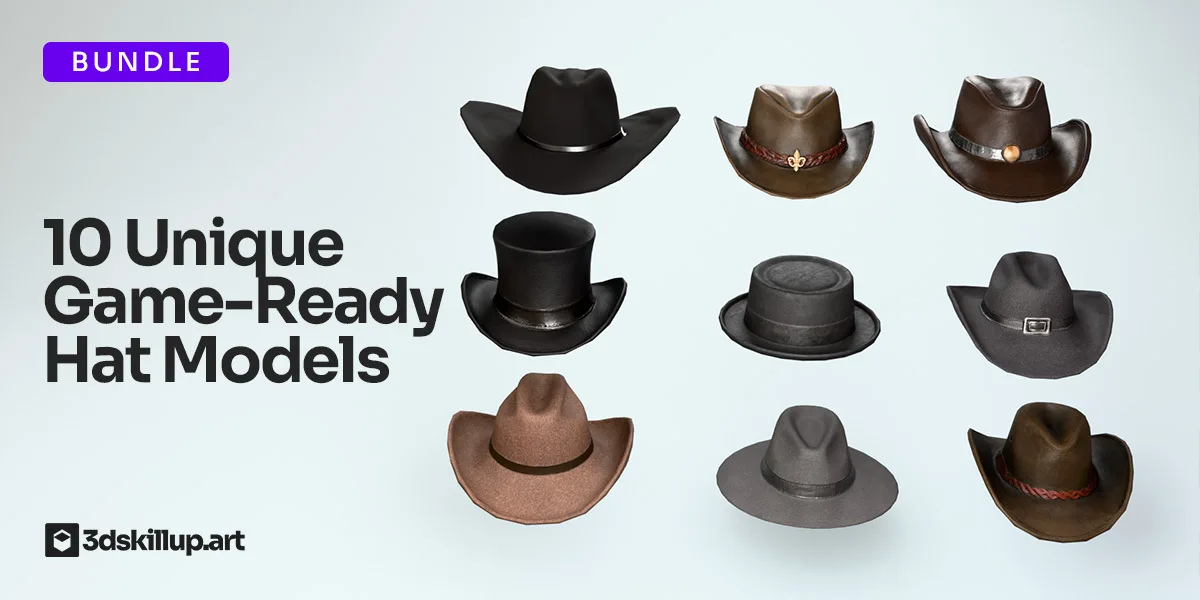
Read articleEnhance your characters with this Cowboy Hats Pack featuring 10 unique, game-ready 3D models designed for real-time performance. Each hat includes clean topology, optimized polycount, and high-quality PBR textures for…
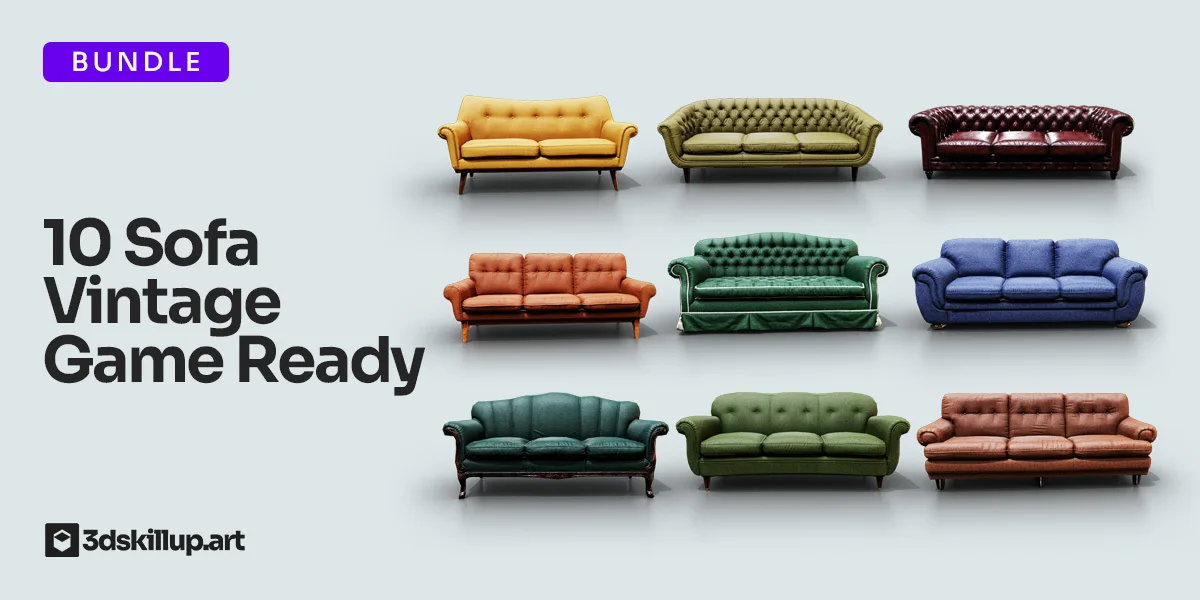
View assetEnhance your interior scenes with this Vintage Sofa Bundle featuring 10 game-ready 3D sofa models. Designed for Unity, Unreal Engine, Blender, cinematic renders, architectural visualization, VR/AR projects, and…
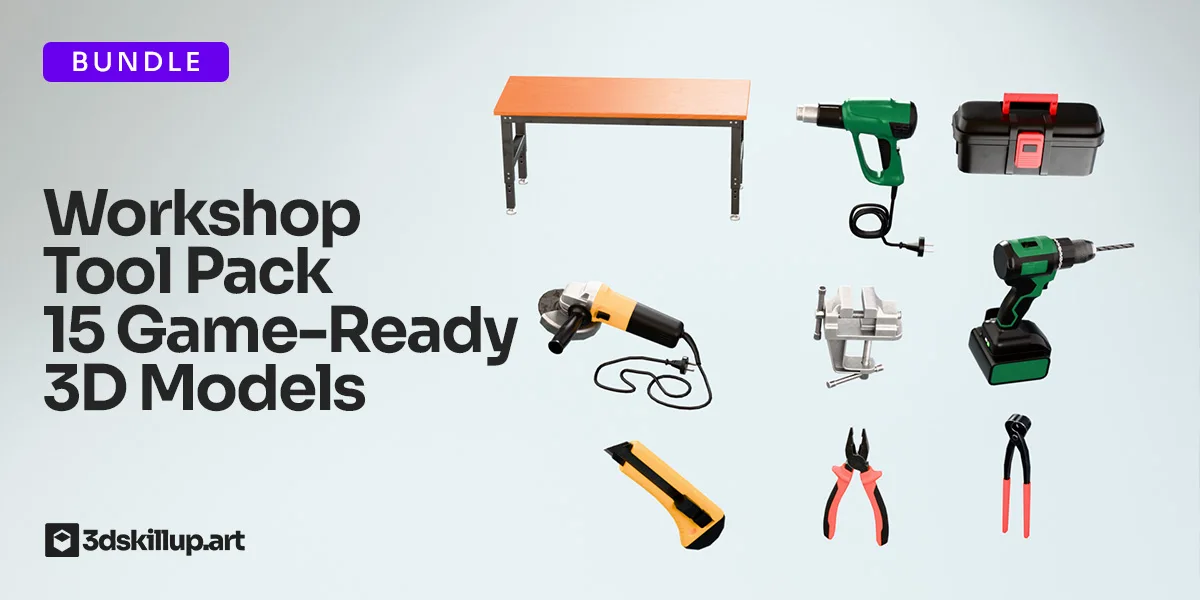
View assetEnhance your projects with this Workshop Tool Pack featuring 15 game-ready 3D models optimized for real-time performance. Designed with clean topology, realistic proportions, and high-quality PBR textures, these assets…
View asset