
HDRI Lighting in Blender: A Practical Product Render Workflow
Set up HDRI lighting in Blender, rotate the environment, balance exposure, and check PBR materials with a practical workflow for clearer product renders.
Read article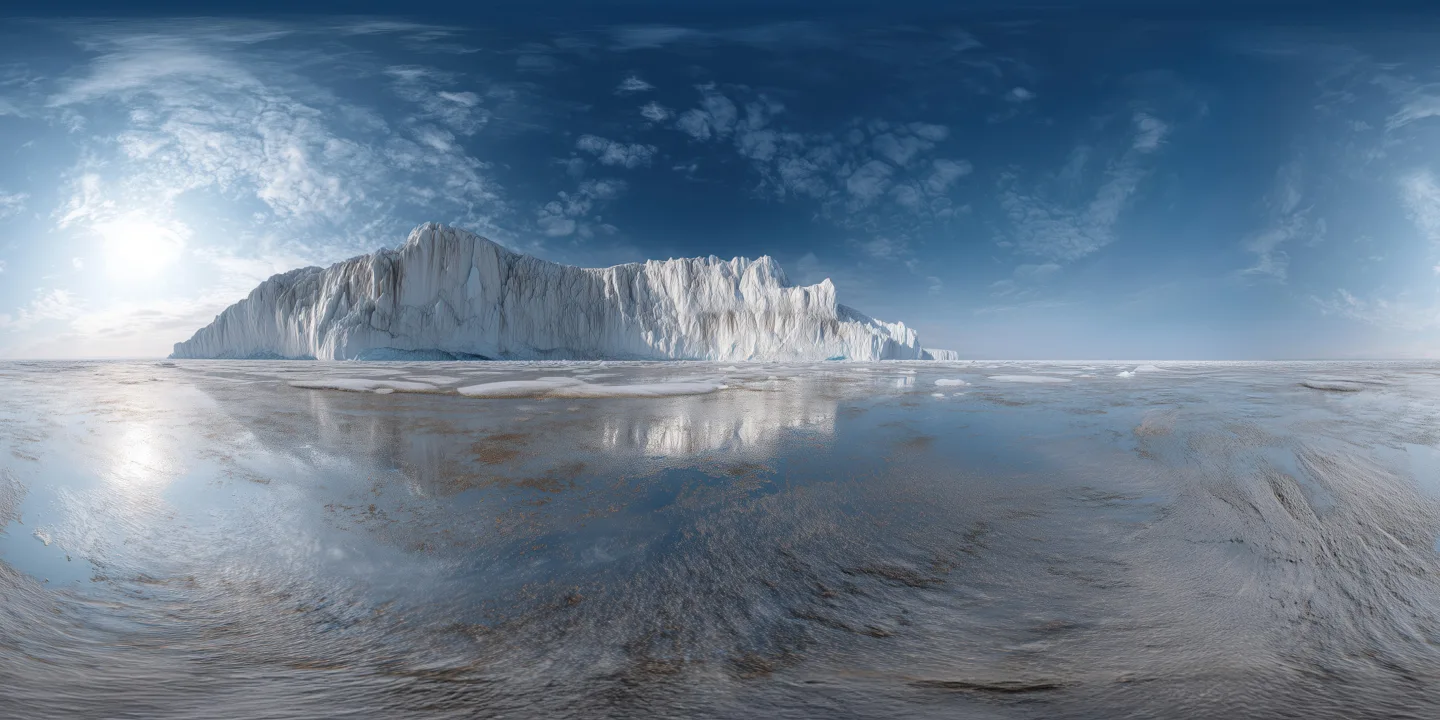
Open the image to explore the details.
Unclipped Arctic HDRI with crisp polar midday light and cool reflections. Ideal for Blender, Unreal, Unity and realistic outdoor rendering.
See current pricing, available files and license details on the marketplace.
Unclipped polar HDRI with crisp midday light, cool reflections and expansive icy horizon. Perfect for automotive renders, product lighting, VFX and realistic outdoor scenes requiring bright natural illumination and clean high-contrast reflections.
For a different outdoor comparison, try Rural Rice Field HDRI and keep the camera, subject and initial exposure fixed while comparing the surroundings.
For another lighting comparison, try Rocky Shore Sunset HDRI. Try it on glossy outdoor products when you want warm highlights alongside cool water reflections and more foreground structure than an open ocean horizon.
Set up HDRI lighting in Blender, rotate the environment, balance exposure, and check PBR materials with a practical workflow for clearer product renders.
Read articleDiscover what really causes rendering artifacts in 3D and how to fix issues with mesh, UVs, baking, PBR textures, lighting, Unity and Unreal.
Read articleLearn how to set up PBR textures in Blender correctly with proper color space, node connections, normal maps, roughness, and export checks.
Read article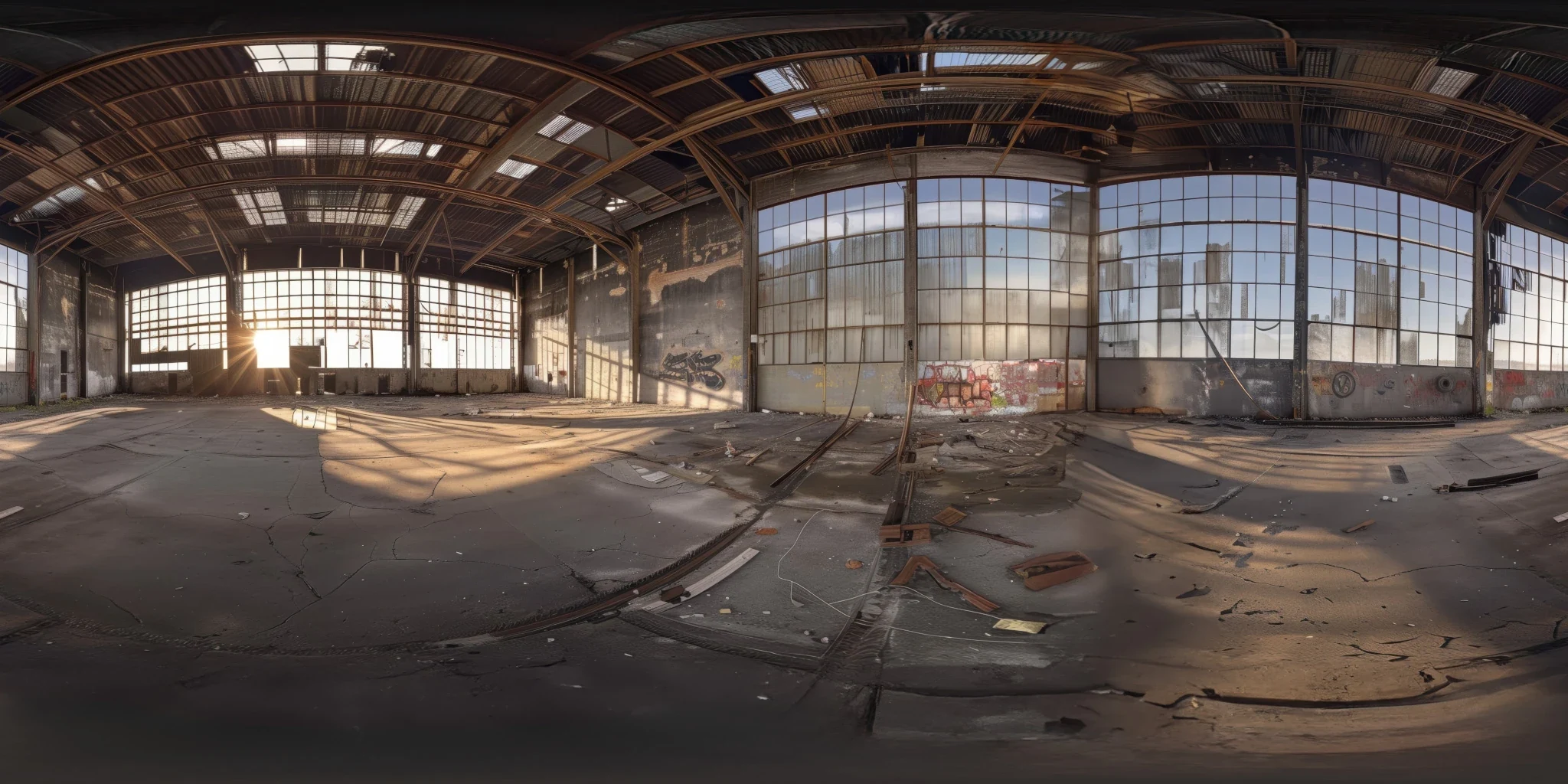
Explore an abandoned warehouse HDRI with window light, roof trusses and worn concrete. Choose 12K to 2K unclipped maps for industrial props and reflections.
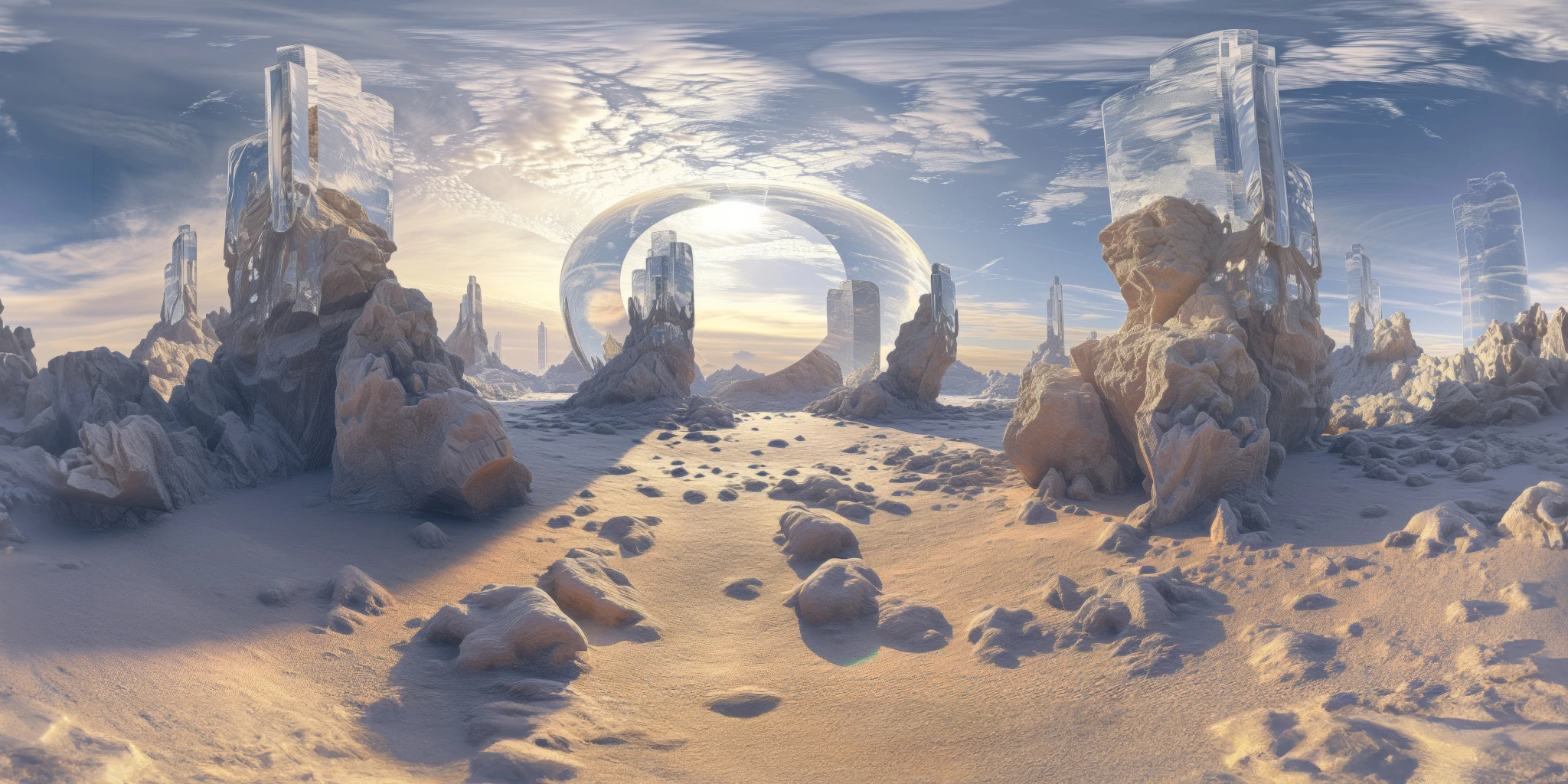
Explore a crystal valley HDRI with pale formations, sandy terrain and a monumental arch. Choose 12K to 2K maps for bright sci-fi lighting and reflections.
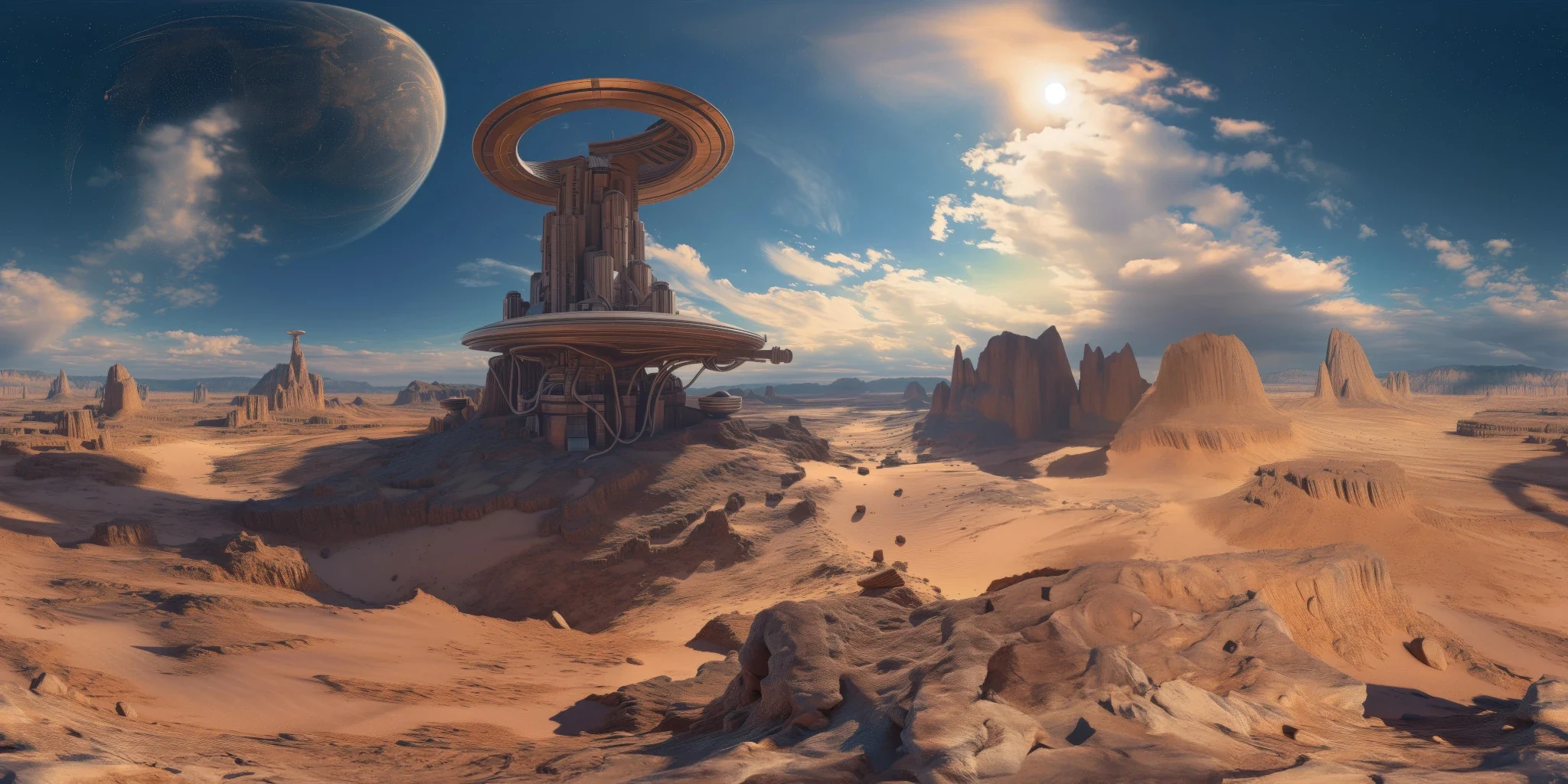
Explore a sci-fi desert HDRI with a ring-shaped tower, orange rocks and a distant planet. Compare 12K to 2K maps for warm alien lighting and reflections.