
How to Create Realistic Old Painted Wood in Substance Designer
Create old painted wood in Substance Designer with deliberate wood grain, paint wear, roughness and procedural controls for game-ready materials.
Read article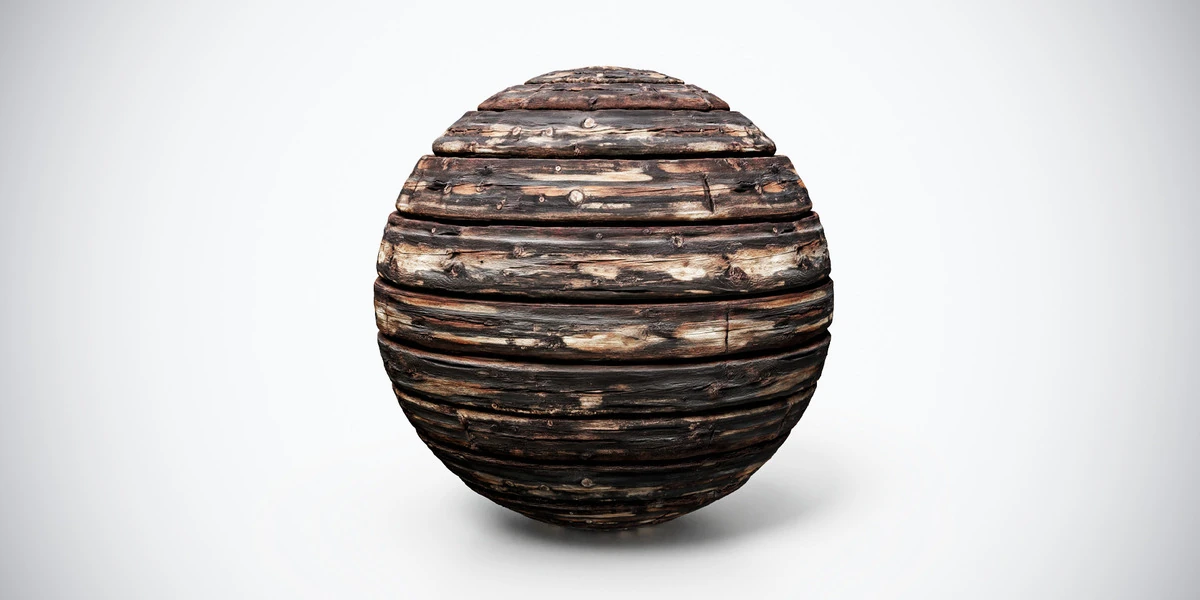
Open the image to explore the details.
Burnt aged wood PBR texture with dark planks, cracks and scorched detail. Seamless 1K–4K PNG maps for damaged structures, rustic props and horror interiors.
See current pricing, available files and license details on the marketplace.
Dark wooden planks show scorched-looking discoloration, narrow cracks and worn grain. Lighter marks across the boards keep the aged surface from becoming a flat black pattern.
Apply it to damaged structures, survival-game props or a horror interior. Place the most prominent wear where it supports the scene history, and inspect the board scale beside doors or furniture.
The source listing specifies 4K, 2K and 1K PNG maps and seamless tiling. The listing mentions Metallic only “if applicable”; it is not counted among the confirmed maps above.
The aged wood material workflow explains how grain, wear and surface layers work together. Use the Blender texture setup when connecting the supplied image maps.
Compare Dark Aged Wood Planks PBR Texture to judge the difference in pattern, contrast and surface condition under the same lighting. On exposed hardware beside the boards, rusty corroded steel provides a contrasting metal surface.
Explore the wood & bark material collection for other surfaces in this family. The Superhive button opens the listing for current pricing, package contents and license terms.
Compare Weathered Wood PBR Texture — Rough Brown Grain for a worn timber look with pale patches rather than the stronger charred character of this material.
Compare Weathered Burnt Wood PBR Texture when the scene needs this alternative: dark brown and charcoal-colored wood shows dense fine cracks and lighter worn patches across a heavily aged surface.
After downloading the material's maps, open the PBR Material Previewer to compare supported textures on a sphere, cube or plane under HDR lighting. Check normal direction, roughness and tiling locally before applying the material to your scene. Product files are not loaded automatically.
Create old painted wood in Substance Designer with deliberate wood grain, paint wear, roughness and procedural controls for game-ready materials.
Read articleLearn how to set up PBR textures in Blender correctly with proper color space, node connections, normal maps, roughness, and export checks.
Read articleLearn how to create atmospheric vintage interiors for games using furniture, color palettes, lighting, PBR materials, and storytelling details.
Read article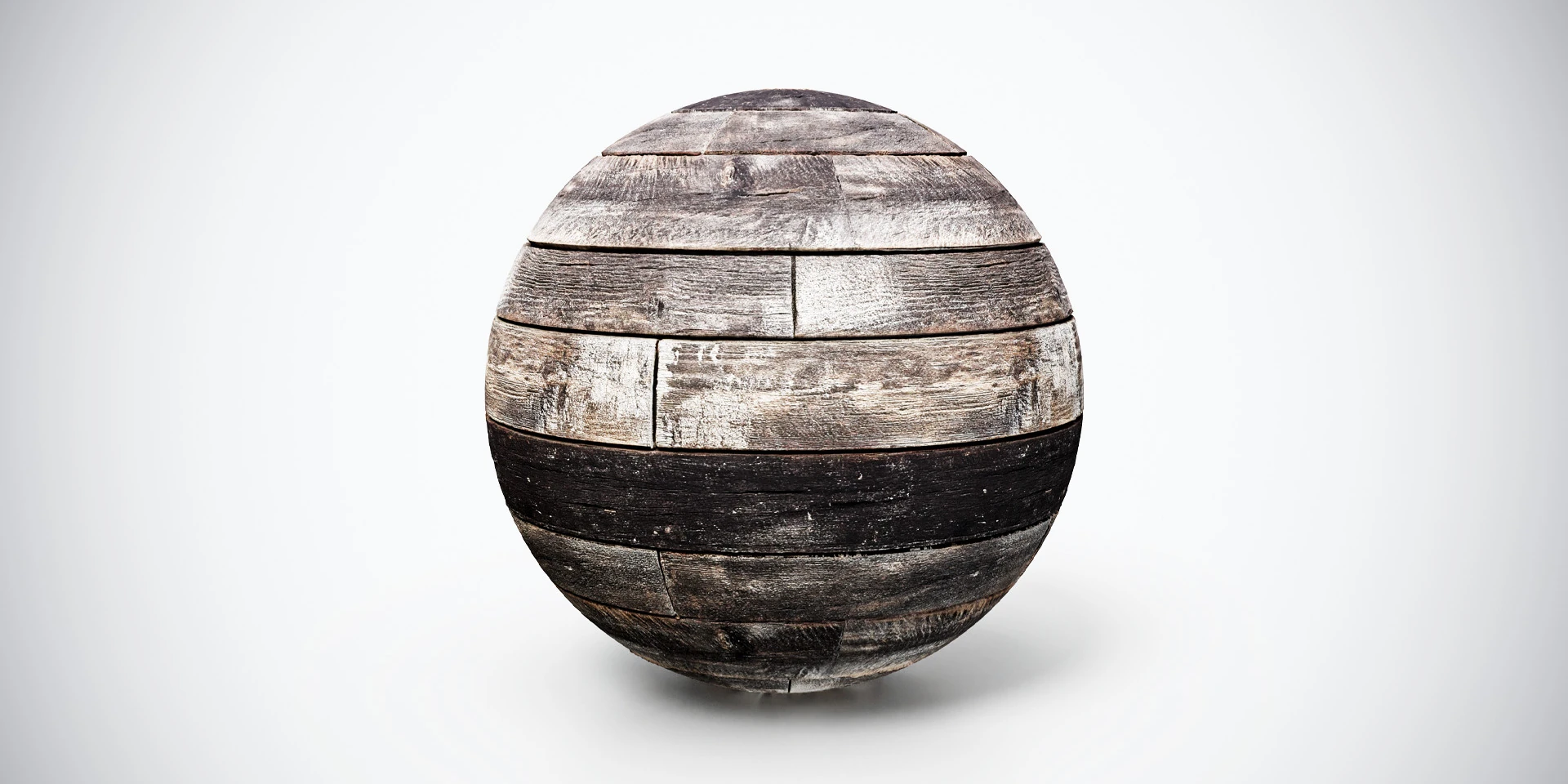
Dark aged wood planks PBR texture with weathered grain and worn boards. Seamless 1K–4K PNG maps for cabin walls, rustic panels and vintage environments.
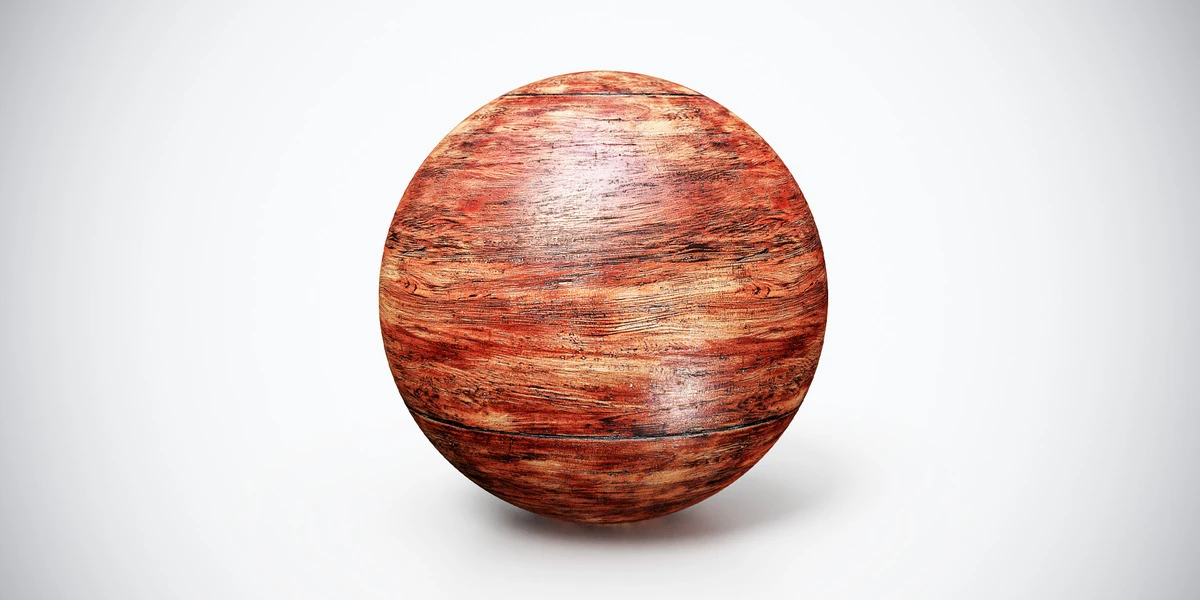
Aged Red Wood PBR Texture — Broad Grain. Explore seamless 4K maps, surface details and practical uses, with related materials and Blender workflow guides.
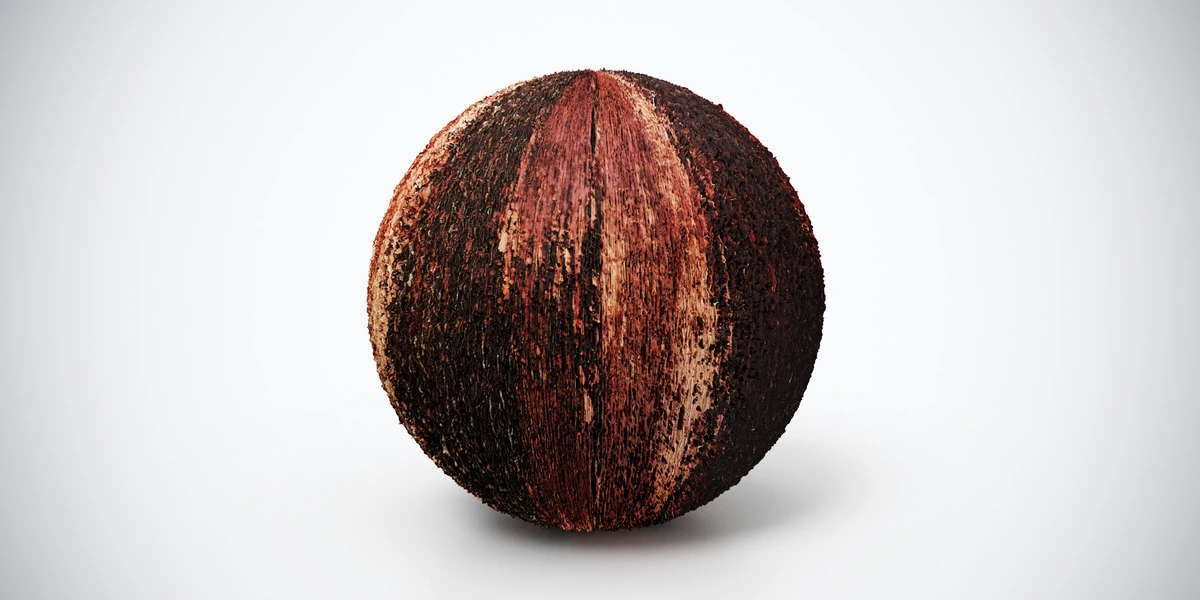
Aged Red Wood PBR Texture — Dark Streaks. Explore seamless 4K maps, surface details and practical uses, with related materials and Blender workflow guides.