Wood Grain Direction in Blender: UV Mapping for Furniture
Control wood grain direction in Blender furniture: orient UV islands, match grain scale and align plank joints across table legs, rails and panels.
Read article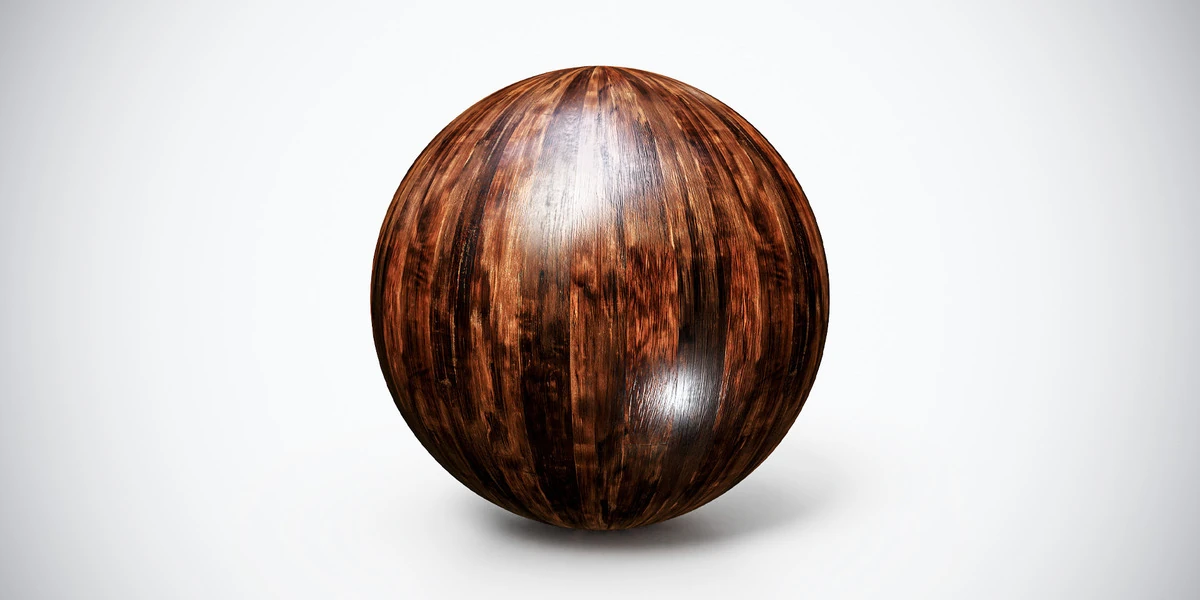
Open the image to explore the details.
Exotic Wood PBR Texture — Copper Grain: seamless 4K, 2K and 1K PNG maps, practical scene uses, surface setup tips and related materials for your 3D projects.
See current pricing, available files and license details on the marketplace.
Copper-brown grain runs lengthwise through dark streaks beneath broad reflective highlights. This tileable PBR material adds surface detail to a modeled object. The sphere is a material preview, not an included scene or object mesh.
Use the pronounced warm grain on furniture fronts, decorative panels and polished interior accents.
Keep the long grain aligned with the construction of each component. The listing does not identify a timber species, so choose it for its visible pattern rather than a botanical claim.
Available as seamless 4K, 2K and 1K PNG maps.
The supplied normal map uses DirectX. Match the DirectX convention to your target shader before judging dents and raised grain. The setup guide explains the green-channel difference between normal formats. The listing also includes a Metallic map. Its presence does not mean ordinary wood should be shaded as metal: inspect its intended use and keep exposed wood non-metallic.
Use the Blender PBR setup guide to connect the channels, then keep the same coordinates across all maps. Inspect the material under neutral lighting before adjusting its contrast or relief.
For directional mapping on furniture and panels, follow the guide to wood grain direction in Blender. Evaluate the result from the final camera as well as in a close-up material test.
Compare Exotic Hardwood PBR Texture when choosing a different grain pattern or finish. View both at a similar scale so a difference in repeat count does not dominate the choice.
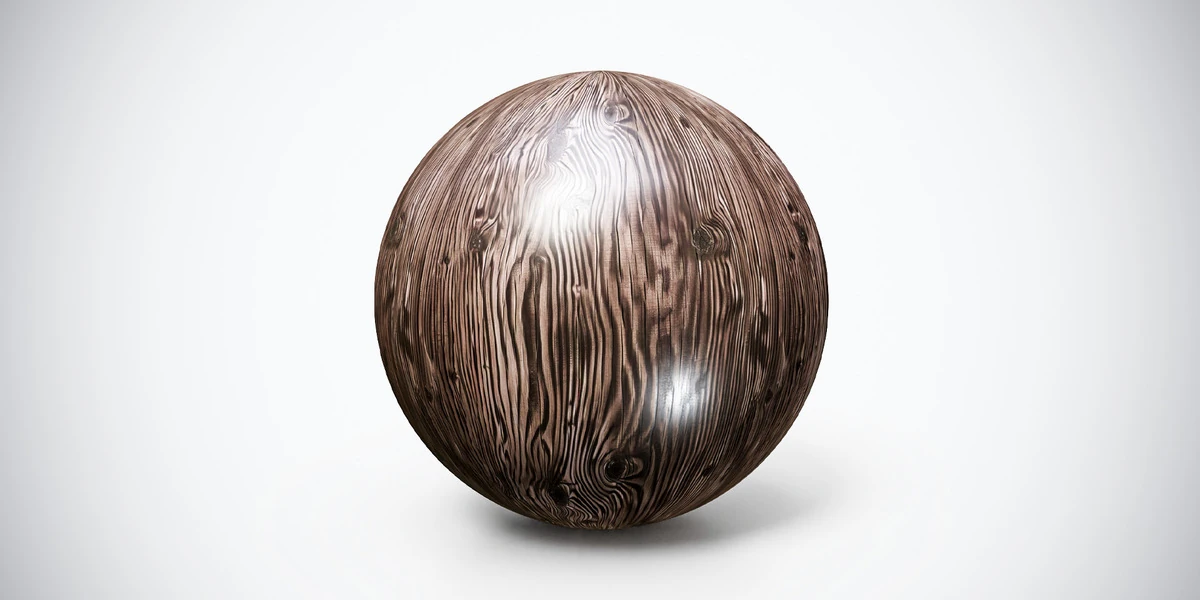
Lacquered Wood PBR Texture offers another surface to compare: fine dark grain lines curl around knots on a muted brown surface with smooth glossy highlights.
Browse the wood and bark collection for more options. Use the Superhive button for the current purchase details.
Control wood grain direction in Blender furniture: orient UV islands, match grain scale and align plank joints across table legs, rails and panels.
Read articleSetting up PBR textures in Blender is one of those steps that looks simple at first, but can easily break the final quality of your 3D asset if done incorrectly. You may have a clean low-poly model, well-baked maps, beautiful…
Read articleYou can model a clean asset, unwrap it properly, bake a solid normal map, and still end up with a material that feels wrong.
Read articleLacquered Wood PBR Texture: seamless 4K, 2K and 1K PNG maps, practical scene uses, surface setup tips and related materials for your 3D projects.
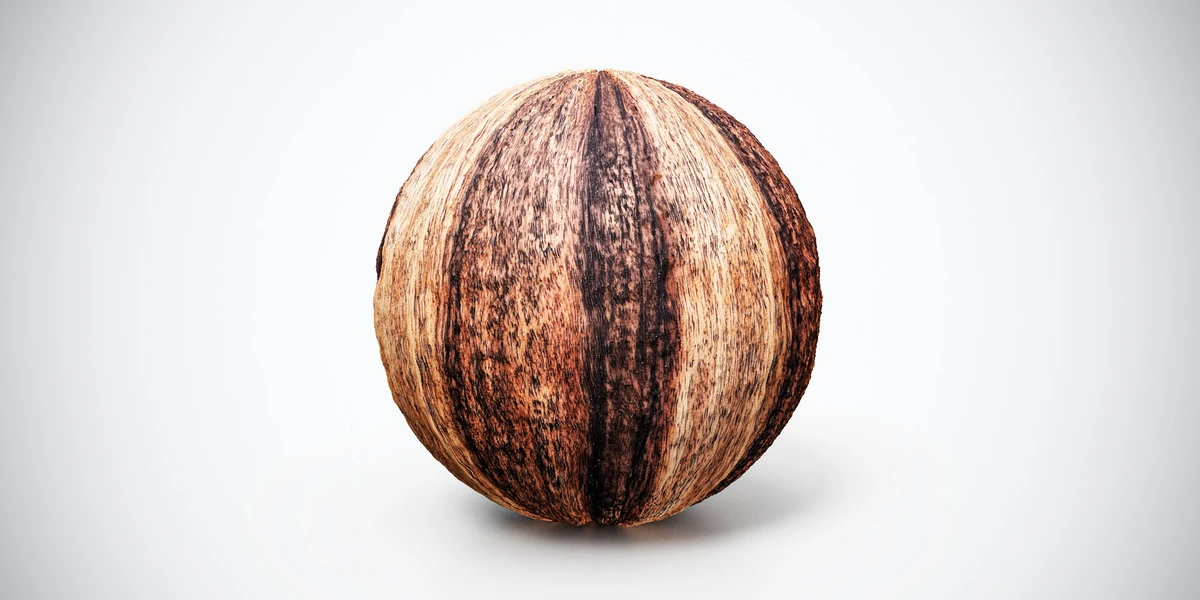
View assetExotic Hardwood PBR Texture. Explore seamless 4K maps, surface details and practical uses, with related materials and Blender workflow guides.
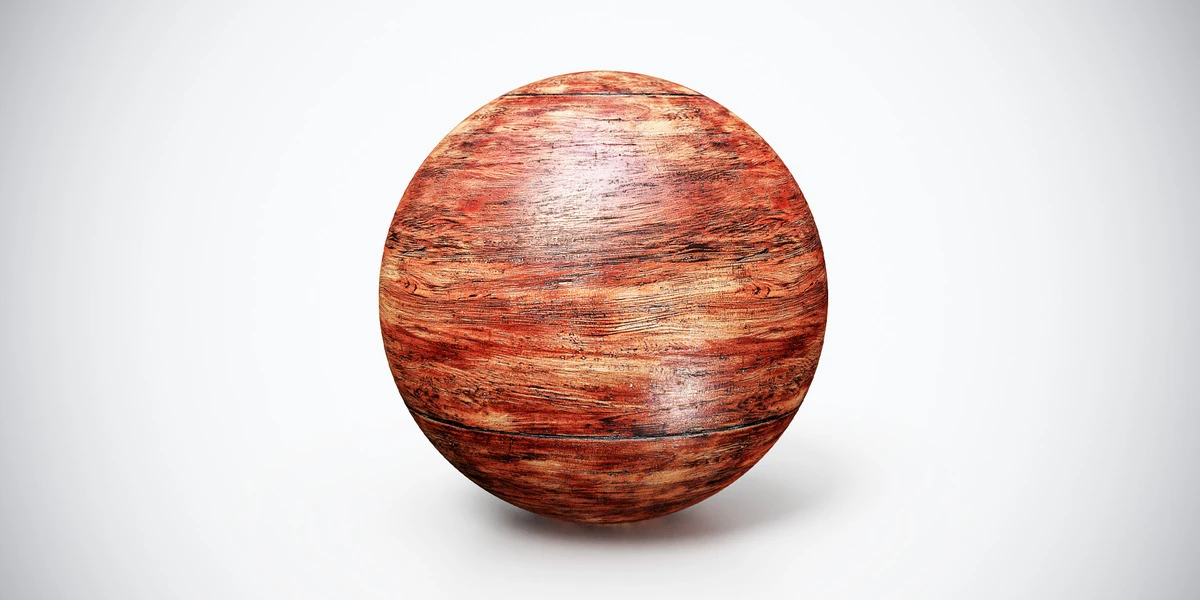
View assetAged Red Wood PBR Texture — Broad Grain. Explore seamless 4K maps, surface details and practical uses, with related materials and Blender workflow guides.
View asset