
How to Set Up PBR Textures in Blender Correctly
Learn how to set up PBR textures in Blender correctly with proper color space, node connections, normal maps, roughness, and export checks.
Read article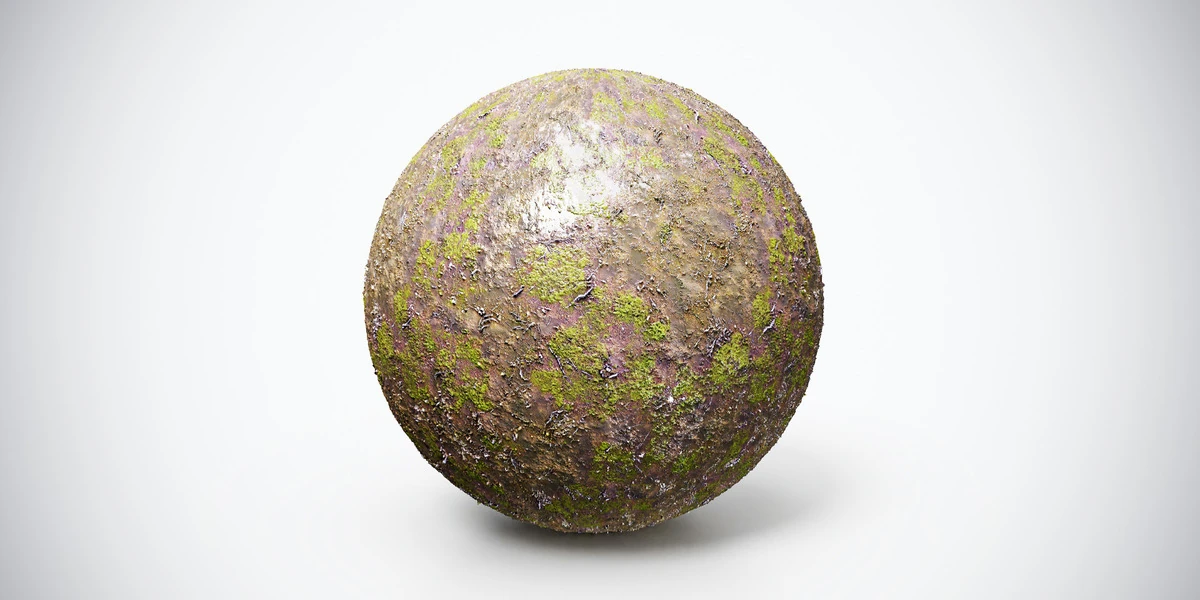
Open the image to explore the details.
Mossy wet forest ground PBR texture with dark earth, moss and leaf detail. Seamless 1K–4K PNG maps for woodland paths, shaded terrain and forest scenes.
See current pricing, available files and license details on the marketplace.
Dark moist-looking earth is interrupted by green moss and small fallen surface debris. The scattered patches create a woodland floor with more color variation than bare soil.
Place it beneath trees, beside shaded paths or around a forest diorama. Check the repeated moss landmarks from the final camera before covering a large terrain with one unchanged pattern.
The source listing specifies 4K, 2K and 1K PNG maps and seamless tiling.
Follow the Blender PBR setup to keep the channels aligned. The roughness-map guide helps you evaluate dry and damp-looking regions under consistent lighting.
Compare Mossy Patchy Ground PBR Texture to judge the difference in pattern, contrast and surface condition under the same lighting. Use the bark UV workflow when matching the ground to nearby trunks.
Explore the ground material collection for other surfaces in this family. The Superhive button opens the listing for current pricing, package contents and license terms.
After downloading the material's maps, open the PBR Material Previewer to compare supported textures on a sphere, cube or plane under HDR lighting. Check normal direction, roughness and tiling locally before applying the material to your scene. Product files are not loaded automatically.
Learn how to set up PBR textures in Blender correctly with proper color space, node connections, normal maps, roughness, and export checks.
Read articleYou can model a clean asset, unwrap it properly, bake a solid normal map, and still end up with a material that feels wrong.
Read articleLearn how to choose the right texture resolution for 3D assets, from 1K to 4K, based on UVs, camera distance, PBR maps, and performance.
Read article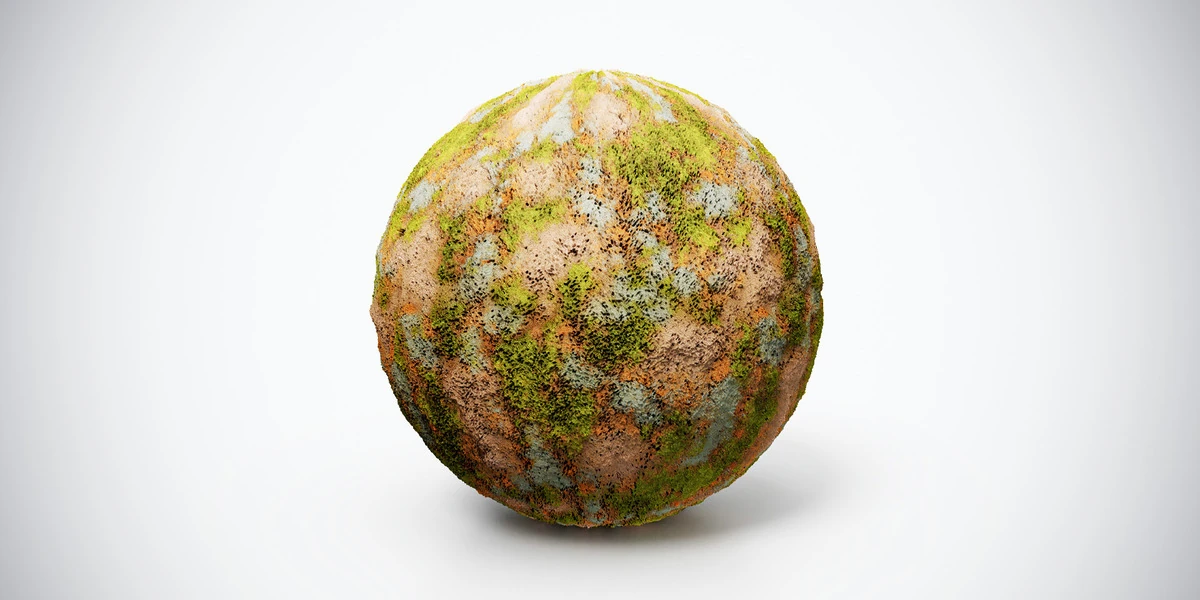
Mossy patchy ground PBR texture with green patches and warm earthy soil. Seamless 1K–4K PNG maps for overgrown ruins, forest clearings and outdoor scenes.
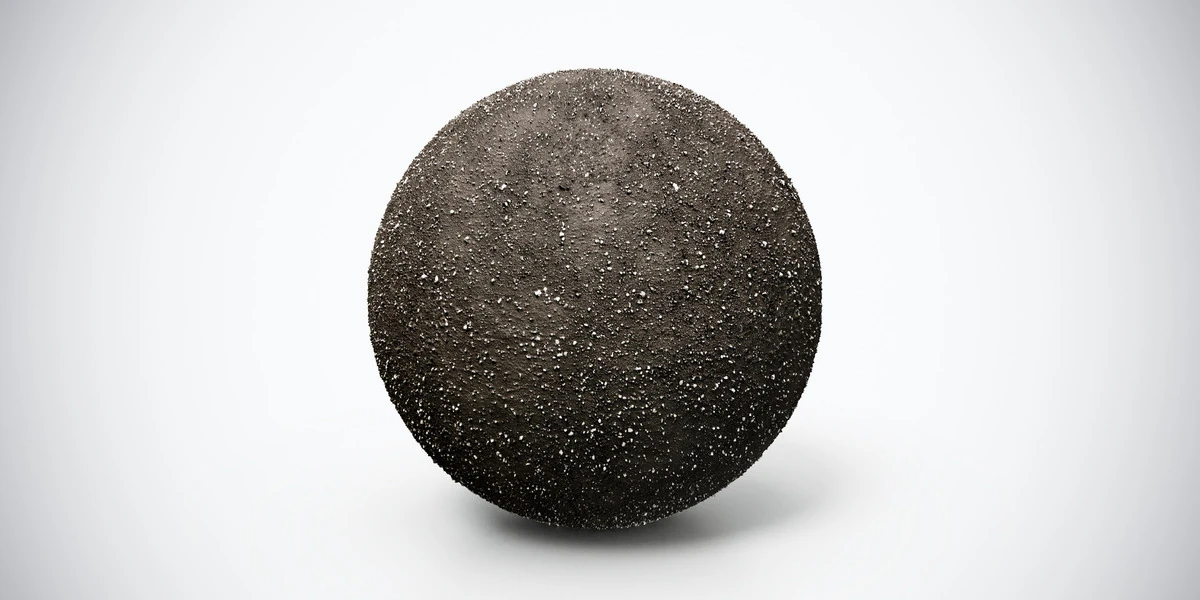
Dark volcanic soil PBR texture with black-brown earth and scattered gravel. Seamless 1K–4K PNG maps for volcanic terrain, dark landscapes and sci-fi scenes.
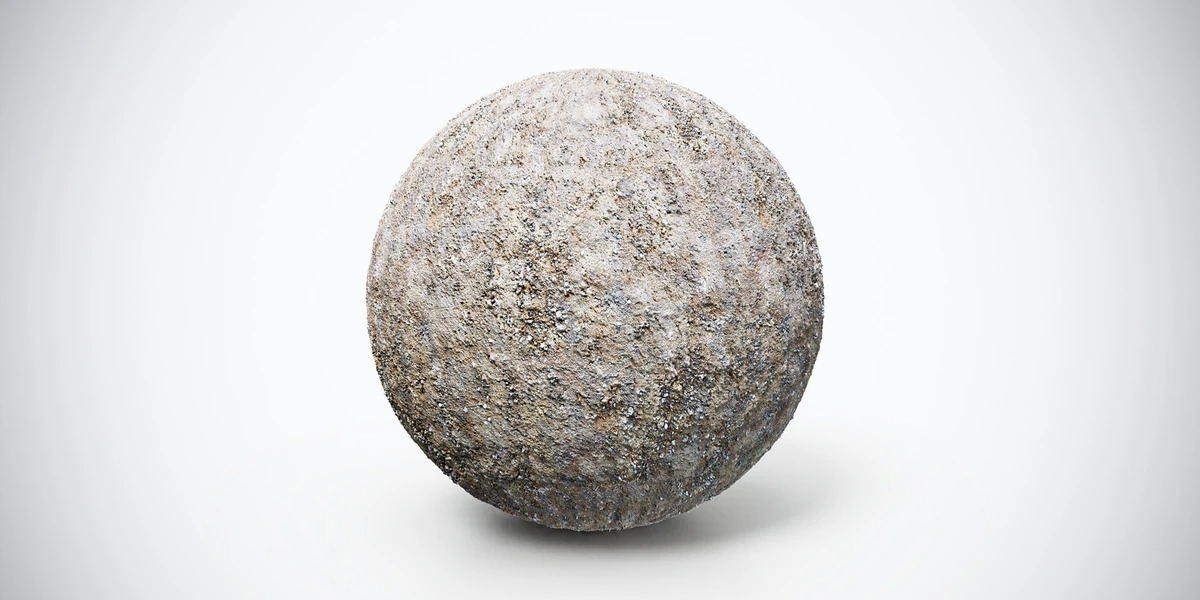
Dry compact dirt PBR texture with small pebbles and weathered soil detail. Seamless 1K–4K PNG maps for unpaved paths, dry landscapes and construction ground.