
How to Set Up PBR Textures in Blender Correctly
Learn how to set up PBR textures in Blender correctly with proper color space, node connections, normal maps, roughness, and export checks.
Read article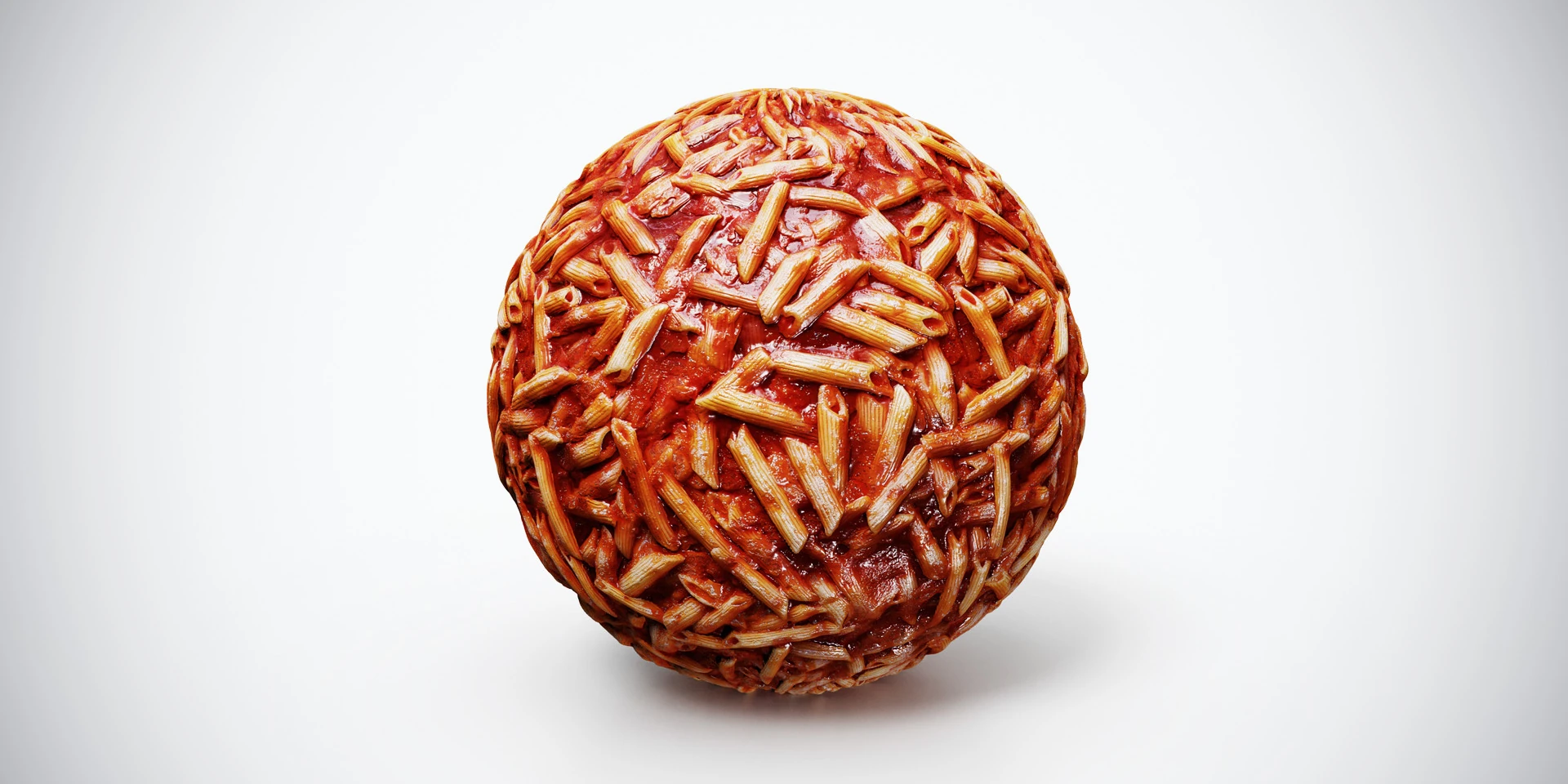
Open the image to explore the details.
Penne pasta with tomato sauce PBR texture for food-themed surfaces and stylized props. Seamless 1K–4K PNG maps with color, normal, roughness and height detail.
See current pricing, available files and license details on the marketplace.
Penne shapes sit in a rich red tomato-sauce pattern, creating a dense food surface with a clear directional rhythm. Warm pasta tones contrast with the darker sauce between pieces.
Try it on food-themed props or stylized culinary surfaces. This material supplies image maps rather than individual pasta models; use geometry for exposed pieces, plate edges and close-up silhouettes.
The source listing specifies 4K, 2K and 1K PNG maps and seamless tiling. A supplied Metallic map does not make pasta or wood a metal; inspect the map and keep the material response appropriate to the surface.
Start with the Blender PBR setup to connect the maps. The product-lighting workflow helps you inspect surface highlights without relying on one flattering preview.
Compare Red Chili Peppers PBR Texture to judge the difference in pattern, contrast and surface condition under the same lighting.
Explore the food material collection for other surfaces in this family. The Superhive button opens the listing for current pricing, package contents and license terms.
For a different ingredient pattern, compare Gnocchi with Tomato Sauce PBR Texture: pale rounded gnocchi sit in a bright red sauce, with small green flecks and shiny gaps between the pieces.
For a different ingredient pattern, compare Fusilli with Pesto PBR Texture: twisted yellow-green fusilli form a dense surface with green pesto in the grooves and scattered darker leaf shapes.
For a different ingredient pattern, compare Spaghetti with Ragu PBR Texture: long pale pasta strands overlap in a dense tangle with red-brown sauce visible between the curves.
For a different ingredient pattern, compare Pasta al Ragu PBR Texture: short curled pasta shapes form a dense red and golden surface with sauce and small darker pieces between them.
After downloading the material's maps, open the PBR Material Previewer to compare supported textures on a sphere, cube or plane under HDR lighting. Check normal direction, roughness and tiling locally before applying the material to your scene. Product files are not loaded automatically.
Learn how to set up PBR textures in Blender correctly with proper color space, node connections, normal maps, roughness, and export checks.
Read articleSet up HDRI lighting in Blender, rotate the environment, balance exposure, and check PBR materials with a practical workflow for clearer product renders.
Read articleLearn how to choose the right texture resolution for 3D assets, from 1K to 4K, based on UVs, camera distance, PBR maps, and performance.
Read article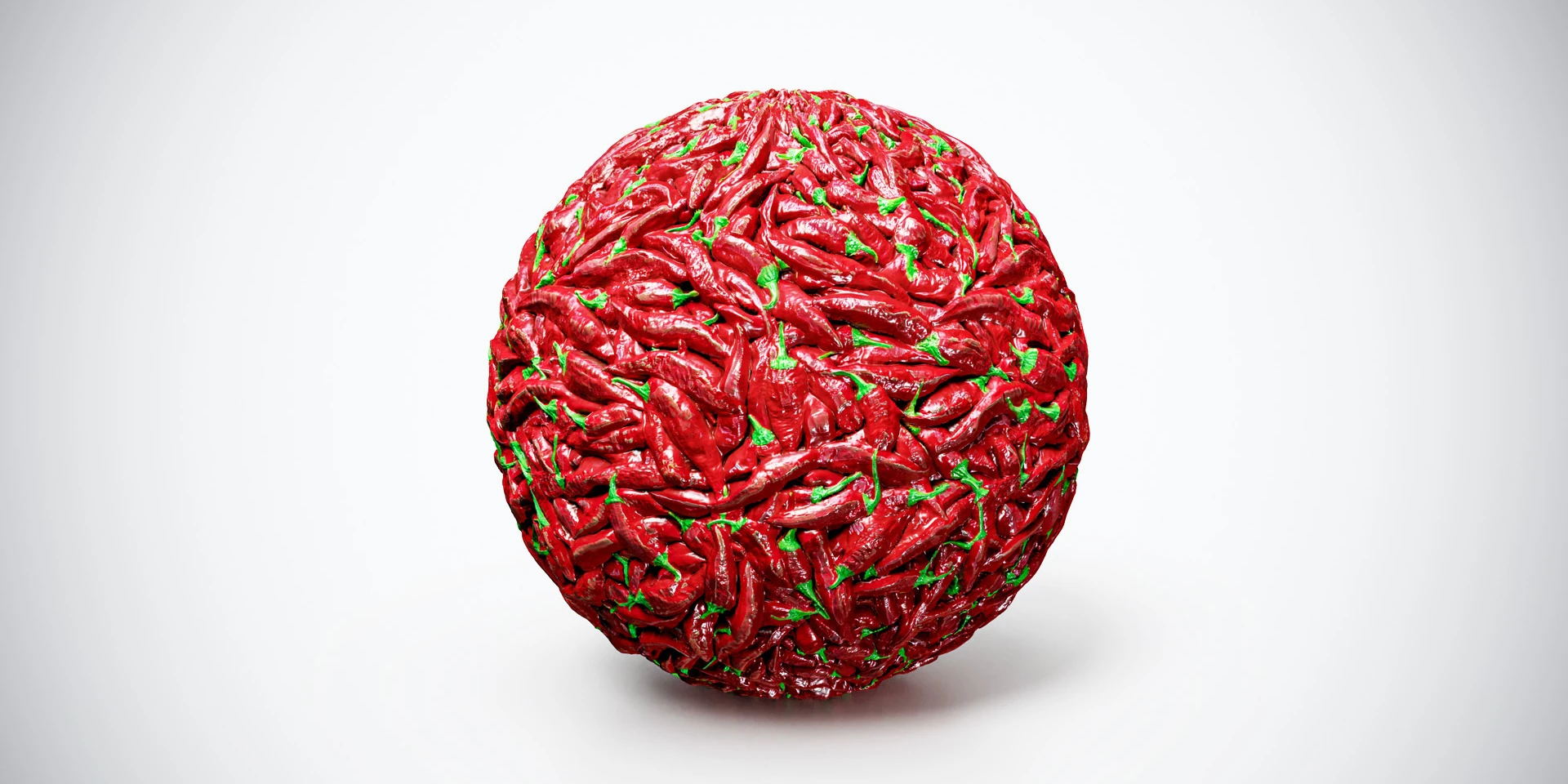
Red chili peppers PBR texture with vivid peppers and green stems. Seamless 1K–4K PNG maps for food-themed surfaces, stylized props and market backgrounds.
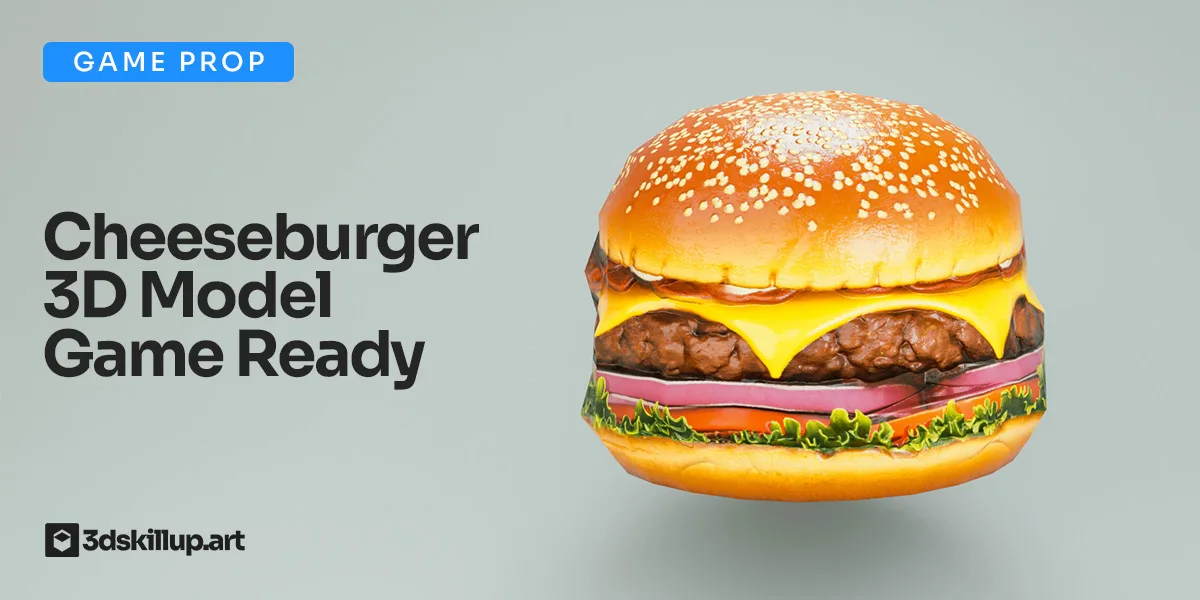
Game-ready cheeseburger 3D model with PBR textures. Optimized for Unity, Unreal, Blender, VR/AR and real-time food environments.
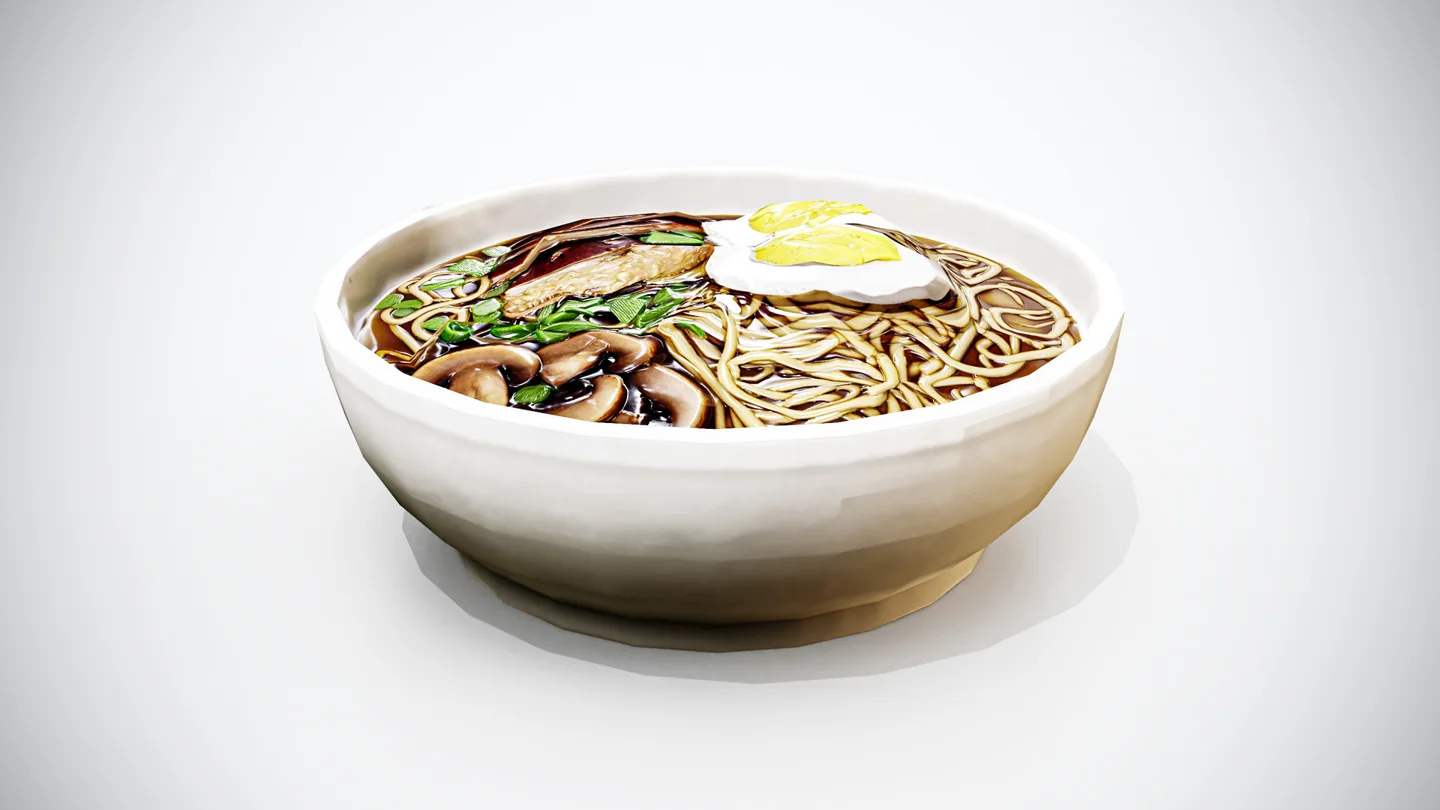
High-quality Japanese ramen bowl 3D model, game-ready with PBR textures. Perfect for food scenes, cooking games, and real-time applications.