
Realistic Concrete Walls in Blender: Scale, Roughness and Light
Create realistic concrete walls in Blender with correctly scaled PBR textures, restrained normal detail, believable roughness and a repeatable lighting test.
Read article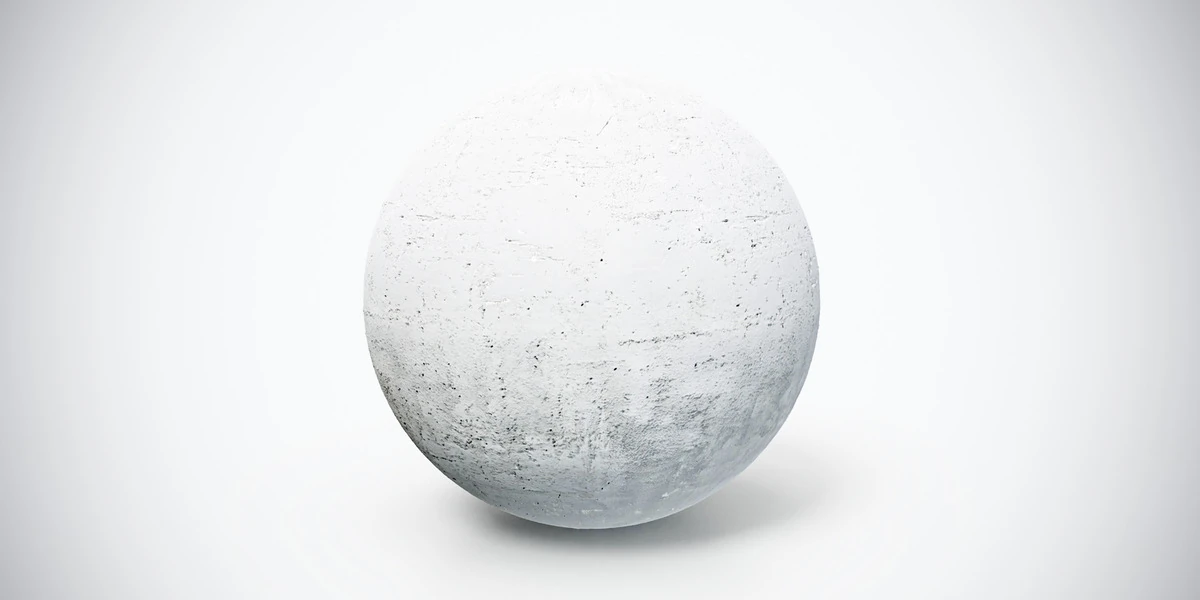
Open the image to explore the details.
Light gray concrete PBR texture with fine wear and a softly varied surface. Tileable 4K PNG maps for modern walls, structural elements and urban scenes.
See current pricing, available files and license details on the marketplace.
A light gray concrete material with a softly varied finish and small weathered marks. Its comparatively quiet surface makes it useful when furniture, props or lighting should carry the composition.
Apply it to modern walls, architectural structures or broad industrial surfaces. Compare the material under both direct and soft lighting before setting the final roughness balance in your scene.
The source listing specifies 4K PNG maps, seamless tiling and a Metallic/Roughness workflow.
For a wall-scale test, follow the concrete wall workflow to evaluate pore size, roughness and relief under controlled lighting.
Use the Blender PBR material setup to connect the maps. For controlling the surface response, the roughness-map guide explains how reflected light changes the appearance of concrete.
Compare this finish with Tileable White Concrete Wall PBR Texture to choose the pattern and contrast that fit your scene. Explore the concrete material collection for other surfaces in the same family.
The Superhive button above opens the product listing for current pricing, download contents and license terms.
After downloading the material's maps, open the PBR Material Previewer to compare supported textures on a sphere, cube or plane under HDR lighting. Check normal direction, roughness and tiling locally before applying the material to your scene. Product files are not loaded automatically.
Create realistic concrete walls in Blender with correctly scaled PBR textures, restrained normal detail, believable roughness and a repeatable lighting test.
Read articleLearn how to set up PBR textures in Blender correctly with proper color space, node connections, normal maps, roughness, and export checks.
Read articleYou can model a clean asset, unwrap it properly, bake a solid normal map, and still end up with a material that feels wrong.
Read article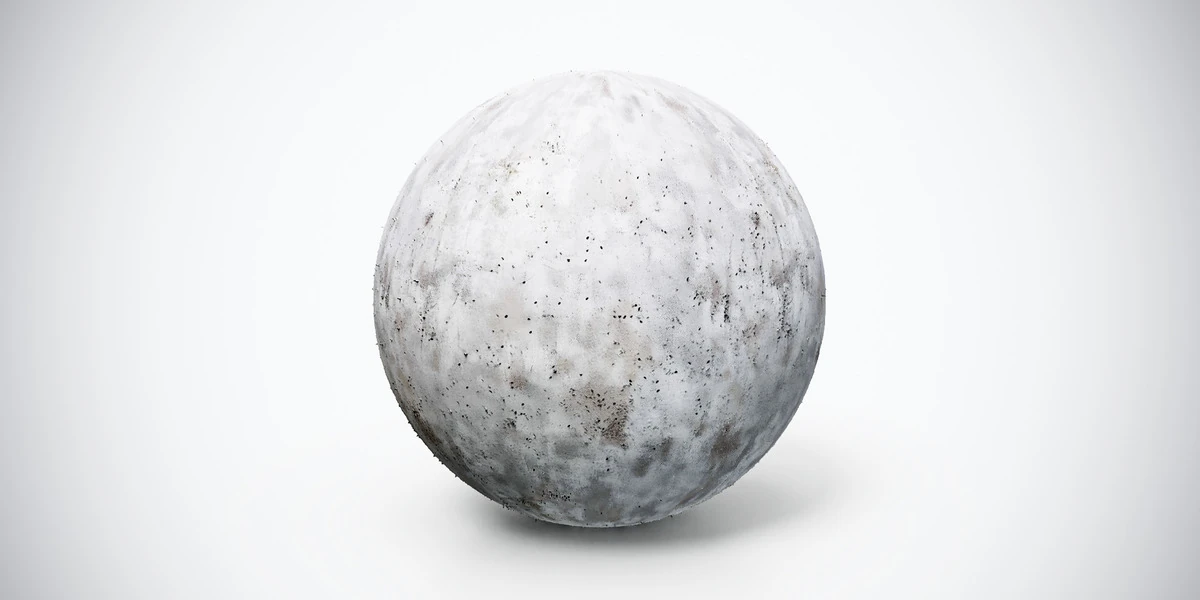
Seamless concrete wall PBR material with subtle wear, fine pores and a matte finish. Includes 2K and 4K PNG maps for urban and architectural scenes.
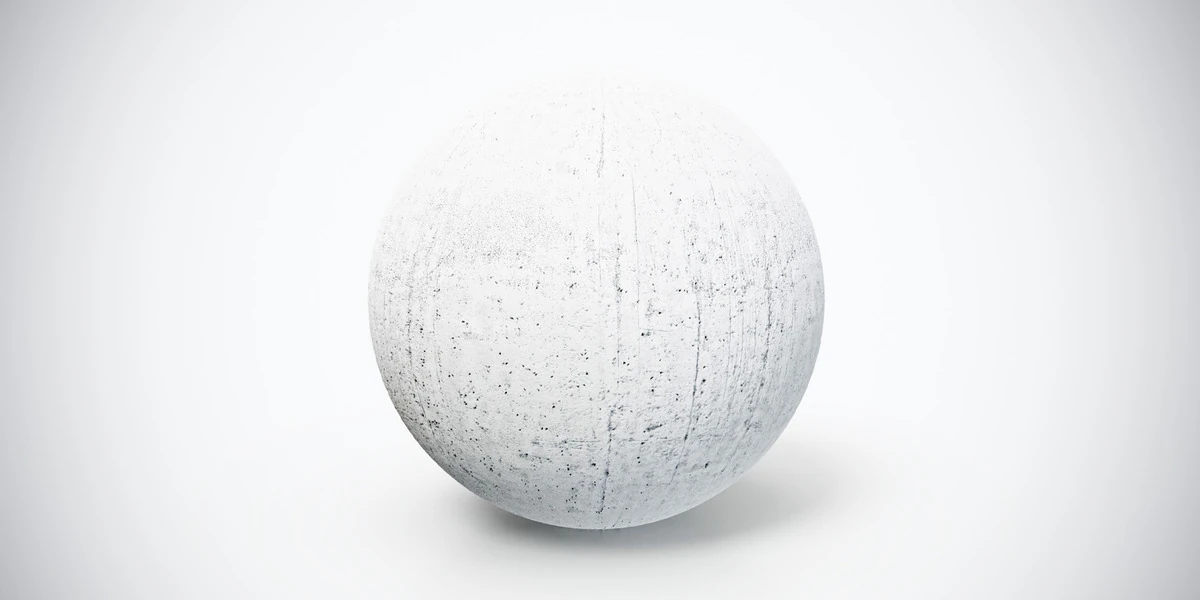
White concrete wall PBR texture with subtle vertical streaks and surface wear. Seamless 1K, 2K and 4K PNG maps for clean architectural environments.
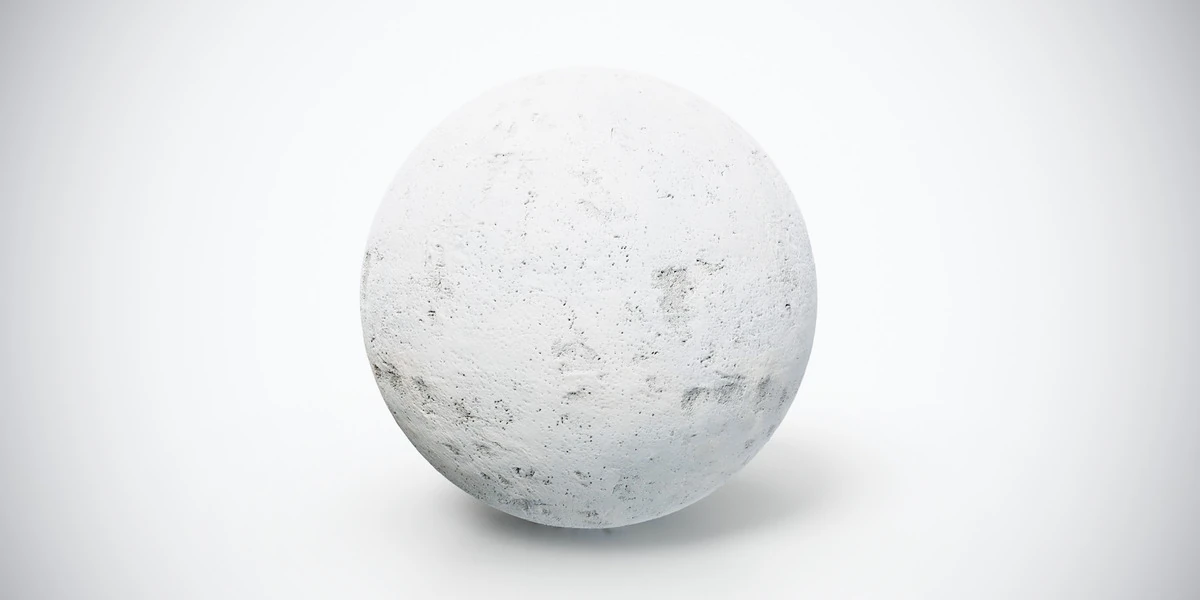
Light gray concrete wall PBR texture with weathered patches and small imperfections. Seamless 1K, 2K and 4K PNG maps for urban buildings and props.