
How to Set Up PBR Textures in Blender Correctly
Learn how to set up PBR textures in Blender correctly with proper color space, node connections, normal maps, roughness, and export checks.
Read article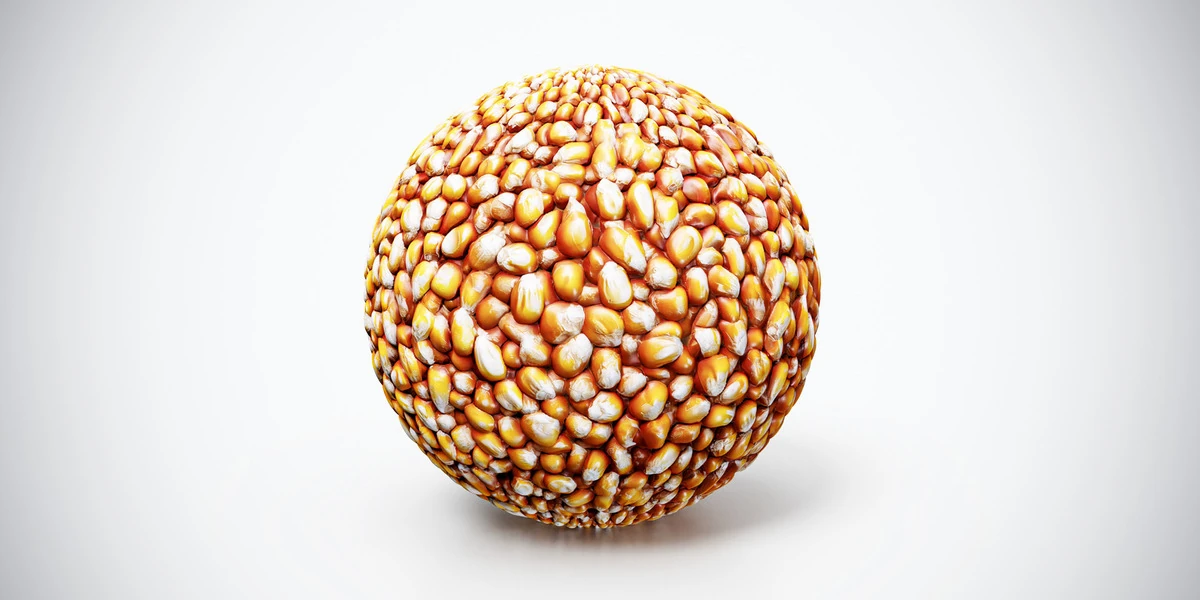
Open the image to explore the details.
Popcorn kernels PBR texture showing dense yellow unpopped corn. Seamless 1K–4K PNG maps for ingredient surfaces, snack displays and stylized food scene props.
See current pricing, available files and license details on the marketplace.
Dense yellow and orange kernels create a rounded, tightly packed surface. These are unpopped kernels, with a compact seed shape rather than the irregular white forms of popped corn.
Use the texture across a filled container surface or a stylized ingredient display. Set a believable kernel size before choosing the map resolution. Add separate kernels around the rim or in the foreground wherever individual silhouettes are visible.
The product listing specifies 4K, 2K and 1K PNG maps with seamless tiling.
Follow the Blender PBR texture setup for the image-map connections. Then use controlled product lighting to inspect the food surface without hiding its small ridges or highlights.
Compare Berry Pie PBR Texture for a larger structured food pattern and Strawberry Swirl Ice Cream PBR Texture for a smoother dessert surface; each needs a different repeat scale.
Explore the food PBR collection for other surfaces in this family. The Superhive button opens the product listing for current package contents, price and license terms.
For a finer ingredient scale, compare the densely packed grains of Raw Rice PBR Texture with the larger kernels shown here.
Use Popcorn PBR Texture when the scene calls for popped corn; the kernel material represents a different preparation stage and shape.
For thin overlapping snack shapes, compare Potato Chips PBR Texture and model exposed slice edges where their thickness is visible.
After downloading the material's maps, open the PBR Material Previewer to compare supported textures on a sphere, cube or plane under HDR lighting. Check normal direction, roughness and tiling locally before applying the material to your scene. Product files are not loaded automatically.
Learn how to set up PBR textures in Blender correctly with proper color space, node connections, normal maps, roughness, and export checks.
Read articleSet up HDRI lighting in Blender, rotate the environment, balance exposure, and check PBR materials with a practical workflow for clearer product renders.
Read articleLearn how to choose the right texture resolution for 3D assets, from 1K to 4K, based on UVs, camera distance, PBR maps, and performance.
Read article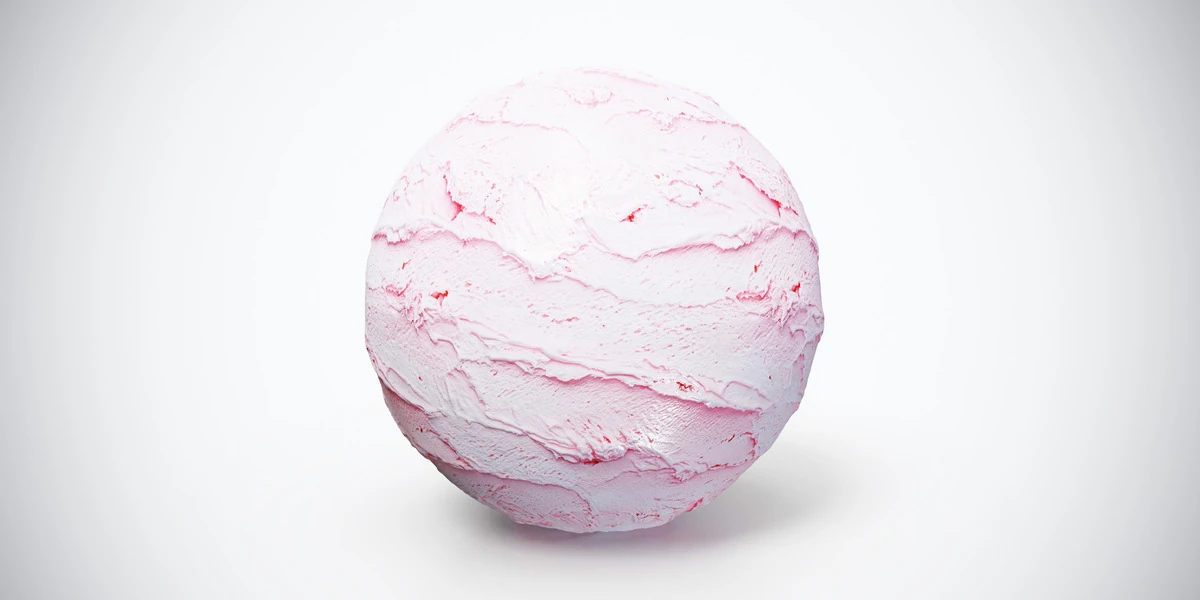
Strawberry swirl ice cream PBR texture with pale pink ridges and soft scoop marks. Seamless 1K–4K PNG maps for dessert props and food product visualizations.
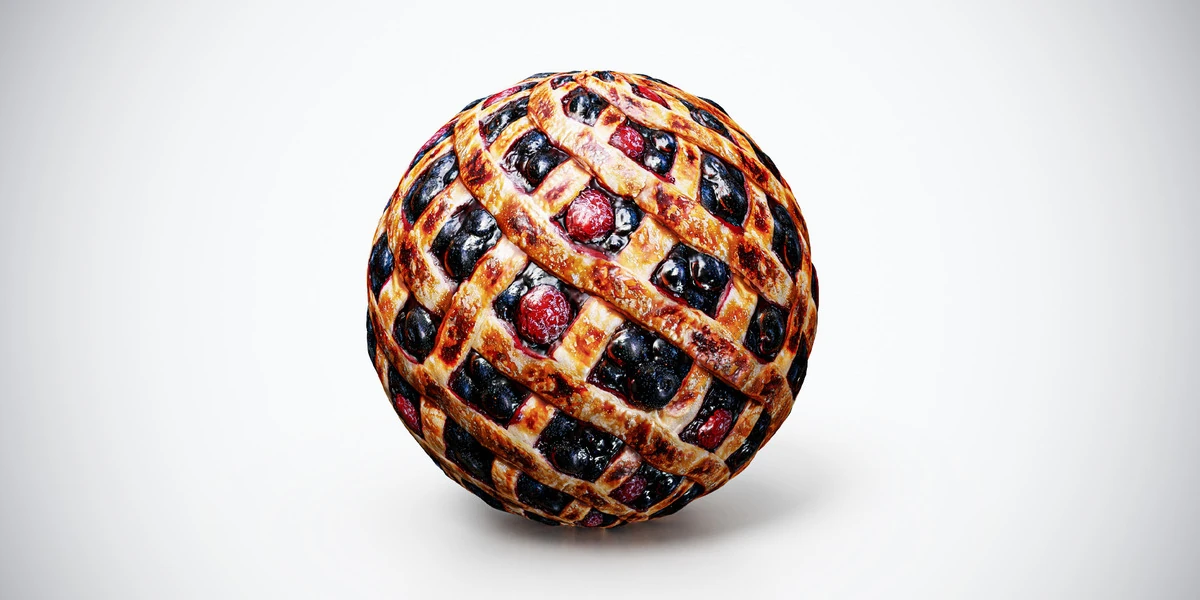
Berry pie PBR texture with baked lattice pastry and red and dark berries. Seamless 1K–4K PNG maps for dessert surfaces, food props and bakery scene renders.
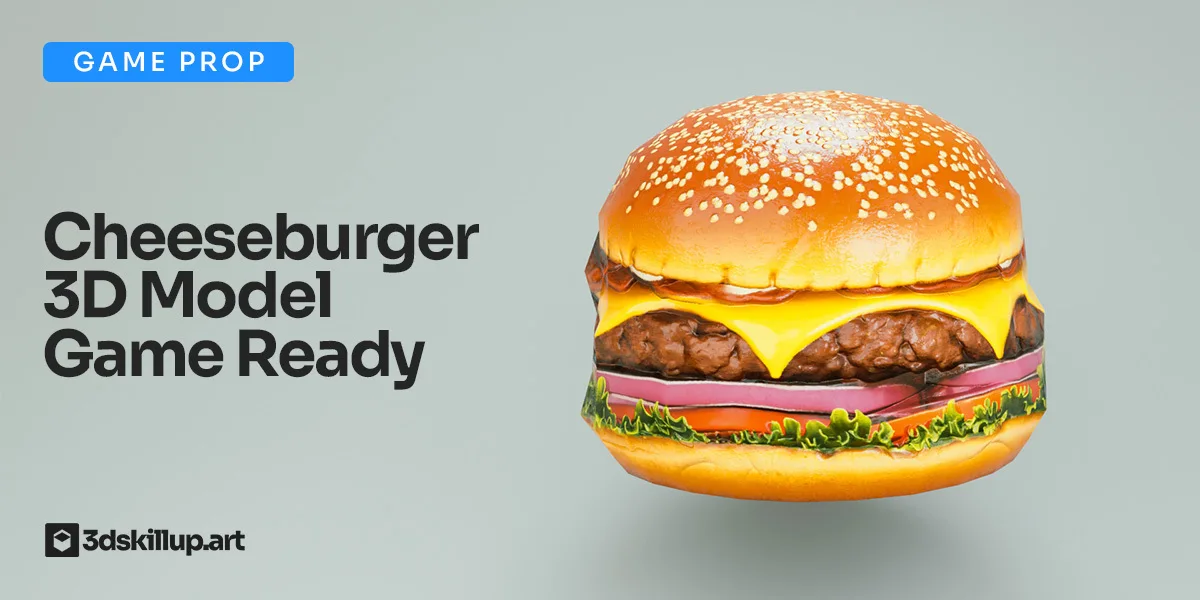
Game-ready cheeseburger 3D model with PBR textures. Optimized for Unity, Unreal, Blender, VR/AR and real-time food environments.