Wood Grain Direction in Blender: UV Mapping for Furniture
Control wood grain direction in Blender furniture: orient UV islands, match grain scale and align plank joints across table legs, rails and panels.
Read article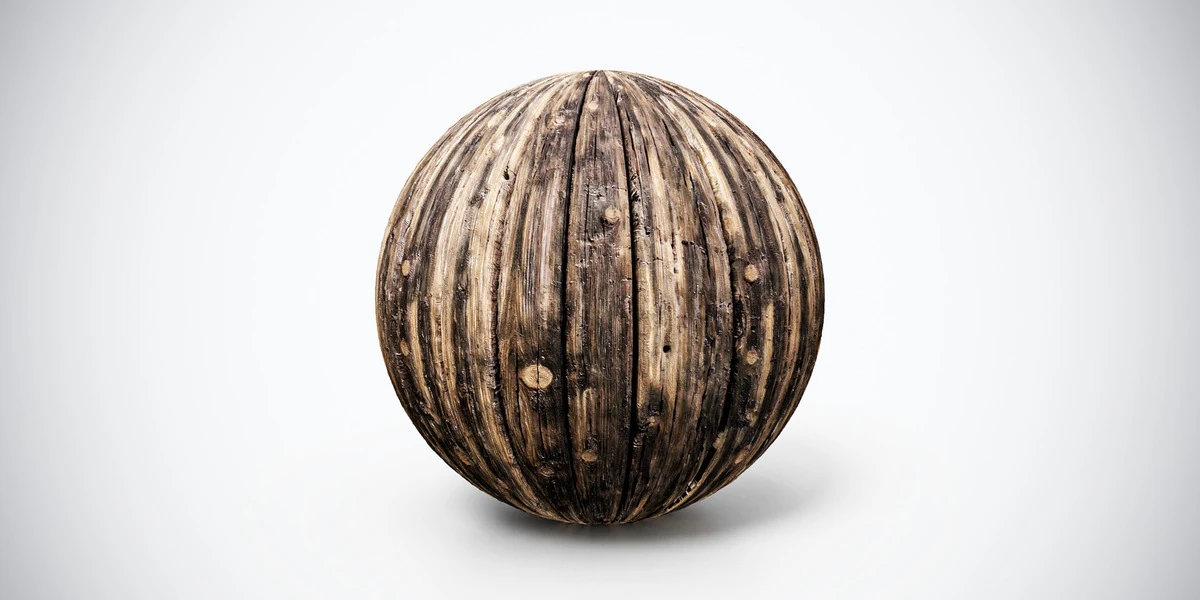
Open the image to explore the details.
Weathered Wood PBR Texture — Narrow Boards. Explore seamless 4K maps, surface details and practical uses, with related materials and Blender workflow guides.
See current pricing, available files and license details on the marketplace.
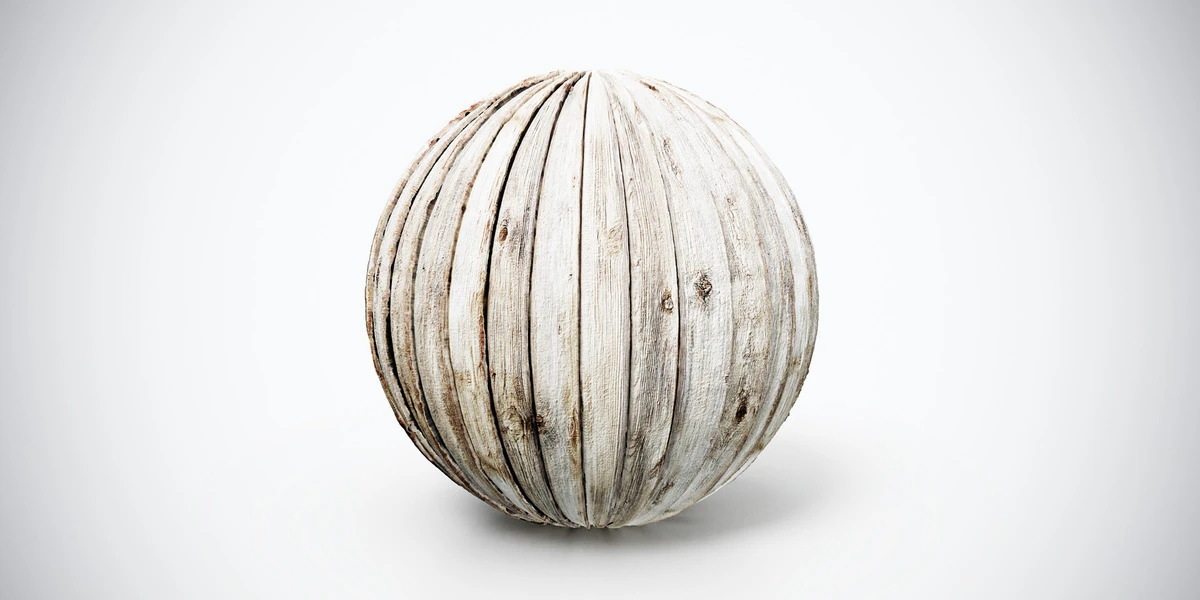
Narrow vertical gray-brown boards show dark seams, lengthwise cracks and small pale circular marks. This is a tileable surface texture set for a modeled object. The preview illustrates the material, rather than an included food mesh, furniture model or scene.
Use it on rustic upright panels, small shed walls and props that need closely spaced board divisions.
Set board width before choosing repeat count. If the panel is seen from the side, model the visible board thickness instead of relying on the dark seam pattern.
The listing confirms seamless 4K, 2K and 1K PNG maps. Use the maps for surface appearance while keeping visible outlines and larger changes in form in the geometry.
Follow the guide to wood grain direction in Blender for decisions about pattern size, surface placement and scene context. The Blender PBR setup guide explains channel connections. Keep coordinates consistent across all maps and inspect the result at the final camera distance before increasing relief.
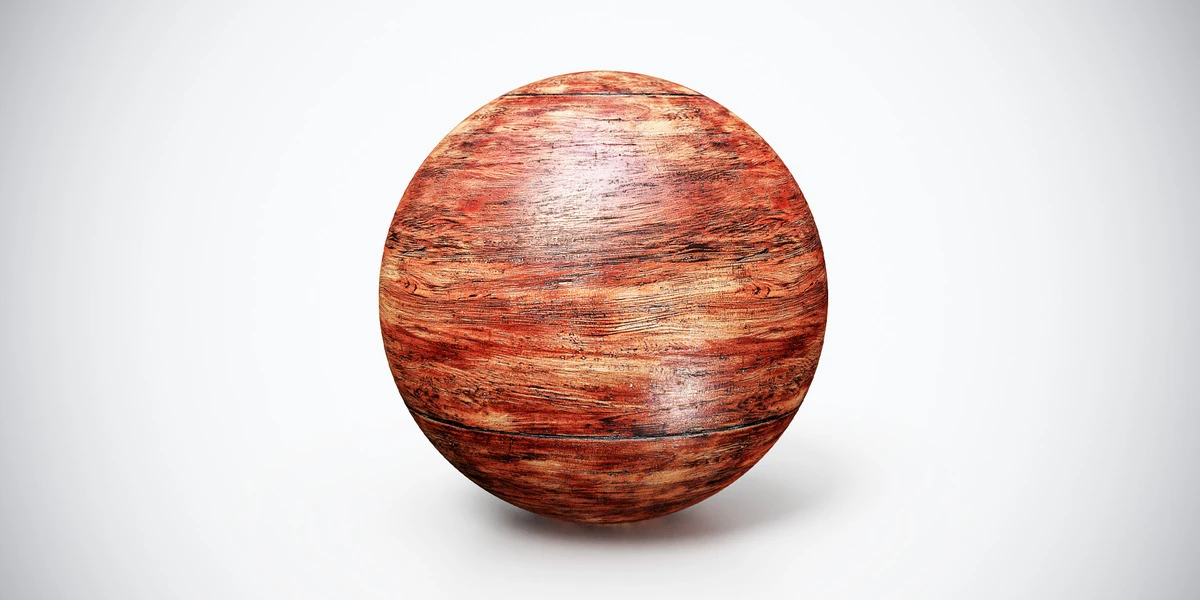
Compare Old Wood Plank PBR Texture when choosing a different grain pattern or finish. Check both options at a similar apparent scale under the same lighting.
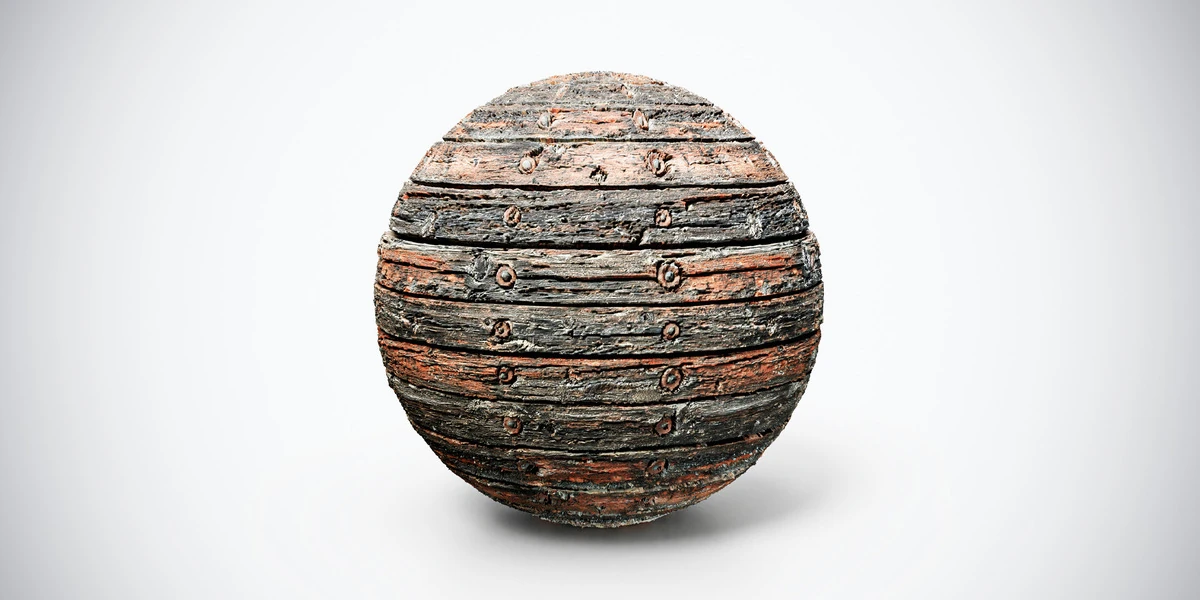
For a related alternative within this new collection, see Weathered Painted Wood PBR Texture. Select the surface that matches the object and its construction, then adjust coverage to the scene.
Browse the wood and bark collection for further comparisons. The Superhive button opens the current product listing for package contents, pricing and license details.
Control wood grain direction in Blender furniture: orient UV islands, match grain scale and align plank joints across table legs, rails and panels.
Read articleSetting up PBR textures in Blender is one of those steps that looks simple at first, but can easily break the final quality of your 3D asset if done incorrectly. You may have a clean low-poly model, well-baked maps, beautiful…
Read articleYou can model a clean asset, unwrap it properly, bake a solid normal map, and still end up with a material that feels wrong.
Read articleOld wood plank PBR texture with pale weathered boards, knots and dark seams. Seamless 1K–4K PNG maps for rustic cladding, decks and timber props in 3D scenes.
View assetWeathered Painted Wood PBR Texture. Explore seamless 4K maps, surface details and practical uses, with related materials and Blender workflow guides.
View assetAged Red Wood PBR Texture — Broad Grain. Explore seamless 4K maps, surface details and practical uses, with related materials and Blender workflow guides.
View asset