
HDRI Lighting in Blender: A Practical Product Render Workflow
Set up HDRI lighting in Blender, rotate the environment, balance exposure, and check PBR materials with a practical workflow for clearer product renders.
Read article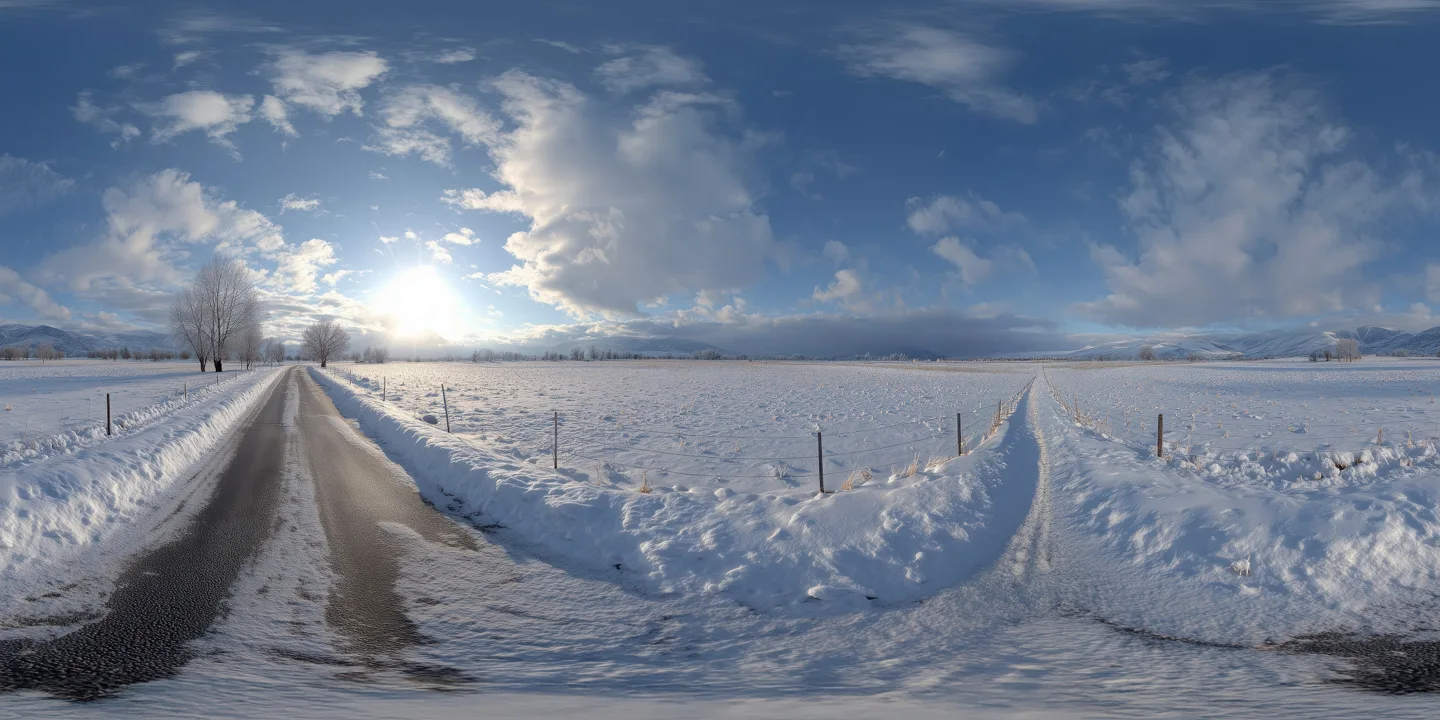
Open the image to explore the details.
Unclipped winter sunrise HDRi with snowy road, mountains and crisp sky. Perfect for automotive, archviz and cinematic renders.
See current pricing, available files and license details on the marketplace.
Snowy Mountain Sunrise HDRi – Unclipped 32-bit 360° winter environment featuring a snow-covered road, frozen fields, distant mountains and crisp directional sunlight. Ideal for automotive renders, architectural visualization and cinematic outdoor scenes. Available in 12K, 8K, 4K and 2K.
For a different outdoor comparison, try Golden Hayfield Sunrise HDRI and keep the camera, subject and initial exposure fixed while comparing the surroundings.
Set up HDRI lighting in Blender, rotate the environment, balance exposure, and check PBR materials with a practical workflow for clearer product renders.
Read articleDiscover what really causes rendering artifacts in 3D and how to fix issues with mesh, UVs, baking, PBR textures, lighting, Unity and Unreal.
Read articleLearn how to set up PBR textures in Blender correctly with proper color space, node connections, normal maps, roughness, and export checks.
Read article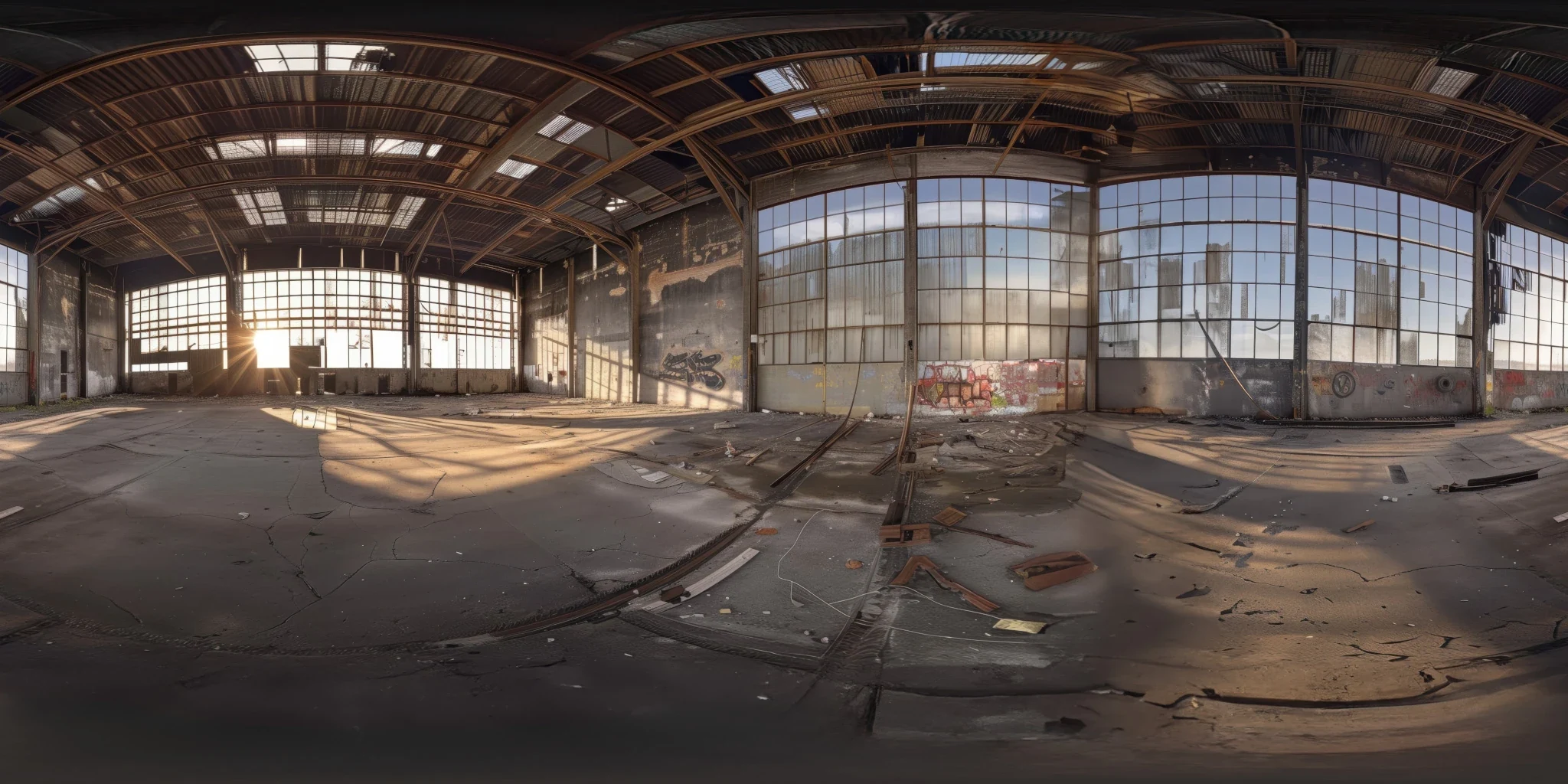
Explore an abandoned warehouse HDRI with window light, roof trusses and worn concrete. Choose 12K to 2K unclipped maps for industrial props and reflections.
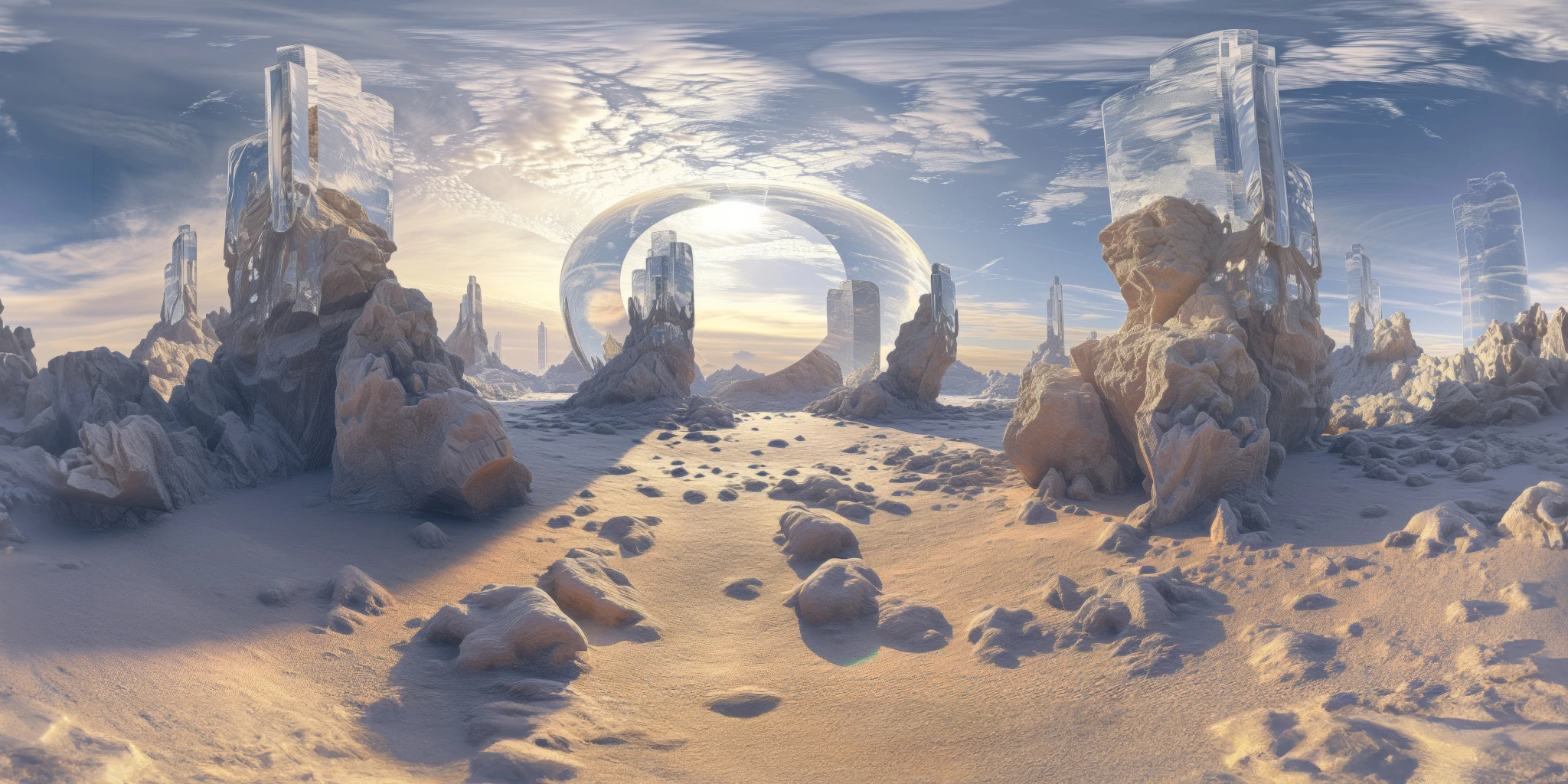
Explore a crystal valley HDRI with pale formations, sandy terrain and a monumental arch. Choose 12K to 2K maps for bright sci-fi lighting and reflections.
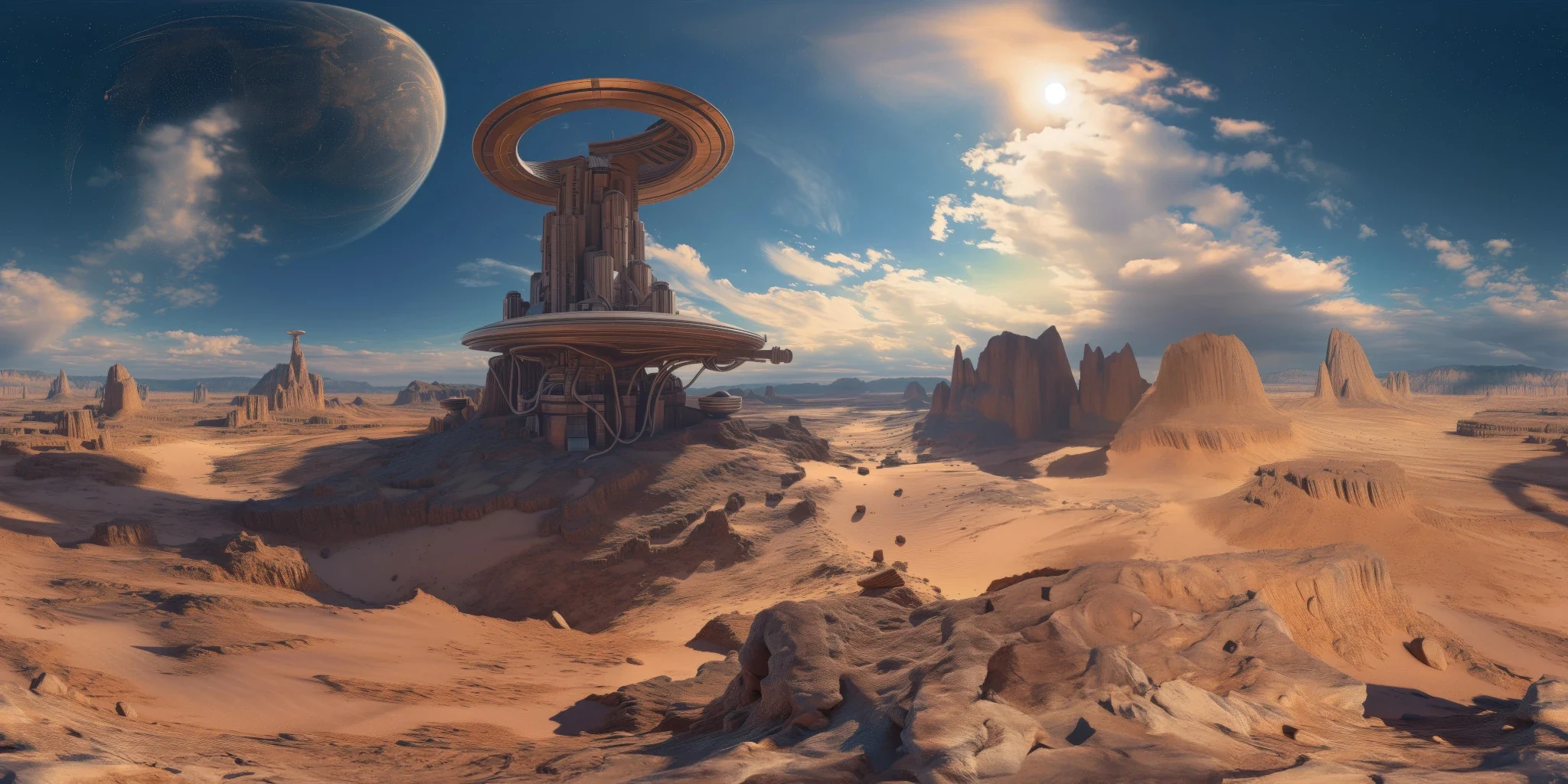
Explore a sci-fi desert HDRI with a ring-shaped tower, orange rocks and a distant planet. Compare 12K to 2K maps for warm alien lighting and reflections.