
Tileable Stone and Brick Walls in Blender: Scale, Seams and Repetition
Build believable stone and brick walls in Blender. Match masonry scale, align modular UVs, handle corners and reduce visible PBR texture repetition.
Read article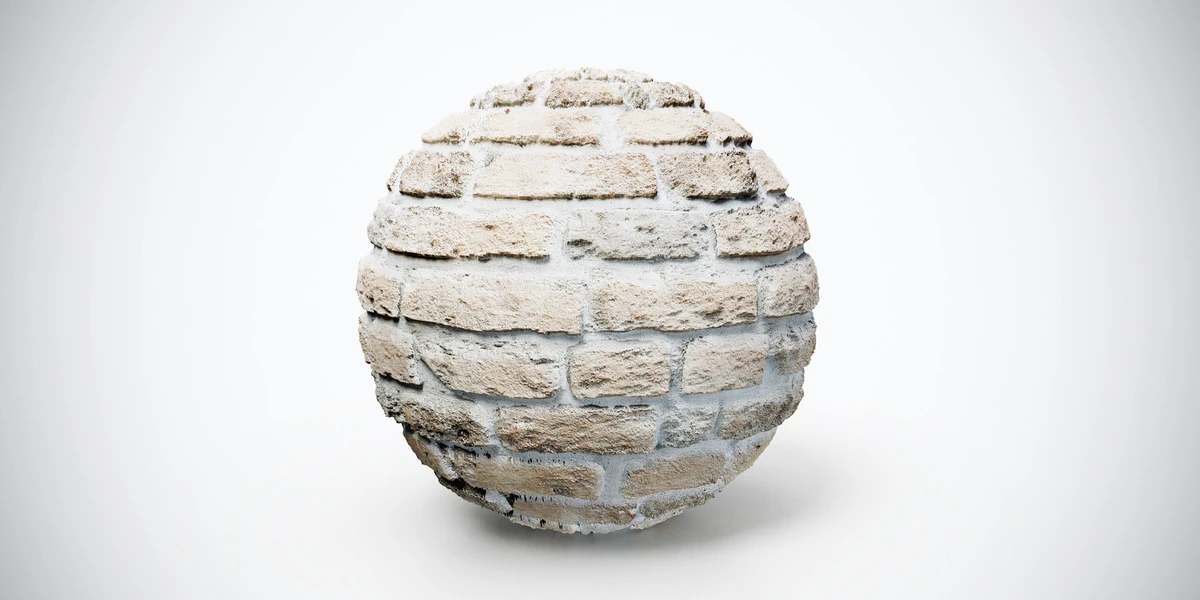
Open the image to explore the details.
Beige brick wall PBR texture with a regular masonry pattern and clear mortar lines. Seamless 1K, 2K and 4K PNG maps for facades and architectural scenes.
See current pricing, available files and license details on the marketplace.
Pale beige bricks arranged in regular courses, separated by clear mortar lines. The orderly layout provides a useful contrast to the irregular shapes in the stone-wall collection.
Try it on building facades, courtyard walls or architectural interiors. Establish a believable brick size first, then align the courses across neighboring modular sections.
The source listing specifies 4K / 2K / 1K PNG maps, seamless tiling and a Metallic/Roughness workflow.
For adjoining wall sections, the modular masonry workflow explains how to align courses, handle corners and check visible repetition.
Keep the brick courses proportionate by checking for UV stretching. Then follow the Blender PBR texture setup to connect the material maps.
Compare this finish with Old Brick Stone Wall PBR Texture to choose the pattern and contrast that fit your scene. Explore the brick material collection for other surfaces in the same family.
The Superhive button above opens the product listing for current pricing, download contents and license terms.
After downloading the material's maps, open the PBR Material Previewer to compare supported textures on a sphere, cube or plane under HDR lighting. Check normal direction, roughness and tiling locally before applying the material to your scene. Product files are not loaded automatically.
Build believable stone and brick walls in Blender. Match masonry scale, align modular UVs, handle corners and reduce visible PBR texture repetition.
Read articleFix UV stretching in Blender by checking object scale, seam placement, unwrapping and texel density before baking or applying detailed textures.
Read articleLearn how to set up PBR textures in Blender correctly with proper color space, node connections, normal maps, roughness, and export checks.
Read article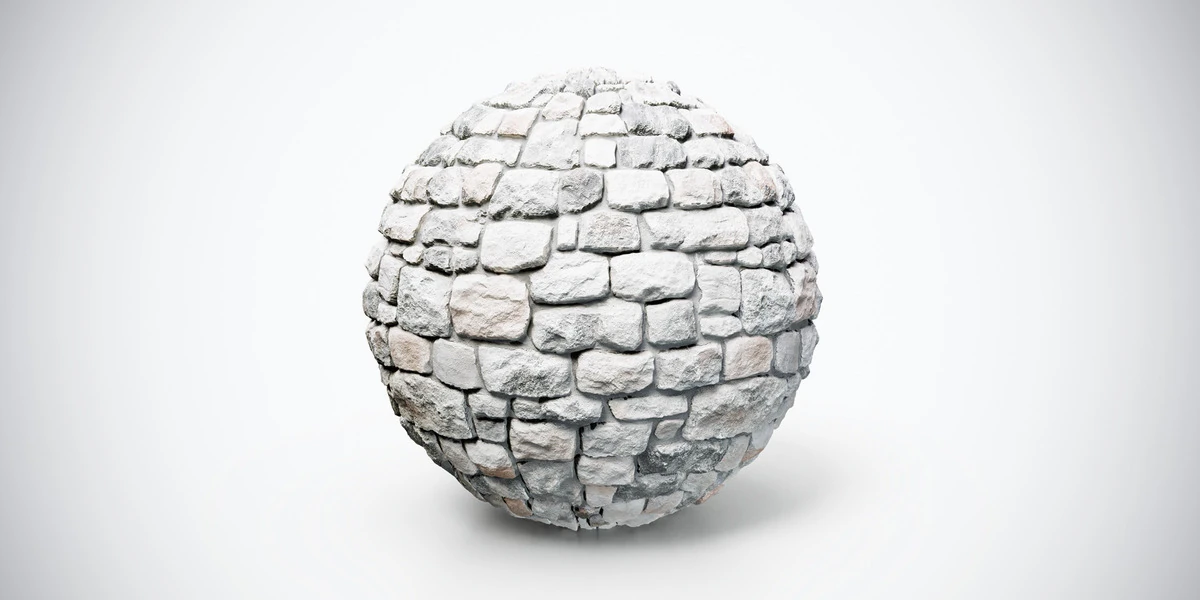
Medieval stone wall PBR texture with weathered gray and beige stones. Seamless 1K, 2K and 4K PNG maps for castles, village walls and historic scenes.
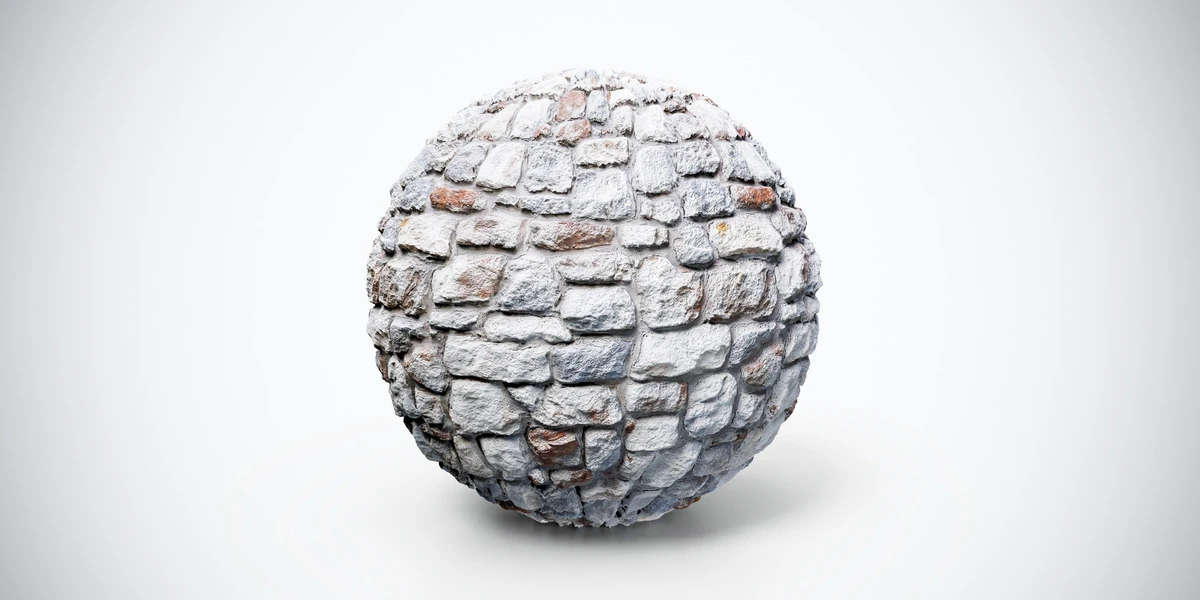
Old brick stone wall PBR texture with worn rough-cut blocks and reddish accents. Seamless 1K, 2K and 4K PNG maps for ruins and rustic buildings.
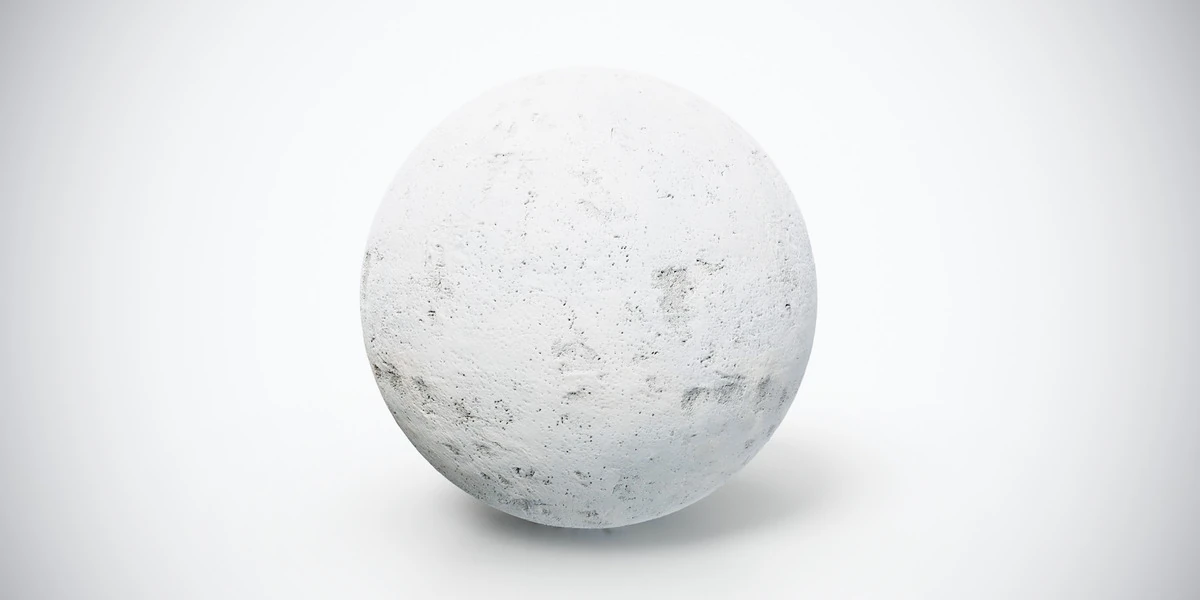
Light gray concrete wall PBR texture with weathered patches and small imperfections. Seamless 1K, 2K and 4K PNG maps for urban buildings and props.