HDRI Lighting in Blender: A Practical Product Render Workflow
Set up HDRI lighting in Blender, rotate the environment, balance exposure, and check PBR materials with a practical workflow for clearer product renders.
Read article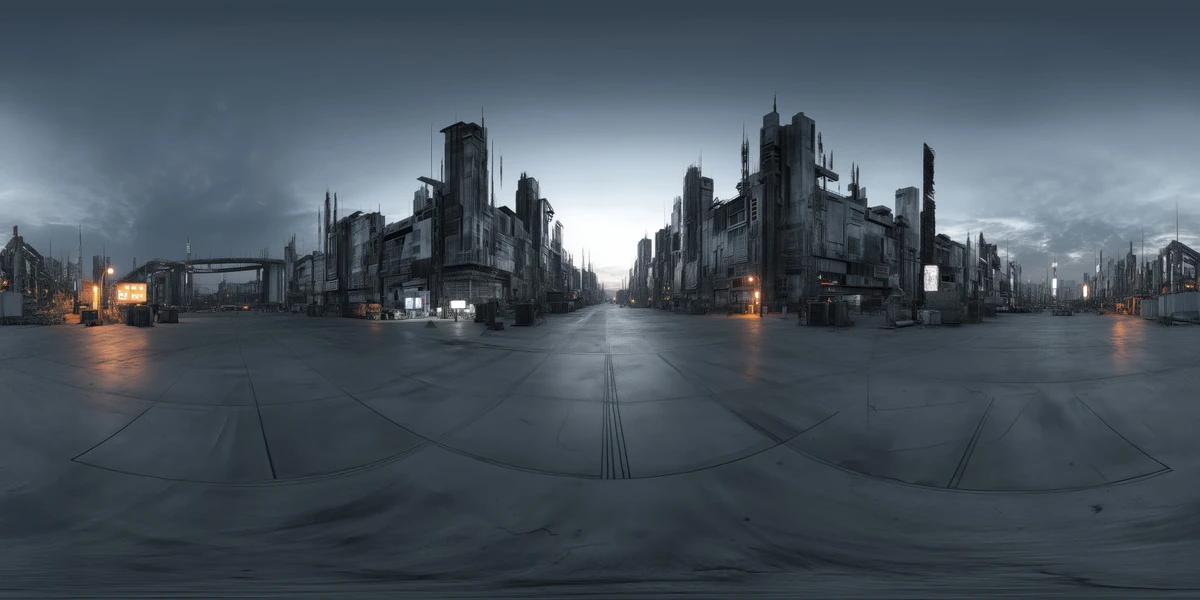
Open the image to explore the details.
Explore a cyberpunk night HDRI with dark towers, an open urban plaza and scattered lights. Compare 12K to 2K maps for sci-fi character and vehicle renders.
See current pricing, available files and license details on the marketplace.
A dark futuristic skyline surrounds an open paved plaza, with scattered white and amber lights beneath a cold grey-blue sky.
Use this environment for sci-fi character turntables and vehicle studies where a red-heavy palette would be too dominant. The open plaza leaves room to assess the subject silhouette.
Check small light reflections at the final output size before choosing a higher map resolution. A panorama does not provide city geometry, so add local structures for camera travel near buildings.
The creator lists this unclipped HDR environment in 12K, 8K, 4K and 2K, with 32-bit HDR specified on the product listing. The listed file format is .hdr. The JPEG-derived image above is a web preview; use the purchased HDR environment file for lighting.
Start with a resolution suited to the visible background and reflections, then increase it if the final framing reveals a benefit. Preview brightness alone cannot establish the file’s dynamic range or the exposure needed for your scene.
Learn how to choose HDRI resolution for the detail visible in your render. The Blender HDRI lighting workflow provides a practical starting point for loading and rotating an environment.
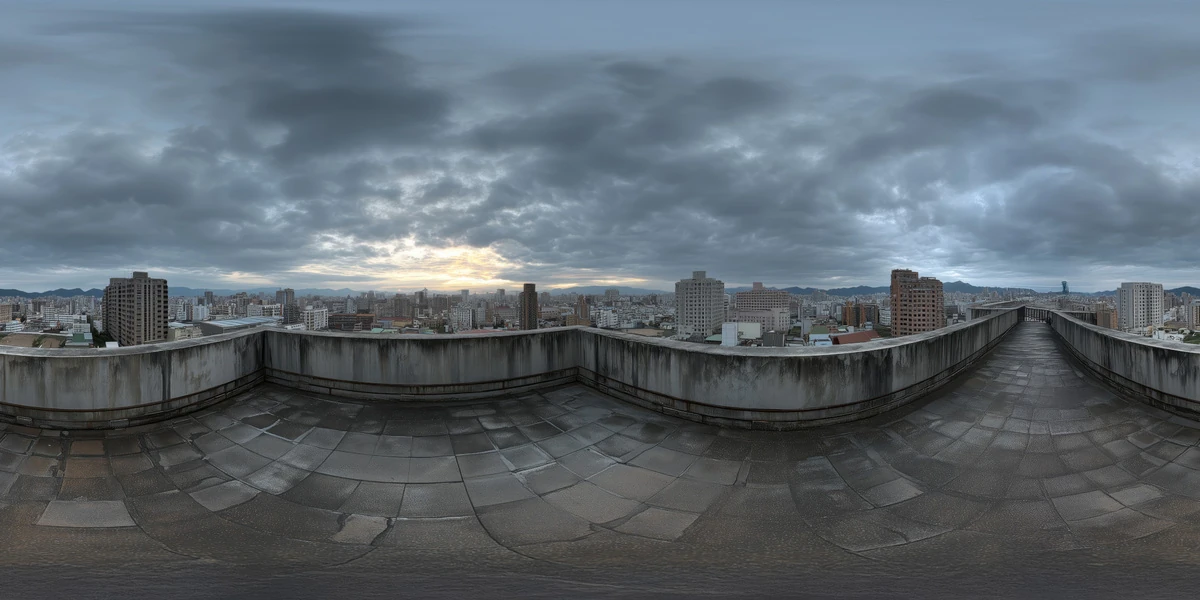
Use Rooftop Cityscape Overcast HDRI to compare contemporary rooftop daylight with a darker futuristic skyline and isolated city lights. Keep the camera and material fixed for a useful comparison.
For stronger red architectural accents, compare Cyberpunk Red City HDRI while keeping the subject and exposure unchanged.
Browse the HDRI lighting collection to compare other environments using the lighting and scene filters.
AI-Assisted, Human-Refined. The creator describes AI generation followed by manual refinement. Review fine details before using the environment as a prominent visible backdrop; lighting and reflections are its primary practical use.
For another lighting study, use Starry Desert Night HDRI to compare a star-filled naturalistic night scene with a city lit by strong artificial sources.
For another lighting study, use Blue Alien Twilight HDRI to compare blue rocky twilight with an urban night scene containing bright artificial reflections.
For another lighting study, use Cybernetic Megalopolis Night HDRI to compare curved cybernetic architecture with a street-scale cyberpunk night environment.
Set up HDRI lighting in Blender, rotate the environment, balance exposure, and check PBR materials with a practical workflow for clearer product renders.
Read articleChoose between 2K, 4K, 8K and 12K HDRIs by testing reflections, background detail and resource use at your final render size, without confusing dynamic range.
Read articleYou can model a clean asset, unwrap it properly, bake a solid normal map, and still end up with a material that feels wrong.
Read articleExplore a rooftop cityscape HDRI with wet paving, a city skyline and overcast clouds. Compare 12K to 2K unclipped maps for urban and architectural lighting.
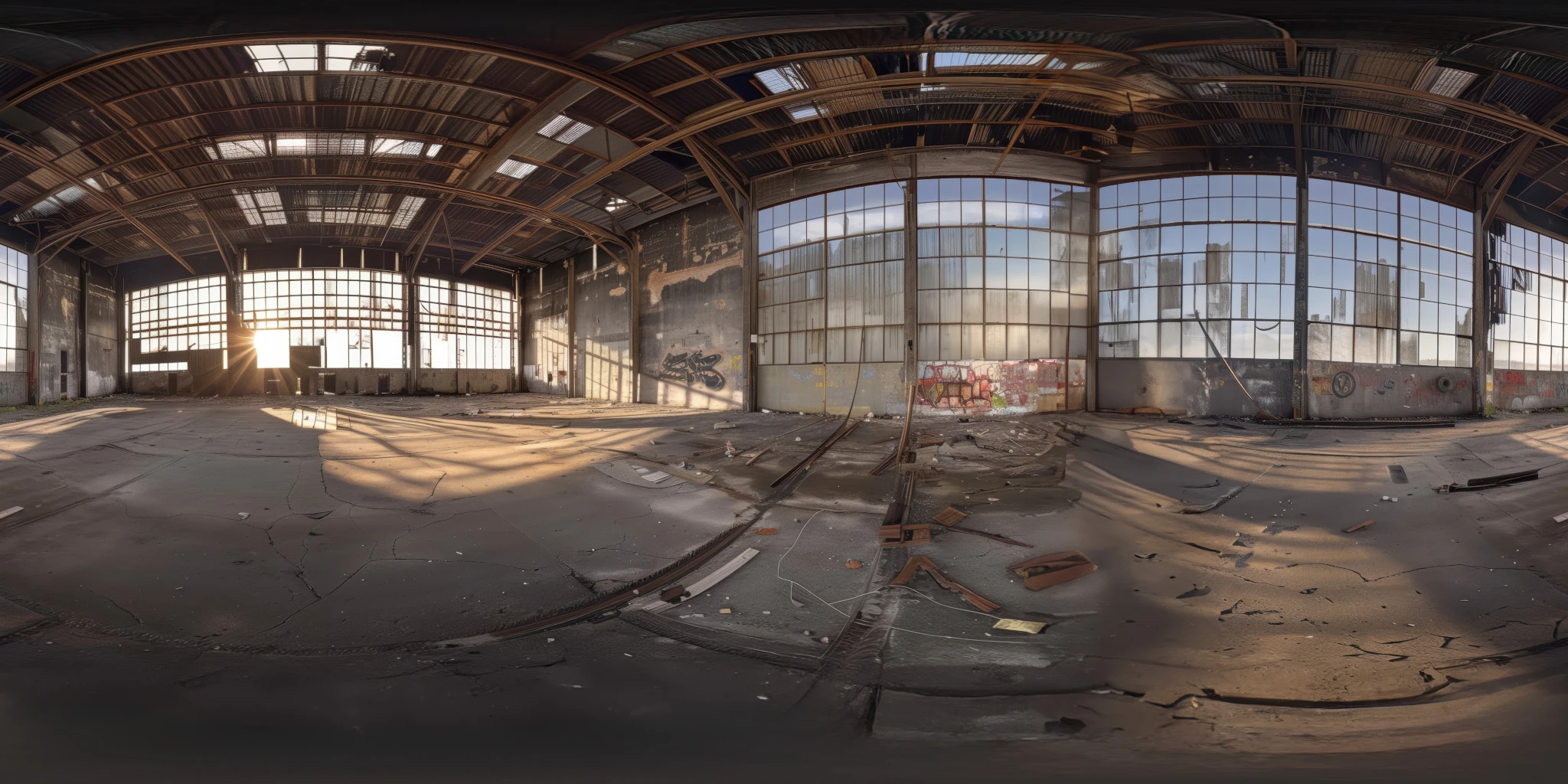
View assetExplore an abandoned warehouse HDRI with window light, roof trusses and worn concrete. Choose 12K to 2K unclipped maps for industrial props and reflections.
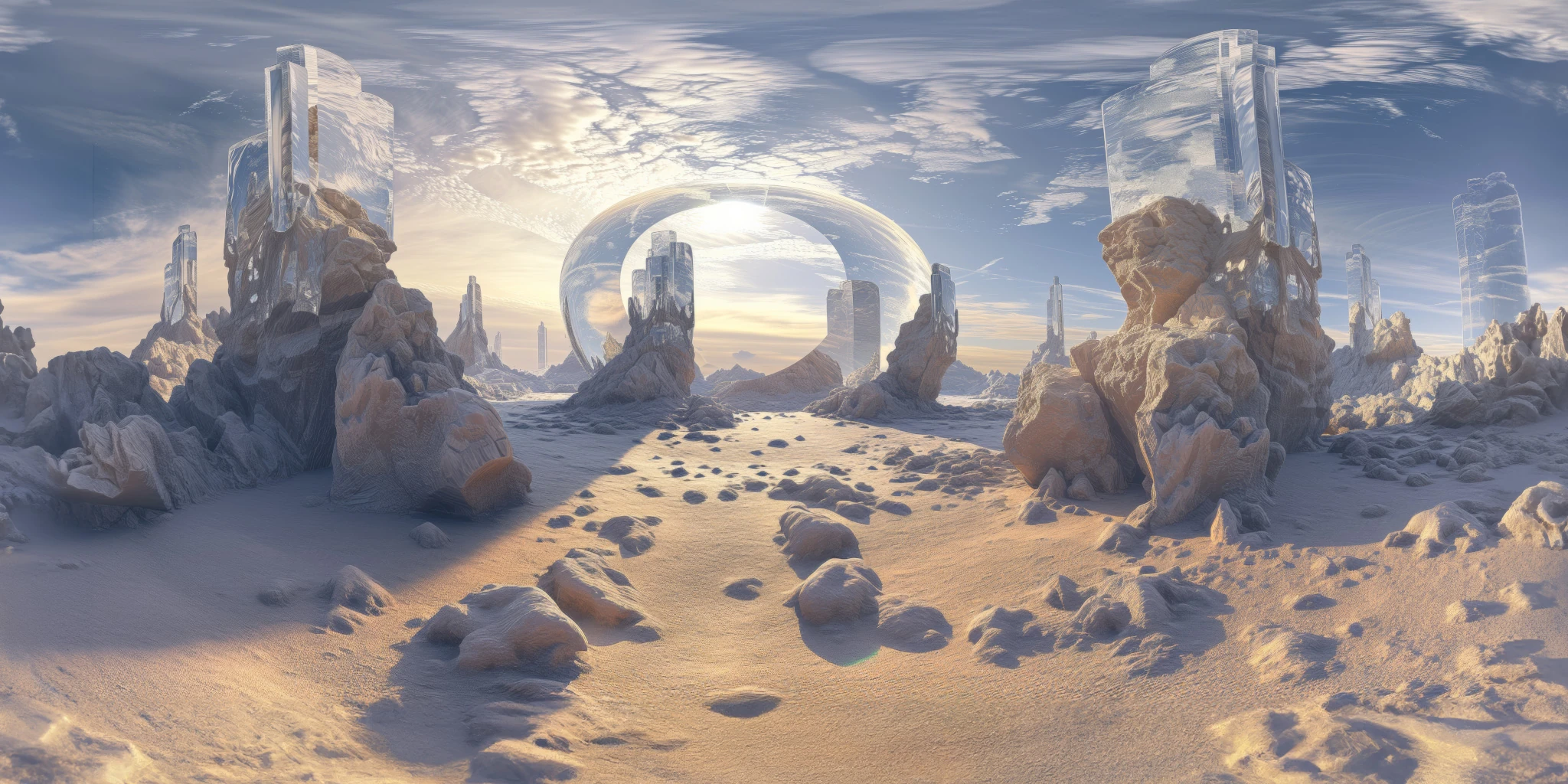
View assetExplore a crystal valley HDRI with pale formations, sandy terrain and a monumental arch. Choose 12K to 2K maps for bright sci-fi lighting and reflections.
View asset