
How to Add Ornamental Details to 3D Models in Blender
Elevate your 3D models in Blender by adding rich ornamental details. Explore time-saving workflows using VDM brushes, Geometry Nodes, and proper baking.
Read article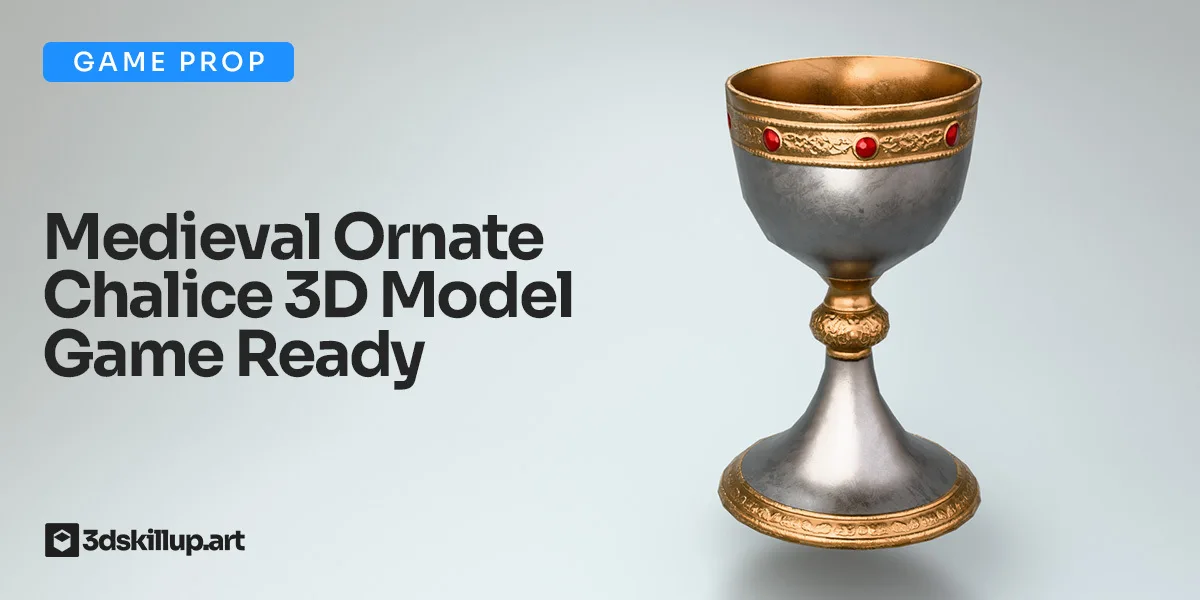
Open the image to explore the details.
Game-ready medieval chalice 3D model with PBR textures. Optimized for Unity, Unreal, Blender. Perfect for fantasy, RPG, and historical scenes.
See current pricing, available files and license details on the marketplace.
Enhance your medieval and fantasy environments with this game-ready ornate chalice 3D model. Featuring detailed engravings, gold accents, and red gemstones, it delivers strong visual storytelling while remaining optimized for real-time performance. Includes high-quality PBR textures and multiple formats, making it ideal for Unity, Unreal Engine, Blender, and immersive VR/AR applications.
For another lighting study, use Studio Lighting 013 HDRI to follow the curvature of a chalice using broad arched light reflections.
Elevate your 3D models in Blender by adding rich ornamental details. Explore time-saving workflows using VDM brushes, Geometry Nodes, and proper baking.
Read articleYou can model a clean asset, unwrap it properly, bake a solid normal map, and still end up with a material that feels wrong.
Read articleSet up HDRI lighting in Blender, rotate the environment, balance exposure, and check PBR materials with a practical workflow for clearer product renders.
Read article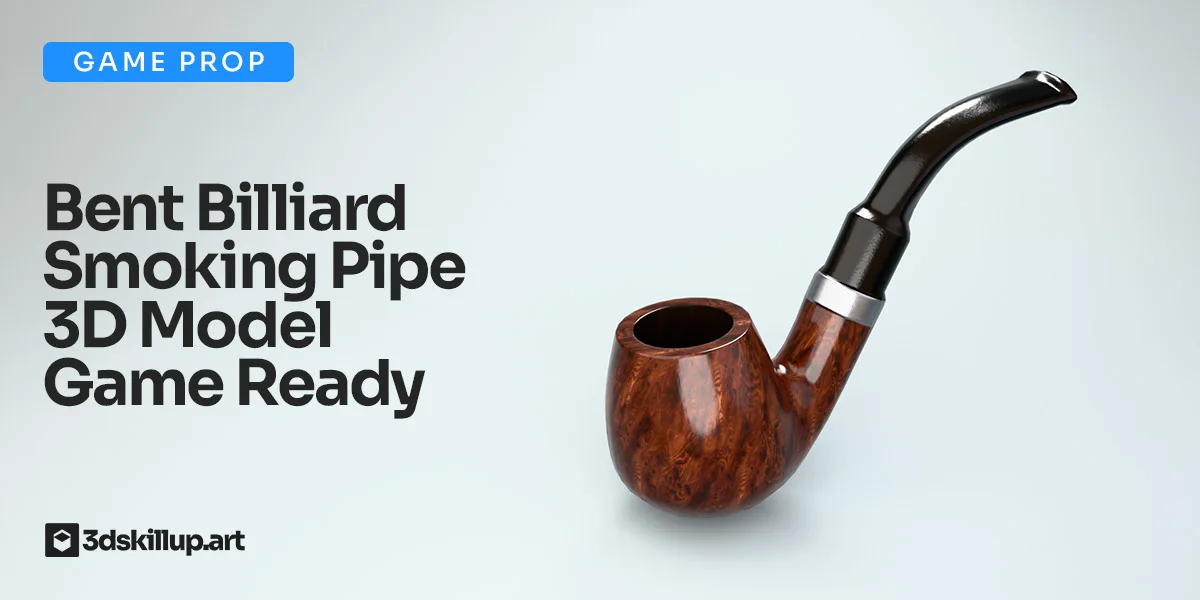
Game-ready bent billiard pipe 3D model with PBR textures. Ideal for Unity, Unreal, Blender, VR/AR, and cinematic scenes.
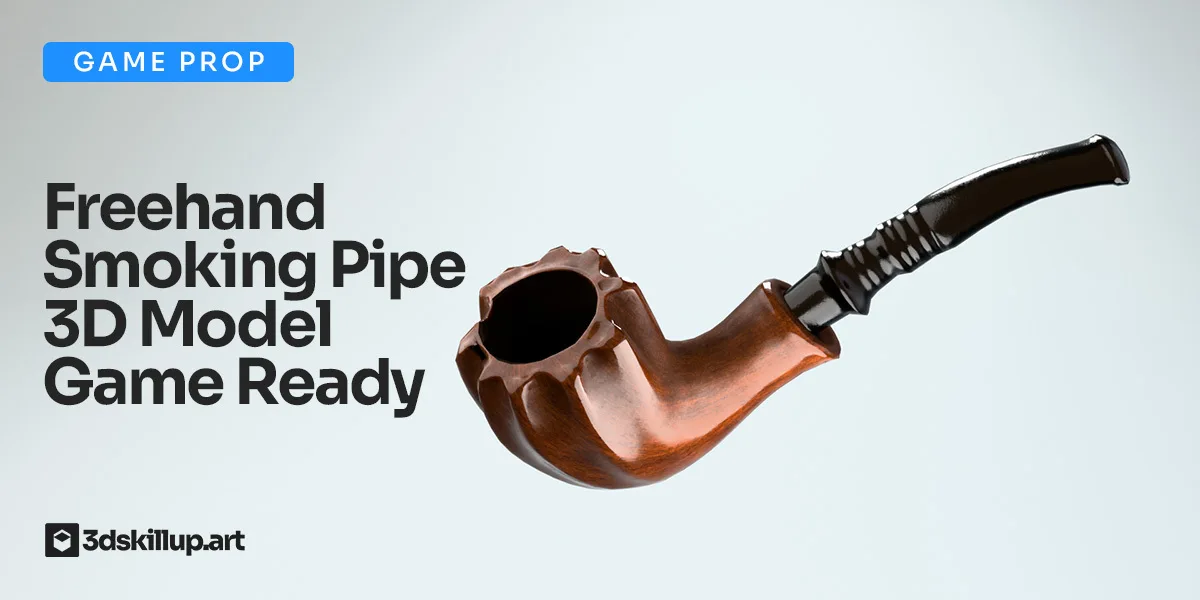
Game-ready freehand smoking pipe 3D model with PBR textures, optimized topology, and full compatibility for Unity, Unreal Engine, and Blender.
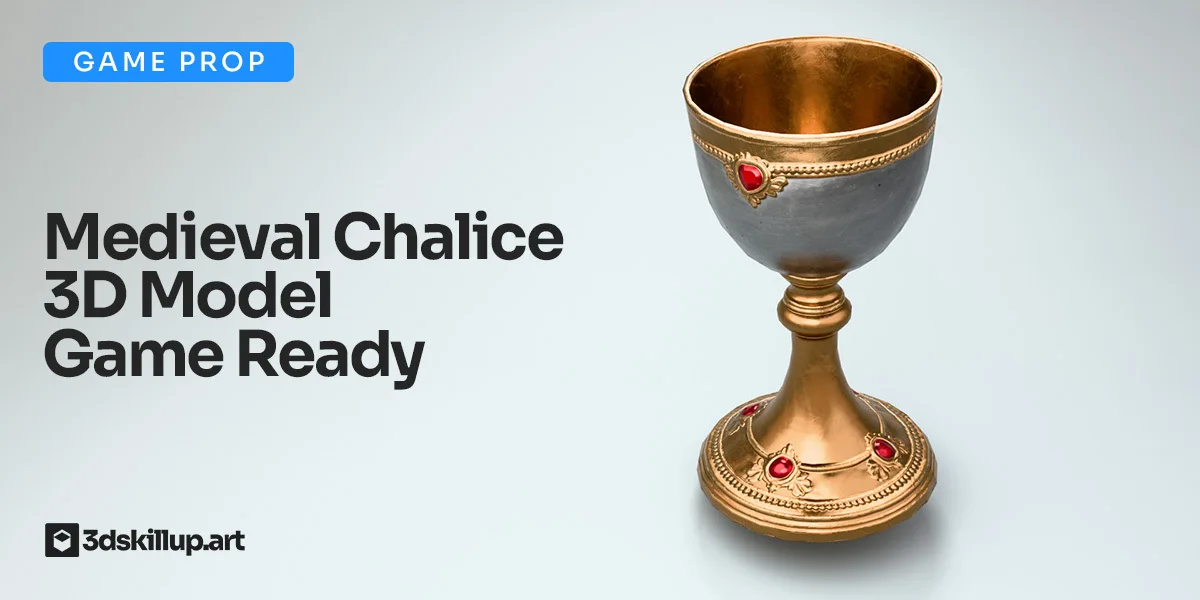
Game-ready medieval chalice 3D model with PBR textures, optimized topology and real-time performance for Unity, Unreal, Blender and VR/AR projects.