
Blender Origins and Pivots for Game Props: A Practical Guide
Set Blender origins and pivots for game props. Choose placement points, check hinges and local axes, then verify the exported hierarchy in Unity.
Read article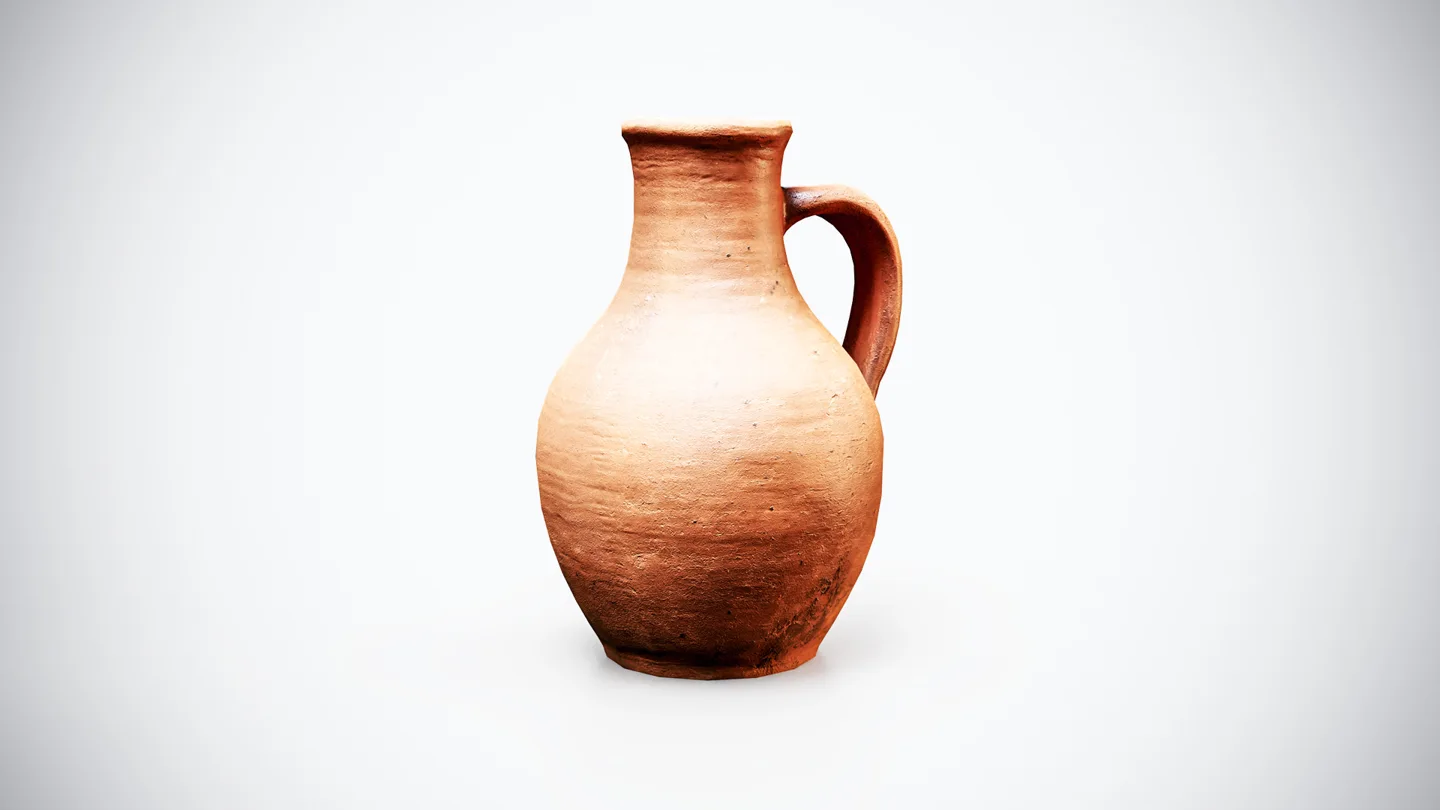
Open the image to explore the details.
Explore a medieval terracotta pitcher 3D model for historical interiors, tabletop arrangements and game scenes with pottery props.
See current pricing, available files and license details on the marketplace.
Bring authentic historical detail to your environments with this Medieval Terracotta Pitcher 3D Model, designed for real-time games, historical scenes, fantasy environments, RPGs, survival games, VR/AR experiences, and cinematic productions.
Featuring a traditional rounded body, narrow neck, flared rim, and curved handle, this medieval pitcher has a naturally aged terracotta clay surface with subtle imperfections, wear, roughness variation, and earthy color tones. Its handcrafted appearance makes it ideal for adding believable detail to medieval villages, taverns, kitchens, castles, farmhouses, markets, workshops, and historical interiors.
With only 2,500 triangles, the model offers an excellent balance between visual quality and real-time performance. Its optimized geometry makes it suitable for both close-up environmental decoration and larger scenes containing multiple props.
Built to real-world scale, the asset can be easily integrated into Unity, Unreal Engine, Blender, and other modern 3D applications.
For predictable placement on a table or shelf, use the game prop origin and pivot workflow to choose and test a support point on your working copy.
Use the HDRI vs Area Lights in Blender: When to Use Both guide to evaluate environment-only, area-only and combined product lighting.
Set Blender origins and pivots for game props. Choose placement points, check hinges and local axes, then verify the exported hierarchy in Unity.
Read articleCompare HDRI and area lights in Blender. Learn how to control reflections, reveal product shape and combine light sources without flattening your render.
Read articleLearn how to tell if a 3D model is truly game-ready by checking polycount, topology, UVs, PBR textures, shading, and engine compatibility.
Read article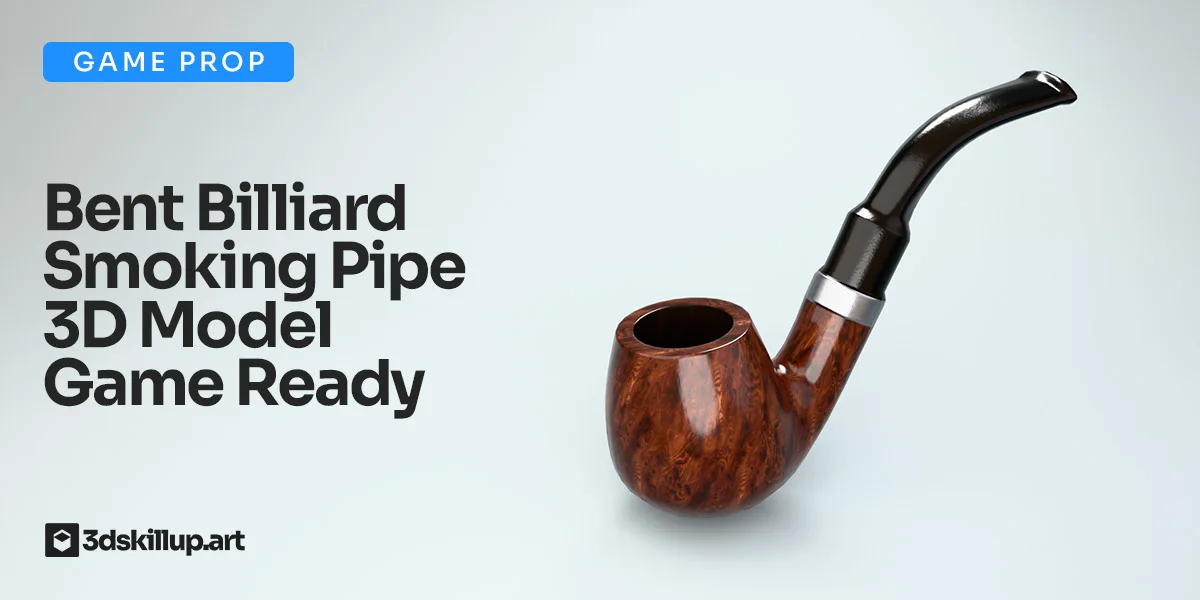
Game-ready bent billiard pipe 3D model with PBR textures. Ideal for Unity, Unreal, Blender, VR/AR, and cinematic scenes.
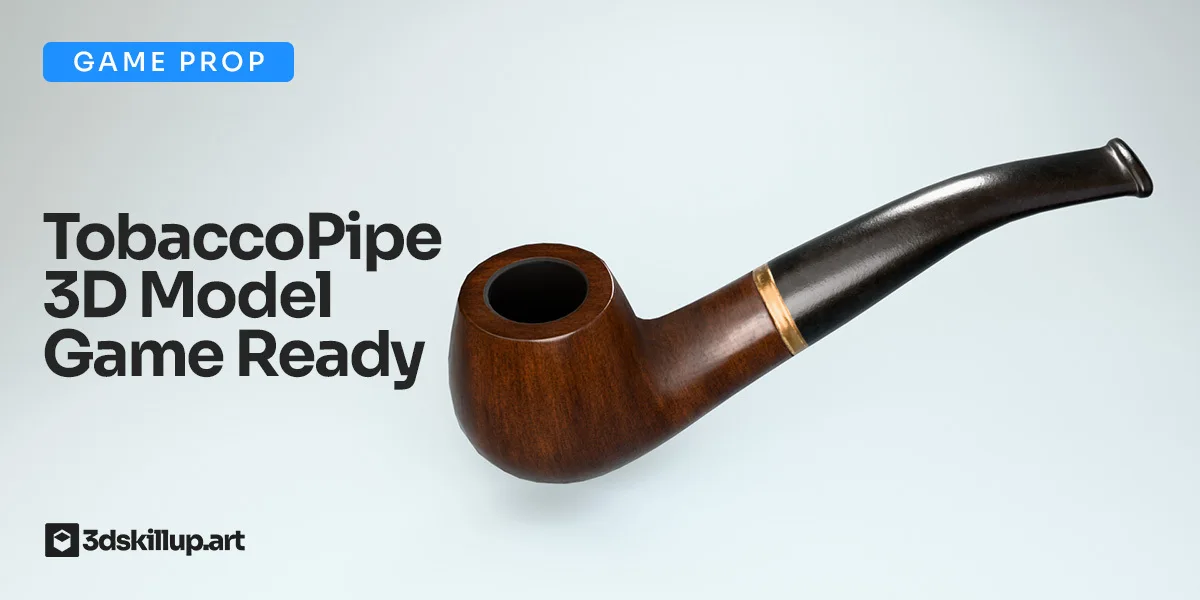
Classic tobacco pipe 3D model, game-ready with PBR textures. Optimized for Unity, Unreal Engine, Blender, VR, AR, and real-time rendering.
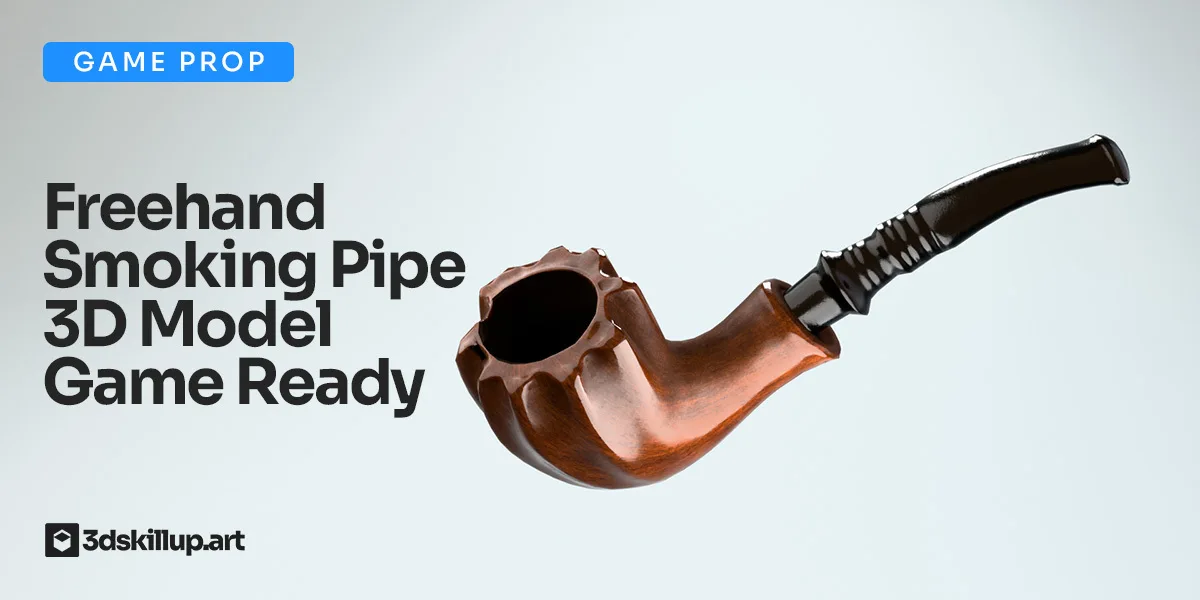
Game-ready freehand smoking pipe 3D model with PBR textures, optimized topology, and full compatibility for Unity, Unreal Engine, and Blender.