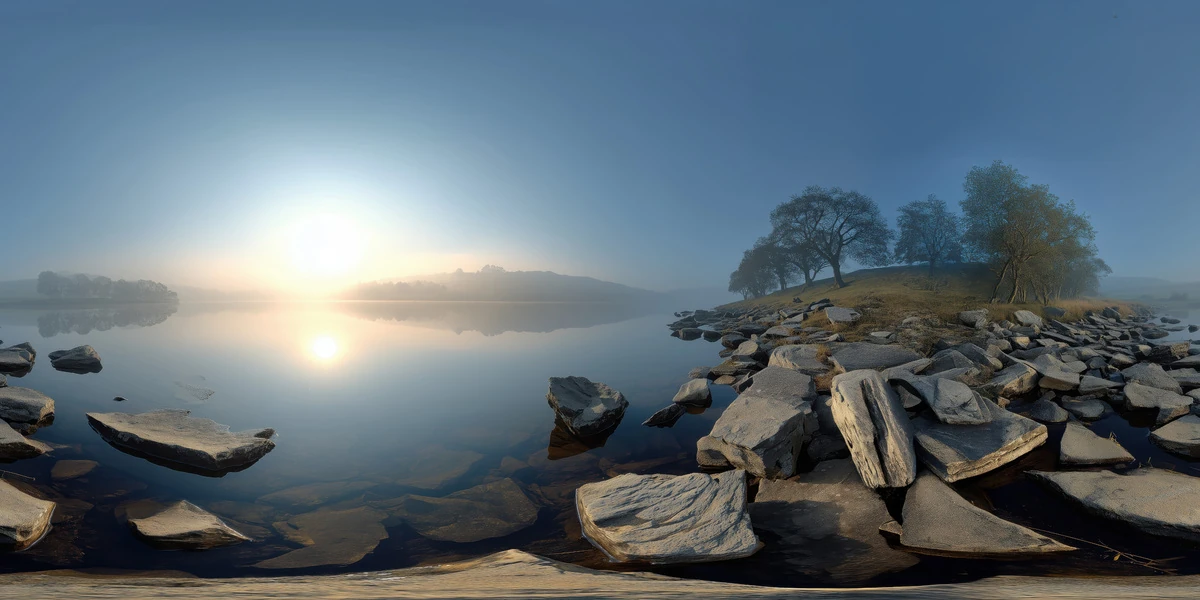
HDRI Lighting in Blender: A Practical Product Render Workflow
Set up HDRI lighting in Blender, rotate the environment, balance exposure, and check PBR materials with a practical workflow for clearer product renders.
Read article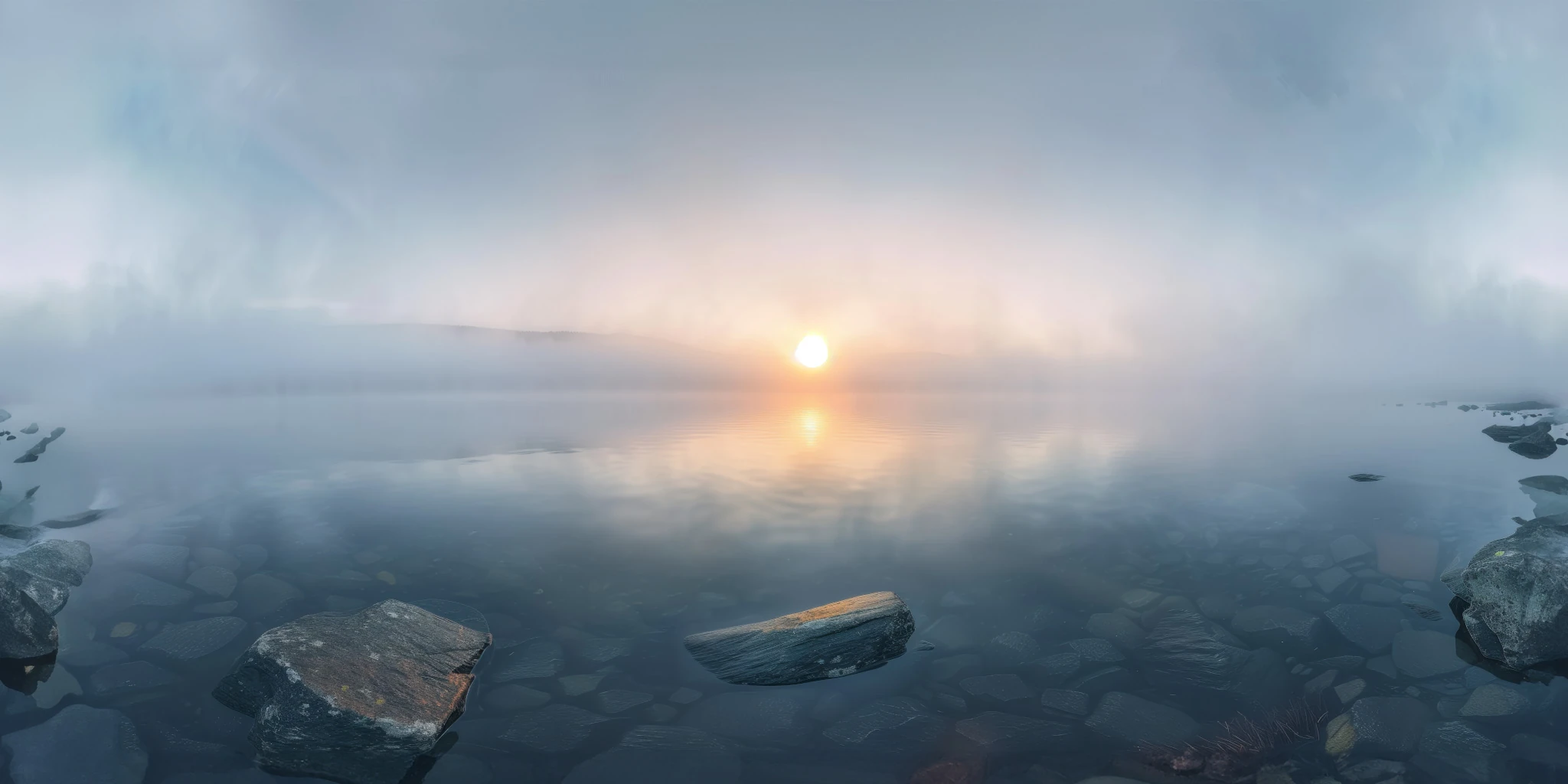
Open the image to explore the details.
Explore a misty lake sunrise HDRI with still water, shoreline rocks and a soft golden glow. Choose 12K to 2K maps for quiet outdoor lighting and reflections.
See current pricing, available files and license details on the marketplace.
A soft golden sunrise reflects across a mist-covered lake, with dark shoreline rocks and pale blue haze surrounding the water.
Try it for lakeside product studies and calmer outdoor compositions where harsh scenery would compete with the subject. The pale mist and dark rocks offer distinct bright and dark regions in reflections.
The visible mist is part of the panorama. Add a separate local volume if your subject must disappear into fog or produce depth-dependent atmospheric effects near the camera.
The creator lists this unclipped environment in 12K, 8K, 4K, 2K, with 32-bit HDR specified on the product page. The listed file format is .hdr. The image above is a compressed web preview; use the purchased HDR file to light your scene.
Choose resolution for the background and reflected detail visible in the final camera framing. Preview brightness alone cannot establish dynamic range or the exposure required by a particular scene.
Learn how to choose an outdoor HDRI by lighting and scene. The Blender HDRI lighting workflow explains the practical setup for loading and rotating an environment.
Use Foggy Lake Sunrise HDRI to compare two lake dawns by the position of the warm glow, shoreline detail and surrounding haze. Keep the material and camera fixed so that the environment is the main variable.
Browse the HDRI lighting collection to compare more environments using the lighting and scene filters.
AI-Assisted, Human-Refined. The creator describes AI generation followed by manual refinement. Review fine details when the panorama will be a visible backdrop; use its lighting and reflections as the starting point for your scene.
Set up HDRI lighting in Blender, rotate the environment, balance exposure, and check PBR materials with a practical workflow for clearer product renders.
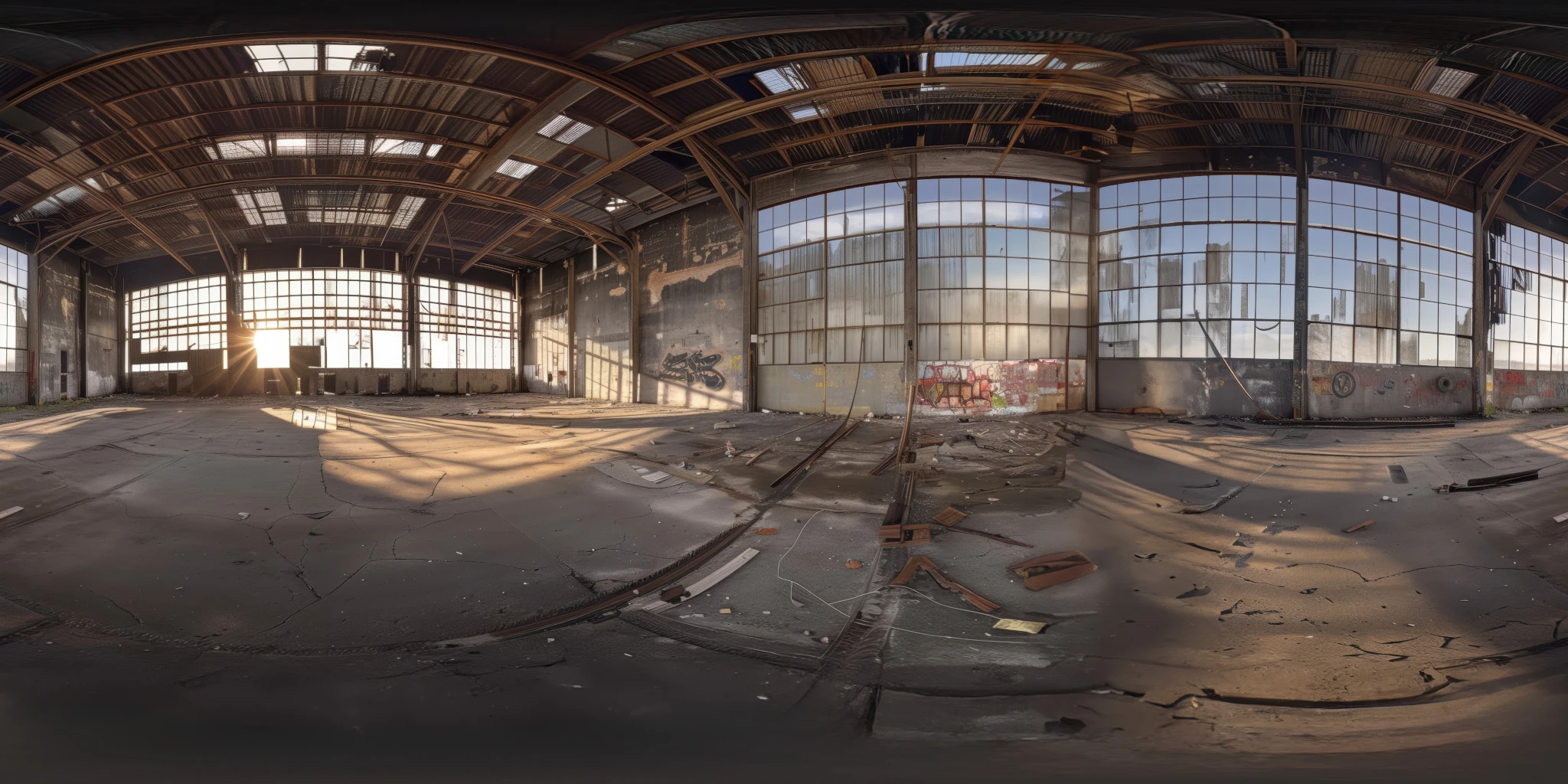
Read articleChoose an outdoor HDRI by sun direction, cloud coverage and reflected surroundings. Compare winter, rural and sunset lighting in a controlled Blender scene.
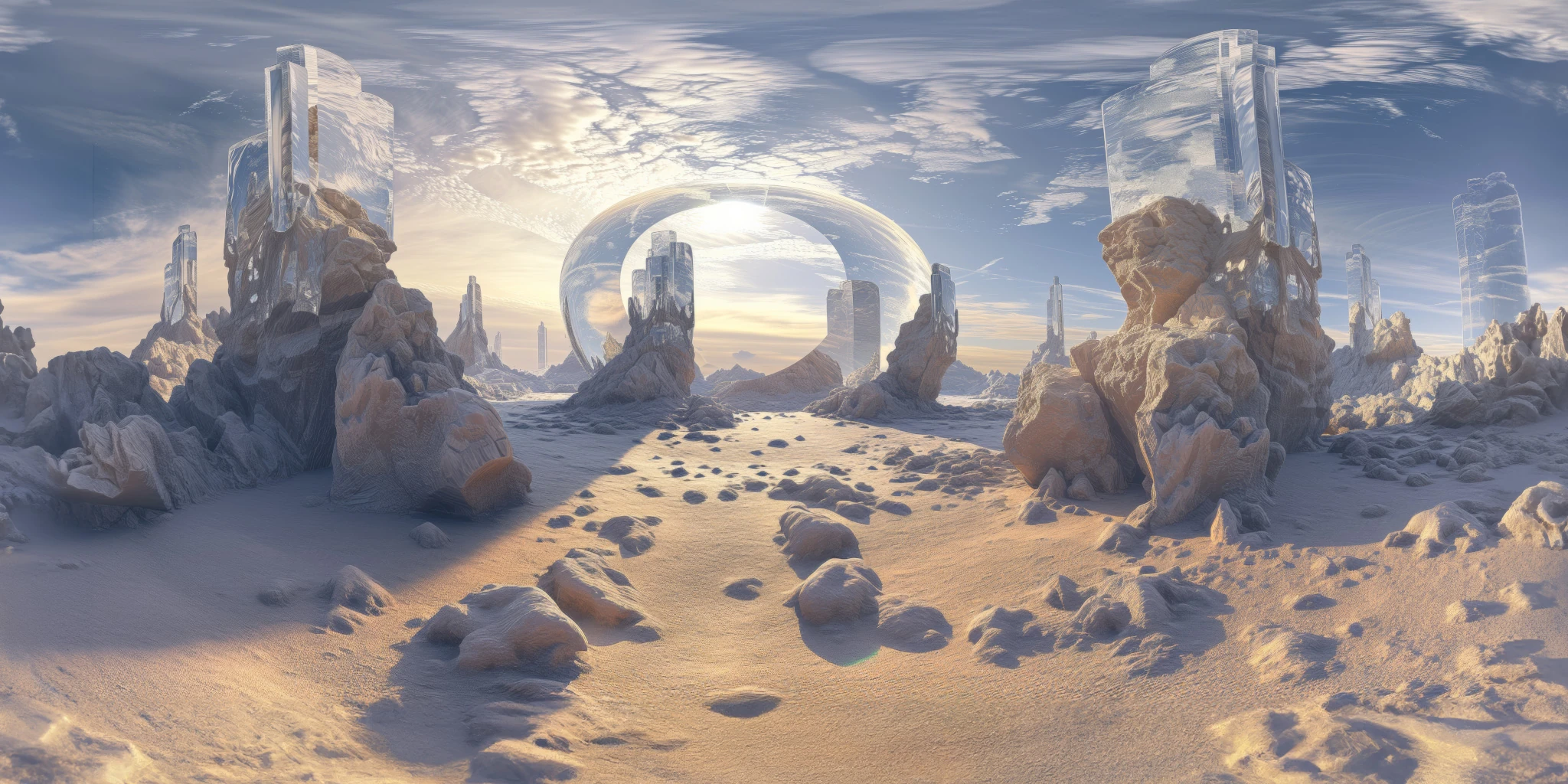
Read articleYou can model a clean asset, unwrap it properly, bake a solid normal map, and still end up with a material that feels wrong.
Read articleExplore a foggy lake sunrise HDRI with still water, shoreline rocks and soft morning light. Choose 12K to 2K maps for atmospheric reflections and renders.
View assetExplore an abandoned warehouse HDRI with window light, roof trusses and worn concrete. Choose 12K to 2K unclipped maps for industrial props and reflections.
View assetExplore a crystal valley HDRI with pale formations, sandy terrain and a monumental arch. Choose 12K to 2K maps for bright sci-fi lighting and reflections.
View asset