
How to Add Ornamental Details to 3D Models in Blender
Elevate your 3D models in Blender by adding rich ornamental details. Explore time-saving workflows using VDM brushes, Geometry Nodes, and proper baking.
Read article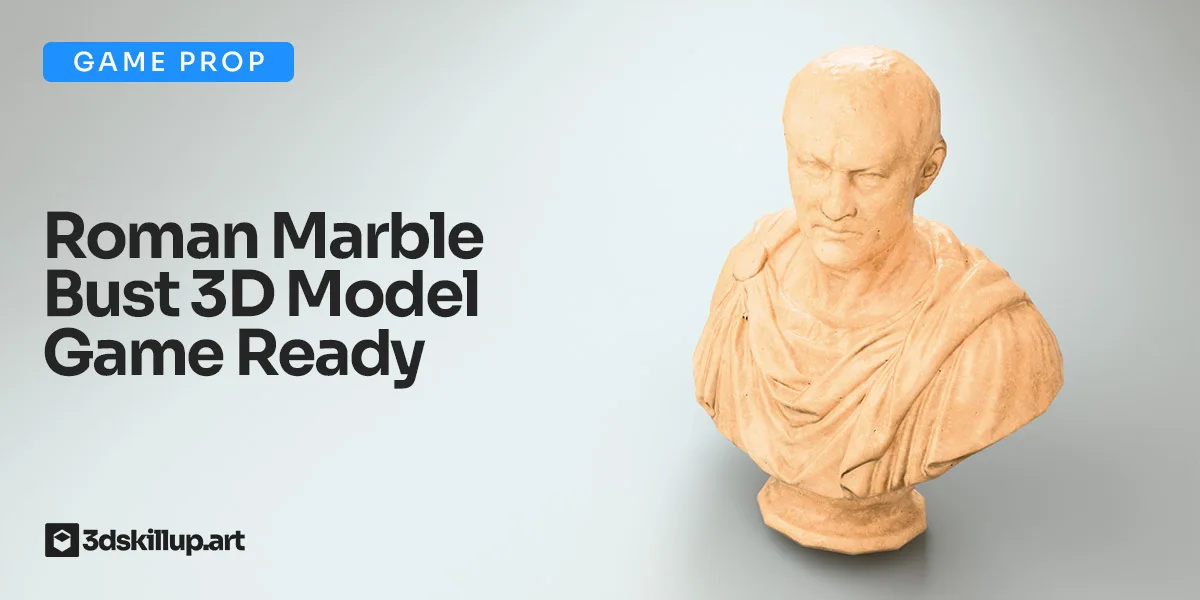
Open the image to explore the details.
Game-ready Roman marble bust 3D model with PBR textures. Optimized for Unity, Unreal, and Blender. Ideal for historical and museum scenes.
See current pricing, available files and license details on the marketplace.
Enhance your historical environments with this Roman marble bust 3D model, optimized for real-time performance. Featuring high-quality PBR textures and clean topology, it is ideal for ancient Rome scenes, museum visualizations, and cinematic projects. Fully compatible with Unity, Unreal Engine, and Blender, this asset delivers realism, efficiency, and seamless integration into game and VR/AR workflows.
Elevate your 3D models in Blender by adding rich ornamental details. Explore time-saving workflows using VDM brushes, Geometry Nodes, and proper baking.
Read articleLearn a practical high poly to low poly workflow for retopology, UVs, baking, texturing, optimization, and validation in Unity and Unreal Engine.
Read articleSet up HDRI lighting in Blender, rotate the environment, balance exposure, and check PBR materials with a practical workflow for clearer product renders.
Read article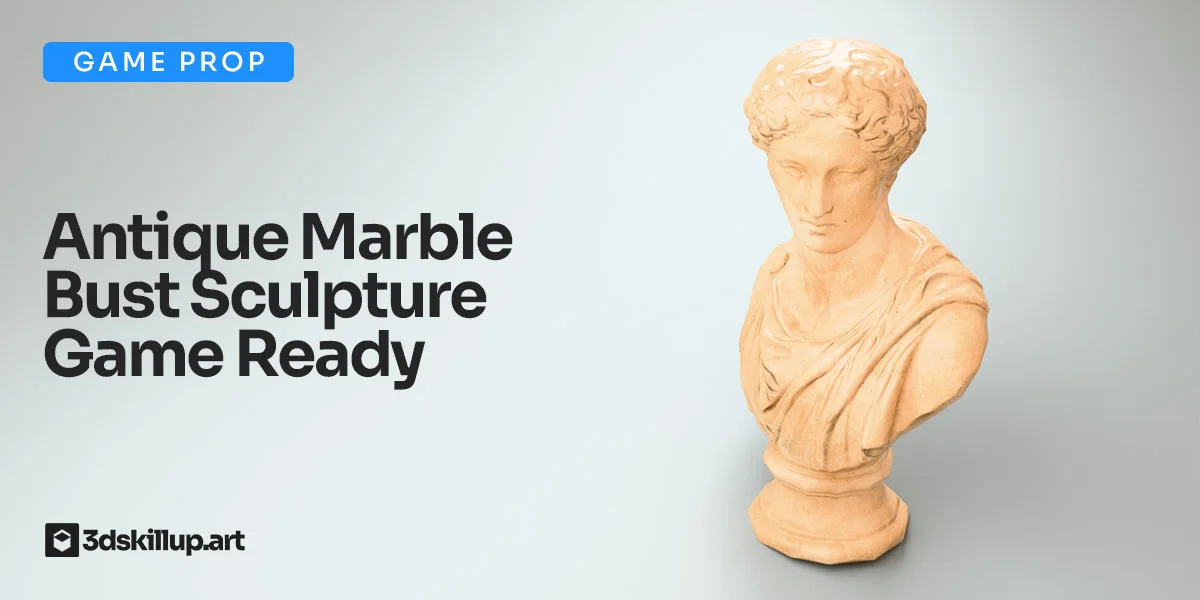
Game-ready antique marble bust 3D model with PBR textures. Perfect for Unity, Unreal Engine, Blender, museums, interiors and historical scenes.
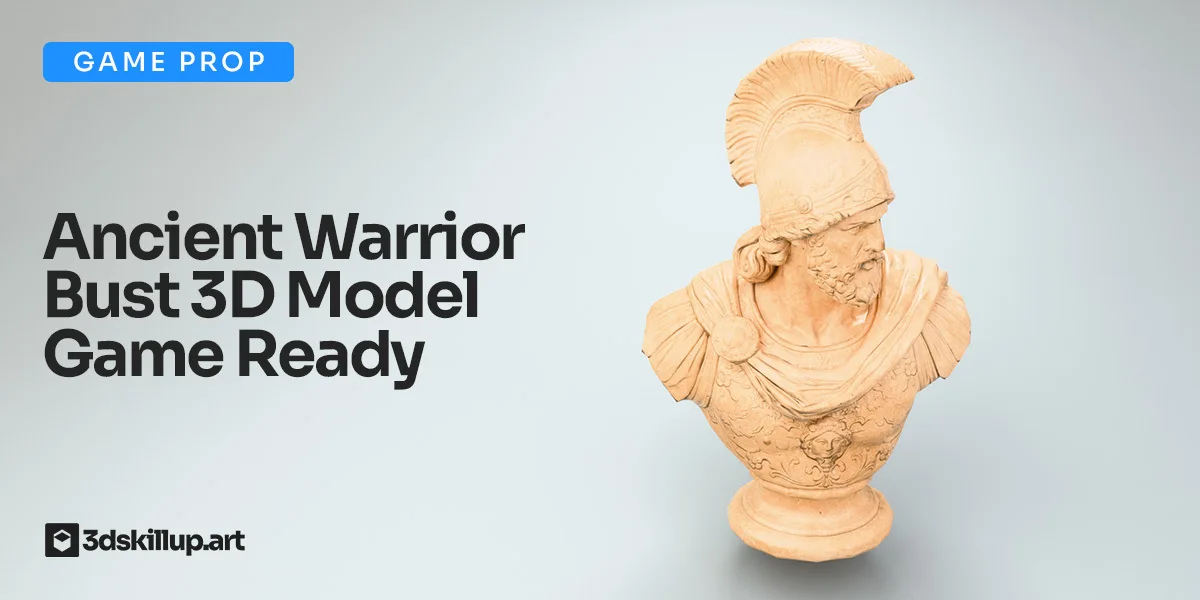
Ancient Warrior Bust 3D model with PBR textures, optimized for Unity, Unreal, and Blender. Perfect for ruins, temples, and historical scenes.
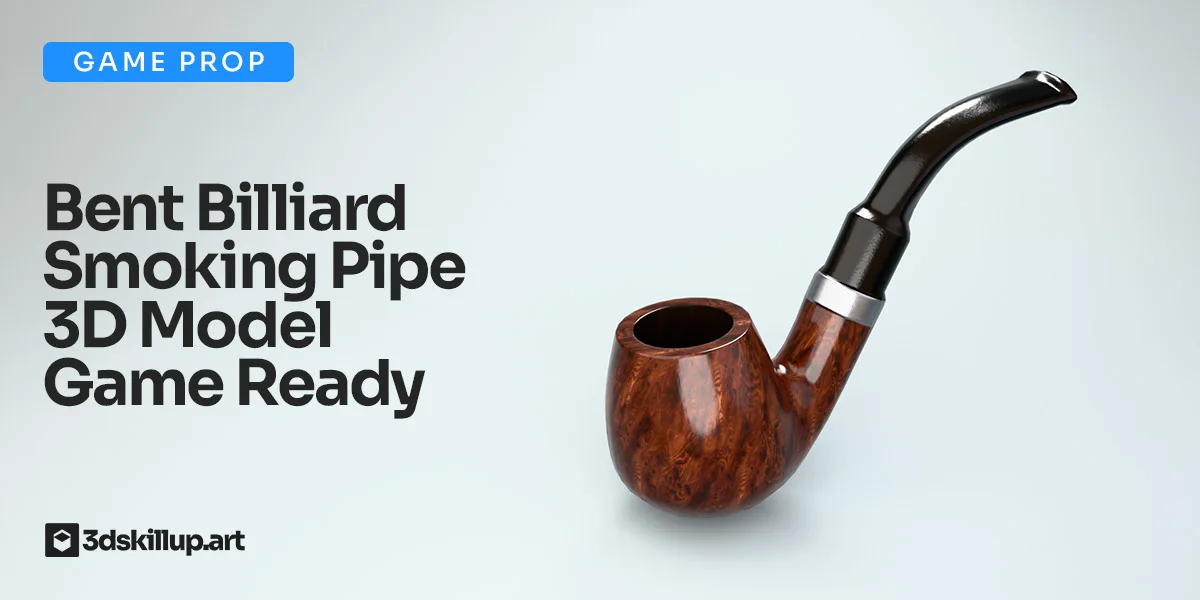
Game-ready bent billiard pipe 3D model with PBR textures. Ideal for Unity, Unreal, Blender, VR/AR, and cinematic scenes.