HDRI vs Area Lights in Blender: When to Use Both
Compare HDRI and area lights in Blender. Learn how to control reflections, reveal product shape and combine light sources without flattening your render.
Read article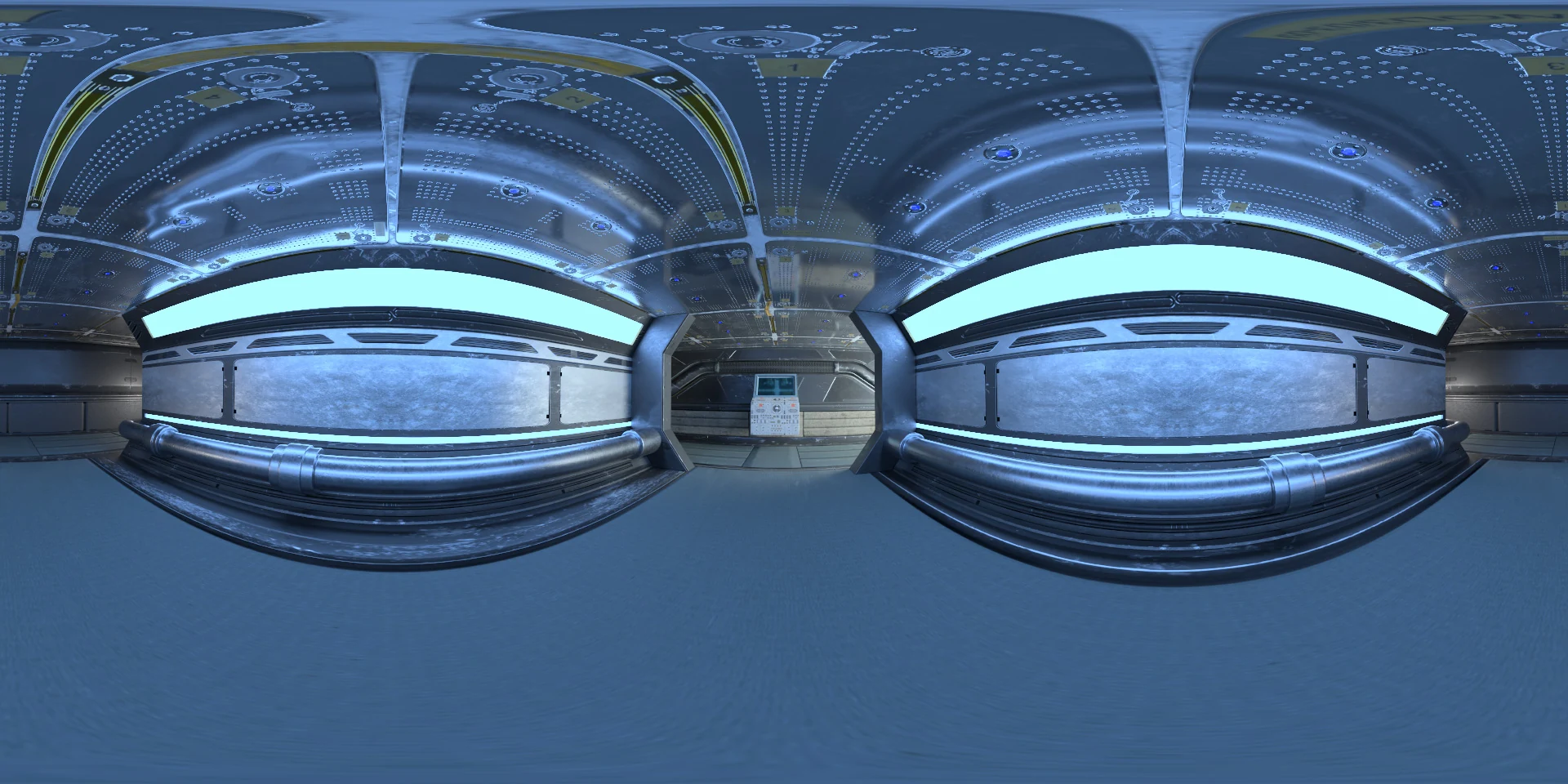
Open the image to explore the details.
Explore Sci-Fi Environment HDRI with blue arches and broad cyan light panels. Choose 10K to 1K EXR maps for cool futuristic lighting and reflections.
See current pricing, available files and license details on the marketplace.
Cool blue arches surround a futuristic room with broad cyan-white horizontal light panels and a neutral doorway near the middle of the panorama.
Try this room for a cooler presentation of a robot part or compact science-fiction device. The wide panels create larger highlight areas than the small round fixtures of the later Sci-Fi series. Use a roughness comparison to decide whether those broad shapes help describe the object or hide smaller surface details.
The product page lists 10K, 8K, 4K, 2K, 1K files in .exr format. The supplied catalog image is a compressed web preview; load the purchased EXR map for environment lighting. Choose the map resolution to suit the detail visible in your final background and reflections.
Learn how to balance HDRI lighting with area lights. Use roughness maps in PBR to understand how surface roughness affects the reflected light pattern.
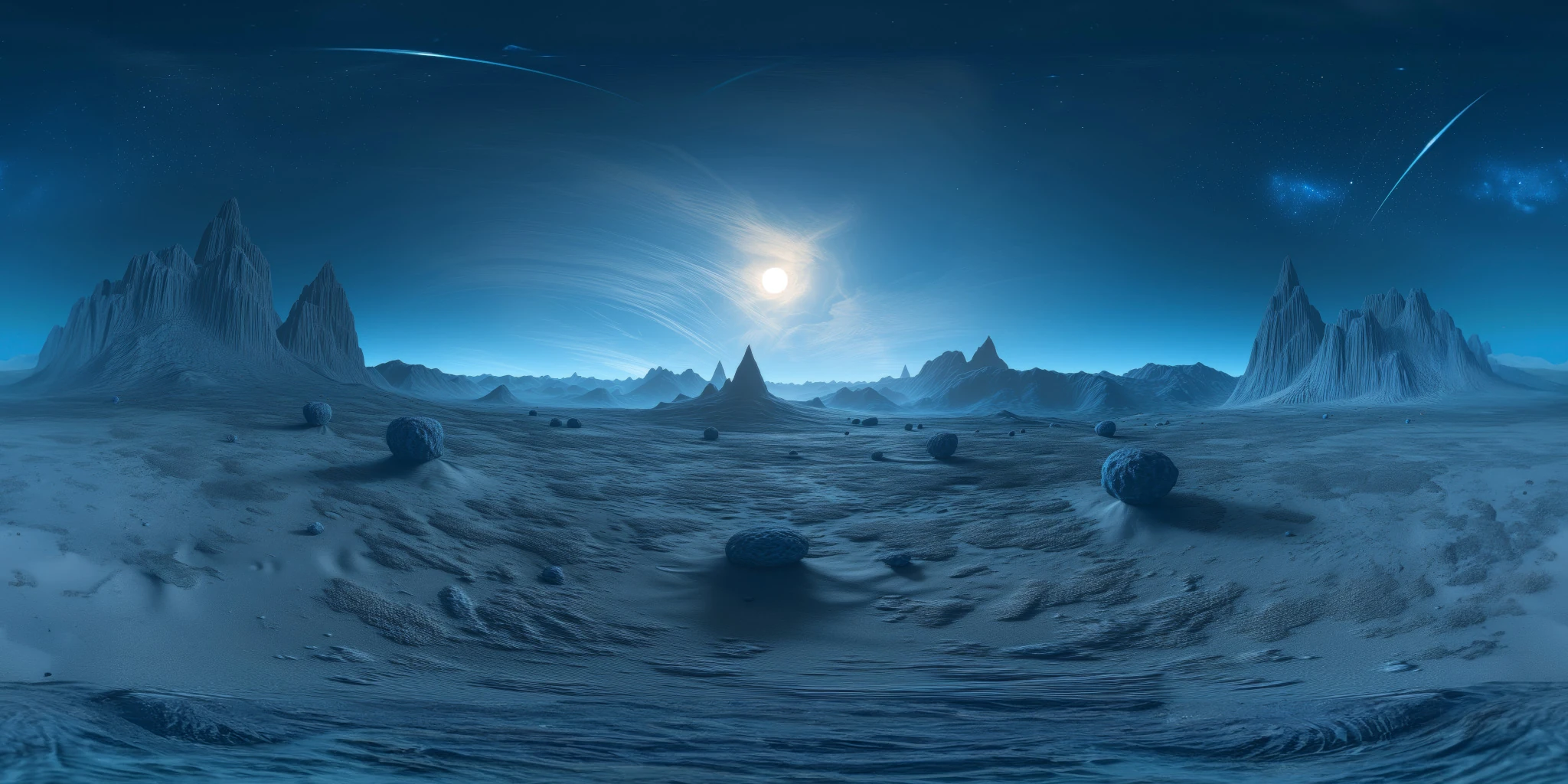
Compare Midnight Blue Alien Landscape HDRI to compare a blue night exterior with broad cyan panels in a futuristic interior. Keep the camera and material fixed when evaluating the change.
Compare Sci-Fi Environment 02 HDRI to compare saturated magenta arches with a cooler cyan-panel interior.
Browse the HDRI lighting collection for more environments and combined lighting filters.
For another lighting comparison, try Studio 022 HDRI to compare alternating red and cyan panels with the broader blue light shapes of a futuristic room.
Created in Blender. This is a rendered virtual environment; its lights and surrounding surfaces are part of the panorama.
Compare HDRI and area lights in Blender. Learn how to control reflections, reveal product shape and combine light sources without flattening your render.
Read articleSet up HDRI lighting in Blender, rotate the environment, balance exposure, and check PBR materials with a practical workflow for clearer product renders.
Read articleYou can model a clean asset, unwrap it properly, bake a solid normal map, and still end up with a material that feels wrong.
Read articleExplore a midnight blue sci-fi HDRI with rocky spires and a bright celestial glow. Choose 12K to 2K unclipped maps for cool night lighting and reflections.
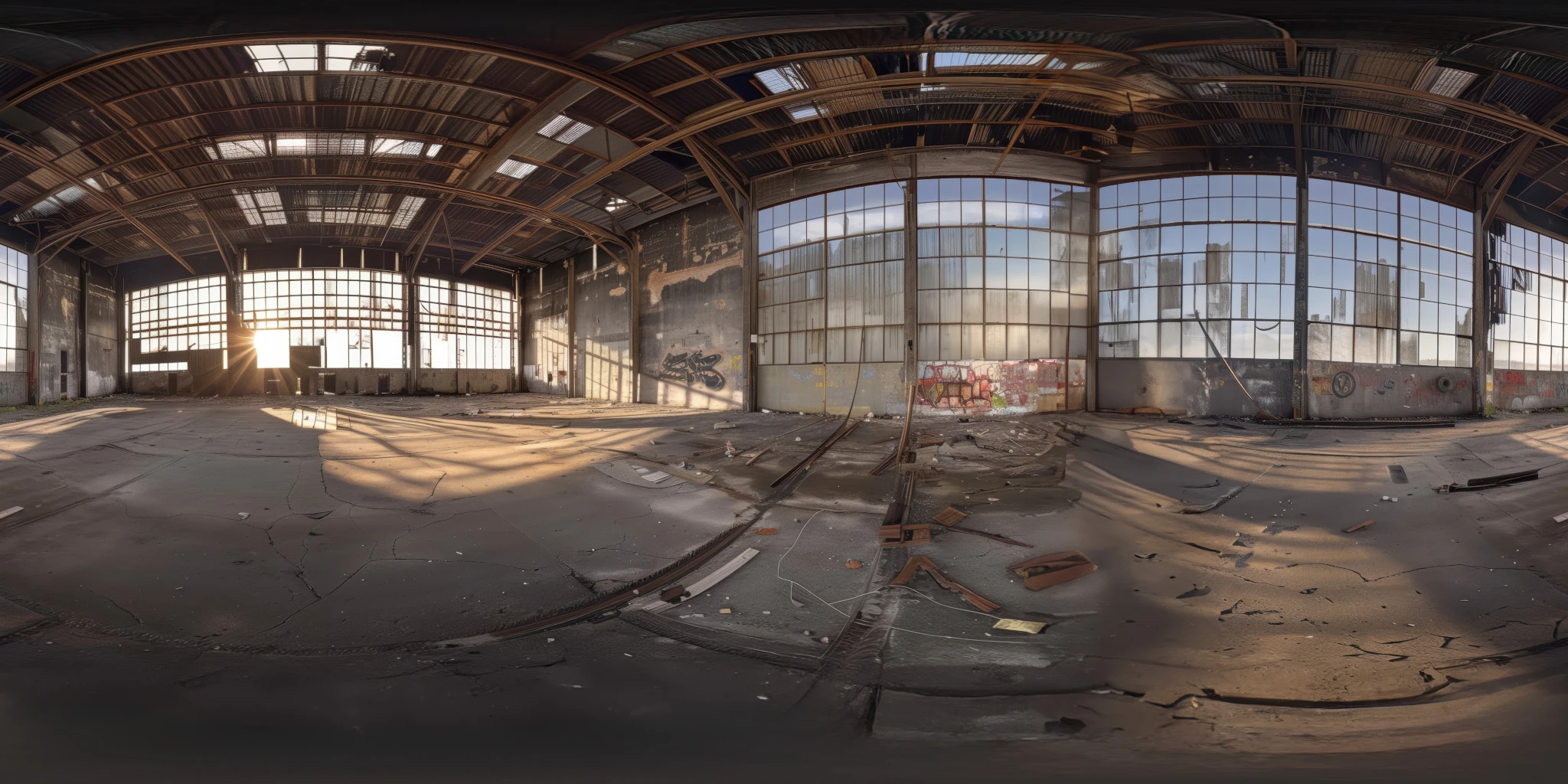
View assetExplore an abandoned warehouse HDRI with window light, roof trusses and worn concrete. Choose 12K to 2K unclipped maps for industrial props and reflections.
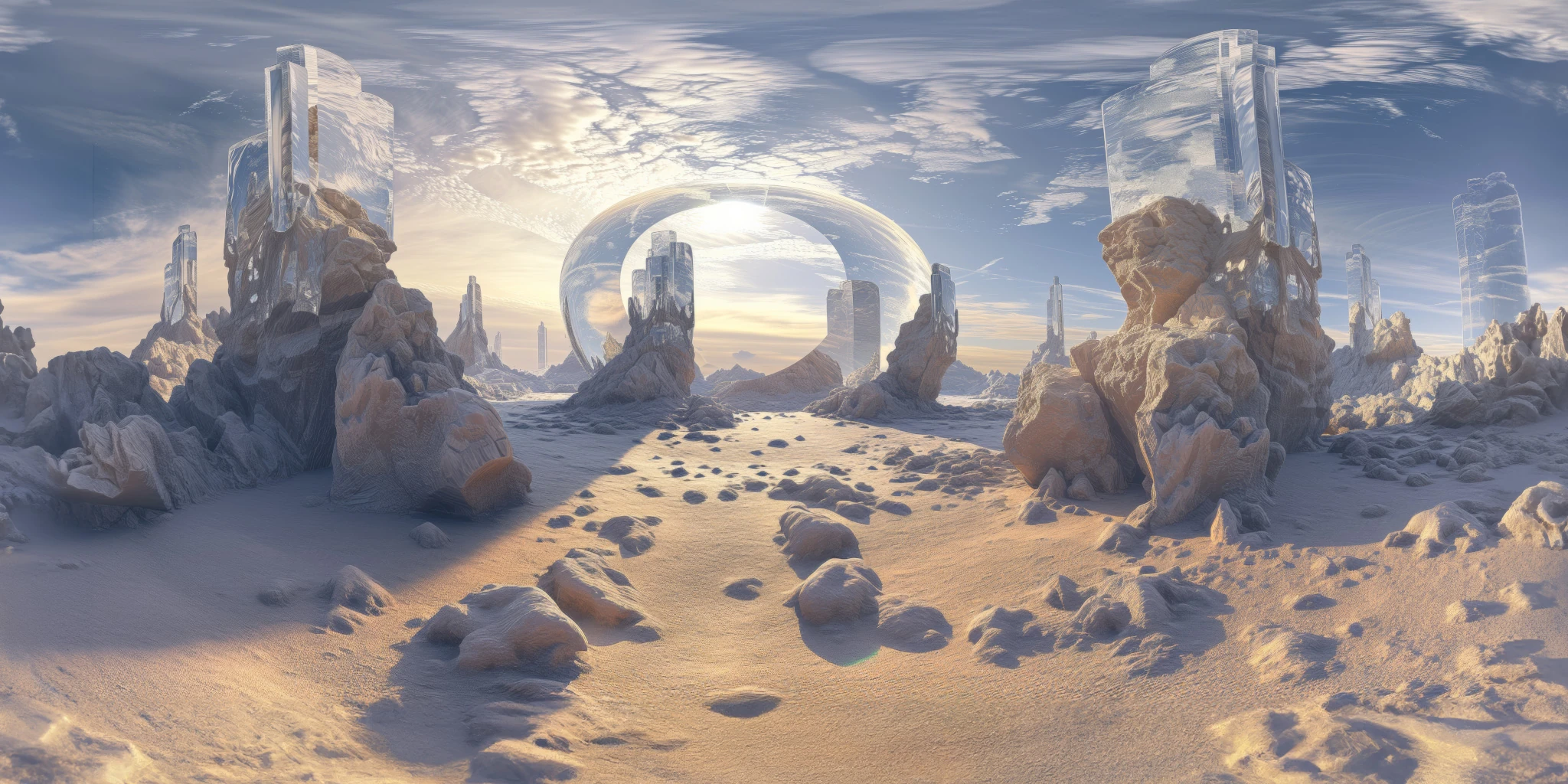
View assetExplore a crystal valley HDRI with pale formations, sandy terrain and a monumental arch. Choose 12K to 2K maps for bright sci-fi lighting and reflections.
View asset