
Tileable Stone and Brick Walls in Blender: Scale, Seams and Repetition
Build believable stone and brick walls in Blender. Match masonry scale, align modular UVs, handle corners and reduce visible PBR texture repetition.
Read article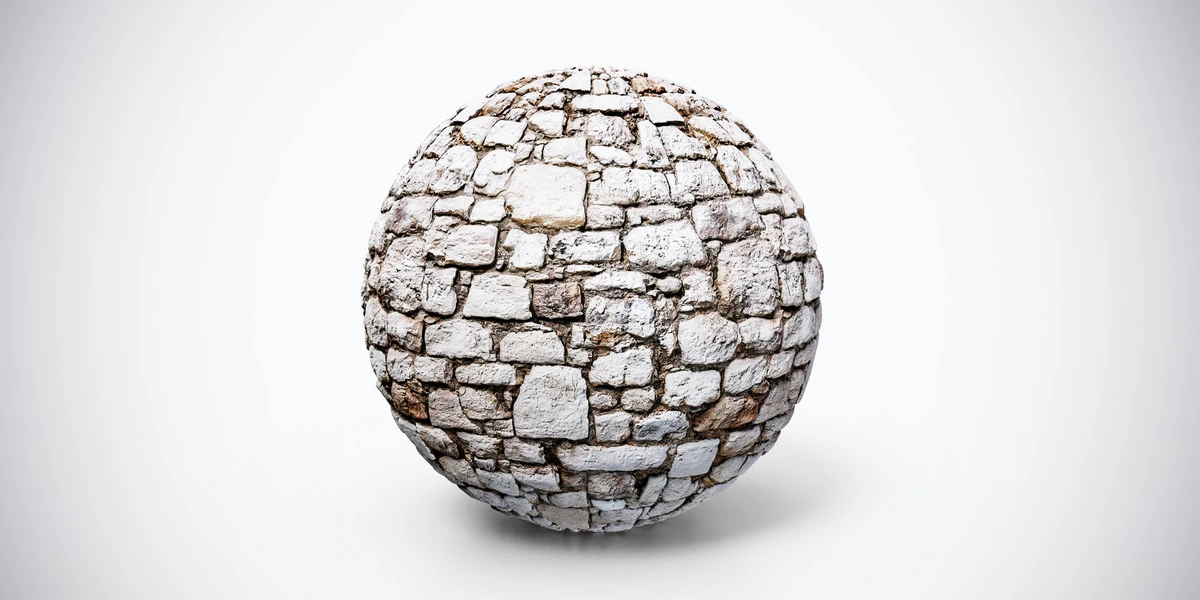
Open the image to explore the details.
Weathered stone wall PBR texture with small blocks and dark mortar joints. Seamless 1K–4K PNG maps for old facades, garden walls and medieval streets.
See current pricing, available files and license details on the marketplace.
Small weathered blocks form uneven horizontal courses, with pale faces and dark mortar gaps. The busy masonry rhythm differs from a wall built from broad, rounded stones.
Try it on older facades, garden boundaries or medieval streets. Align the courses across adjoining wall modules so the material does not reset at every mesh boundary.
The source listing specifies 4K, 2K and 1K PNG maps and seamless tiling.
Match courses and joints with the modular masonry workflow. The Blender PBR setup explains how to connect the maps without changing their shared scale.
Compare Stone Wall PBR Texture — Carved Blocks to judge the difference in pattern, contrast and surface condition under the same lighting.
If the scene also needs a countertop or continuous stone panel, compare the finishes in the 24 Granite, Marble & Stone 4K PBR Materials Bundle. Use the masonry courses for assembled walls and choose a slab-like pattern for surfaces that should not show mortar joints.
Explore the stone material collection for other surfaces in this family. The Superhive button opens the listing for current pricing, package contents and license terms.
After downloading the material's maps, open the PBR Material Previewer to compare supported textures on a sphere, cube or plane under HDR lighting. Check normal direction, roughness and tiling locally before applying the material to your scene. Product files are not loaded automatically.
Build believable stone and brick walls in Blender. Match masonry scale, align modular UVs, handle corners and reduce visible PBR texture repetition.
Read articleLearn how to set up PBR textures in Blender correctly with proper color space, node connections, normal maps, roughness, and export checks.
Read articleLearn how to choose the right texture resolution for 3D assets, from 1K to 4K, based on UVs, camera distance, PBR maps, and performance.
Read article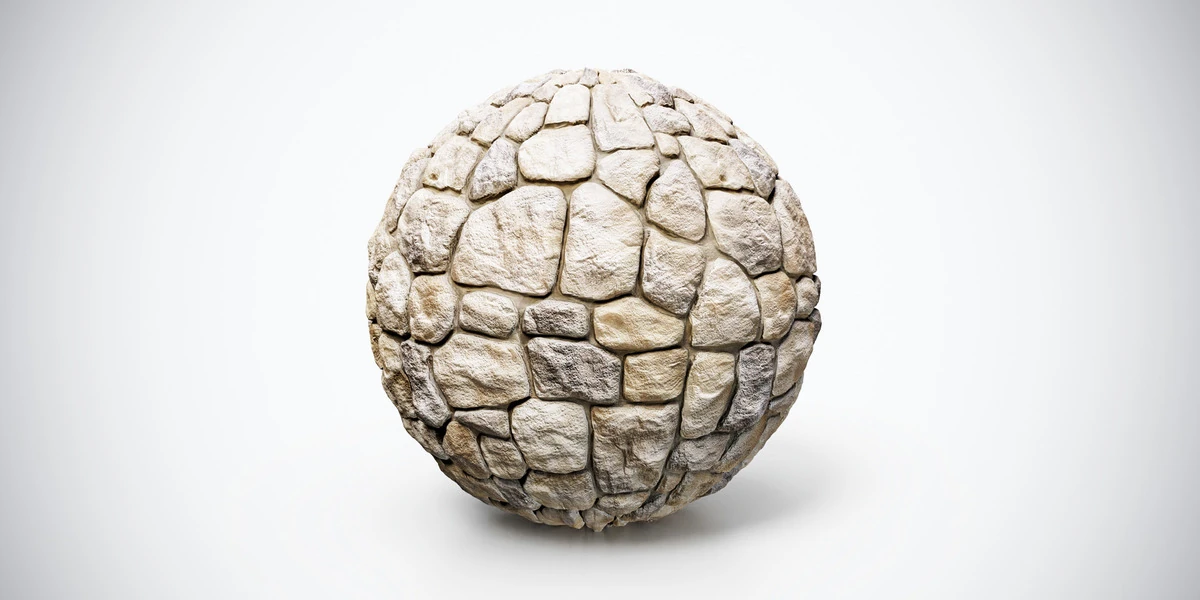
Stone wall PBR texture with warm carved blocks, natural edges and fine cracks. Seamless 1K, 2K and 4K PNG maps for courtyards, castles and architectural walls.
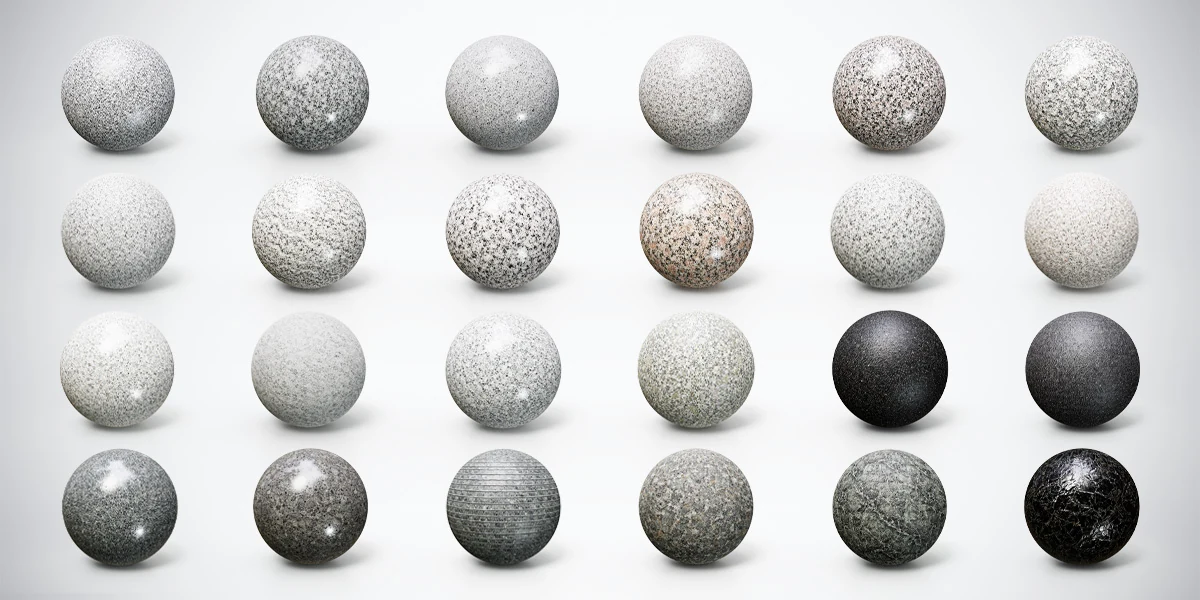
Compare 24 granite, marble and stone PBR materials with 4K textures and Metallic-Roughness, Unity and Unreal presets for interiors and 3D props.
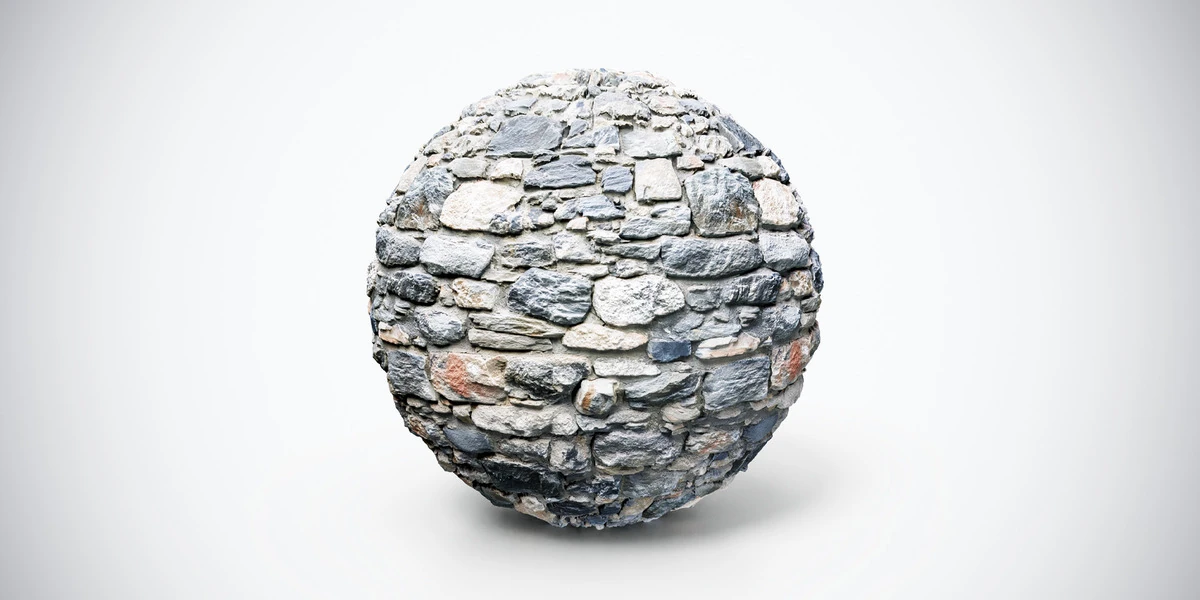
Dark medieval stone wall PBR texture with rugged gray stones and weathered joints. Seamless 1K, 2K and 4K PNG maps for fortresses and fantasy ruins.