HDRI Lighting in Blender: A Practical Product Render Workflow
Set up HDRI lighting in Blender, rotate the environment, balance exposure, and check PBR materials with a practical workflow for clearer product renders.
Read article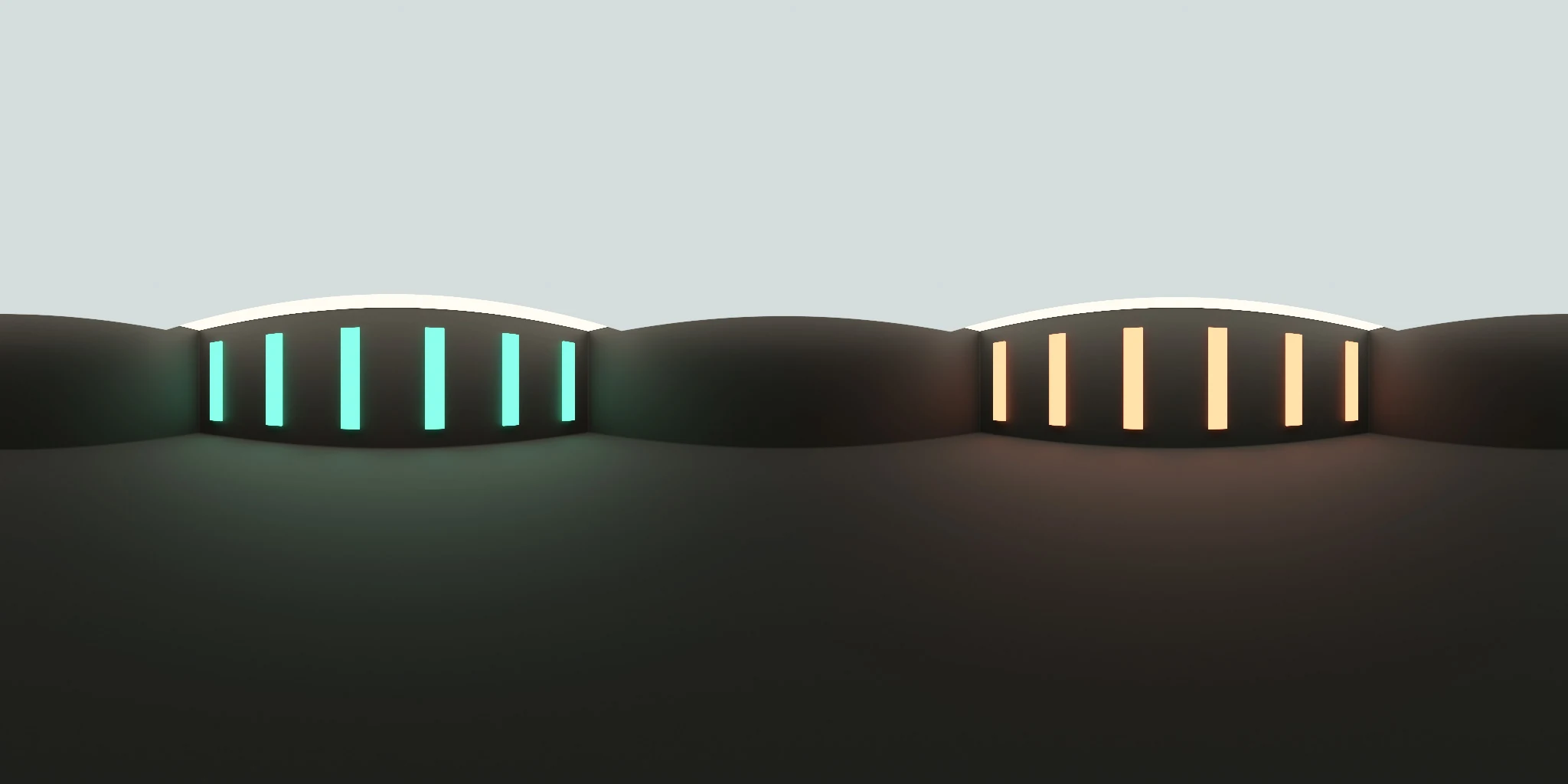
Open the image to explore the details.
Explore Studio Lighting 017 HDRI with cyan and warm light bars over a dark lower field. Use 10K to 2K HDR maps for contrasting product reflections.
See current pricing, available files and license details on the marketplace.
Cyan and warm vertical light bars line a dark horizontal studio wall, with a grey upper field and a much darker lower hemisphere.
The dark lower field is useful when a product needs a heavier base reflection and clearer separation from its highlights. Try it on dark coated metal or polished packaging. Judge roughness using the width of the reflected bars, and keep exposure fixed while comparing this environment with the brighter Studio Lighting 018.
The product page lists 10K, 8K, 4K, 2K files in .hdr format. The supplied catalog image is a compressed web preview; load the purchased HDR map for environment lighting. Choose the map resolution to suit the detail visible in your final background and reflections.
Learn how to set up and rotate HDRI lighting in Blender. Use roughness maps in PBR to understand how surface roughness affects the reflected light pattern.
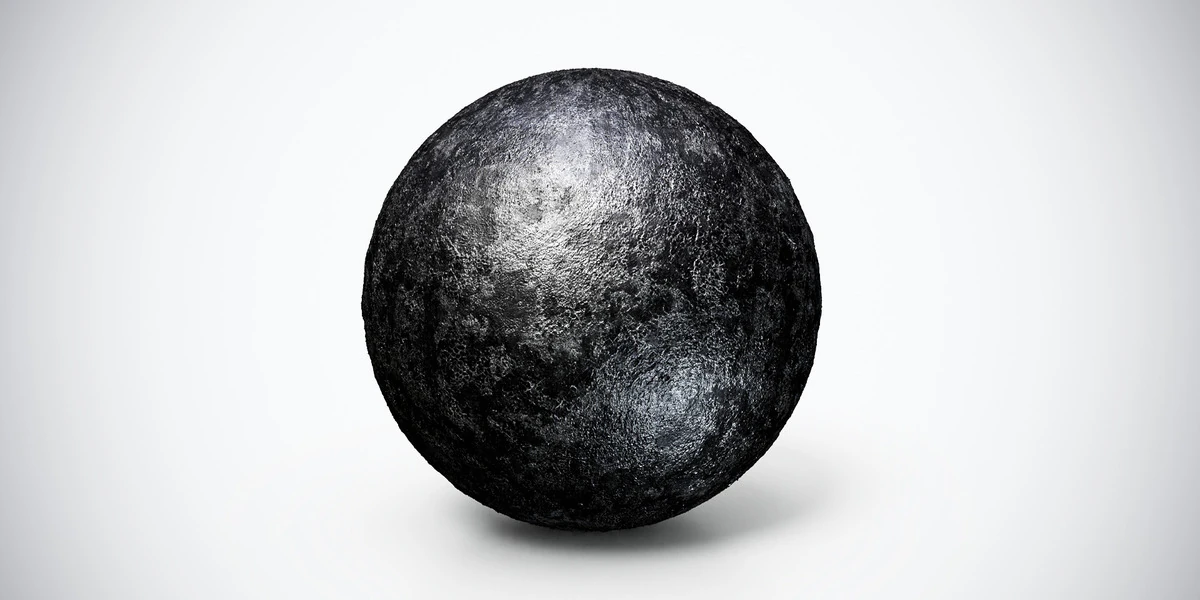
Compare Rough Black Metal PBR Texture to test colored highlights against the dark body of a black metal material. Keep the camera and material fixed when evaluating the change.
Compare Studio Lighting 018 HDRI to compare the light lower hemisphere with a darker base reflection.
Browse the HDRI lighting collection for more environments and combined lighting filters.
For another lighting comparison, try Studio Lighting 006 HDRI to compare warm arched panels with the narrower colored bars of Studio Lighting 017.
Created in Blender. This is a rendered virtual environment; its lights and surrounding surfaces are part of the panorama.
Set up HDRI lighting in Blender, rotate the environment, balance exposure, and check PBR materials with a practical workflow for clearer product renders.
Read articleCompare HDRI and area lights in Blender. Learn how to control reflections, reveal product shape and combine light sources without flattening your render.
Read articleYou can model a clean asset, unwrap it properly, bake a solid normal map, and still end up with a material that feels wrong.
Read articleRough black metal PBR texture with a dark granular surface and broken highlights. Seamless 1K–4K PNG maps for industrial housings, panels and mechanical props.
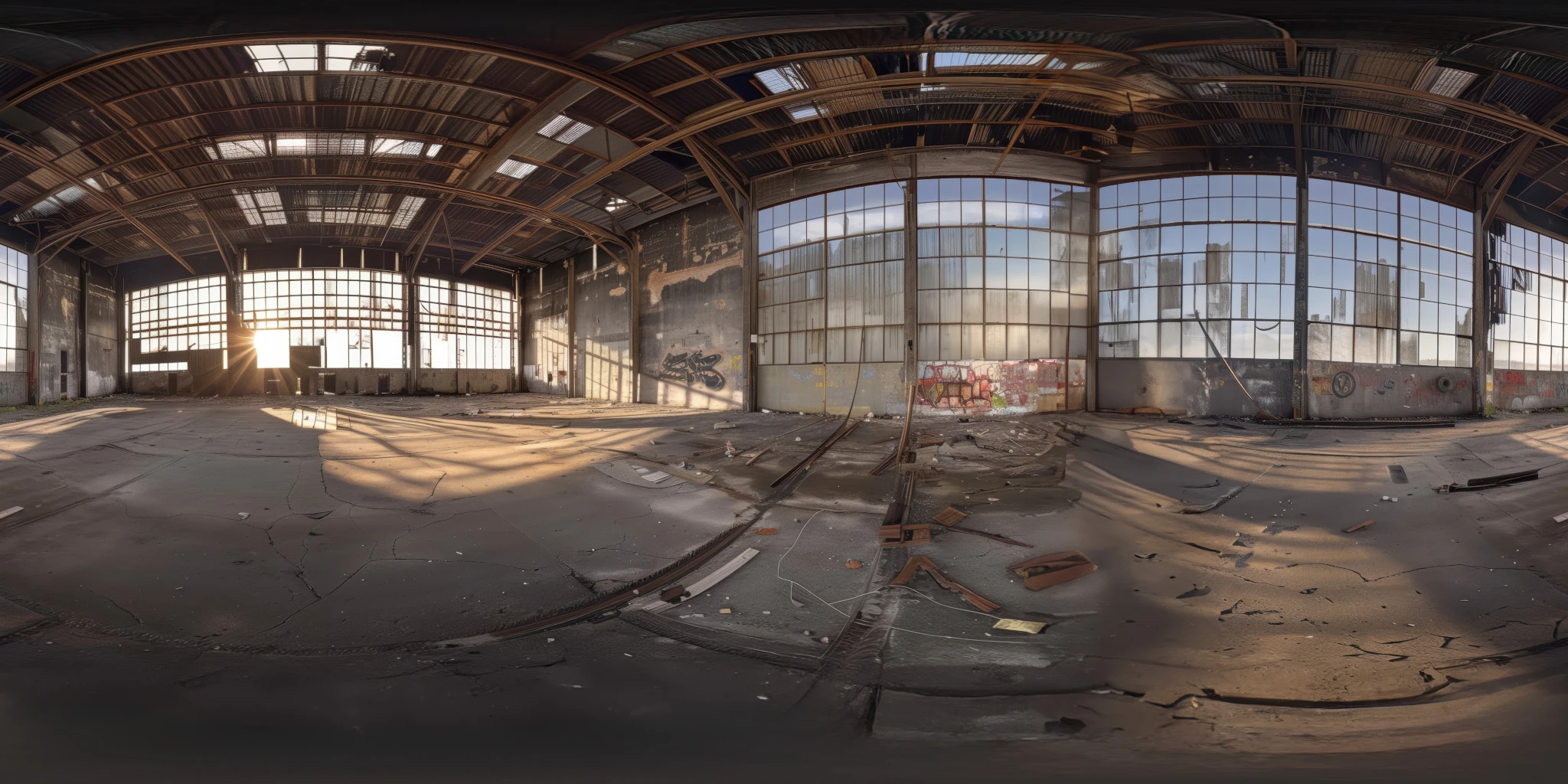
View assetExplore an abandoned warehouse HDRI with window light, roof trusses and worn concrete. Choose 12K to 2K unclipped maps for industrial props and reflections.
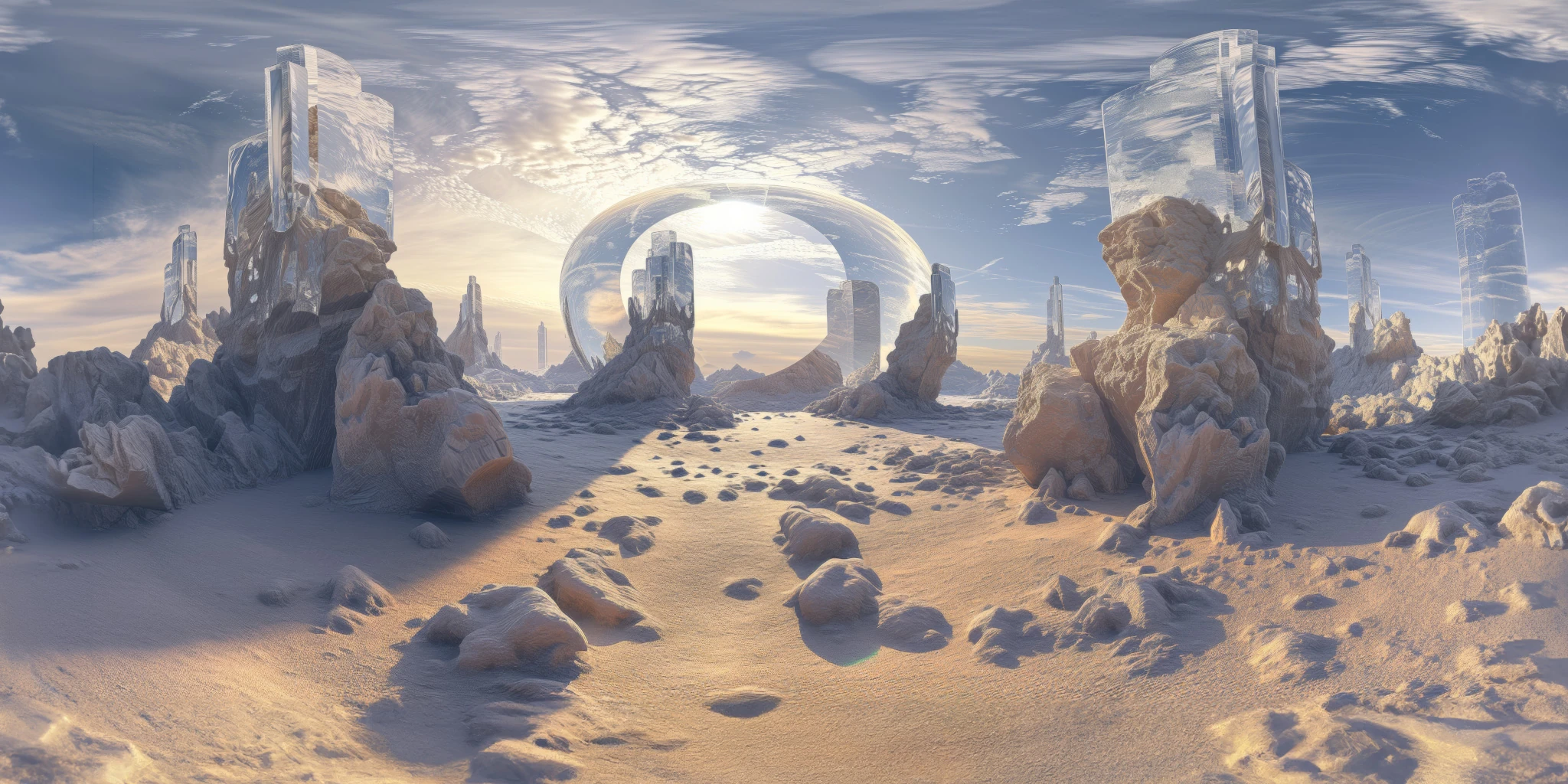
View assetExplore a crystal valley HDRI with pale formations, sandy terrain and a monumental arch. Choose 12K to 2K maps for bright sci-fi lighting and reflections.
View asset