Wood Grain Direction in Blender: UV Mapping for Furniture
Control wood grain direction in Blender furniture: orient UV islands, match grain scale and align plank joints across table legs, rails and panels.
Read article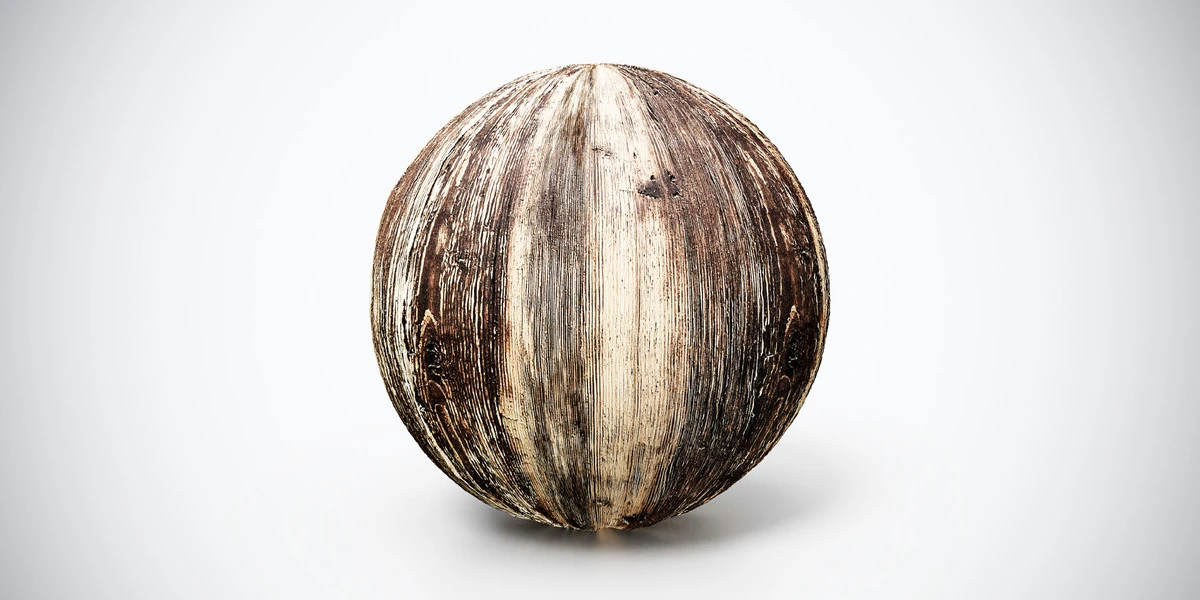
Open the image to explore the details.
Aged Wood PBR Texture — Pale Streaks with distinctive grain and wear. Explore seamless 4K maps, practical uses and related materials for 3D scenes.
See current pricing, available files and license details on the marketplace.
Broad pale streaks run along dark weathered wood, interrupted by narrow splits and uneven worn patches. This asset is a tileable surface texture set for a modeled object; the preview sphere demonstrates the material rather than a supplied scene.
Try it on reclaimed panels, upright timber details and rustic furniture where directional wear can follow the length of a board.
Align the pale streaks to the timber construction. A ninety-degree mismatch between adjacent pieces is appropriate only where their real grain direction changes.
The listing specifies seamless 4K, 2K and 1K PNG maps. These maps describe color and surface response; visible outlines and large changes in form still depend on the mesh.
The furniture wood grain workflow explains the decisions most relevant to this surface. Follow the Blender PBR texture setup when connecting the map channels, then inspect the material at the intended camera distance. Keep the coordinate transforms consistent across all maps.
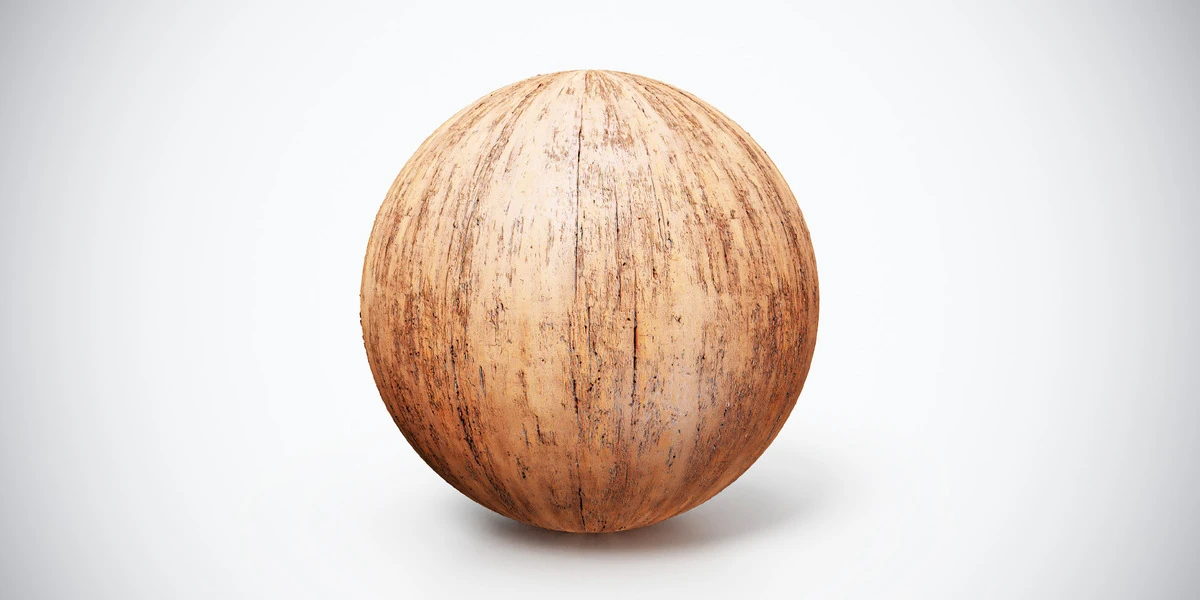
Compare the grain, finish and construction scale with Worn Light Wood PBR Texture. Choose the pattern that fits the object rather than using a higher resolution to compensate for unsuitable scale.
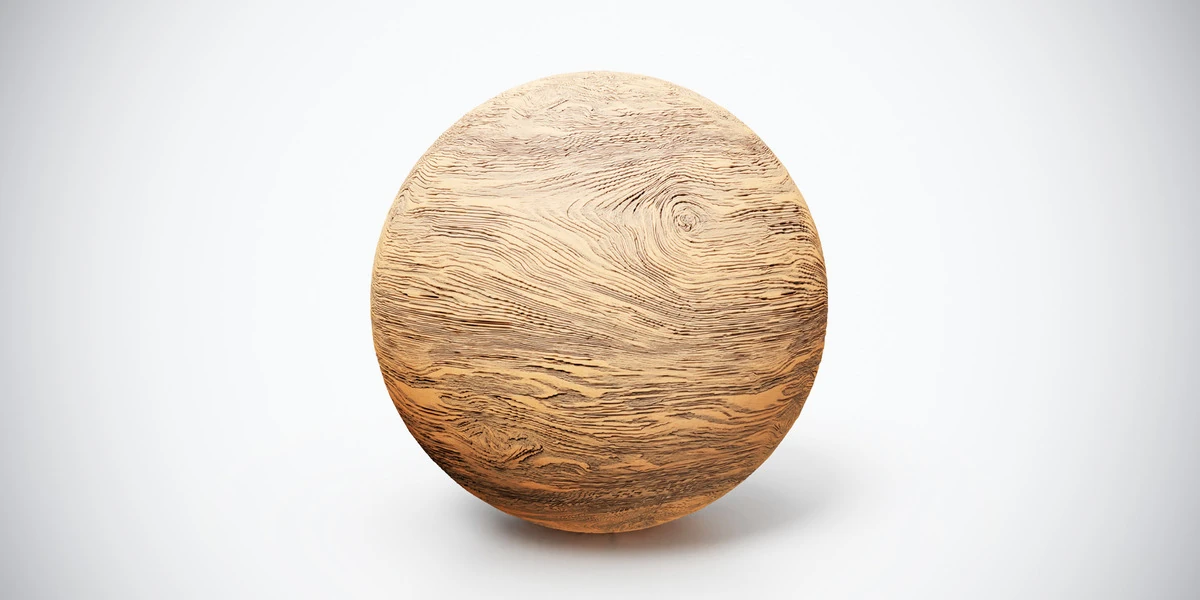
For another surface in this family, inspect Natural Wood PBR Texture — Tangled Grain under the same lighting before committing to the scene.
Browse the wood and bark materials for more options. The Superhive button opens the product listing for current package contents, pricing and license details.
Control wood grain direction in Blender furniture: orient UV islands, match grain scale and align plank joints across table legs, rails and panels.
Read articleSetting up PBR textures in Blender is one of those steps that looks simple at first, but can easily break the final quality of your 3D asset if done incorrectly. You may have a clean low-poly model, well-baked maps, beautiful…
Read articleYou can model a clean asset, unwrap it properly, bake a solid normal map, and still end up with a material that feels wrong.
Read articleNatural Wood PBR Texture — Tangled Grain with distinctive grain and wear. Explore seamless 4K maps, practical uses and related materials for 3D scenes.
View assetWorn light wood PBR texture with warm grain and fine dark wear marks. Seamless 1K–4K PNG maps for furniture, timber panels and close-up interior props.
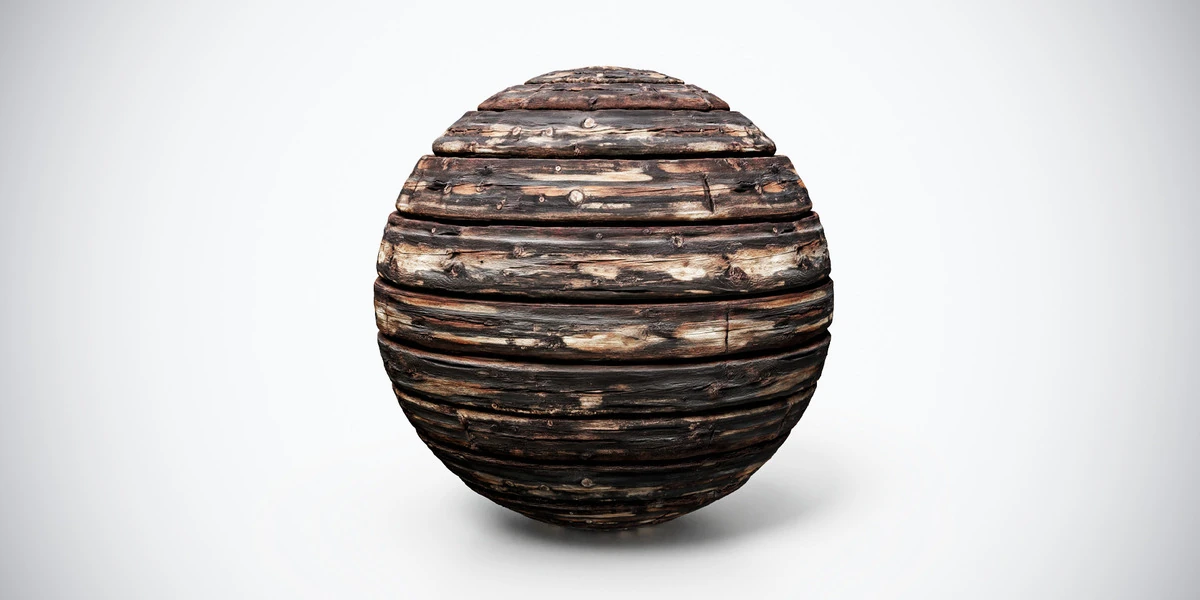
View assetBurnt aged wood PBR texture with dark planks, cracks and scorched detail. Seamless 1K–4K PNG maps for damaged structures, rustic props and horror interiors.
View asset