How to Create Realistic Old Painted Wood in Substance Designer
Learn how to create realistic old painted wood in Substance Designer with practical tips on wood grain, paint wear, roughness, and procedural control for game-ready…
Read article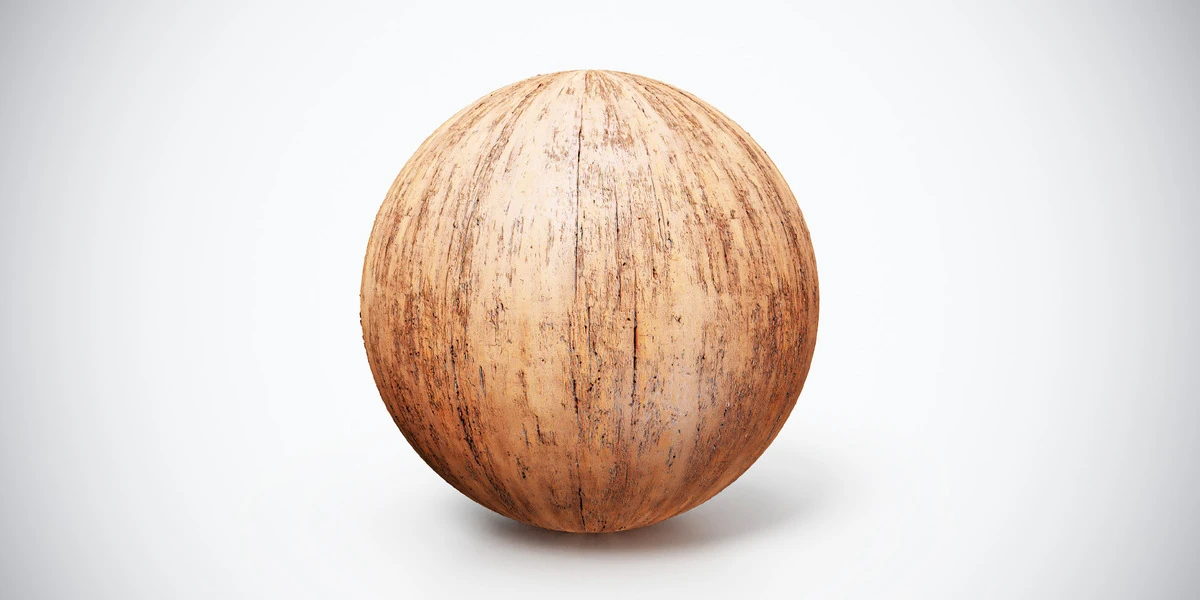
Open the image to explore the details.
Worn light wood PBR texture with warm grain and fine dark wear marks. Seamless 1K–4K PNG maps for furniture, timber panels and close-up interior props.
See current pricing, available files and license details on the marketplace.
Warm light wood is interrupted by thin, darker streaks and worn grain. The preview has a continuous surface, making it useful where modeled boards should define the joints.
Apply it to a chair frame, drawer front or interior timber panel. Orient the grain along the part being constructed and handle end grain separately. Fine wear should remain smaller than the structural details of the object.
The product listing specifies 4K, 2K and 1K PNG maps with seamless tiling.
The aged wood workflow helps you judge grain and surface wear as separate features. Follow the Blender PBR setup guide to connect the supplied maps before comparing finishes. The listing includes a Metallic map; its presence does not make the wood or soil a metal.
Use Old Wood Plank PBR Texture for pronounced weathered board joints, or compare Dark Glossy Wood PBR Texture when the scene calls for a darker polished finish.
Explore the wood & bark PBR collection for other surfaces in this family. The Superhive button opens the product listing for current package contents, price and license terms.
Learn how to create realistic old painted wood in Substance Designer with practical tips on wood grain, paint wear, roughness, and procedural control for game-ready…
Read articleSetting up PBR textures in Blender is one of those steps that looks simple at first, but can easily break the final quality of your 3D asset if done incorrectly. You may have a clean low-poly model, well-baked maps, beautiful…
Read articleLearn how to create atmospheric vintage interiors for games using furniture, color palettes, lighting, PBR materials, and storytelling details.
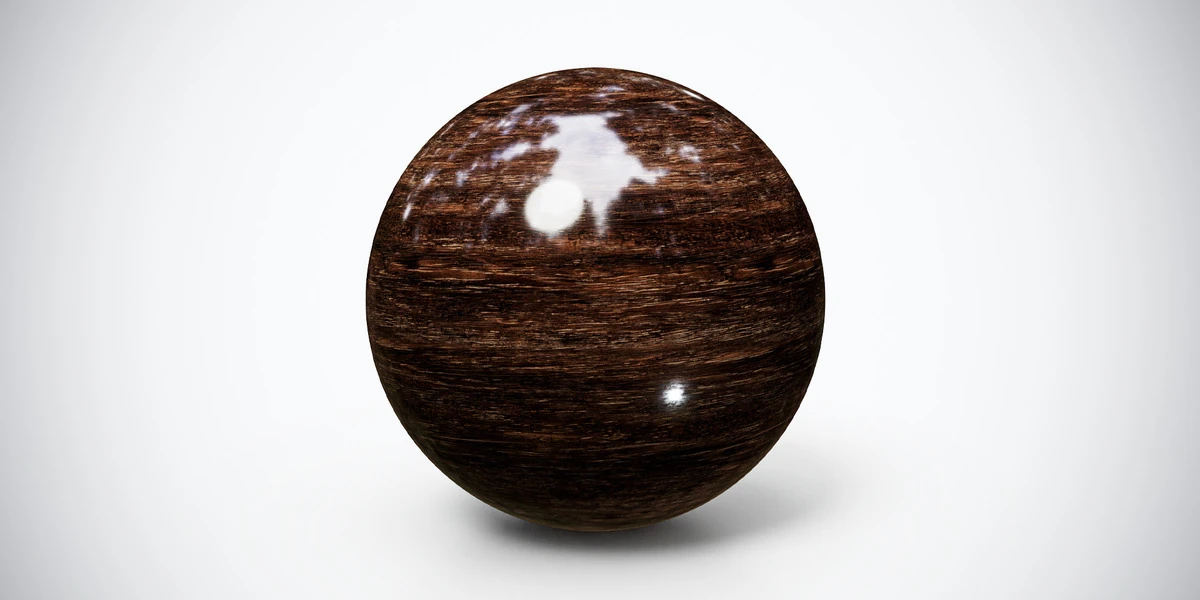
Read articleDark glossy wood PBR texture with pronounced horizontal grain and polished highlights. Seamless 1K–4K PNG maps for cabinets, furniture and interior panels.
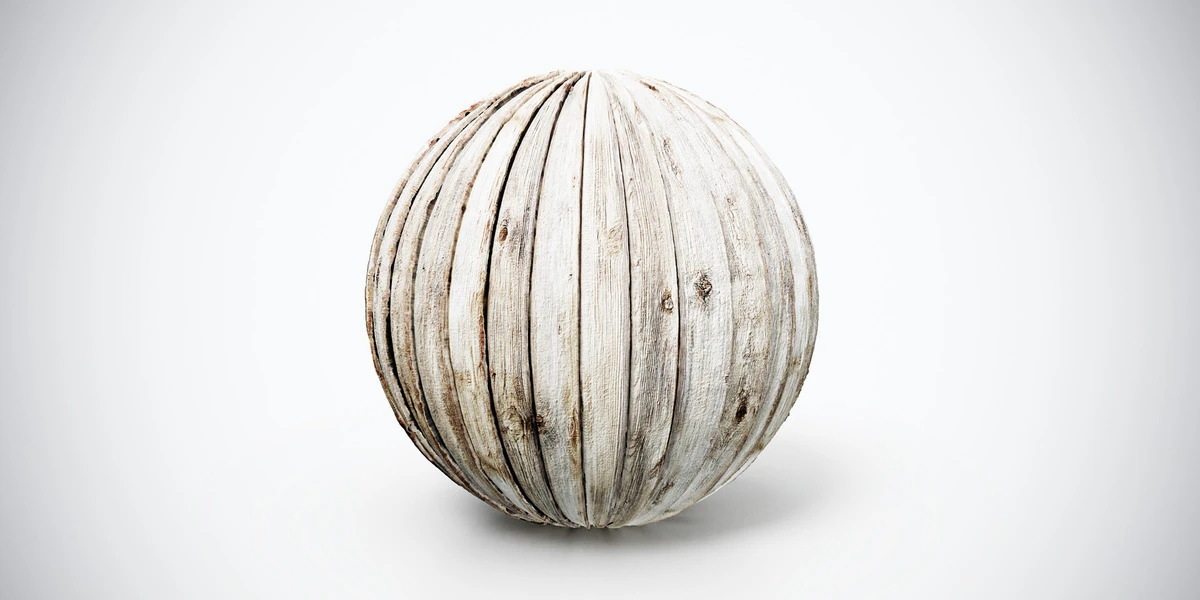
View assetOld wood plank PBR texture with pale weathered boards, knots and dark seams. Seamless 1K–4K PNG maps for rustic cladding, decks and timber props in 3D scenes.
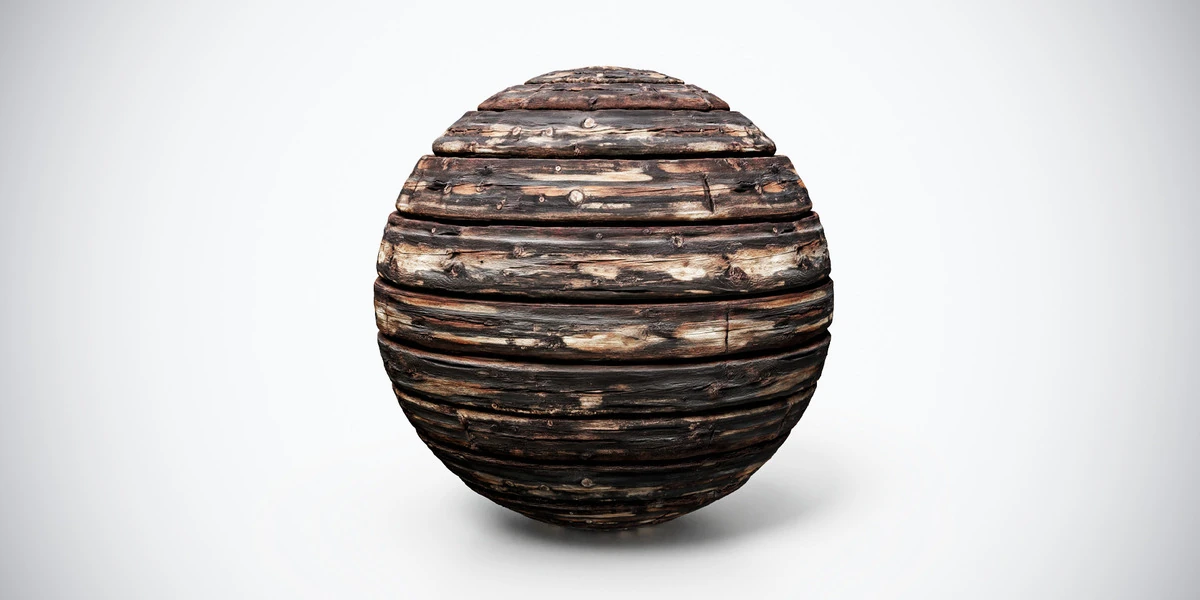
View assetBurnt aged wood PBR texture with dark planks, cracks and scorched detail. Seamless 1K–4K PNG maps for damaged structures, rustic props and horror interiors.
View asset