How to Create Realistic Old Painted Wood in Substance Designer
Learn how to create realistic old painted wood in Substance Designer with practical tips on wood grain, paint wear, roughness, and procedural control for game-ready…
Read article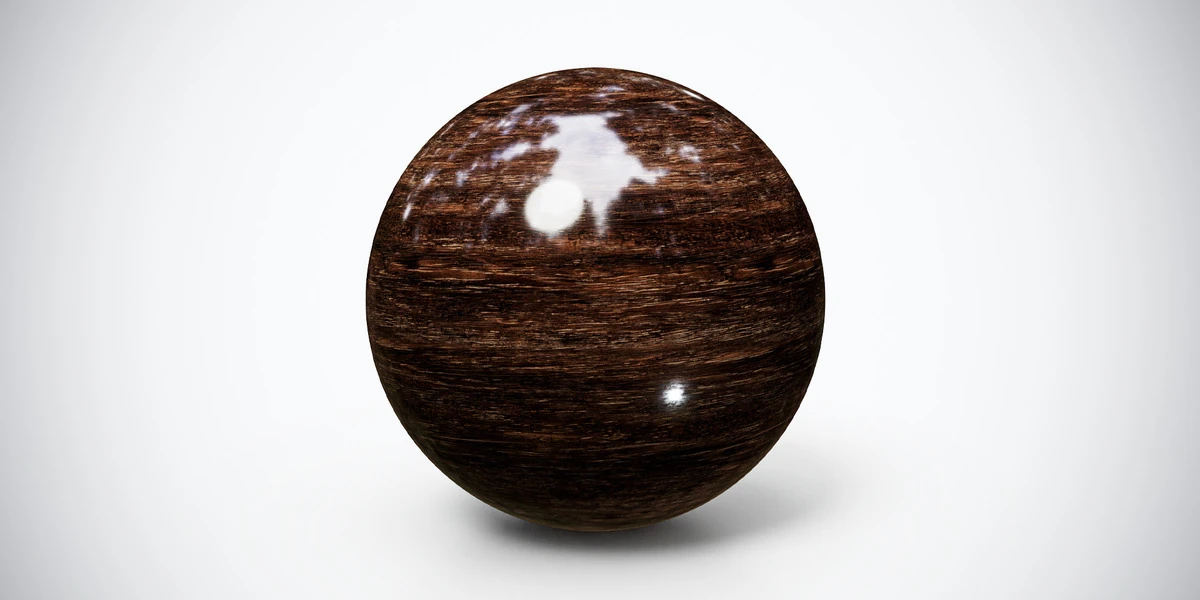
Open the image to explore the details.
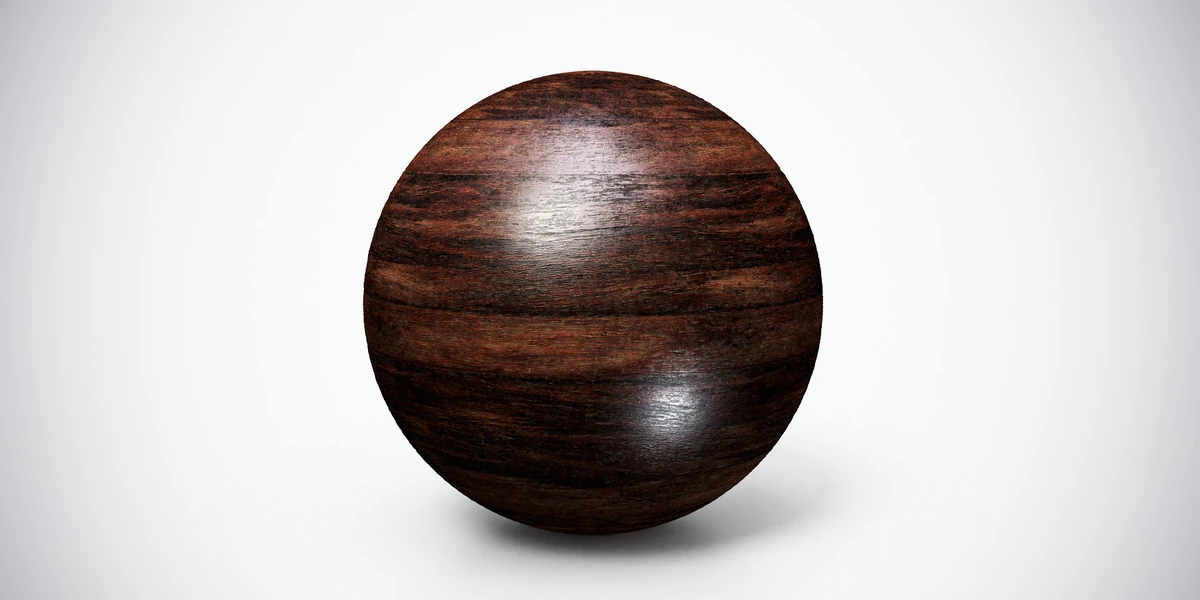
Dark glossy wood PBR texture with pronounced horizontal grain and polished highlights. Seamless 1K–4K PNG maps for cabinets, furniture and interior panels.
See current pricing, available files and license details on the marketplace.
Pronounced horizontal grain crosses a dark brown polished surface. Strong highlights can mask the pattern, so evaluate the finish from more than one reflection angle.
Try it on cabinetry, a reception counter or a polished furniture panel. Follow the direction of each constructed part rather than mapping the whole object with one grain orientation. Keep the finish consistent across adjacent pieces.
The product listing specifies 4K, 2K and 1K PNG maps with seamless tiling.
The aged wood workflow helps you judge grain and surface wear as separate features. Follow the Blender PBR setup guide to connect the supplied maps before comparing finishes.
Compare Dark Wood PBR Texture — Reddish Grain for broader reddish bands and Dark Wood PBR Texture — Wavy Grain for finer wavy grain and small knots before choosing a furniture finish.
Explore the wood & bark PBR collection for other surfaces in this family. The Superhive button opens the product listing for current package contents, price and license terms.
Learn how to create realistic old painted wood in Substance Designer with practical tips on wood grain, paint wear, roughness, and procedural control for game-ready…
Read articleSetting up PBR textures in Blender is one of those steps that looks simple at first, but can easily break the final quality of your 3D asset if done incorrectly. You may have a clean low-poly model, well-baked maps, beautiful…
Read articleLearn how to create atmospheric vintage interiors for games using furniture, color palettes, lighting, PBR materials, and storytelling details.
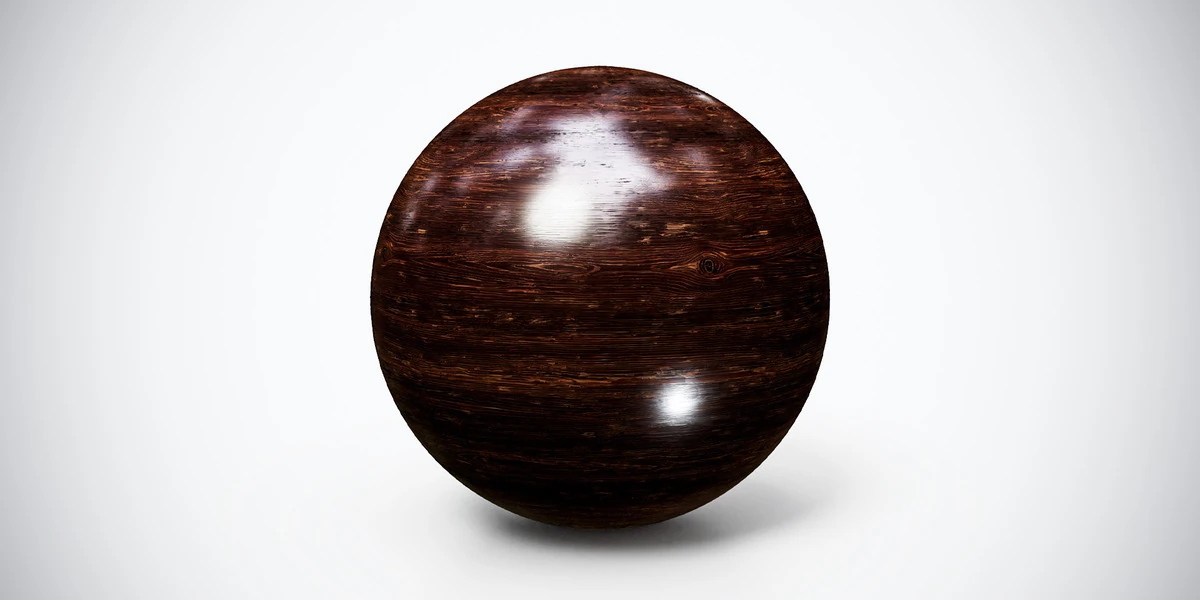
Read articleDark wood PBR texture with reddish horizontal grain and subtle wear. Seamless 1K–4K PNG maps for furniture panels, interior trim and timber product renders.
View assetDark wood PBR texture with fine wavy grain, small knots and glossy highlights. Seamless 1K–4K PNG maps for furniture, decorative panels and interior props.
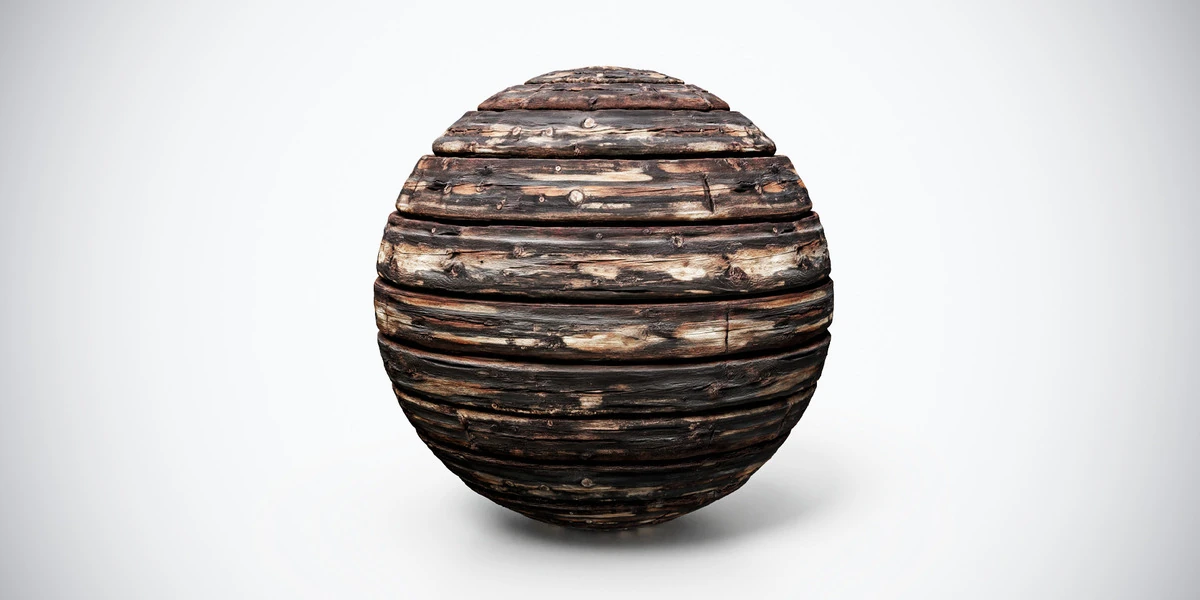
View assetBurnt aged wood PBR texture with dark planks, cracks and scorched detail. Seamless 1K–4K PNG maps for damaged structures, rustic props and horror interiors.
View asset