How to Create Realistic Old Painted Wood in Substance Designer
Learn how to create realistic old painted wood in Substance Designer with practical tips on wood grain, paint wear, roughness, and procedural control for game-ready…
Read article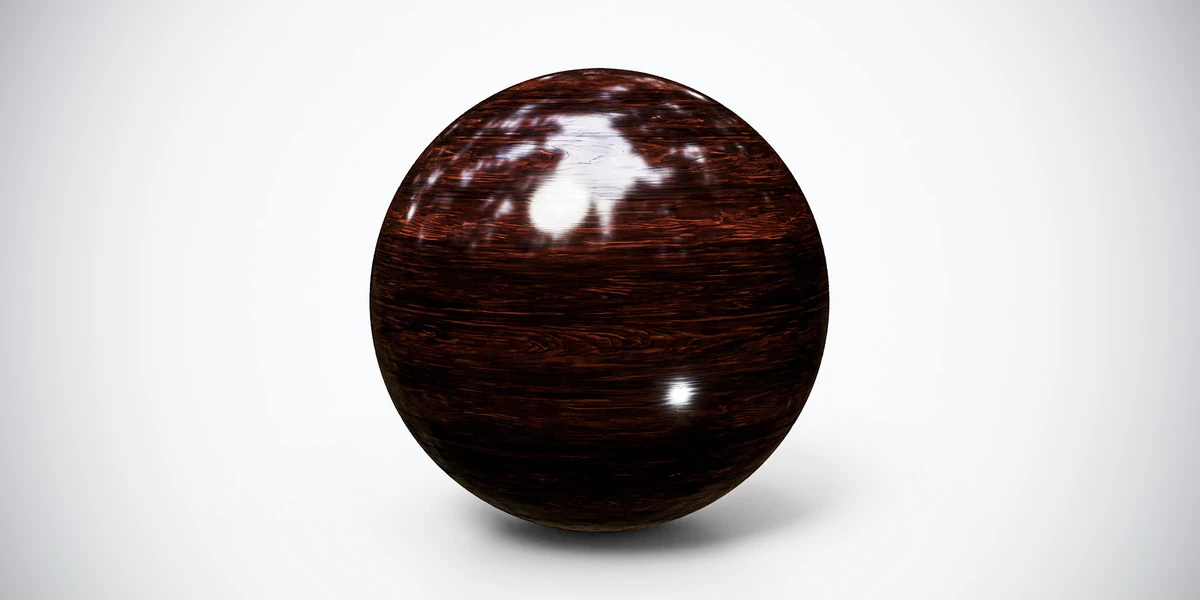
Open the image to explore the details.
Dark wood PBR texture with a polished reddish-brown grain. Seamless 1K–4K PNG maps for furniture fronts, decorative panels and interior product renders.
See current pricing, available files and license details on the marketplace.
Deep brown wood carries narrow reddish grain lines beneath a smooth, reflective finish. The preview helps compare its grain, color and surface character before applying it to a modeled object.
Try this finish on a cabinet front, furniture panel or decorative interior surface. Align the grain with the direction of the timber and judge its readability in both bright reflections and shadow. Build panel joints in geometry when they need visible depth.
Use broad reflections to judge the finish, and keep the fine grain from becoming raised ridges.
The product listing specifies 4K, 2K and 1K PNG maps with seamless tiling.
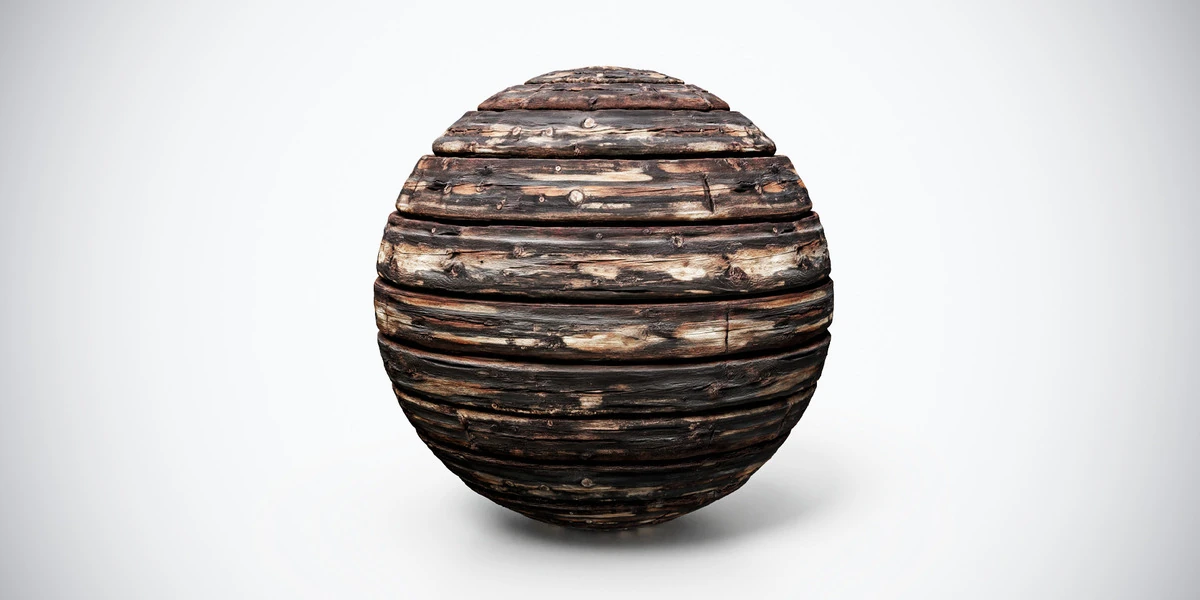
Use the aged wood workflow to evaluate grain direction and wear as separate features. The Blender PBR setup guide covers connecting the supplied maps before comparing finishes.
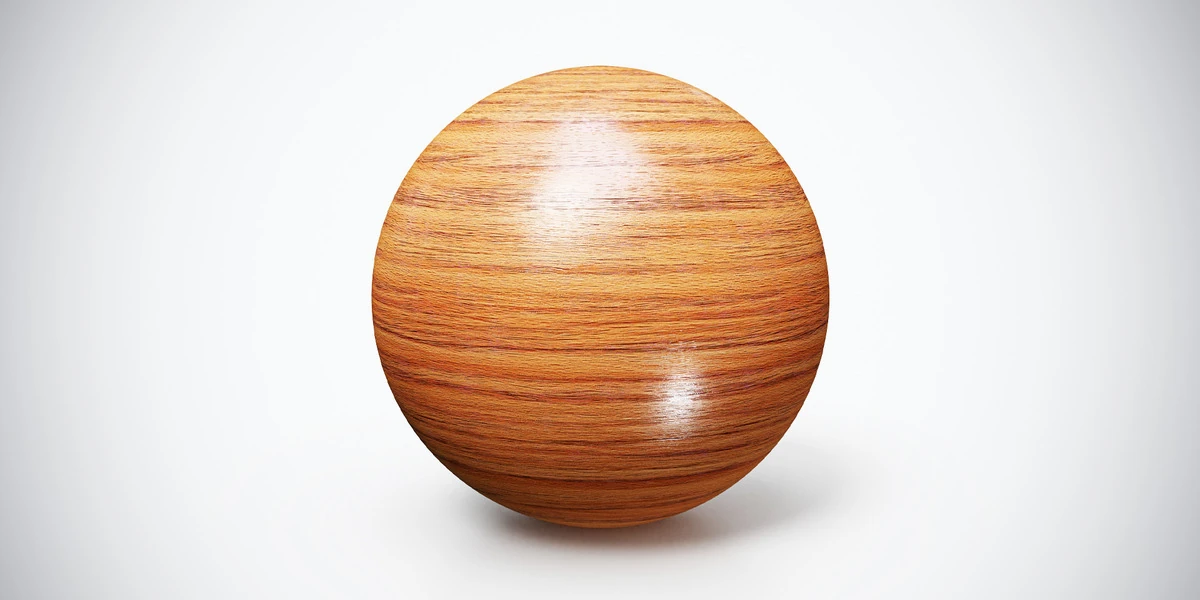
Compare polished wood for a lighter golden surface under the same studio lighting. See Polished Wood PBR Texture — Golden Grain.
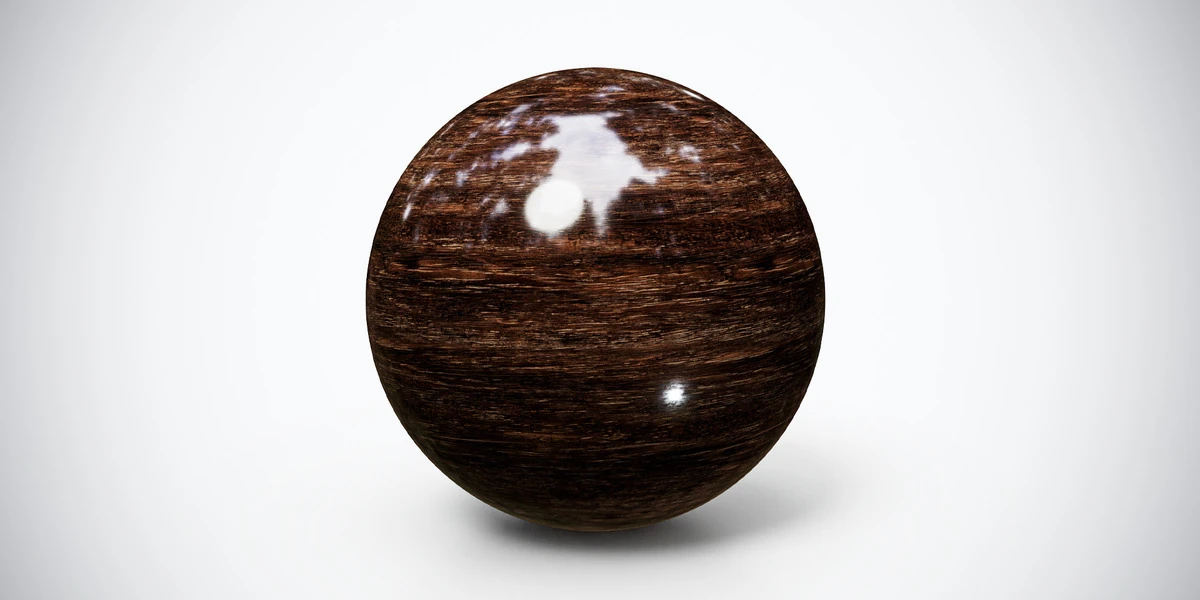
This existing glossy timber is another option for judging a dark furniture finish. Explore Dark Glossy Wood PBR Texture.
Browse the wood & bark PBR collection for other surfaces in this family. The Superhive button opens the current product listing for package contents, pricing and license details.
Learn how to create realistic old painted wood in Substance Designer with practical tips on wood grain, paint wear, roughness, and procedural control for game-ready…
Read articleSetting up PBR textures in Blender is one of those steps that looks simple at first, but can easily break the final quality of your 3D asset if done incorrectly. You may have a clean low-poly model, well-baked maps, beautiful…
Read articleYou can model a clean asset, unwrap it properly, bake a solid normal map, and still end up with a material that feels wrong.
Read articleDark glossy wood PBR texture with pronounced horizontal grain and polished highlights. Seamless 1K–4K PNG maps for cabinets, furniture and interior panels.
View assetPolished wood PBR texture with warm golden grain and a smooth finish. Seamless 1K–4K PNG maps for furniture, interior panels and architectural renders.
View assetBurnt aged wood PBR texture with dark planks, cracks and scorched detail. Seamless 1K–4K PNG maps for damaged structures, rustic props and horror interiors.
View asset