
How to Create Realistic Old Painted Wood in Substance Designer
Create old painted wood in Substance Designer with deliberate wood grain, paint wear, roughness and procedural controls for game-ready materials.
Read article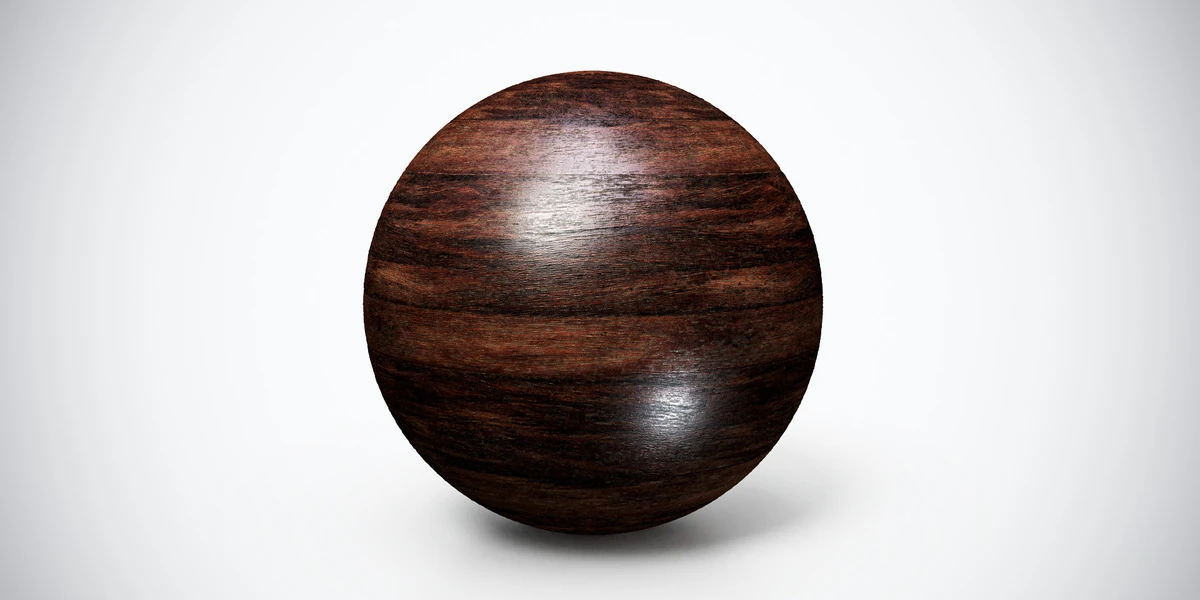
Open the image to explore the details.
Dark wood PBR texture with reddish horizontal grain and subtle wear. Seamless 1K–4K PNG maps for furniture panels, interior trim and timber product renders.
See current pricing, available files and license details on the marketplace.
Dark reddish bands run across a finely streaked wood surface. The grain reads as broad tonal variation as well as small lines, which matters when the object is viewed from farther away.
Try it on a desk front, interior trim or a furniture panel. Align the grain consistently on adjoining pieces and use modeled joints for construction details. Check that shadowed areas retain enough variation to remain readable.
The product listing specifies 4K, 2K and 1K PNG maps with seamless tiling.
The aged wood workflow helps you judge grain and surface wear as separate features. Follow the Blender PBR setup guide to connect the supplied maps before comparing finishes.
Compare Dark Glossy Wood PBR Texture for more pronounced polished grain and Dark Wood PBR Texture — Wavy Grain for fine wavy lines with visible knots.
Explore the wood & bark PBR collection for other surfaces in this family. The Superhive button opens the product listing for current package contents, price and license terms.
For a lighter finish on the same furniture design, compare Polished Wood PBR Texture — Golden Grain while keeping grain scale and lighting consistent.
After downloading the material's maps, open the PBR Material Previewer to compare supported textures on a sphere, cube or plane under HDR lighting. Check normal direction, roughness and tiling locally before applying the material to your scene. Product files are not loaded automatically.
Create old painted wood in Substance Designer with deliberate wood grain, paint wear, roughness and procedural controls for game-ready materials.
Read articleLearn how to set up PBR textures in Blender correctly with proper color space, node connections, normal maps, roughness, and export checks.
Read articleLearn how to create atmospheric vintage interiors for games using furniture, color palettes, lighting, PBR materials, and storytelling details.
Read article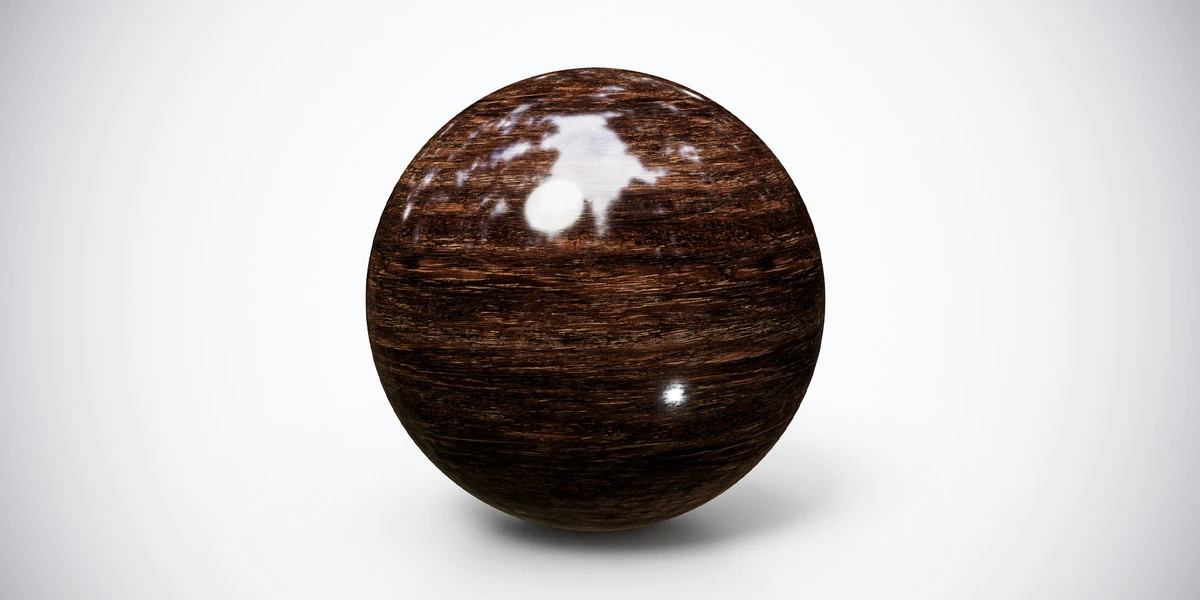
Dark glossy wood PBR texture with pronounced horizontal grain and polished highlights. Seamless 1K–4K PNG maps for cabinets, furniture and interior panels.
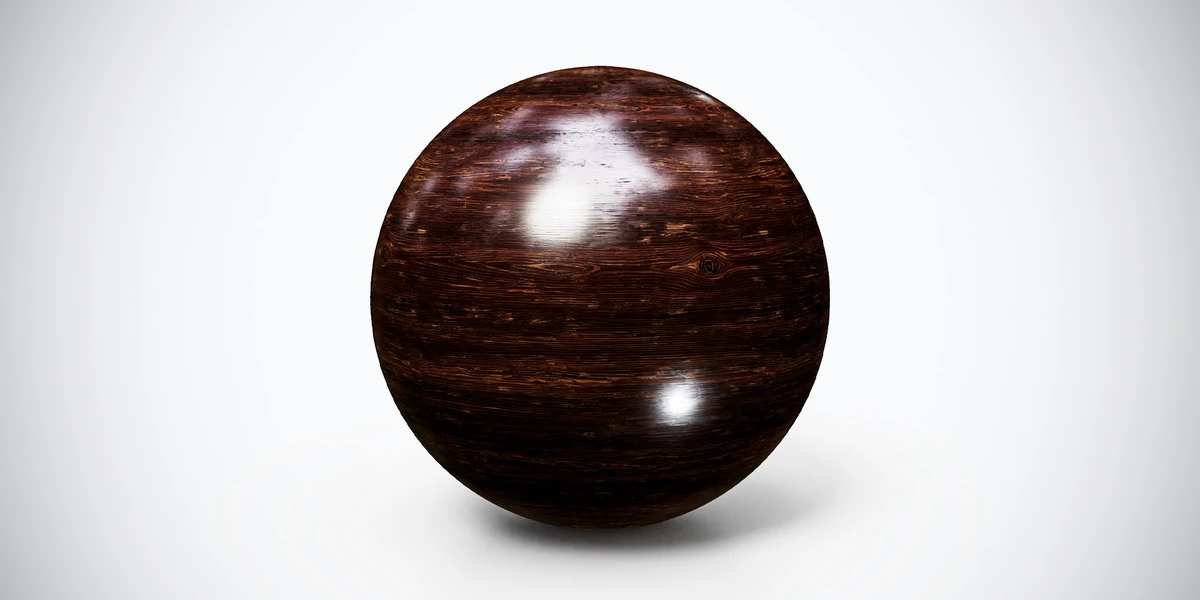
Dark wood PBR texture with fine wavy grain, small knots and glossy highlights. Seamless 1K–4K PNG maps for furniture, decorative panels and interior props.
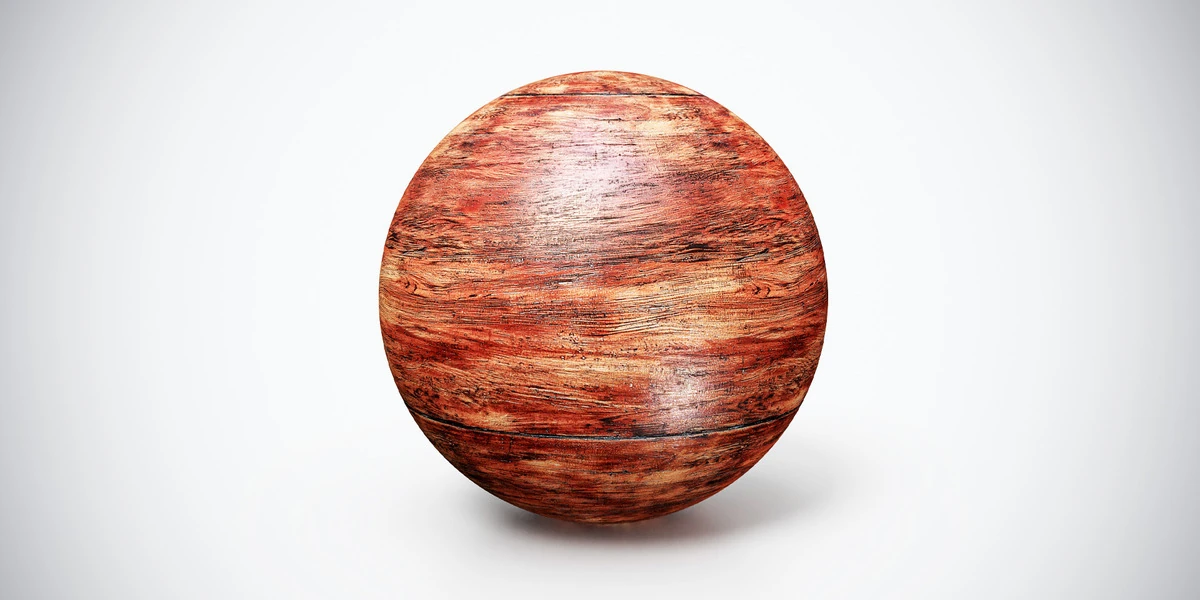
Aged Red Wood PBR Texture — Broad Grain. Explore seamless 4K maps, surface details and practical uses, with related materials and Blender workflow guides.