Roughness Maps in PBR: Why They Matter
You can model a clean asset, unwrap it properly, bake a solid normal map, and still end up with a material that feels wrong.
Read article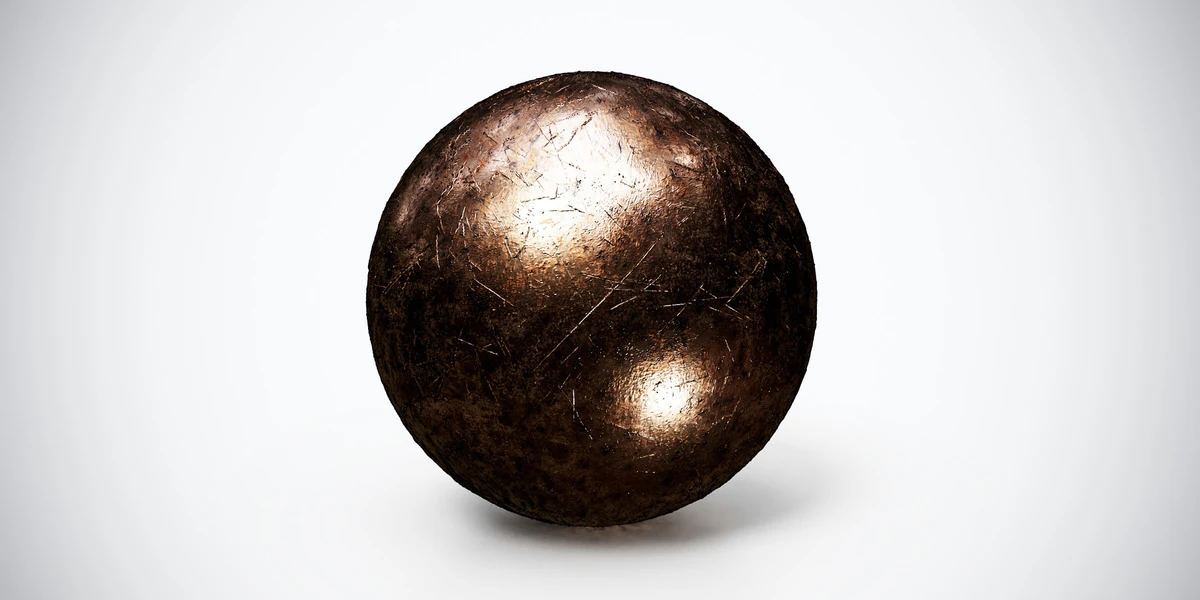
Open the image to explore the details.
Scratched bronze PBR texture with dark warm metal and crossing surface marks. Seamless 1K–4K PNG maps for worn fittings, antique hardware and decorative props.
See current pricing, available files and license details on the marketplace.
Fine intersecting scratches cross a dark bronze surface. Broad reflections reveal the marks differently from frontal illumination, so the preview is only one view of the material response.
Try it on a handle, decorative plate or old mechanical fitting. Keep scratch width consistent with the scale of the hardware. Model major dents and chipped outlines instead of expecting the texture to change the object boundary.
The product listing specifies 4K, 2K and 1K PNG maps with seamless tiling.
The roughness-map guide explains how to evaluate highlight width and surface variation. Use controlled product lighting to compare the metal without changing the camera or exposure between tests.
Use the rusted metal application workflow to compare corrosion and exposed metal on a panel, then inspect wear scale under fixed lighting.
Compare Worn Gold PBR Texture for a more golden decorative finish and Copper Metal PBR Texture for warmer copper tones with finer surface variation.
Explore the metal PBR collection for other surfaces in this family. The Superhive button opens the product listing for current package contents, price and license terms.
You can model a clean asset, unwrap it properly, bake a solid normal map, and still end up with a material that feels wrong.
Read articleSet up HDRI lighting in Blender, rotate the environment, balance exposure, and check PBR materials with a practical workflow for clearer product renders.
Read articleCreate believable rusted metal in Blender with PBR textures. Separate rust from exposed metal, set wear scale and test roughness under controlled lighting.
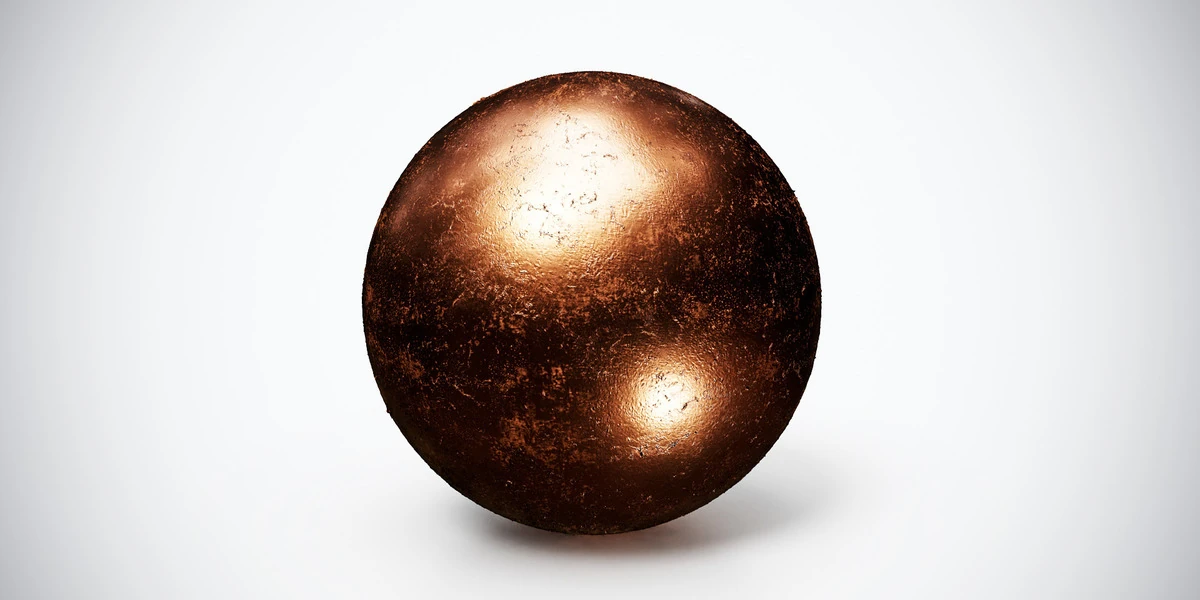
Read articleCopper metal PBR texture with warm orange reflections and fine wear. Seamless 1K–4K PNG maps for fittings, decorative panels and industrial product renders.
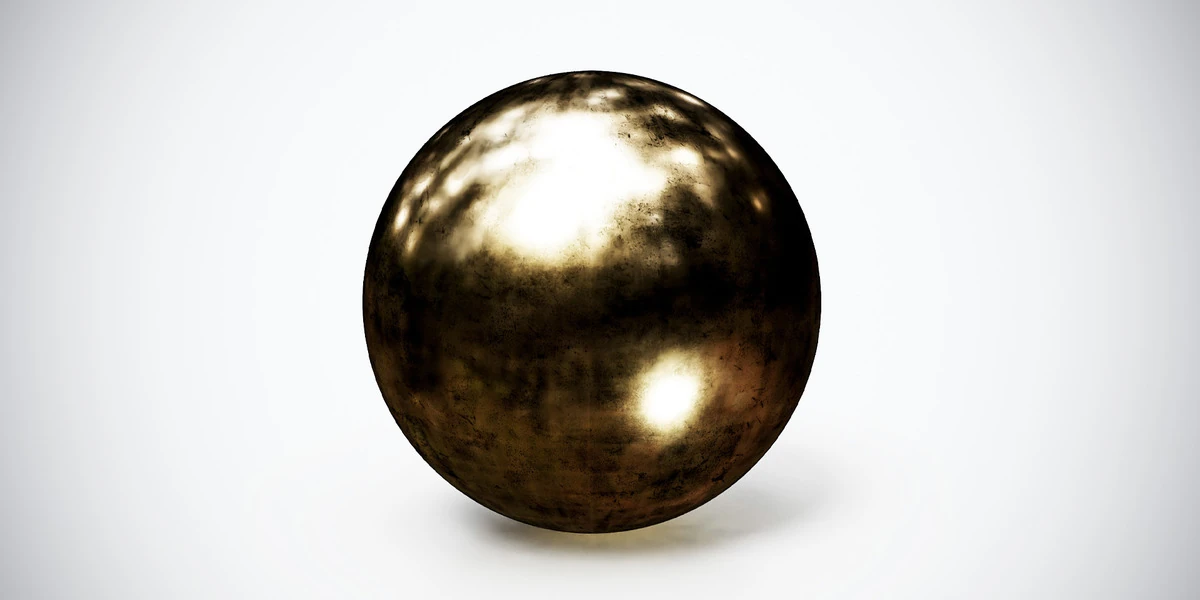
View assetWorn gold PBR texture with dark mottling and reflective gold tones. Seamless 1K–4K PNG maps for decorative trim, antique props and close-up metal studies.
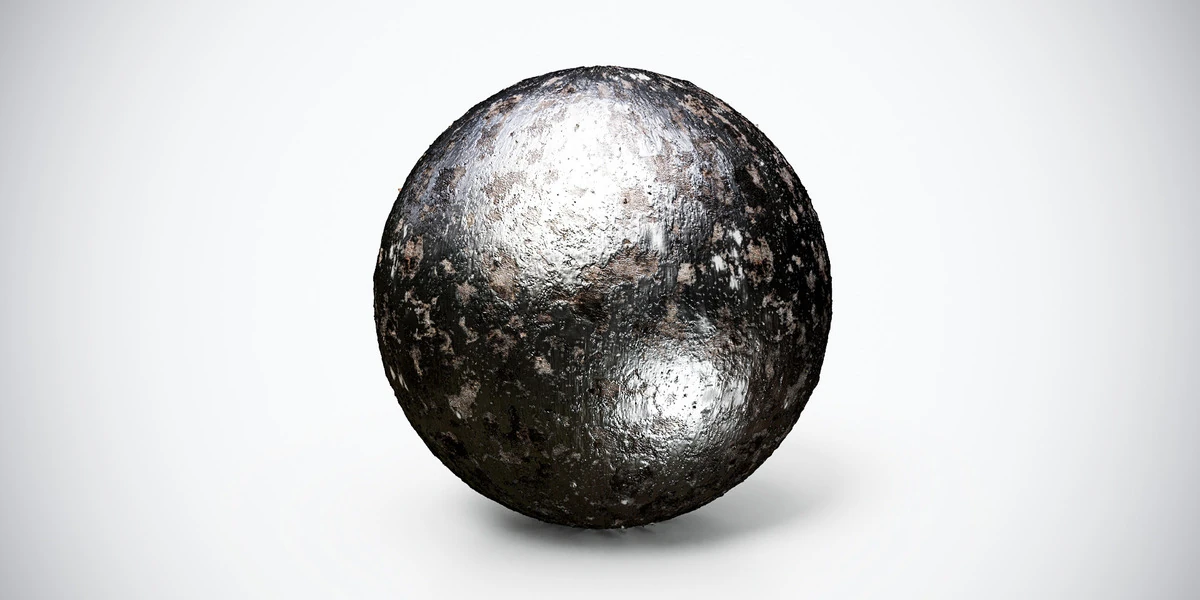
View assetRusty corroded steel PBR texture with worn metal and corrosion detail. Seamless 1K–4K PNG maps, including Metallic, for industrial panels and aged props.
View asset