Bakery Display Materials in Blender: Dough, Crumb and Toast
Create bakery display materials in Blender by separating raw dough, baked crumb and toasted crust, then matching scale, lighting and the counter surface.
Read article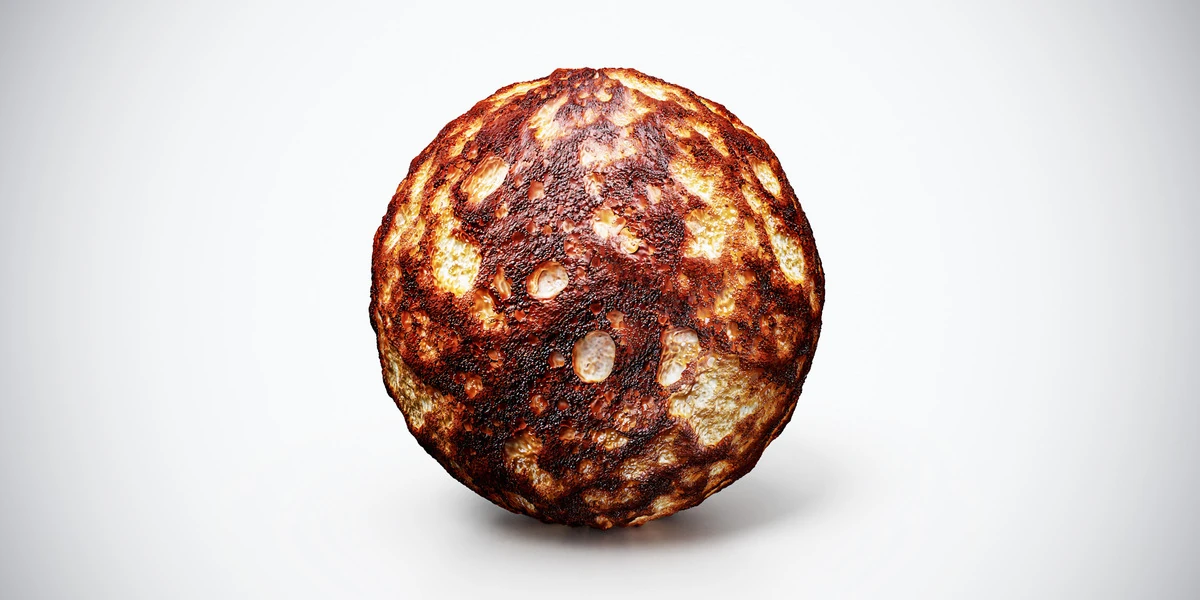
Open the image to explore the details.
Toasted Bread PBR Texture with detailed food surfaces. Explore seamless 4K maps, practical uses and related materials for 3D scenes.
See current pricing, available files and license details on the marketplace.
Deep brown toasted patches surround lighter porous bread, producing a strongly baked, uneven crust pattern. This asset is a tileable surface texture set for a modeled object; the preview sphere demonstrates the material rather than a supplied scene.
Use it for toast tops, crust studies and breakfast compositions with a clear contrast between browned and pale areas.
Model slice thickness and any cut crumb separately. Compare the dark patches under neutral lighting so strong browning remains distinct from added shadow.
The listing specifies a seamless 4K texture set. Additional resolutions are not confirmed on the reviewed product page. These maps describe color and surface response; visible outlines and large changes in form still depend on the mesh.
The bakery display material workflow explains the decisions most relevant to this surface. Follow the Blender PBR texture setup when connecting the map channels, then inspect the material at the intended camera distance. Keep the coordinate transforms consistent across all maps.
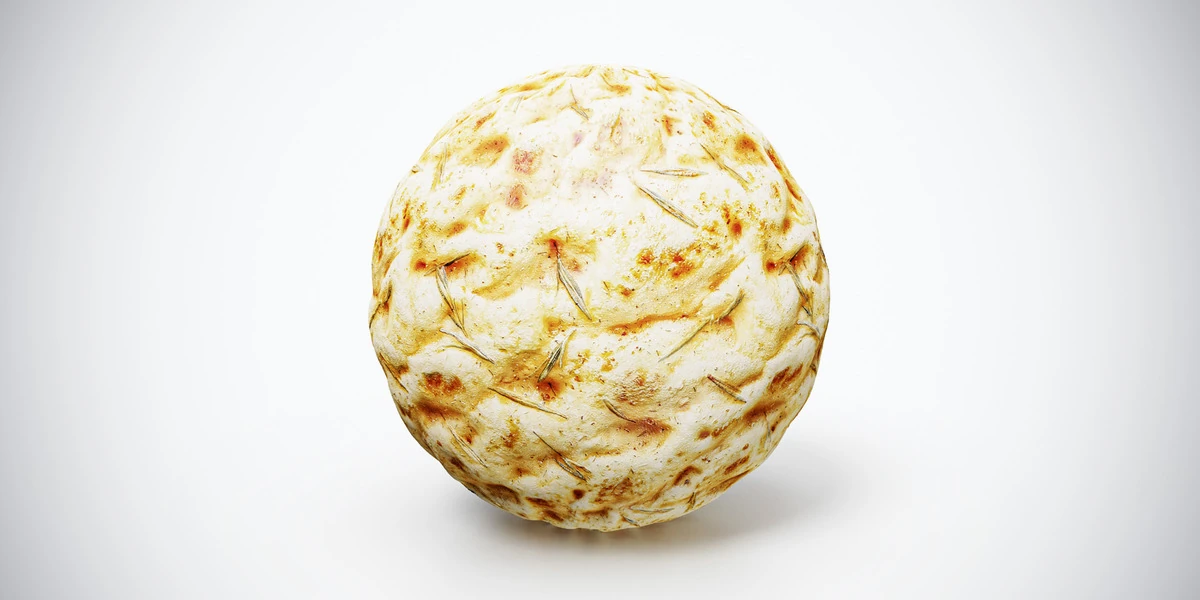
Compare the ingredient shapes and surface finish with Focaccia PBR Texture. Choose the pattern that fits the object rather than using a higher resolution to compensate for unsuitable scale.
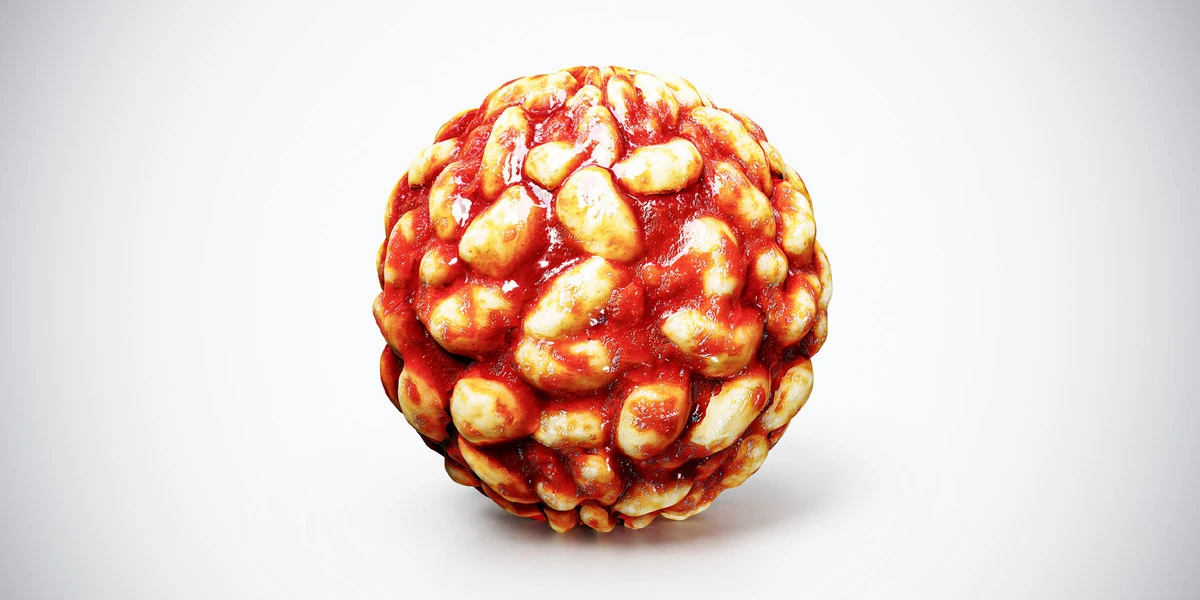
For another surface in this family, inspect Gnocchi with Tomato Sauce PBR Texture under the same lighting before committing to the scene.
Browse the food materials for more options. The Superhive button opens the product listing for current package contents, pricing and license details.
Create bakery display materials in Blender by separating raw dough, baked crumb and toasted crust, then matching scale, lighting and the counter surface.
Read articleSetting up PBR textures in Blender is one of those steps that looks simple at first, but can easily break the final quality of your 3D asset if done incorrectly. You may have a clean low-poly model, well-baked maps, beautiful…
Read articleUse food PBR textures in Blender for believable desserts and coffee. Match serving scale, model visible silhouettes and control roughness without plastic highlights.
Read articleFocaccia PBR texture with a pale golden crust and herb details. Seamless 1K–4K PNG maps for bakery displays, bread surfaces and culinary product renders.
View assetGnocchi with Tomato Sauce PBR Texture with detailed food surfaces. Explore seamless 4K maps, practical uses and related materials for 3D scenes.
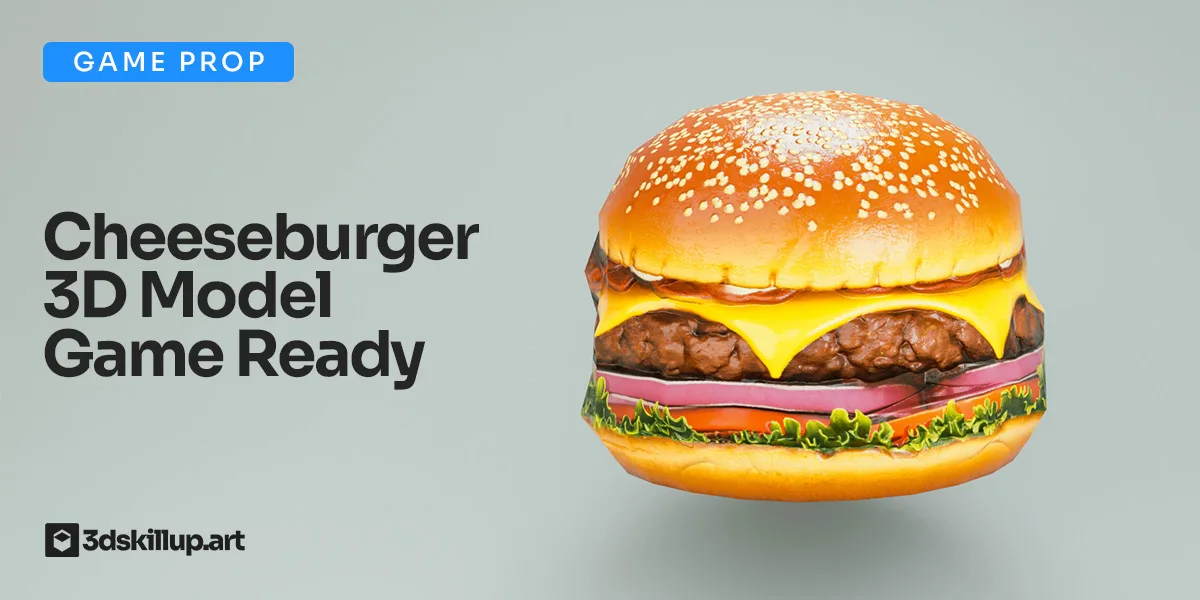
View assetBring realism to your scenes with this game-ready cheeseburger 3D model. Featuring detailed layered ingredients, high-quality PBR textures, and optimized low-poly geometry, it’s perfect for Unity, Unreal Engine, and…
View asset