Match HDRI Lighting to a 3D Ground Plane in Blender
Ground your 3D subject under HDRI lighting in Blender. Match contact, sun direction and camera perspective, then choose a visible plane or shadow catcher.
Read article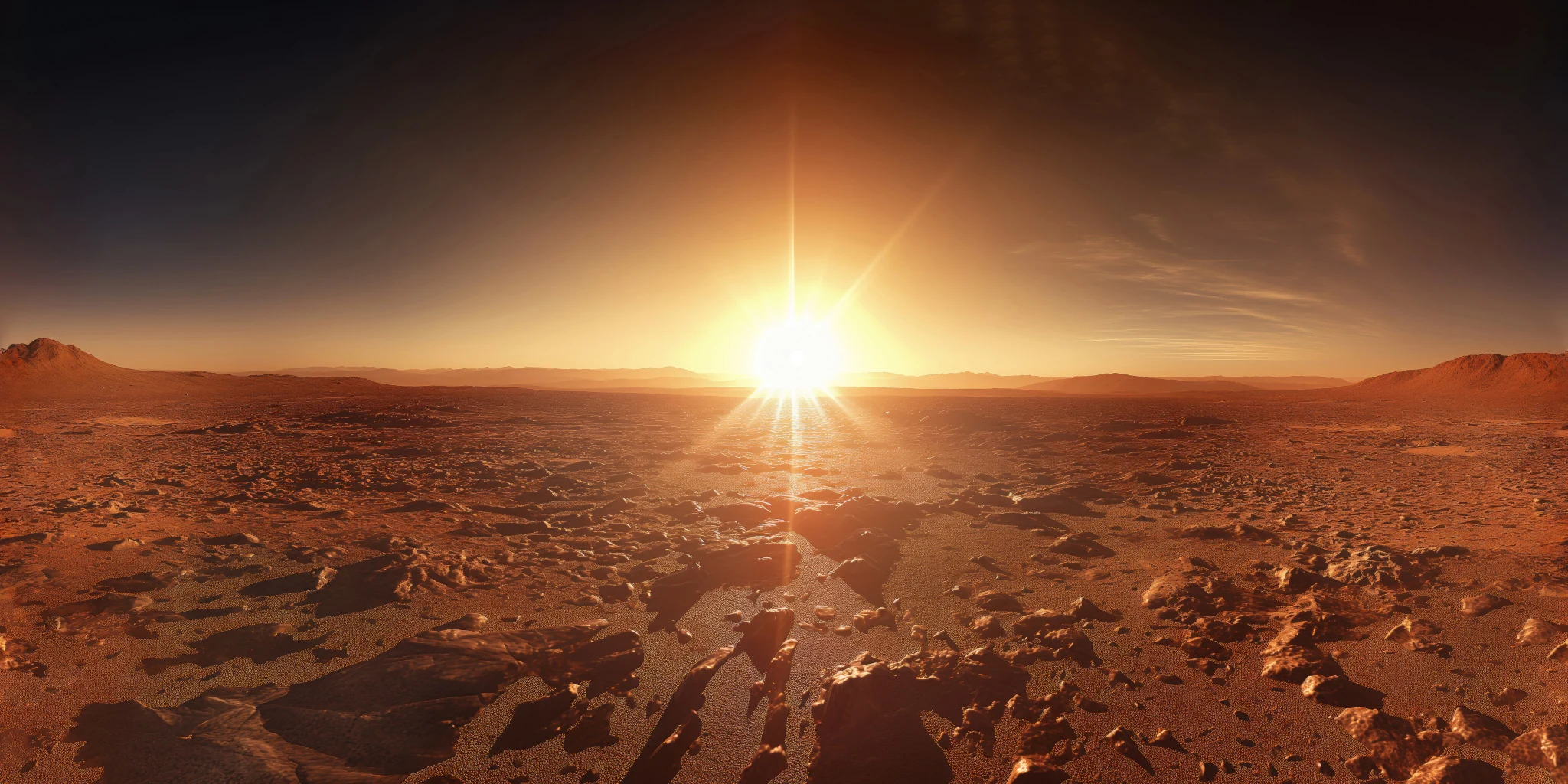
Open the image to explore the details.
Explore an AI-assisted Martian valley HDRI with orange rocks and a low bright sun. Use 12K to 2K HDR maps for warm sci-fi lighting and reflections.
See current pricing, available files and license details on the marketplace.
Orange rocks frame a Martian valley with a bright low sun near the center and hazy hills receding into a warm distant horizon.
This warm valley can help establish an exploratory scene around a rover or a small outpost. The open center leaves room for a readable subject, while the rocky sides introduce variation in metal reflections. Check a neutral grey material first: orange illumination can otherwise be mistaken for an overly saturated base-color texture.
The product page lists 12K, 8K, 4K, 2K files in .hdr format. The supplied catalog image is a compressed web preview; load the purchased HDR map for environment lighting. Choose the map resolution to suit the detail visible in your final background and reflections.
Learn how to add a ground plane for HDRI lighting. Use roughness maps in PBR to understand how surface roughness affects the reflected light pattern.
Compare Martian Dreamscape HDRI to compare a sunlit orange valley with another imagined Martian landscape. Keep the camera and material fixed when evaluating the change.
Browse the HDRI lighting collection for more environments and combined lighting filters.
The creator identifies this panorama as AI-Assisted, Human-Refined. Treat it as an imagined environment and inspect fine background details at the intended viewing size.
Ground your 3D subject under HDRI lighting in Blender. Match contact, sun direction and camera perspective, then choose a visible plane or shadow catcher.
Read articleSet up HDRI lighting in Blender, rotate the environment, balance exposure, and check PBR materials with a practical workflow for clearer product renders.
Read articleCompare HDRI and area lights in Blender. Learn how to control reflections, reveal product shape and combine light sources without flattening your render.
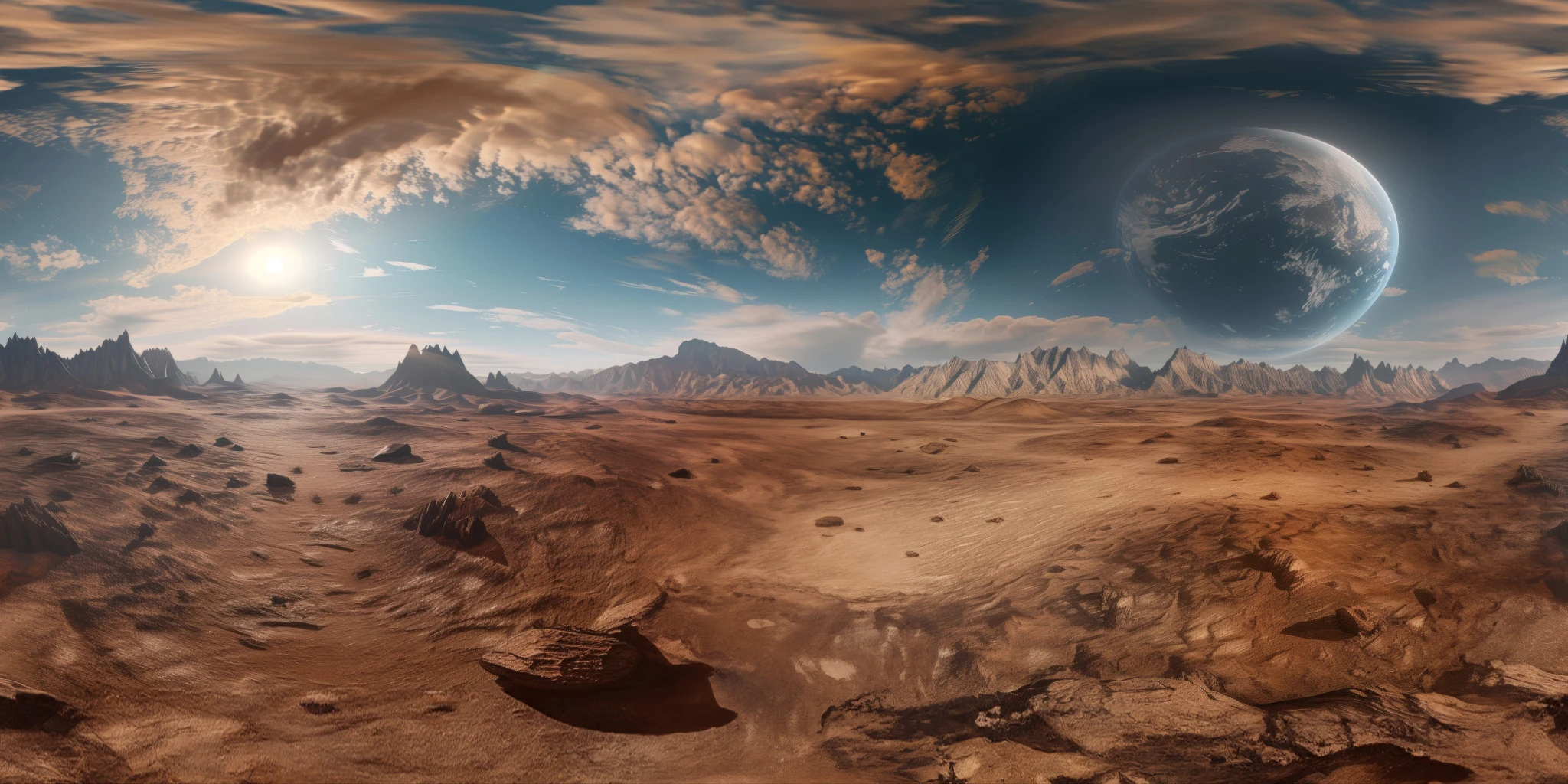
Read articleExplore a Martian dreamscape HDRI with red terrain, dramatic clouds and a giant planet. Choose 12K to 2K unclipped maps for sci-fi lighting and reflections.
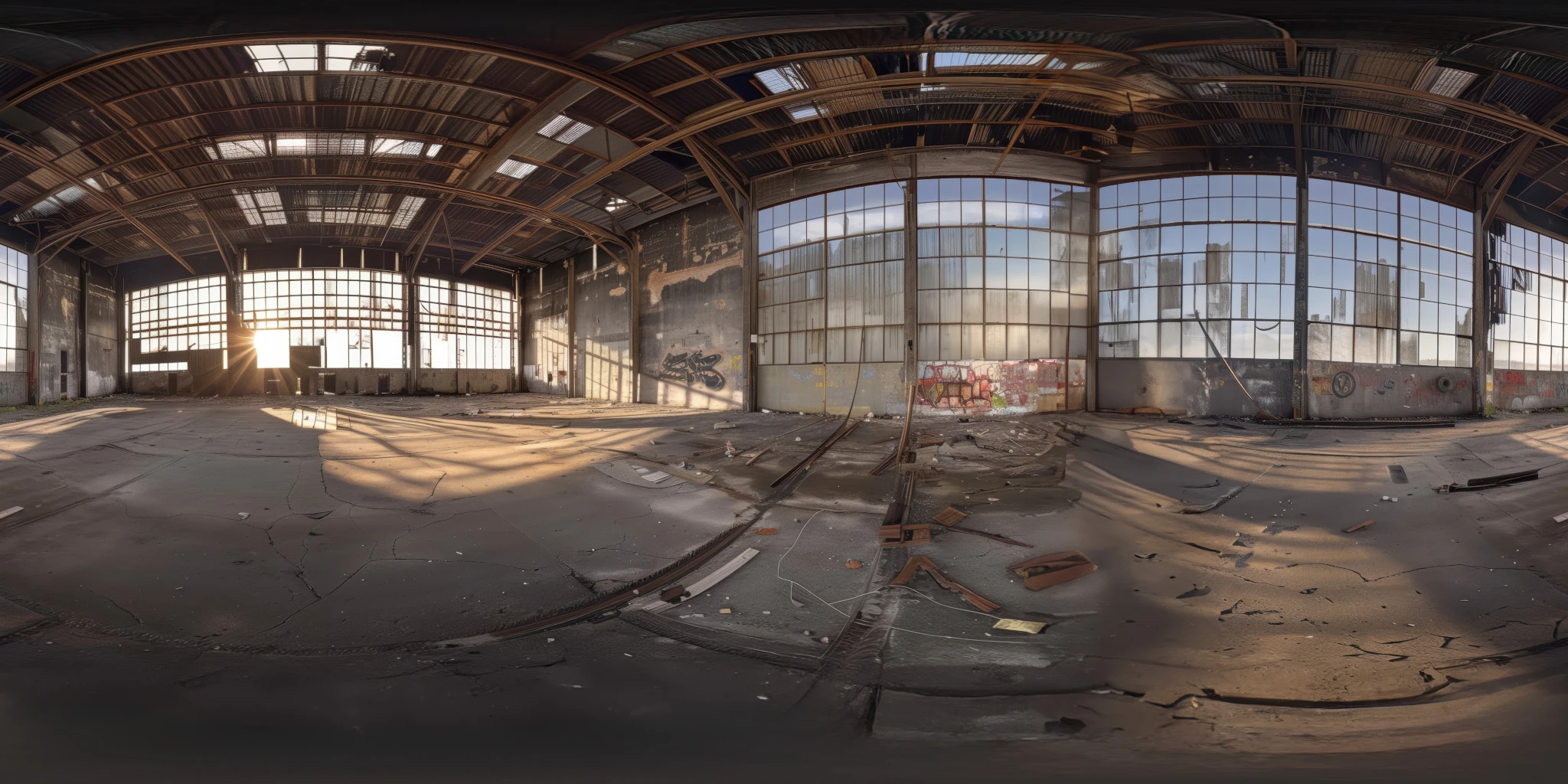
View assetExplore an abandoned warehouse HDRI with window light, roof trusses and worn concrete. Choose 12K to 2K unclipped maps for industrial props and reflections.
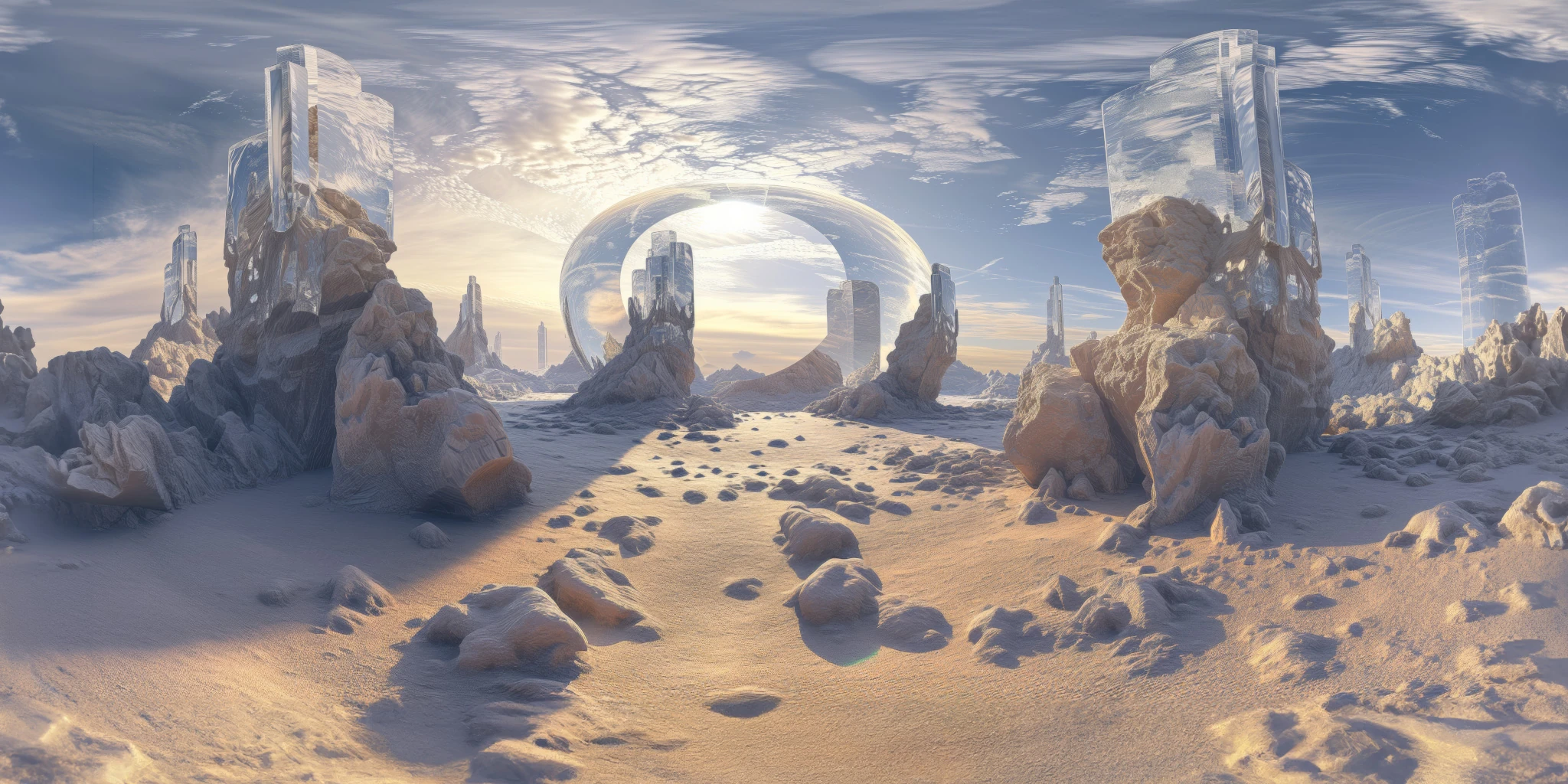
View assetExplore a crystal valley HDRI with pale formations, sandy terrain and a monumental arch. Choose 12K to 2K maps for bright sci-fi lighting and reflections.
View asset