Match HDRI Lighting to a 3D Ground Plane in Blender
Ground your 3D subject under HDRI lighting in Blender. Match contact, sun direction and camera perspective, then choose a visible plane or shadow catcher.
Read article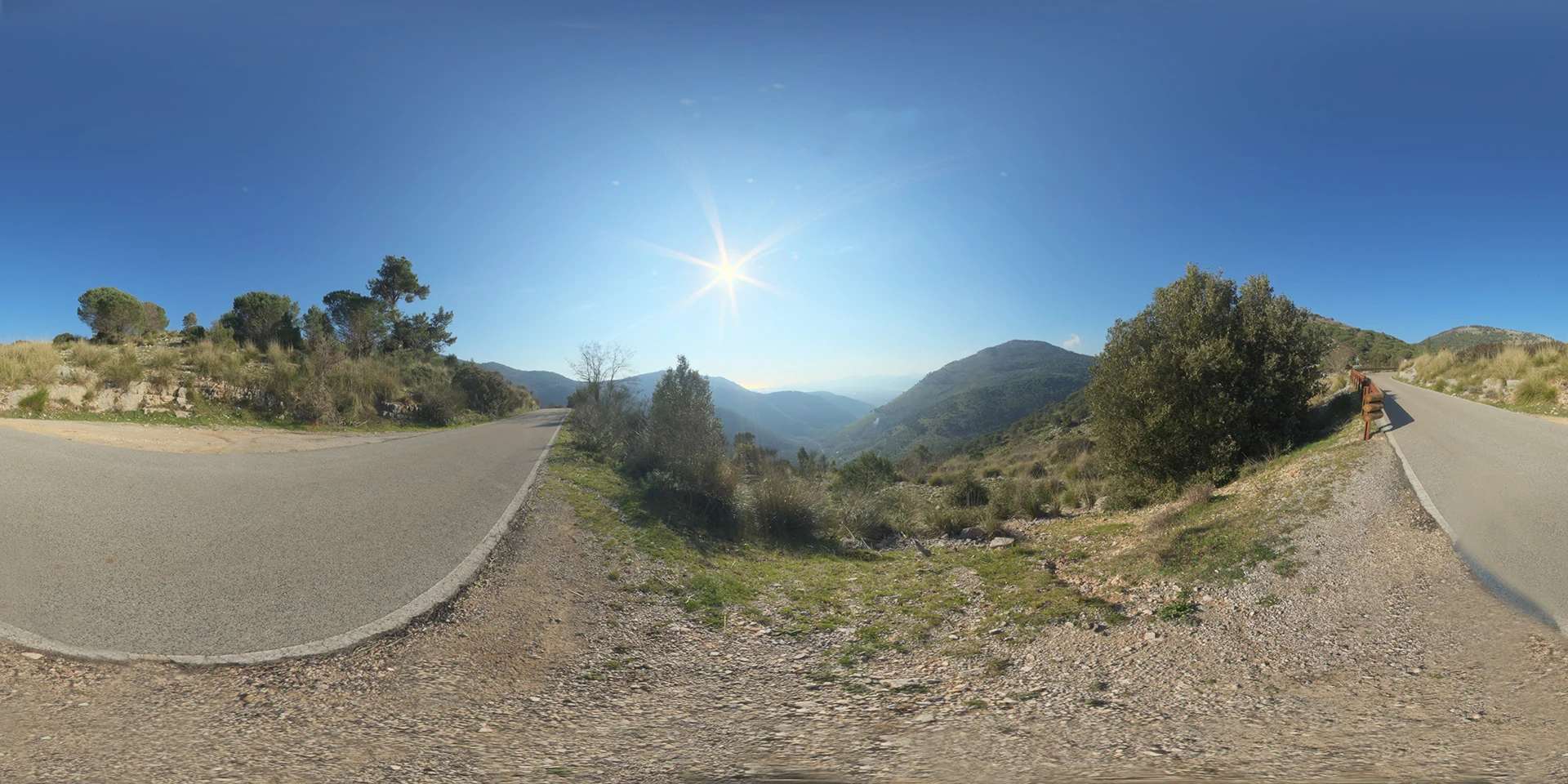
Open the image to explore the details.
Mountains, Road and Panorama HDRI follows a winding road through rocky slopes. Explore unclipped HDR maps up to 10K for vehicles and mountain lighting.
See current pricing, available files and license details on the marketplace.
A paved mountain road curves around rocky slopes and shrubs beneath a clear sunlit sky.
Try this winding road for a vehicle presentation or a mountain-side prop. Match the slope under the subject before judging its scale against the panorama. A local section of road is useful for wheel contact and shadows; use environment rotation to place reflections after the camera is established.
The product listing specifies 10K, 6K, 3K, 1K files in .hdr format and identifies the map as unclipped. The web image is a compressed preview; load the purchased HDR file as your environment texture to use its lighting data. Choose the resolution according to the detail visible in the background and reflections.
The creator reports 24 EVs of dynamic range. This is a product specification, not a measurement made from the JPEG preview.
Use the HDRI ground plane workflow to align the horizon and establish contact shadows. The Blender environment lighting guide covers a repeatable setup for rotating and comparing maps.
Compare Trail, Trees and Mountains 82 HDRI with this environment to evaluate a paved mountain road between rocky slopes. Keep camera, material and exposure consistent while judging the difference.
Browse the HDRI lighting collection for other environments and combinable lighting filters.
Ground your 3D subject under HDRI lighting in Blender. Match contact, sun direction and camera perspective, then choose a visible plane or shadow catcher.
Read articleChoose an outdoor HDRI by sun direction, cloud coverage and reflected surroundings. Compare winter, rural and sunset lighting in a controlled Blender scene.
Read articleSet up HDRI lighting in Blender, rotate the environment, balance exposure, and check PBR materials with a practical workflow for clearer product renders.
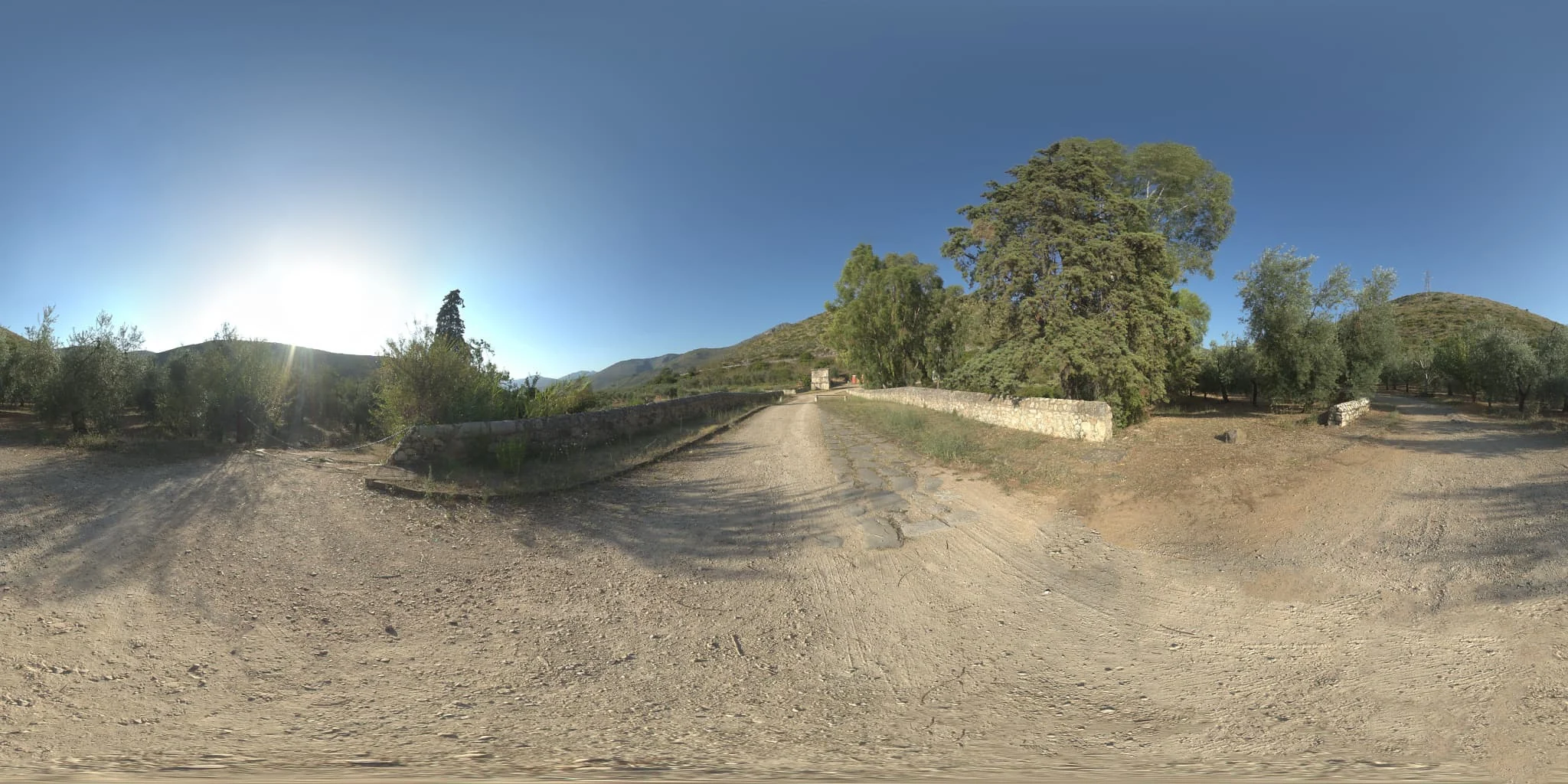
Read articleTrail, Trees and Mountains 82 HDRI features an open dirt path and a large tree. Explore unclipped HDR maps up to 10K for rural scenes and outdoor props.
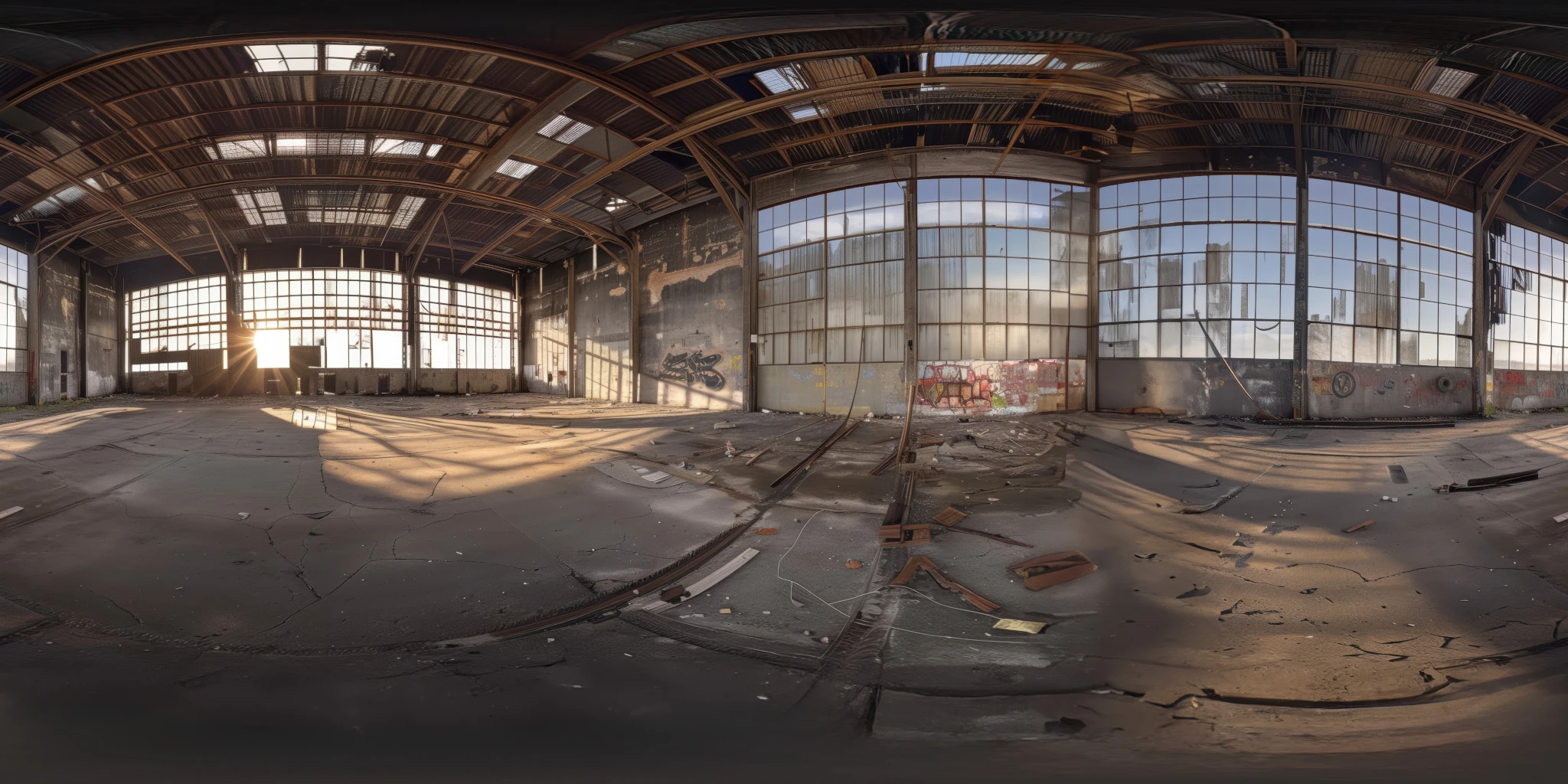
View assetExplore an abandoned warehouse HDRI with window light, roof trusses and worn concrete. Choose 12K to 2K unclipped maps for industrial props and reflections.
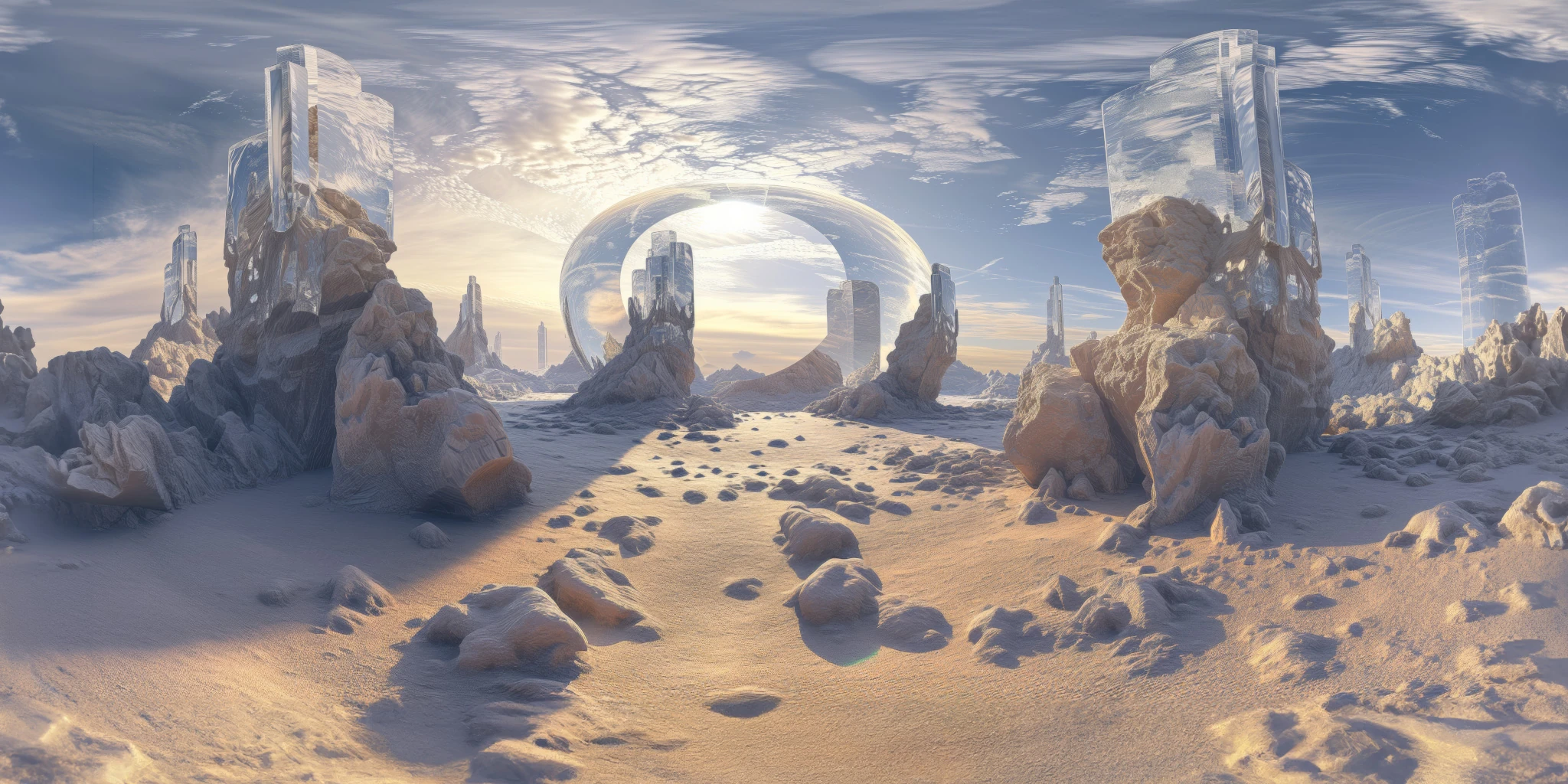
View assetExplore a crystal valley HDRI with pale formations, sandy terrain and a monumental arch. Choose 12K to 2K maps for bright sci-fi lighting and reflections.
View asset