Match HDRI Lighting to a 3D Ground Plane in Blender
Ground your 3D subject under HDRI lighting in Blender. Match contact, sun direction and camera perspective, then choose a visible plane or shadow catcher.
Read article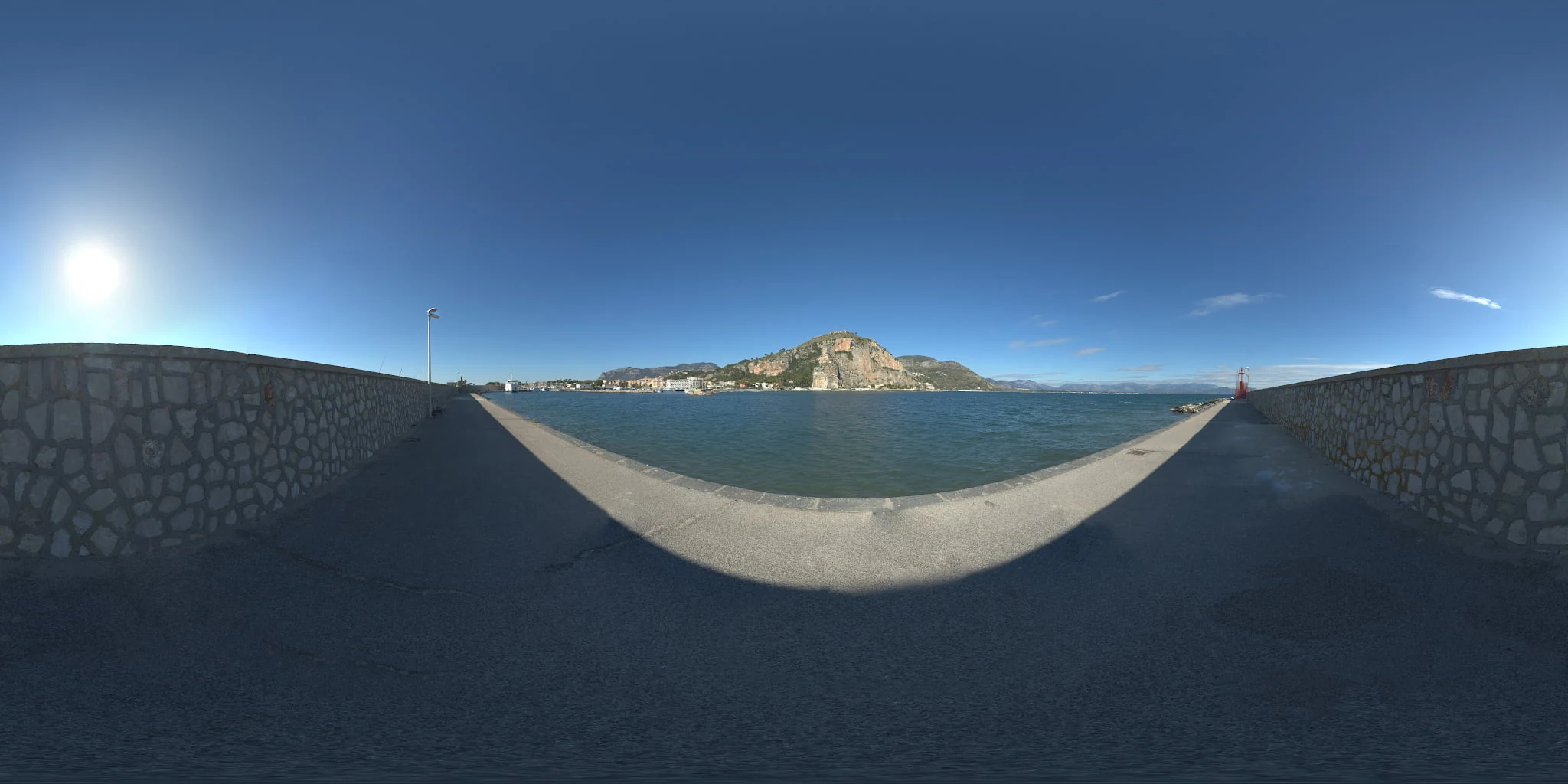
Open the image to explore the details.
Explore a port and mountains HDRI with stone walls, blue water and direct sun. Choose 10K to 2K HDR maps for coastal props, outdoor lighting and reflections.
See current pricing, available files and license details on the marketplace.
A sunlit harbor walkway runs between low stone walls beside blue water, with a rocky mountain and coastal buildings visible across the port.
Try this coastal setting for small marine props or outdoor equipment that benefits from a clear sky and water horizon. Rotate the mountain away from the object when it competes with the silhouette. For a grounded presentation, match a simple modeled surface to the walkway and use it to receive local shadows.
The product page lists 10K, 8K, 4K, 2K files in .hdr format. Choose the resolution for the detail visible in the final camera framing and reflections. The web image above is a compressed preview; use the purchased HDR file to light your scene.
Learn how to add a ground plane for HDRI lighting so that your objects have local contact shadows. Use the Blender HDRI lighting workflow to load and rotate the environment.
Compare City Skyline Waterfront HDRI to compare a stone harbor and mountain backdrop with an urban waterfront skyline. Keep your material and exposure fixed to make the comparison useful.
Compare Sea, Mountains and Panorama HDRI to compare a harbor-level view with an elevated coastal panorama.
Browse the HDRI lighting collection to combine environment, lighting and scene filters.
Ground your 3D subject under HDRI lighting in Blender. Match contact, sun direction and camera perspective, then choose a visible plane or shadow catcher.
Read articleSet up HDRI lighting in Blender, rotate the environment, balance exposure, and check PBR materials with a practical workflow for clearer product renders.
Read articleCompare HDRI and area lights in Blender. Learn how to control reflections, reveal product shape and combine light sources without flattening your render.
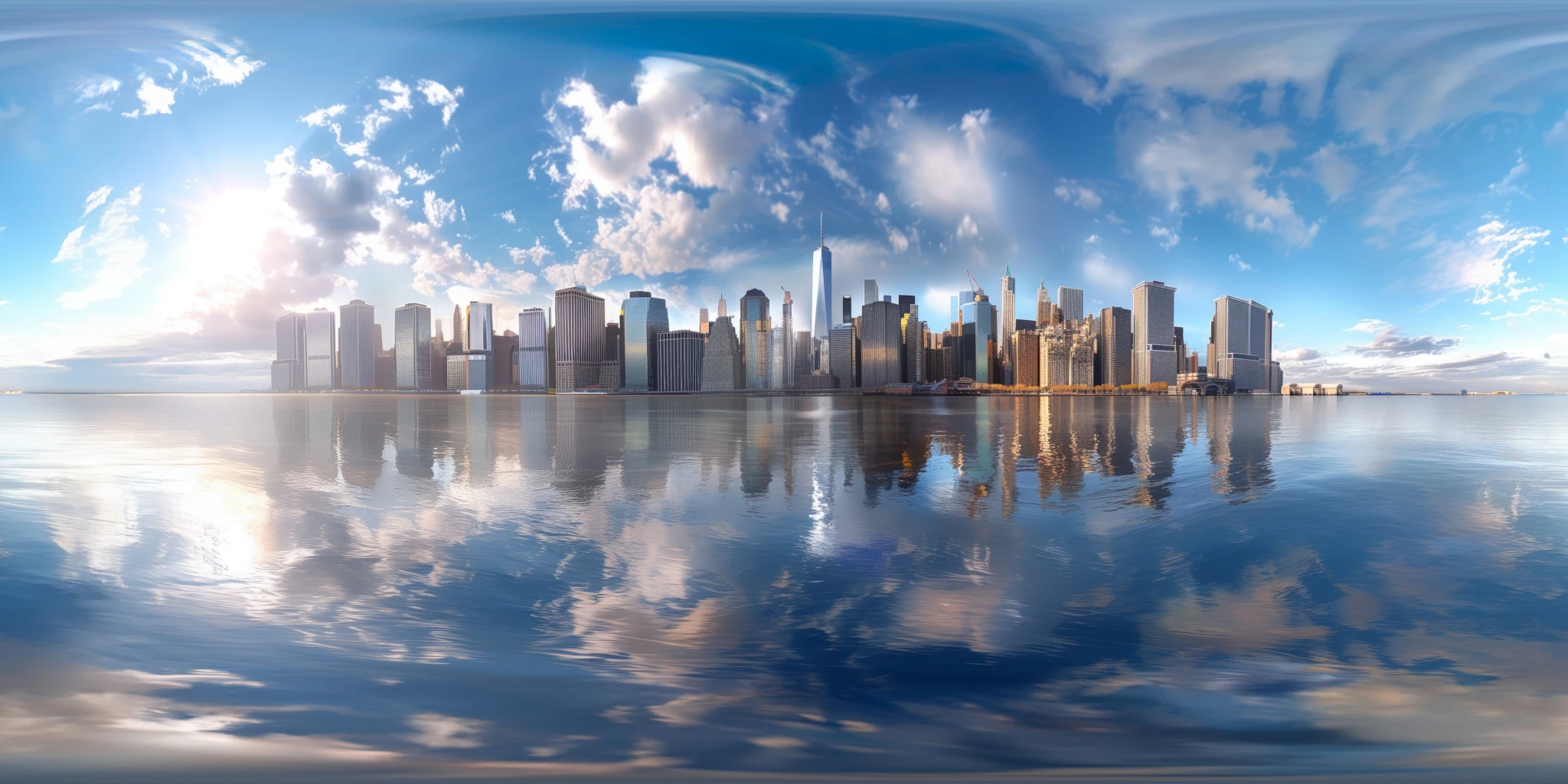
Read articleExplore a city skyline HDRI with tall buildings reflected in calm water and blue sky. Choose 12K to 2K unclipped maps for urban products and glossy reflections.
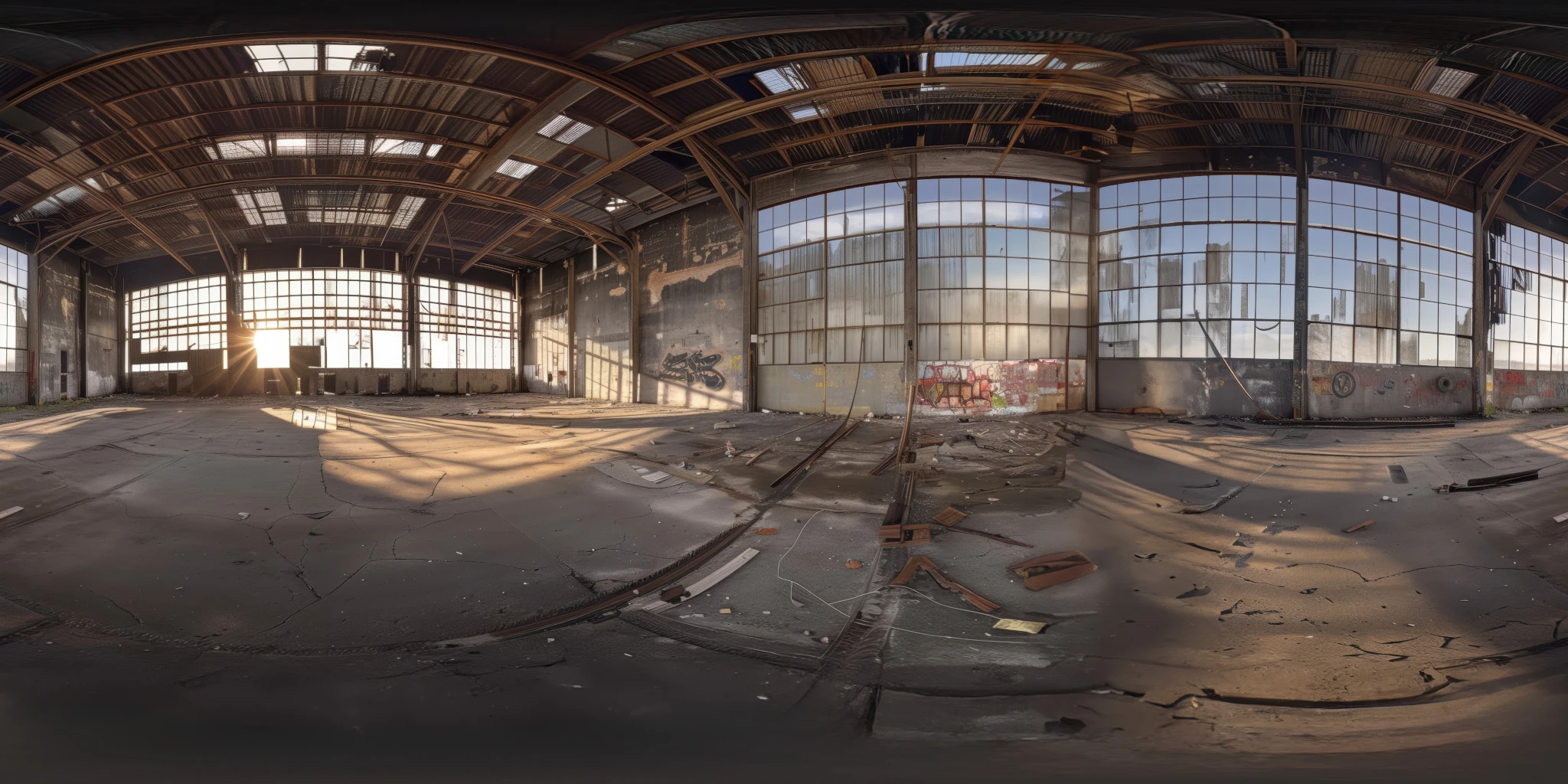
View assetExplore an abandoned warehouse HDRI with window light, roof trusses and worn concrete. Choose 12K to 2K unclipped maps for industrial props and reflections.
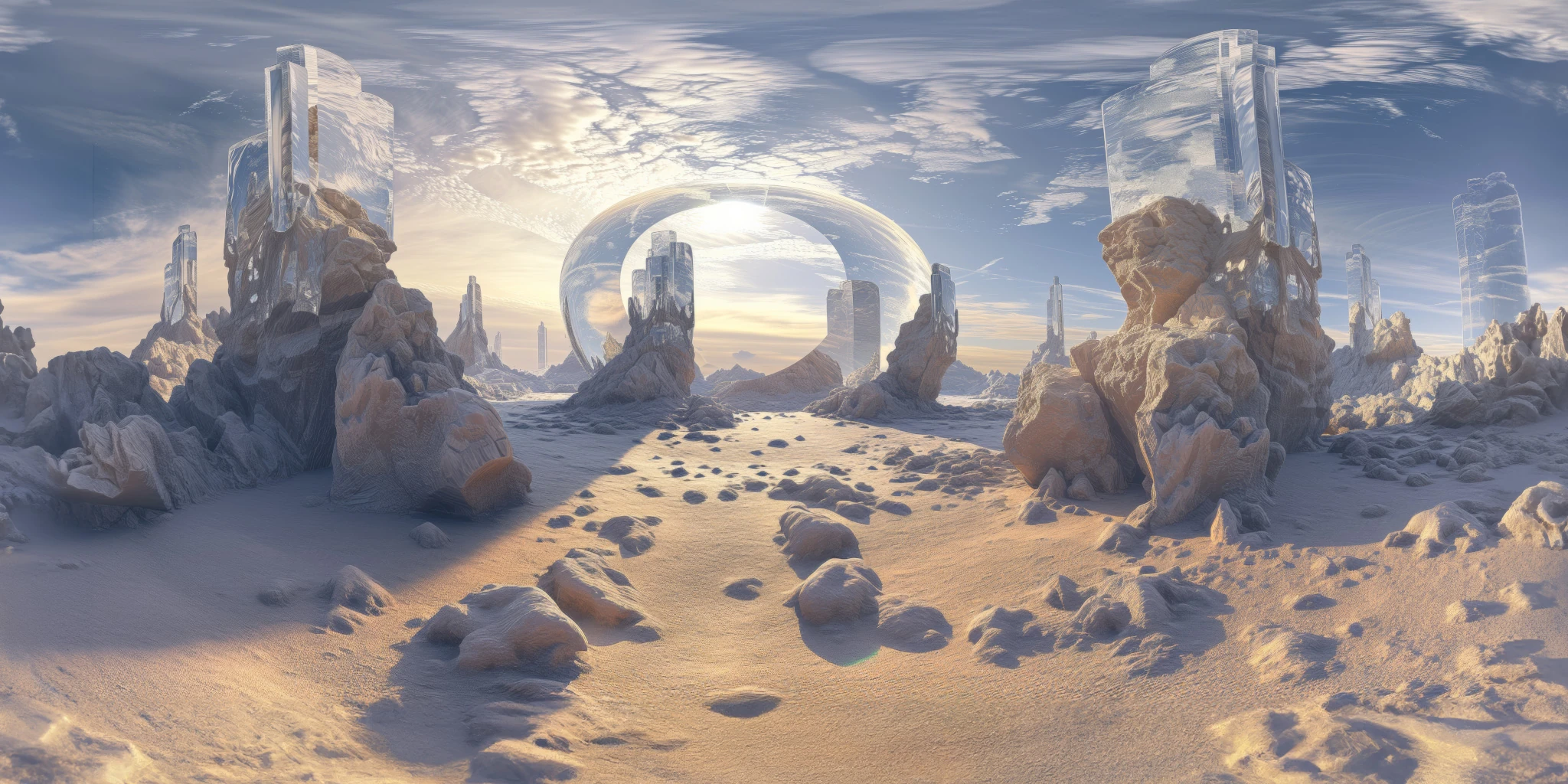
View assetExplore a crystal valley HDRI with pale formations, sandy terrain and a monumental arch. Choose 12K to 2K maps for bright sci-fi lighting and reflections.
View asset