Match HDRI Lighting to a 3D Ground Plane in Blender
Ground your 3D subject under HDRI lighting in Blender. Match contact, sun direction and camera perspective, then choose a visible plane or shadow catcher.
Read article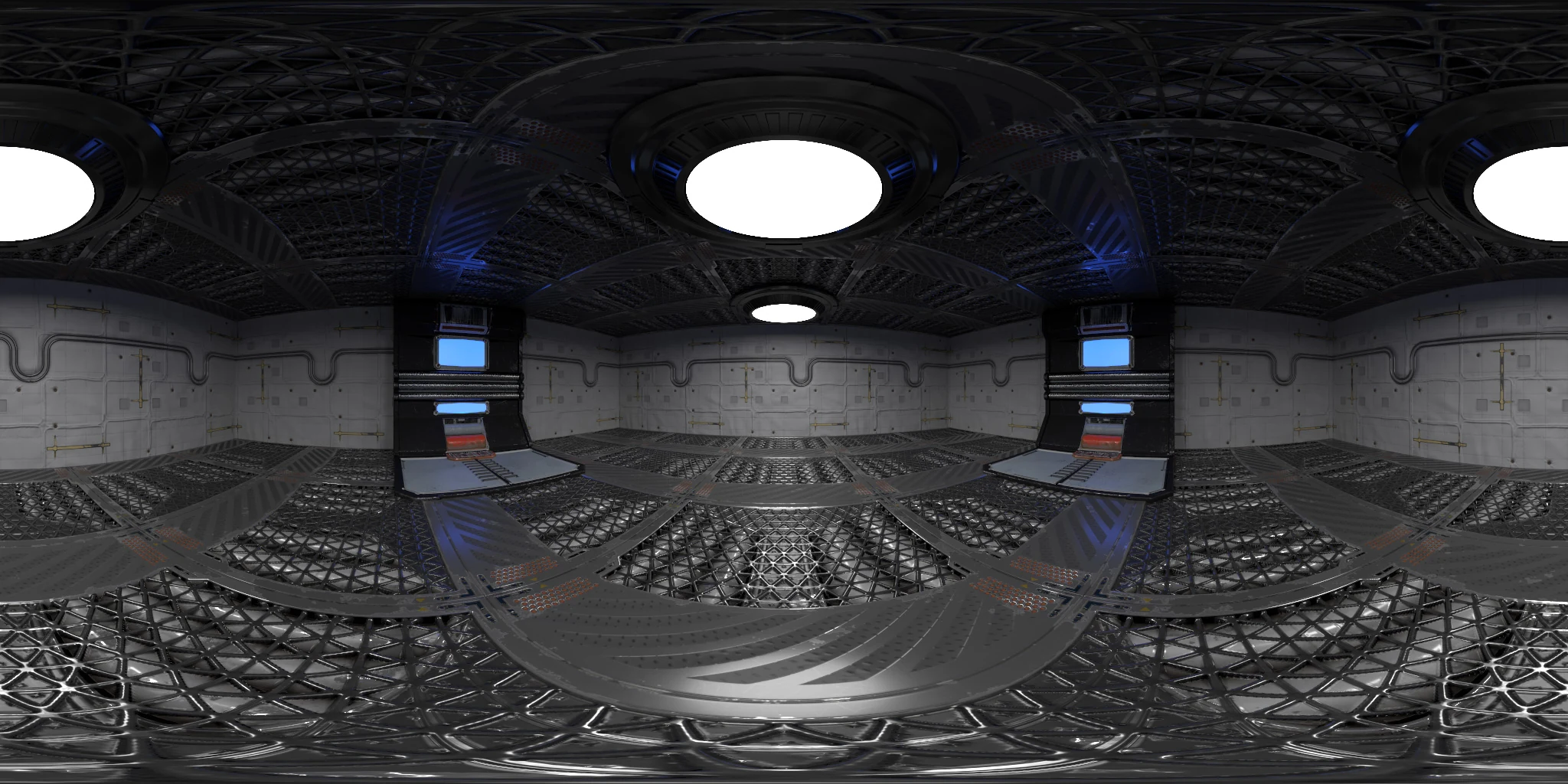
Open the image to explore the details.
Explore Sci-Fi 006 HDRI with round ceiling lights, blue columns and a metal floor. Use 16K to 2K HDR maps for futuristic lighting and reflections.
See current pricing, available files and license details on the marketplace.
Round white ceiling fixtures illuminate a grey science-fiction room with blue accent columns, detailed metal walls and a textured floor.
The combination of small surface details and larger overhead lights can help evaluate both sharp and blurred reflections on a mechanical prop. Keep the subject away from busy background panels in the camera framing. If the object must sit on the floor, model a simple contact surface instead of relying on the panorama image alone.
The product page lists 16K, 10K, 8K, 4K, 2K files in .hdr format. The supplied catalog image is a compressed web preview; load the purchased HDR map for environment lighting. Choose the map resolution to suit the detail visible in your final background and reflections.
Learn how to add a ground plane for HDRI lighting. Use roughness maps in PBR to understand how surface roughness affects the reflected light pattern.
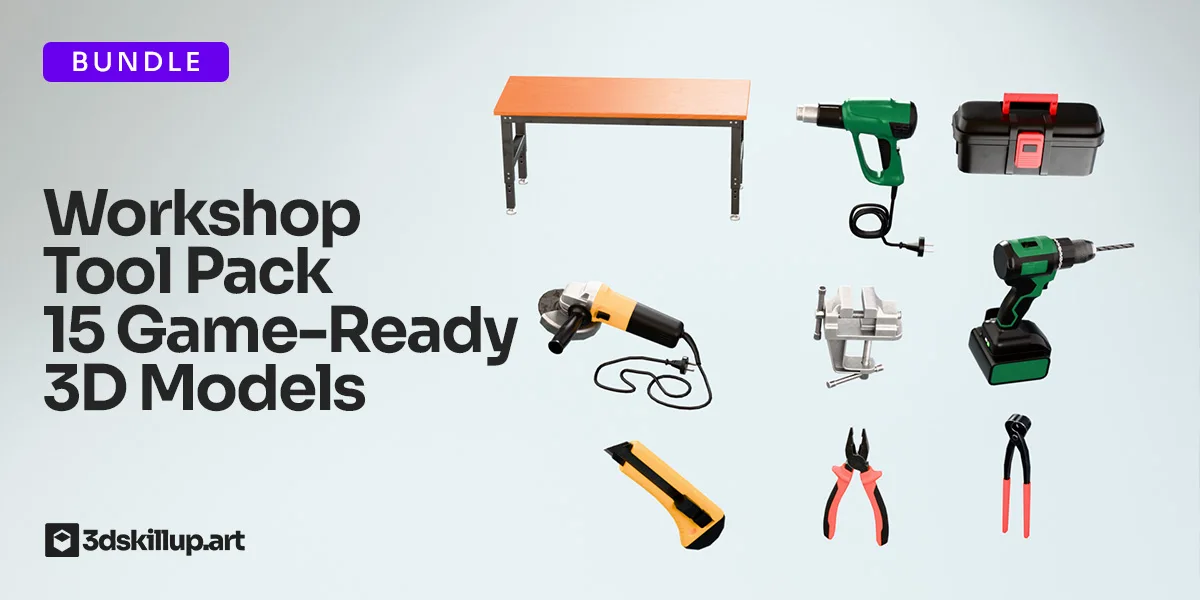
Compare Workshop Tool Pack 3D Models Game Ready Assets to present workshop tools in a futuristic chamber with structured ceiling reflections. Keep the camera and material fixed when evaluating the change.
Compare Sci-Fi 007 HDRI to compare sculpted chamber surfaces with a more detailed metal room.
Browse the HDRI lighting collection for more environments and combined lighting filters.
Created in Blender and Substance 3D Painter. This is a rendered virtual environment; its lights and surrounding surfaces are part of the panorama.
Ground your 3D subject under HDRI lighting in Blender. Match contact, sun direction and camera perspective, then choose a visible plane or shadow catcher.
Read articleSet up HDRI lighting in Blender, rotate the environment, balance exposure, and check PBR materials with a practical workflow for clearer product renders.
Read articleCompare HDRI and area lights in Blender. Learn how to control reflections, reveal product shape and combine light sources without flattening your render.
Read articleEnhance your projects with this Workshop Tool Pack featuring 15 game-ready 3D models optimized for real-time performance. Designed with clean topology, realistic proportions, and high-quality PBR textures, these assets…
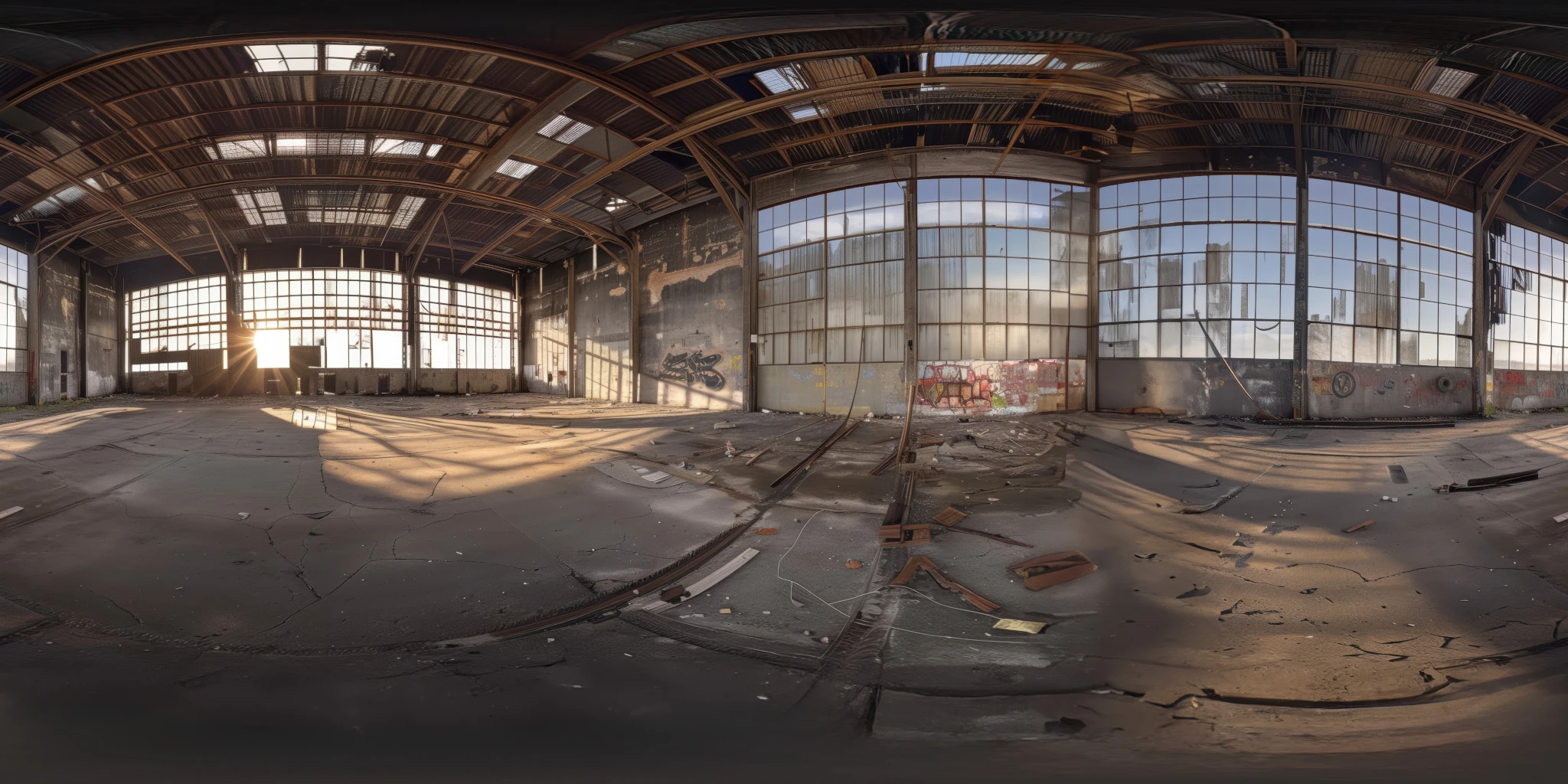
View assetExplore an abandoned warehouse HDRI with window light, roof trusses and worn concrete. Choose 12K to 2K unclipped maps for industrial props and reflections.
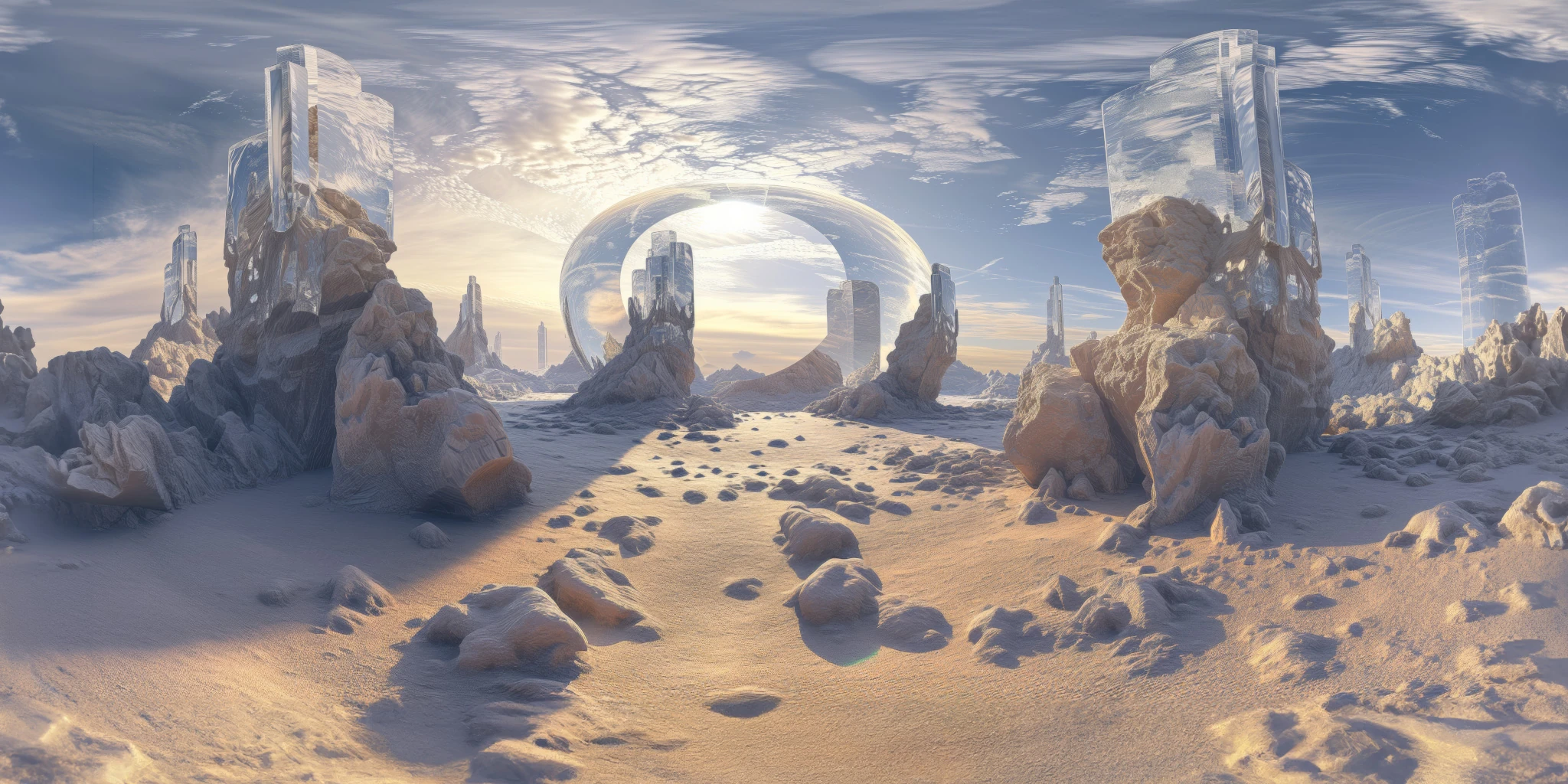
View assetExplore a crystal valley HDRI with pale formations, sandy terrain and a monumental arch. Choose 12K to 2K maps for bright sci-fi lighting and reflections.
View asset