Match HDRI Lighting to a 3D Ground Plane in Blender
Ground your 3D subject under HDRI lighting in Blender. Match contact, sun direction and camera perspective, then choose a visible plane or shadow catcher.
Read article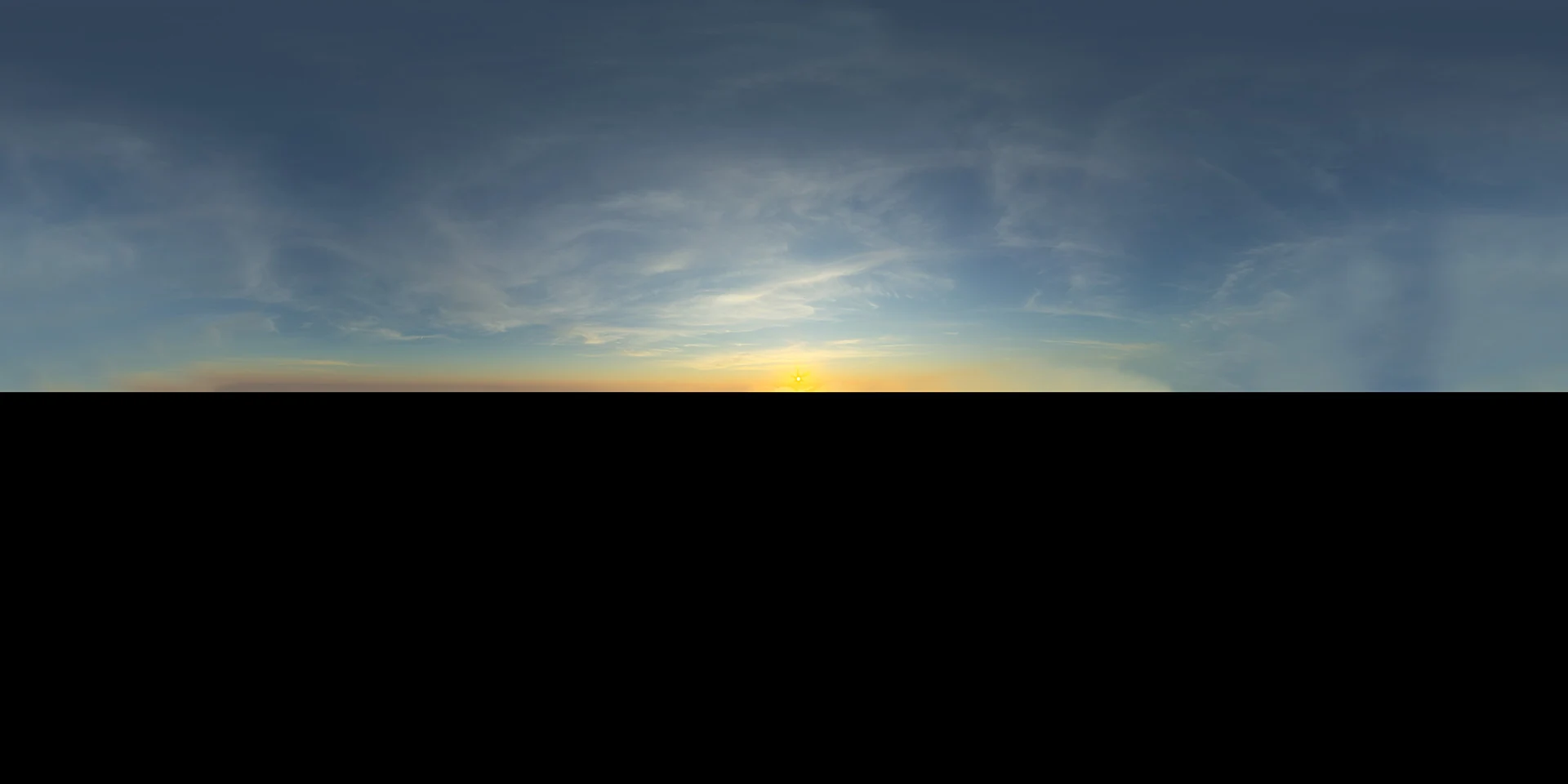
Open the image to explore the details.
Sky 021 HDRI shows wispy clouds above a warm sunset horizon. Explore unclipped 10K to 1K HDR maps for evening exteriors and glossy product reflections.
See current pricing, available files and license details on the marketplace.
Sky 021 Wispy Sunset HDRI pairs image-based lighting with this environment: fine streaks of cloud spread across a blue-grey sky above a warm yellow sunset horizon.
Try these fine cloud streaks in glossy reflections on a long object. Their horizontal rhythm can support a wide exterior view without dominating it. Compare the warm horizon with the cooler overhead region before fixing your environment rotation.
The product listing specifies 10K, 6K, 3K, 1K files in .hdr format and identifies the map as unclipped. The web image is a compressed preview; load the purchased HDR file as your environment texture to use its lighting data. Choose the map resolution according to the detail visible in your background and reflections.
The creator reports 17 EVs of dynamic range. This is a product specification, not a measurement made from the JPEG preview.
The supplied image shows the sky with black below it. Preserve that preview layout and add ground geometry for a complete scene. The JPEG does not establish the lighting contribution of the purchased map below the horizon.
Use the HDRI ground plane workflow to align the horizon and establish contact shadows. The Blender environment lighting guide covers a repeatable setup for rotating and comparing maps.
Compare Sky 030 Broken Clouds HDRI with this environment to evaluate fine sunset cloud streaks instead of broken daytime clouds. Keep camera, material and exposure consistent while judging the difference.
Browse the HDRI lighting collection for other environments and combinable lighting filters.
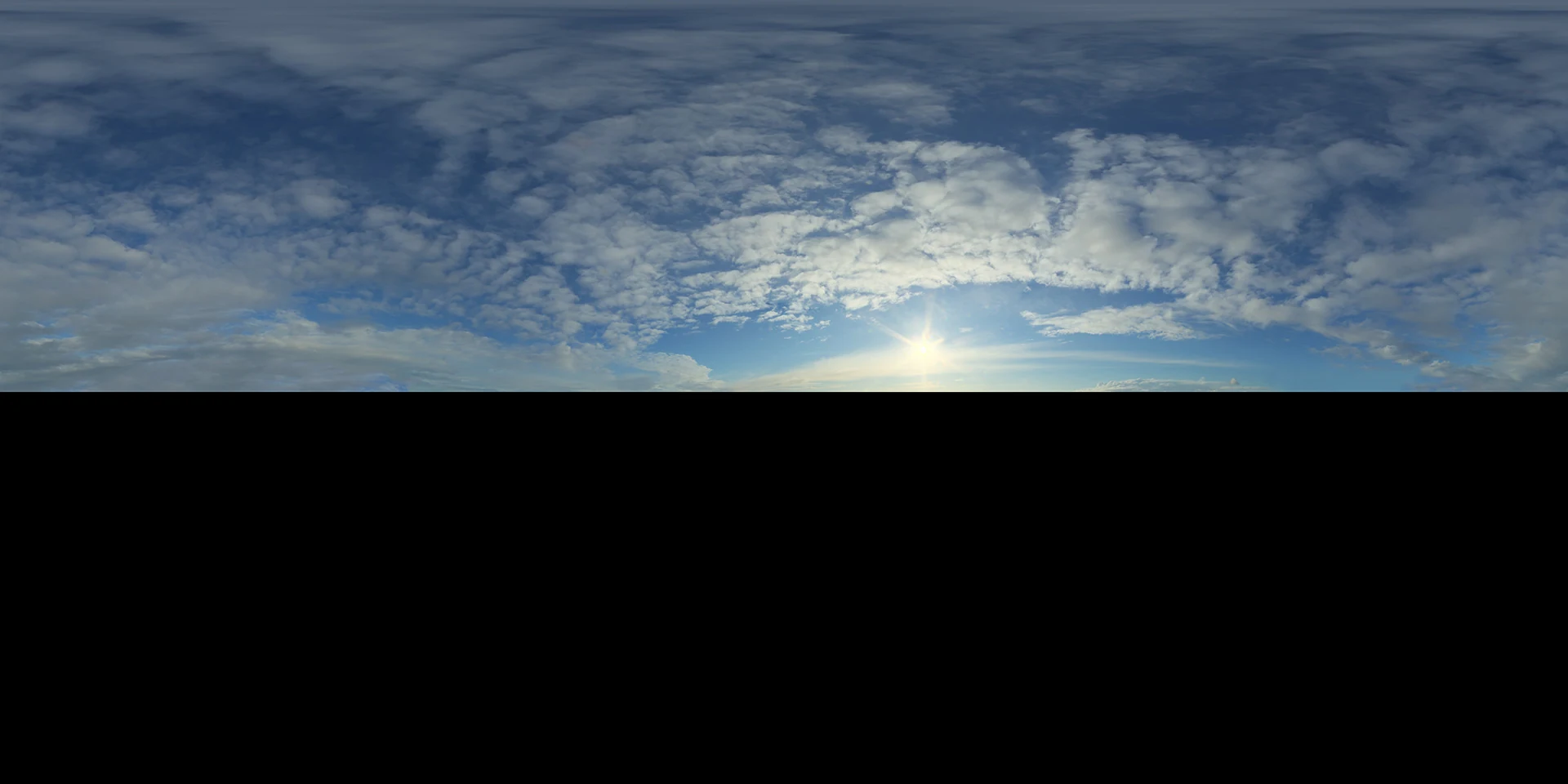
Ground your 3D subject under HDRI lighting in Blender. Match contact, sun direction and camera perspective, then choose a visible plane or shadow catcher.
Read articleCompare HDRI and area lights in Blender. Learn how to control reflections, reveal product shape and combine light sources without flattening your render.
Read articleSet up HDRI lighting in Blender, rotate the environment, balance exposure, and check PBR materials with a practical workflow for clearer product renders.
Read articleExplore Sky 030 HDRI with broken cloud layers and a bright low sun. Choose 10K, 6K, 3K or 1K HDR maps for outdoor lighting and detailed reflections.
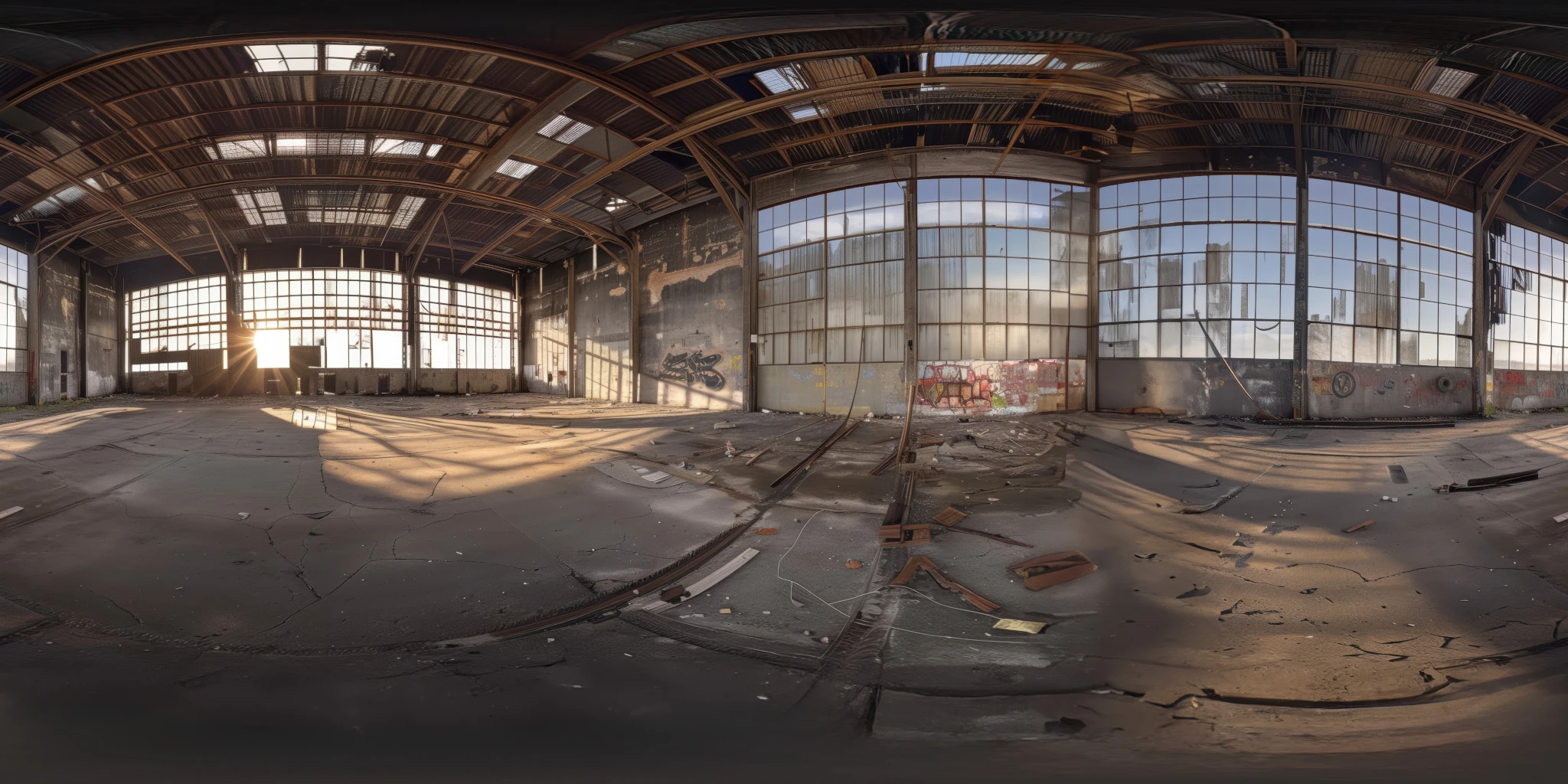
View assetExplore an abandoned warehouse HDRI with window light, roof trusses and worn concrete. Choose 12K to 2K unclipped maps for industrial props and reflections.
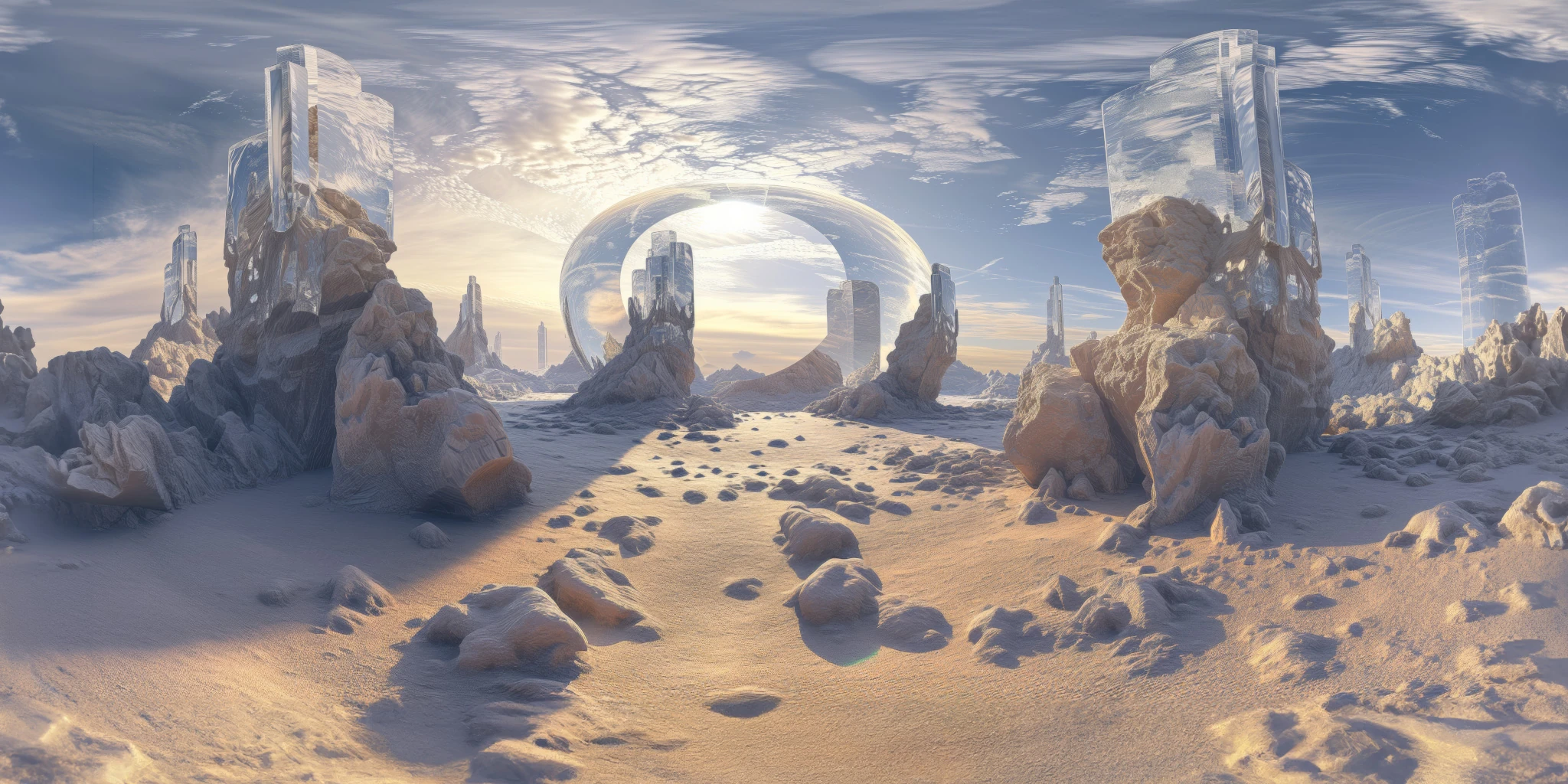
View assetExplore a crystal valley HDRI with pale formations, sandy terrain and a monumental arch. Choose 12K to 2K maps for bright sci-fi lighting and reflections.
View asset