
Food PBR Textures in Blender: Scale, Geometry and Surface Detail
Use food PBR textures in Blender for believable desserts and coffee. Match serving scale, model visible silhouettes and control roughness without plastic highlights.
Read article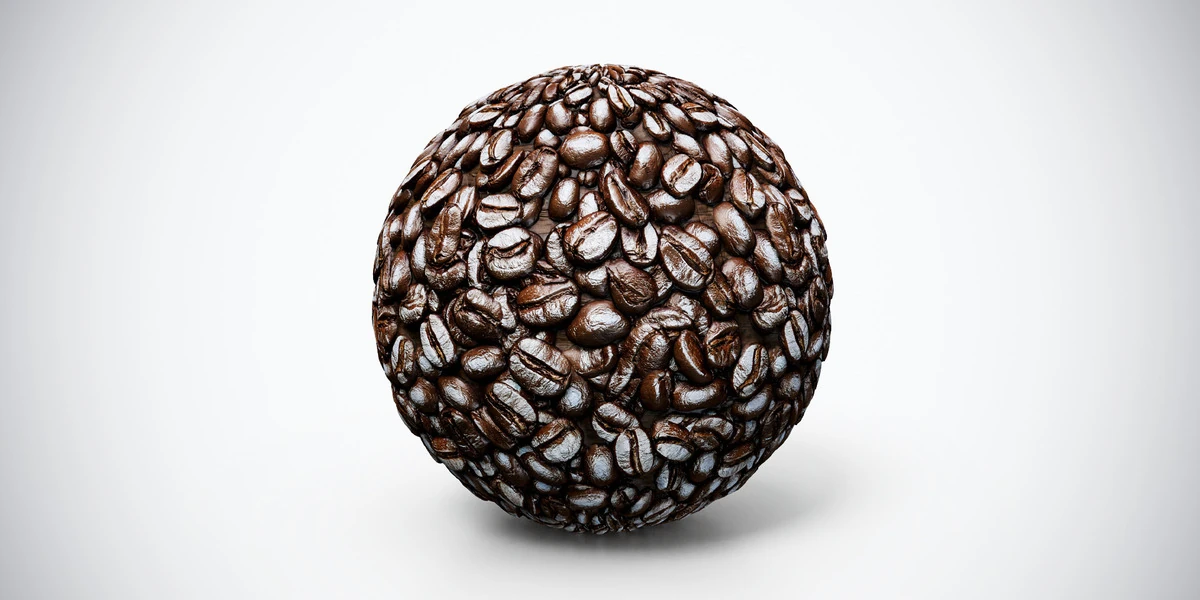
Open the image to explore the details.
Coffee beans PBR texture with dense dark roasted beans and visible creases. Seamless 1K–4K PNG maps for café displays, ingredient surfaces and food renders.
See current pricing, available files and license details on the marketplace.
Dark roasted coffee beans overlap in different directions, with central creases and small glossy highlights. This is a surface texture set, not a collection of individual food meshes.
Try it on a bean-covered display surface or the top of a filled coffee container. Keep bean size plausible relative to the cup, bag or scoop nearby. Add separate bean meshes along exposed borders and anywhere the camera sees individual silhouettes.
Watch the creases when changing relief strength; deep black grooves should not dominate every bean.
The product listing specifies 4K, 2K and 1K PNG maps with seamless tiling.
The food PBR workflow explains how to match serving geometry, ingredient scale and surface detail. Use the Blender PBR setup guide to connect the supplied maps before evaluating the food under your scene lighting.
Pair the bean surface with chocolate chip cookies for a café scene while keeping the two food scales independent. See Chocolate Chip Cookies PBR Texture.
Coffee foam provides a complementary surface for the prepared drink in the same café scene. Explore Coffee Foam PBR Texture.
Browse the food PBR collection for other surfaces in this family. The Superhive button opens the current product listing for package contents, pricing and license details.
After downloading the material's maps, open the PBR Material Previewer to compare supported textures on a sphere, cube or plane under HDR lighting. Check normal direction, roughness and tiling locally before applying the material to your scene. Product files are not loaded automatically.
Use food PBR textures in Blender for believable desserts and coffee. Match serving scale, model visible silhouettes and control roughness without plastic highlights.
Read articleLearn how to set up PBR textures in Blender correctly with proper color space, node connections, normal maps, roughness, and export checks.
Read articleSet up HDRI lighting in Blender, rotate the environment, balance exposure, and check PBR materials with a practical workflow for clearer product renders.
Read article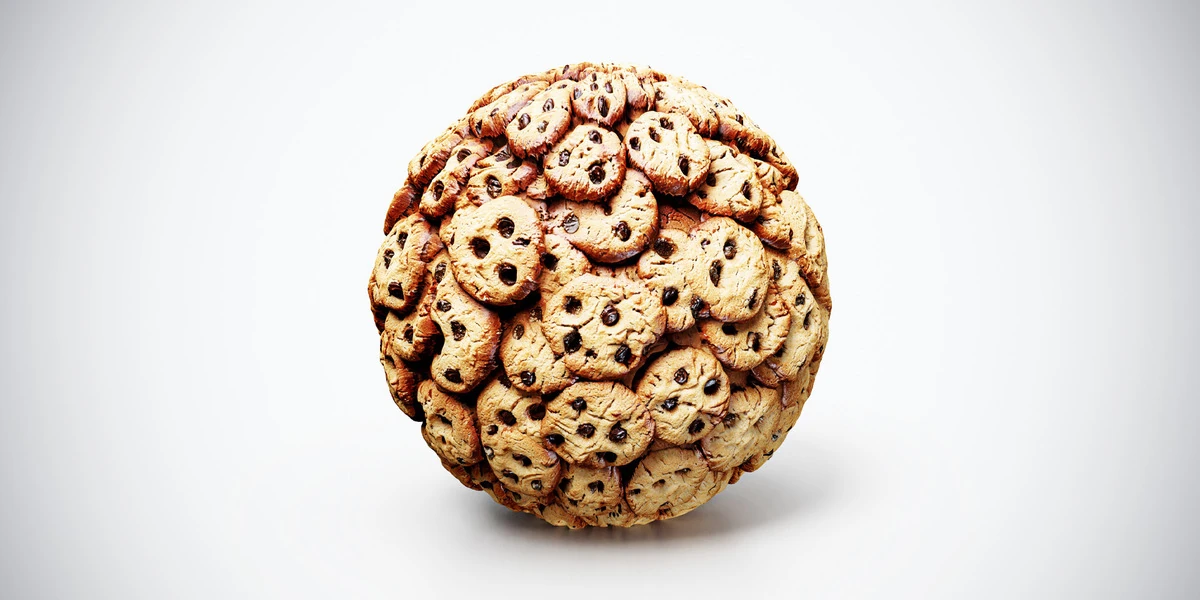
Chocolate chip cookies PBR texture with golden cookies and dark chips. Seamless 1K–4K PNG maps for bakery displays, snack surfaces and café scene renders.
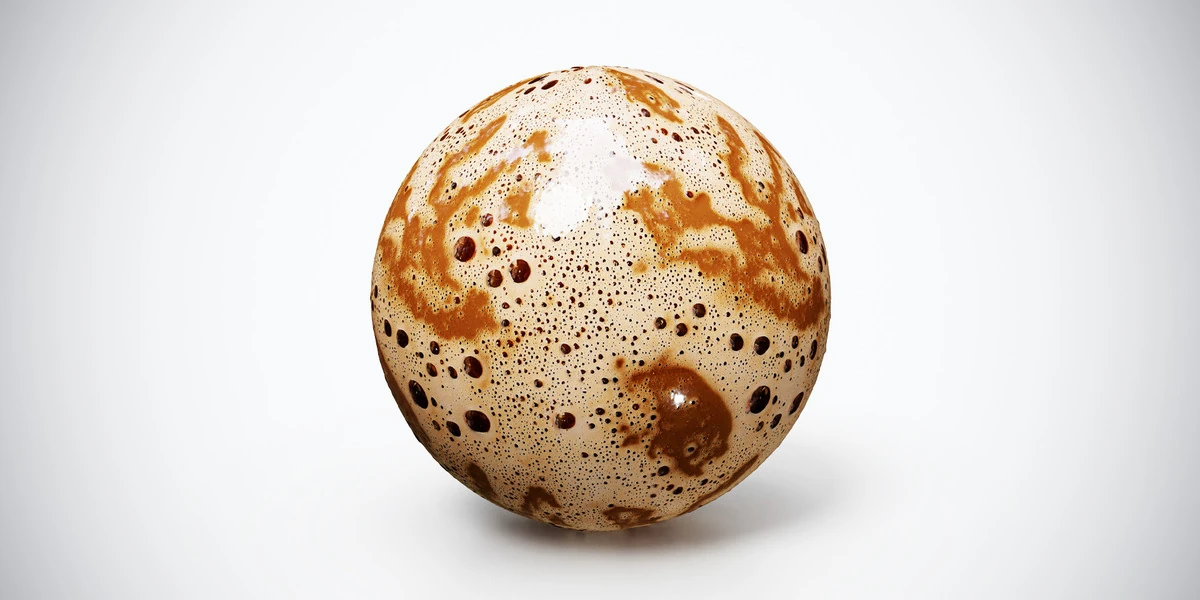
Coffee foam PBR texture with cream-colored froth, brown crema and varied bubbles. Seamless 1K–4K PNG maps for beverage surfaces, café scenes and drink renders.
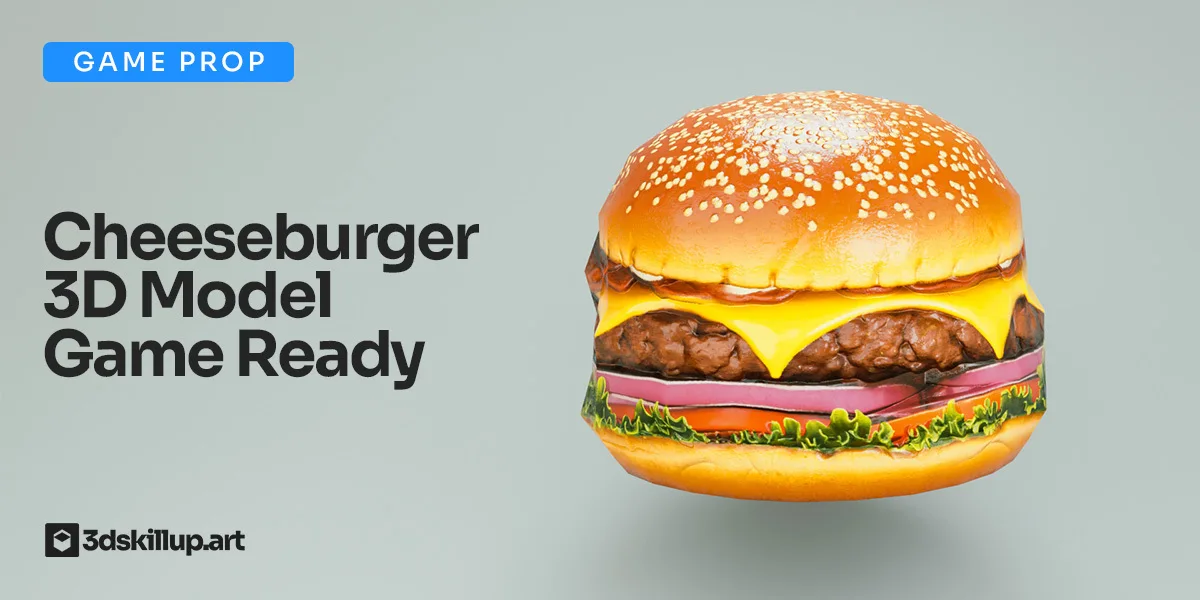
Game-ready cheeseburger 3D model with PBR textures. Optimized for Unity, Unreal, Blender, VR/AR and real-time food environments.