
How to Set Up PBR Textures in Blender Correctly
Learn how to set up PBR textures in Blender correctly with proper color space, node connections, normal maps, roughness, and export checks.
Read article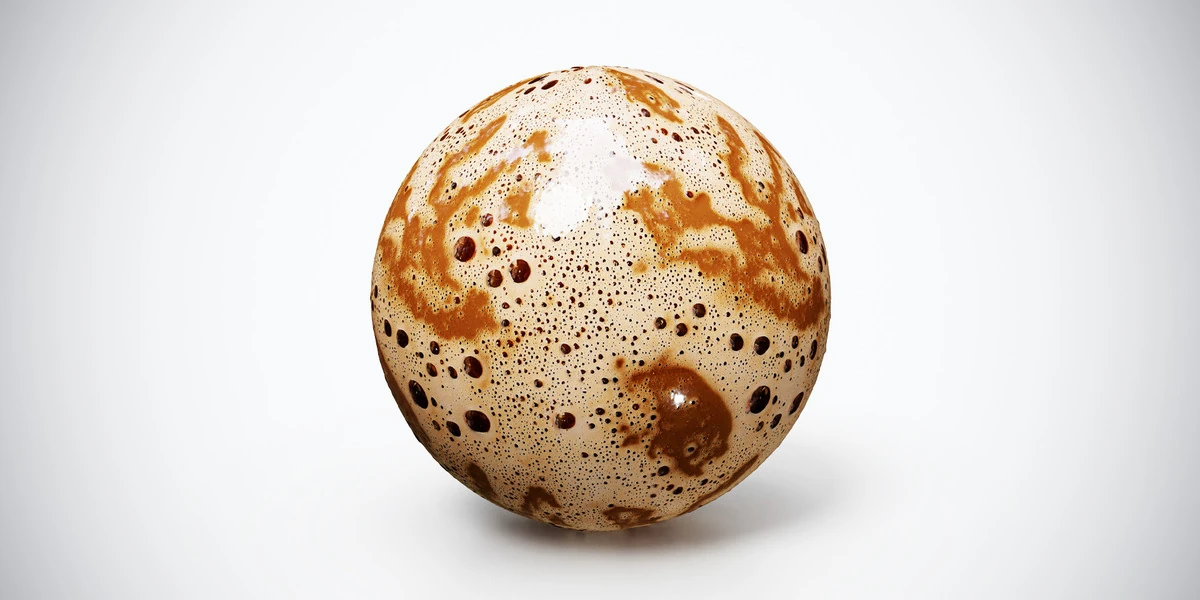
Open the image to explore the details.
Coffee foam PBR texture with cream-colored froth, brown crema and varied bubbles. Seamless 1K–4K PNG maps for beverage surfaces, café scenes and drink renders.
See current pricing, available files and license details on the marketplace.
Cream-colored foam mixes with brown crema and bubbles of different sizes. Larger dark openings create recognizable shapes that should be checked against the diameter of the cup.
Apply it to a modeled drink surface in a cup or a beverage display. Keep the liquid edge and meniscus separate from the tileable center. The preview sphere demonstrates the material; it is not a supplied cup, fluid simulation or foam mesh.
The product listing specifies 4K, 2K and 1K PNG maps with seamless tiling.
Follow the Blender PBR texture setup for the image-map connections. Then use controlled product lighting to inspect the food surface without hiding its small ridges or highlights.
The food PBR workflow explains how to match this surface to a modeled serving, control ingredient scale and decide where visible outlines need geometry.
Pair the beverage with Strawberry Swirl Ice Cream PBR Texture or Berry Pie PBR Texture in a dessert composition, while keeping the serving sizes and surface scales independent.
Explore the food PBR collection for other surfaces in this family. The Superhive button opens the product listing for current package contents, price and license terms.
To show the ingredient alongside the drink, use Coffee Beans PBR Texture on a separate display surface, with modeled beans at visible edges.
For a café snack beside the drink, Chocolate Chip Cookies PBR Texture provides a baked-food surface; use separate cookie geometry for exposed edges.
After downloading the material's maps, open the PBR Material Previewer to compare supported textures on a sphere, cube or plane under HDR lighting. Check normal direction, roughness and tiling locally before applying the material to your scene. Product files are not loaded automatically.
Learn how to set up PBR textures in Blender correctly with proper color space, node connections, normal maps, roughness, and export checks.
Read articleSet up HDRI lighting in Blender, rotate the environment, balance exposure, and check PBR materials with a practical workflow for clearer product renders.
Read articleUse food PBR textures in Blender for believable desserts and coffee. Match serving scale, model visible silhouettes and control roughness without plastic highlights.
Read article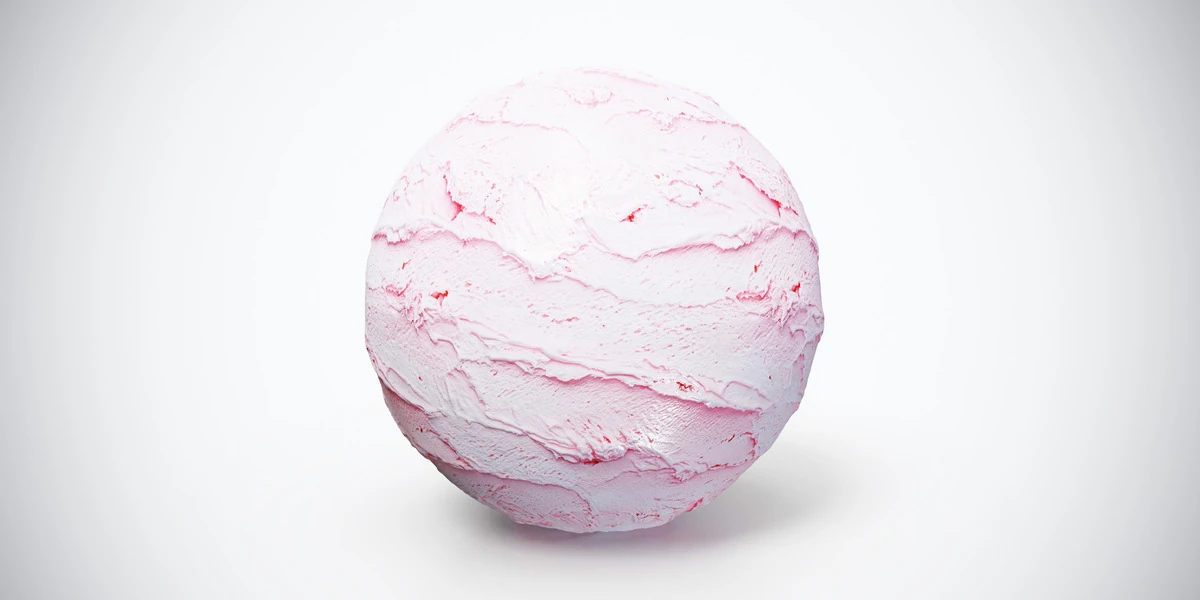
Strawberry swirl ice cream PBR texture with pale pink ridges and soft scoop marks. Seamless 1K–4K PNG maps for dessert props and food product visualizations.
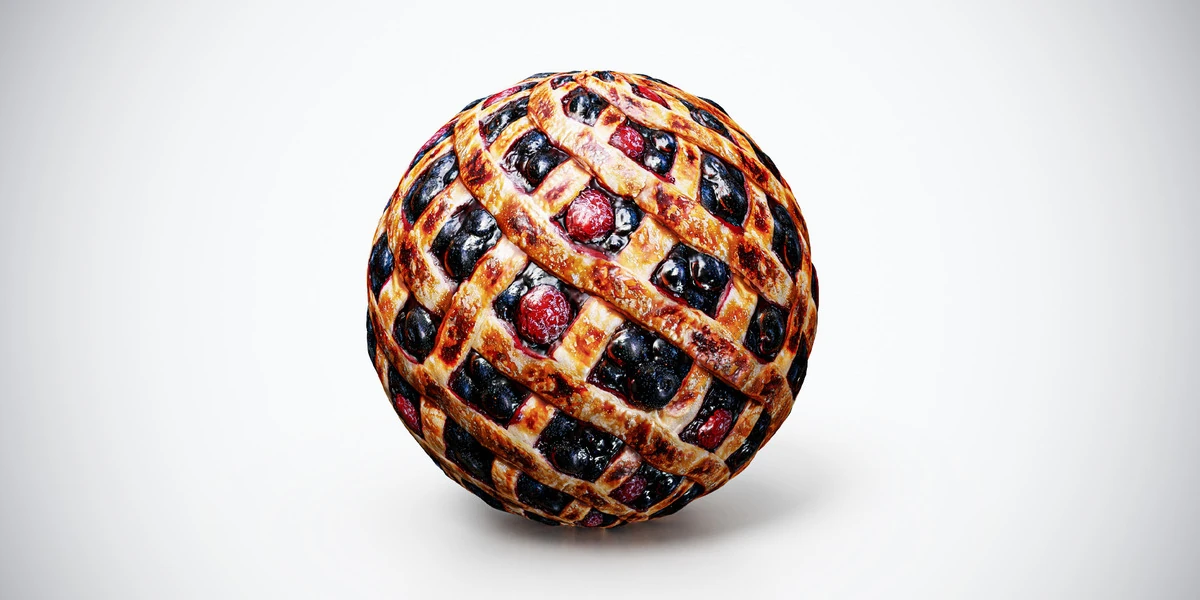
Berry pie PBR texture with baked lattice pastry and red and dark berries. Seamless 1K–4K PNG maps for dessert surfaces, food props and bakery scene renders.
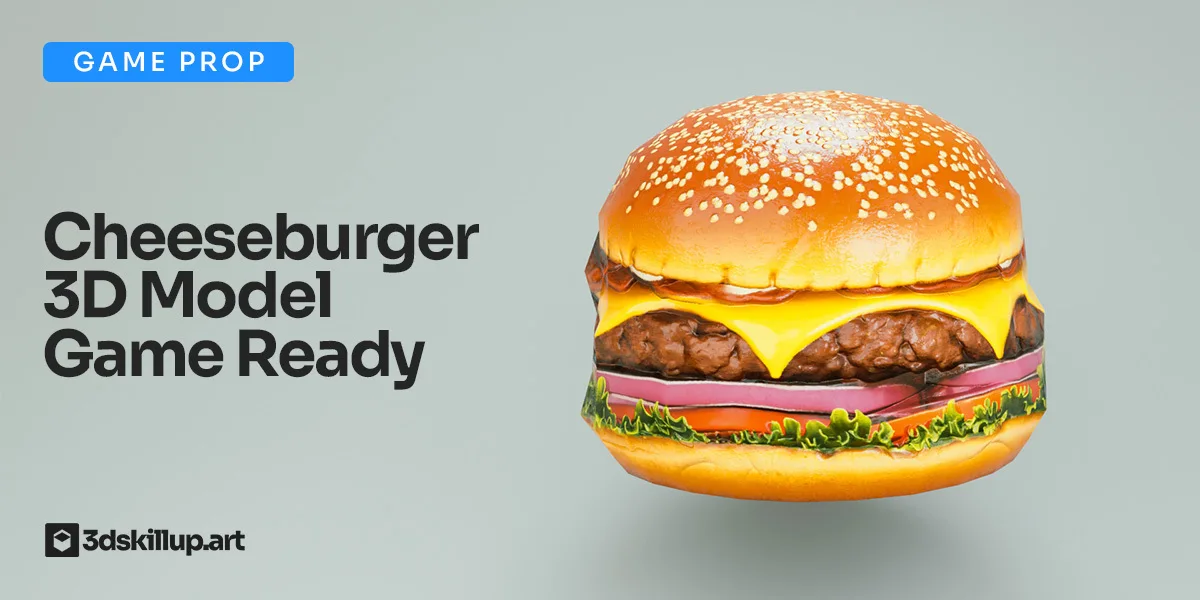
Game-ready cheeseburger 3D model with PBR textures. Optimized for Unity, Unreal, Blender, VR/AR and real-time food environments.