
Tree Bark Textures in Blender: A Practical Trunk UV Workflow
Apply tree bark PBR textures in Blender with sensible seams, consistent ridge scale, clean branch transitions and believable moss placement on forest props.
Read article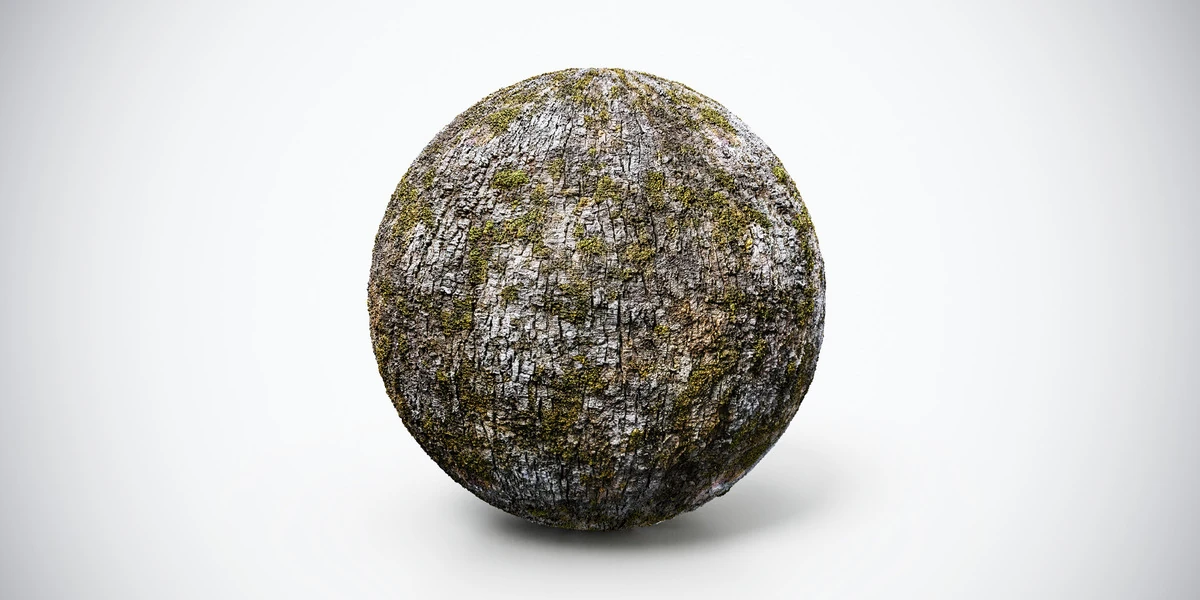
Open the image to explore the details.
Mossy tree bark PBR texture with deep cracks and green surface accents. Tileable 1K, 2K and 4K PNG maps for forest trunks, logs and natural props.
See current pricing, available files and license details on the marketplace.
Dark, broken bark covered with green moss accents and coarse surface detail. The visible moss gives this material a different environmental character from a dry, pale trunk.
Use it for shaded woodland trees, fallen logs or forest props. Keep the moss distribution in mind when choosing neighboring materials so that the scene communicates a consistent exposure to moisture.
The source listing specifies 4K / 2K / 1K PNG maps, seamless tiling and a Metallic/Roughness workflow.
For trunks and logs, the bark UV workflow covers ridge direction, seam placement, branch transitions and moss distribution.
Check for UV stretching on curved surfaces when wrapping the texture around a trunk. The normal-map workflow helps you separate shading detail from the geometry needed for the silhouette.
Compare this finish with Tileable Tree Bark Wood PBR Texture — Weathered to choose the pattern and contrast that fit your scene. Explore the wood & bark material collection for other surfaces in the same family.
The Superhive button above opens the product listing for current pricing, download contents and license terms.
After downloading the material's maps, open the PBR Material Previewer to compare supported textures on a sphere, cube or plane under HDR lighting. Check normal direction, roughness and tiling locally before applying the material to your scene. Product files are not loaded automatically.
Apply tree bark PBR textures in Blender with sensible seams, consistent ridge scale, clean branch transitions and believable moss placement on forest props.
Read articleFix UV stretching in Blender by checking object scale, seam placement, unwrapping and texel density before baking or applying detailed textures.
Read articleLearn the most common normal map mistakes in 3D workflows and how to fix seams, inverted details, shading artifacts, triangulation issues, and import errors.
Read article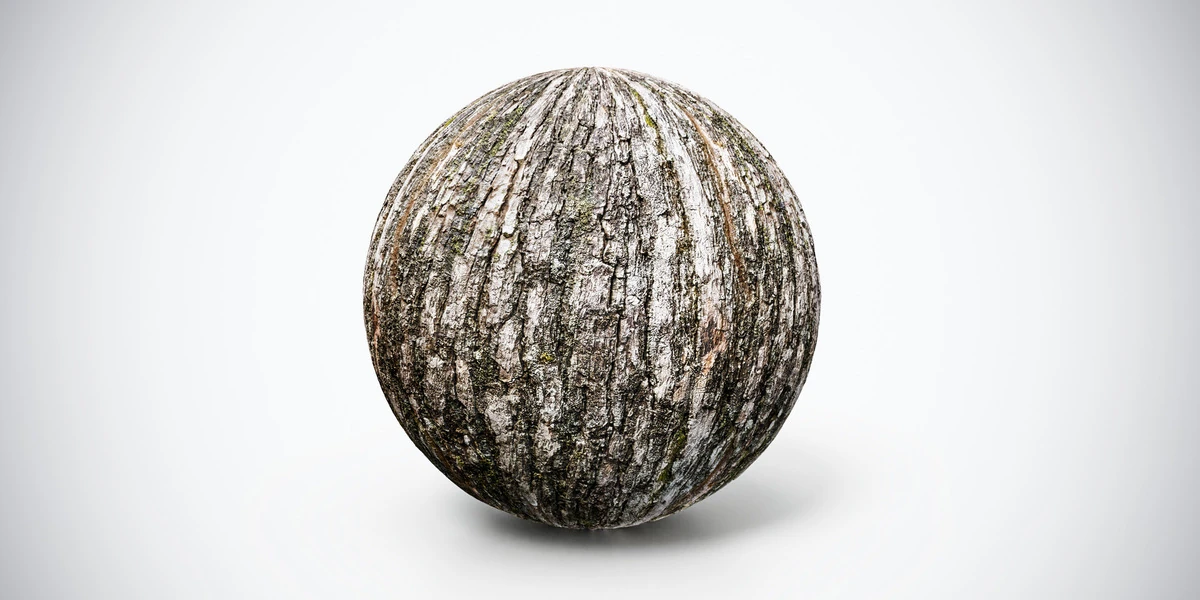
Weathered tree bark wood PBR texture with natural cracks and subtle moss accents. Tileable 1K, 2K and 4K PNG maps for woodland and nature scenes.
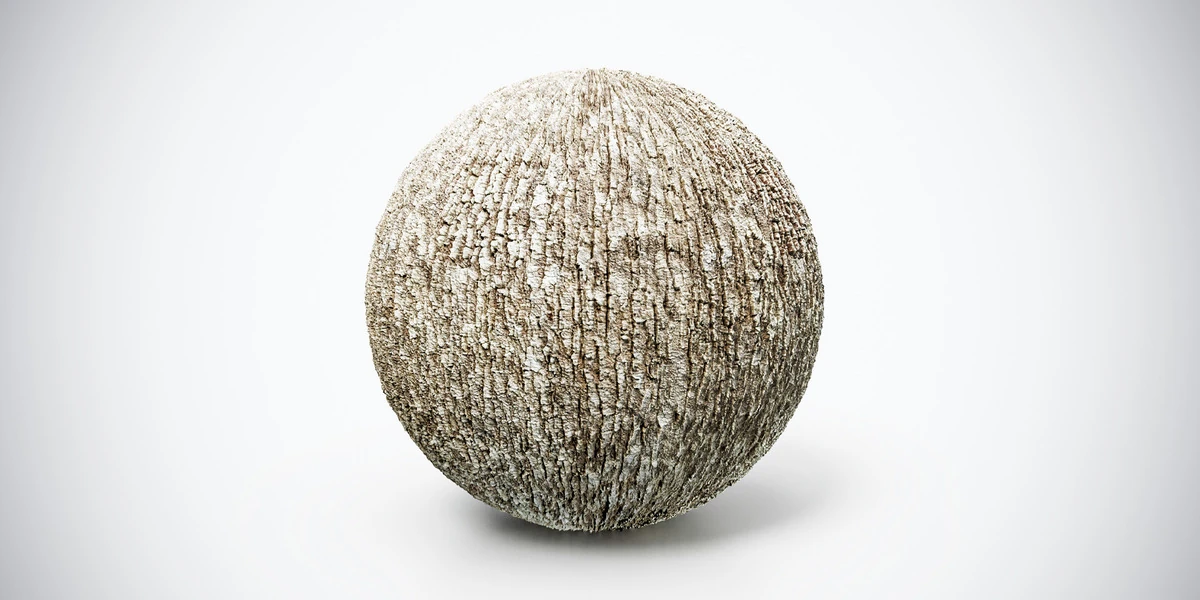
Tree bark PBR texture with compact vertical grooves and gray-brown tones. Seamless 1K, 2K and 4K PNG maps for trunks, stumps and outdoor props.
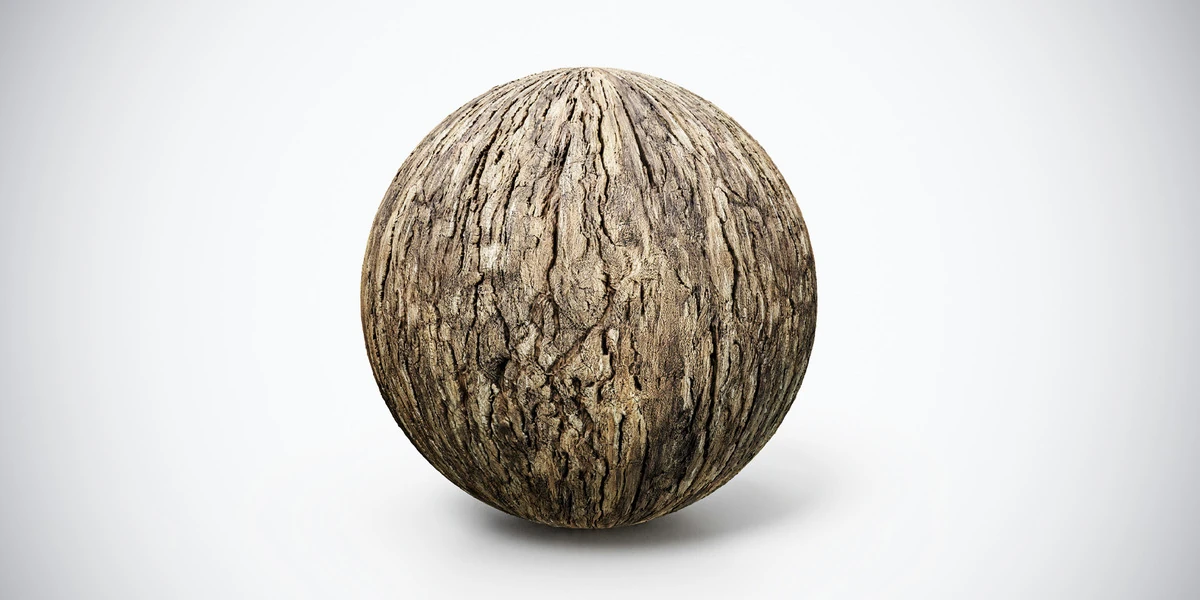
Cracked brown tree bark PBR texture with rough organic variation. Tileable 1K, 2K and 4K PNG maps for trees, fantasy props and forest environments.