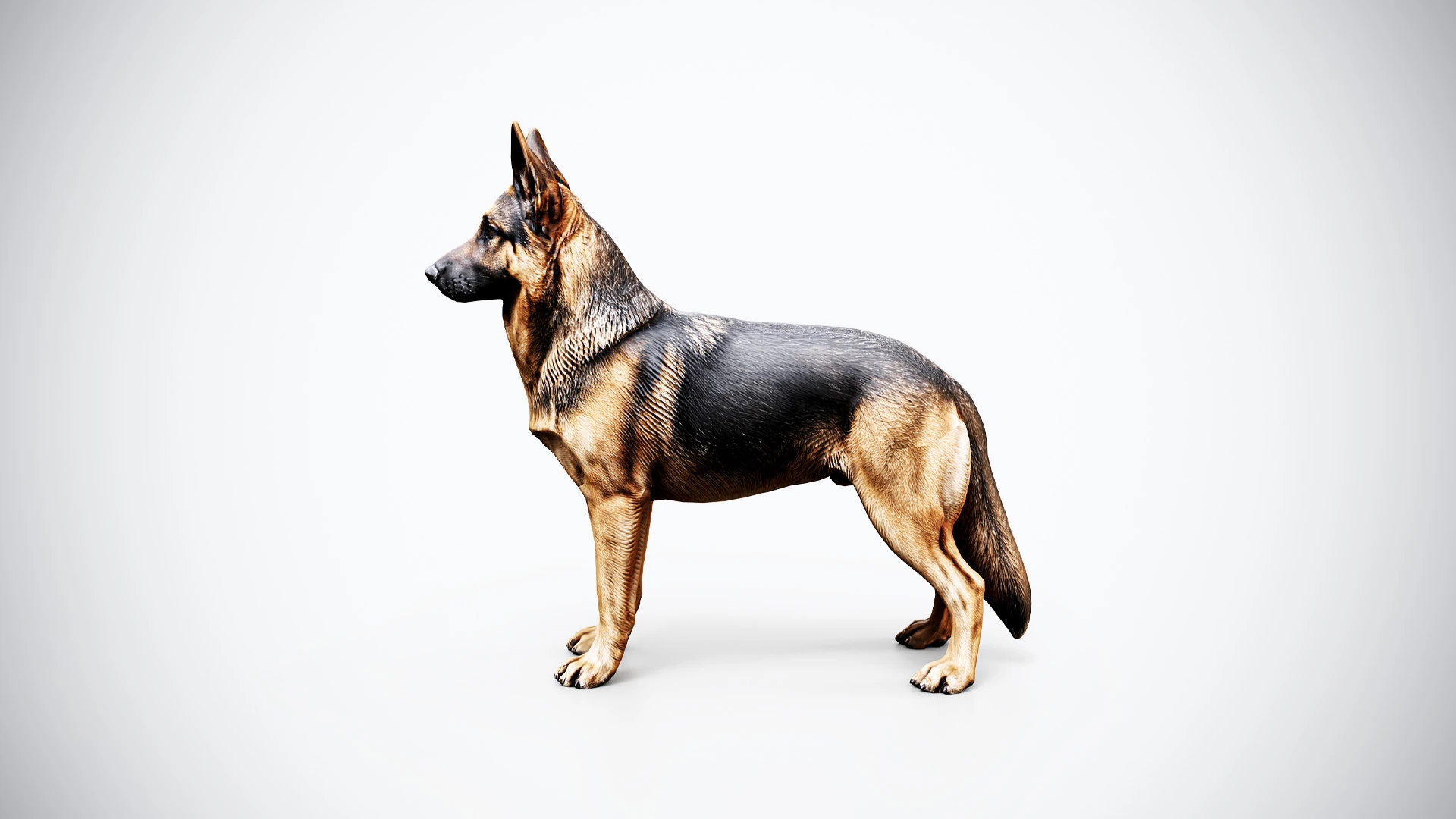
A recognizable working dog for your next scene
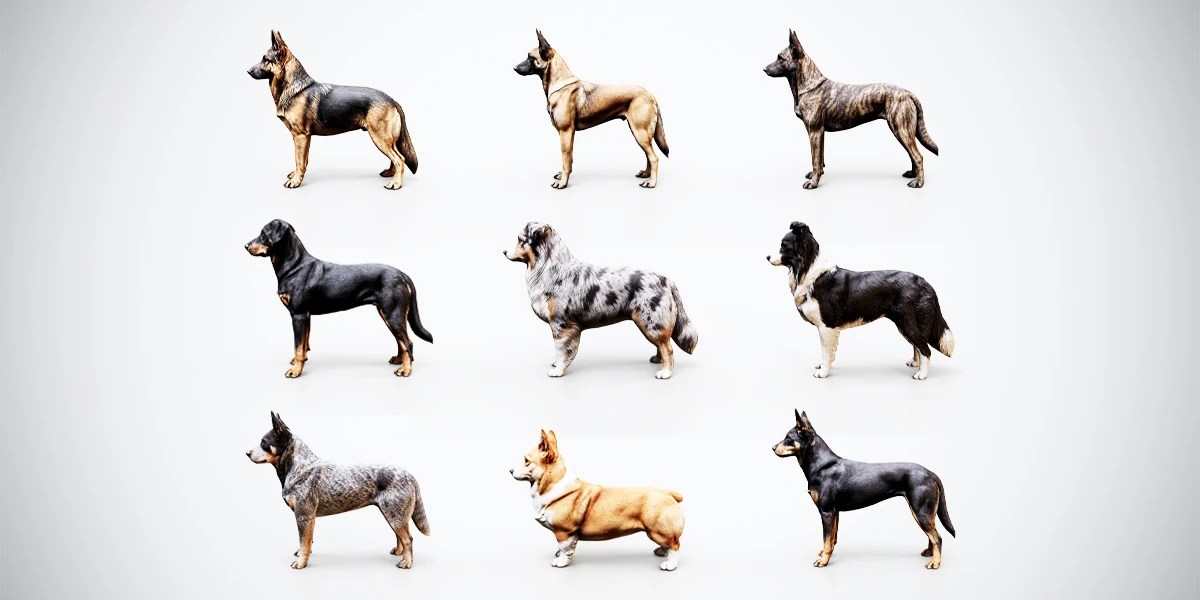
This free German Shepherd 3D model includes static and rigged versions, giving you a starting point for scene assembly, custom posing and character work. Its upright ears, black-and-tan coat and long lowered tail create a recognizable silhouette for a rural composition, a character presentation or a companion-dog concept.
Four model files with 2K PBR textures
The free ZIP contains two BLEND files and two FBX files for the same German Shepherd:
| Included file | Version | Use it for |
|---|---|---|
| BLEND | Static mesh | Blender scene assembly and still renders |
| BLEND | Rigged | Custom posing and animation work in Blender |
| FBX | Static mesh | Importing the static model into compatible applications |
| FBX | Rigged | Working with the skeletal model in a compatible character pipeline |
Textures are packed into both BLEND files, including the rigged version. The download provides 2K textures with Blender and PBR Metallic-Roughness presets. Choose the file that suits your task and check the material assignments when using FBX in another application.
Start with a pose or an engine import
Open the rigged BLEND to create a pose with the texture resources already packed into the file. Begin with a simple floor and a camera at the intended viewing distance. Check the paws against the ground and leave enough room around the ears and tail to keep the complete silhouette readable. The Blender dog posing guide walks through support, head direction and deformation checks using the available rig controls.
For a Unity project, use the rigged FBX and follow the Generic rig import workflow. Build the material from the supplied PBR Metallic-Roughness textures according to your project’s shader, then check scale and the movements you create or use with the character.
Present the model clearly
Use a neutral lighting setup for the first comparison. Look at the dark saddle and lighter chest together: heavy shadows can hide coat detail, while overly bright lighting can flatten its surface. Compare a side view with a front and three-quarter view before choosing a final camera.
For a rotating presentation, follow the Blender asset turntable workflow. Rotate the complete imported model hierarchy through a full turn and check the widest view before rendering. Keep the camera and lighting fixed so the viewer can follow the dog’s shape. If you include the result in your portfolio, identify your contribution as lighting, rendering or scene assembly and credit the original asset.
When planning a game scene, use the game-ready model checklist to review scale, materials, geometry and the requirements of your target project. Inspect the downloaded files before deciding which additional setup your scene needs.
Explore the full Shepherd & Herding Dogs bundle
The 10 Rigged Shepherd & Herding Dogs bundle includes German Shepherd, Malinois, Dutch Shepherd, Beauceron, Australian Shepherd, Border Collie, Australian Cattle Dog, Kelpie and two Pembroke Welsh Corgi variations.
Expand from this free 2K German Shepherd to the premium collection for static and rigged BLEND/FBX versions of all ten models, PBR textures up to 4K and Blender, Unity and Unreal Engine texture presets. Choose the full pack when your scene needs several working-dog silhouettes or a broader selection for custom posing and animation.