An Open Daylight Environment
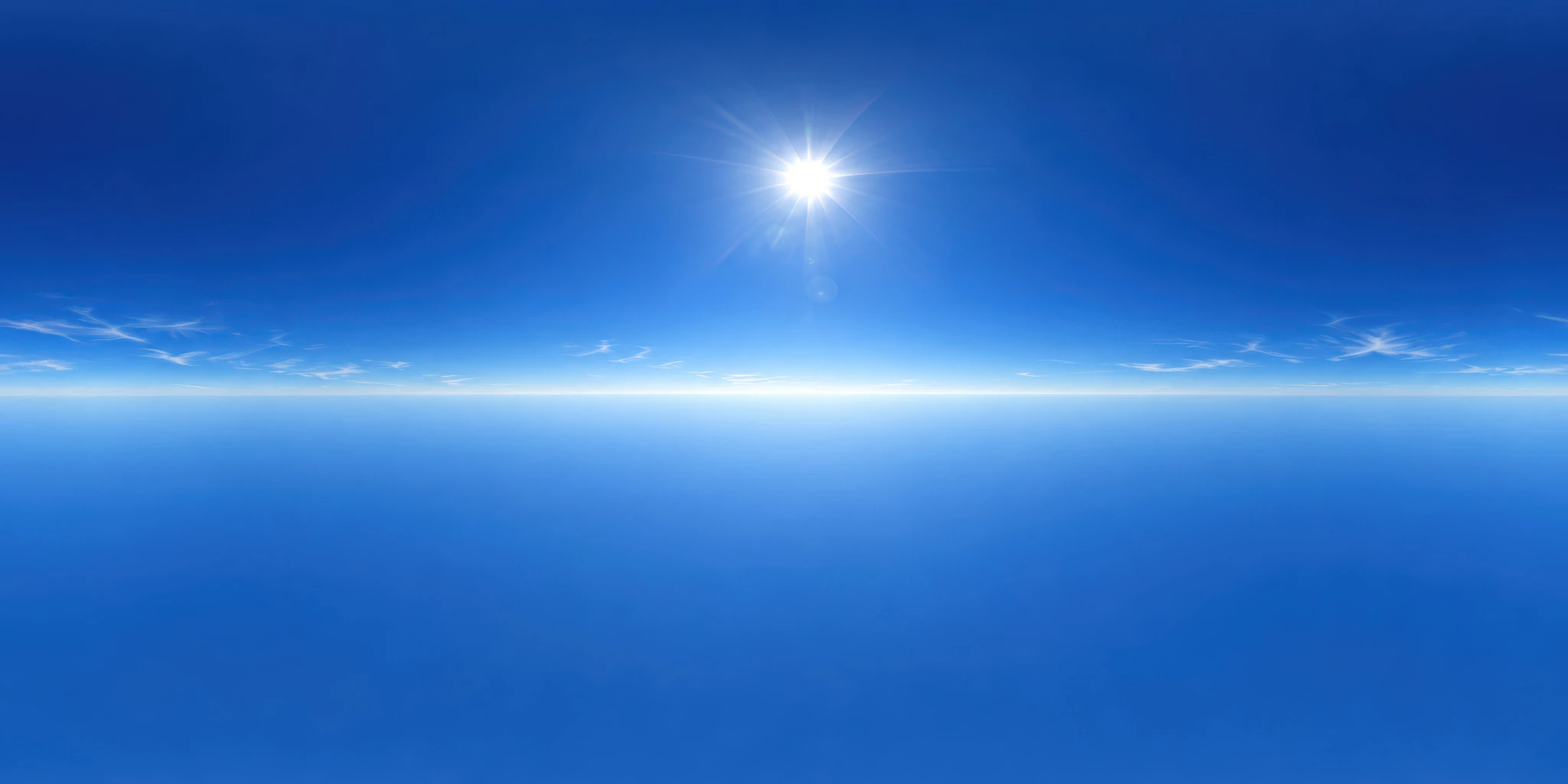
High Sun in a Saturated Blue Sky places a bright sun well above a pale horizon, surrounded by a broad blue sky and only a few fine cloud streaks. The relatively simple composition makes it a useful candidate when you want to explore the contribution of a visible sun without a dense cloud pattern dominating every reflection.
Use this free unclipped HDRI for daylight studies on product models, outdoor props or material test objects. Pay particular attention to the balance between upper surfaces and vertical faces. The sun’s position in the preview helps you choose a candidate; its actual lighting and shadow behavior must be judged from the downloaded environment in your scene.
Establish the Environment Before Adding Lights
Load the HDRI from the ZIP into your renderer’s environment-lighting system. Use the Blender HDRI setup guide if you need the World shader connections. The JPG or WebP preview on this page is a browsing image, not a substitute for the HDRI lighting file.
Begin with additional lamps disabled, a fixed camera and a simple object on real ground geometry. Rotate the environment to compare the sun’s direction relative to the subject. Inspect the top, front and side of the object separately: a bright top surface does not guarantee that a front-facing label or recess is readable.
Only then decide whether another light has a specific job. The HDRI versus area lights comparison provides a workflow for adding a controlled highlight or filling a difficult region. Keep an environment-only render so you can see what the extra lamp changes.
Compare Cloud Detail and Sun Position
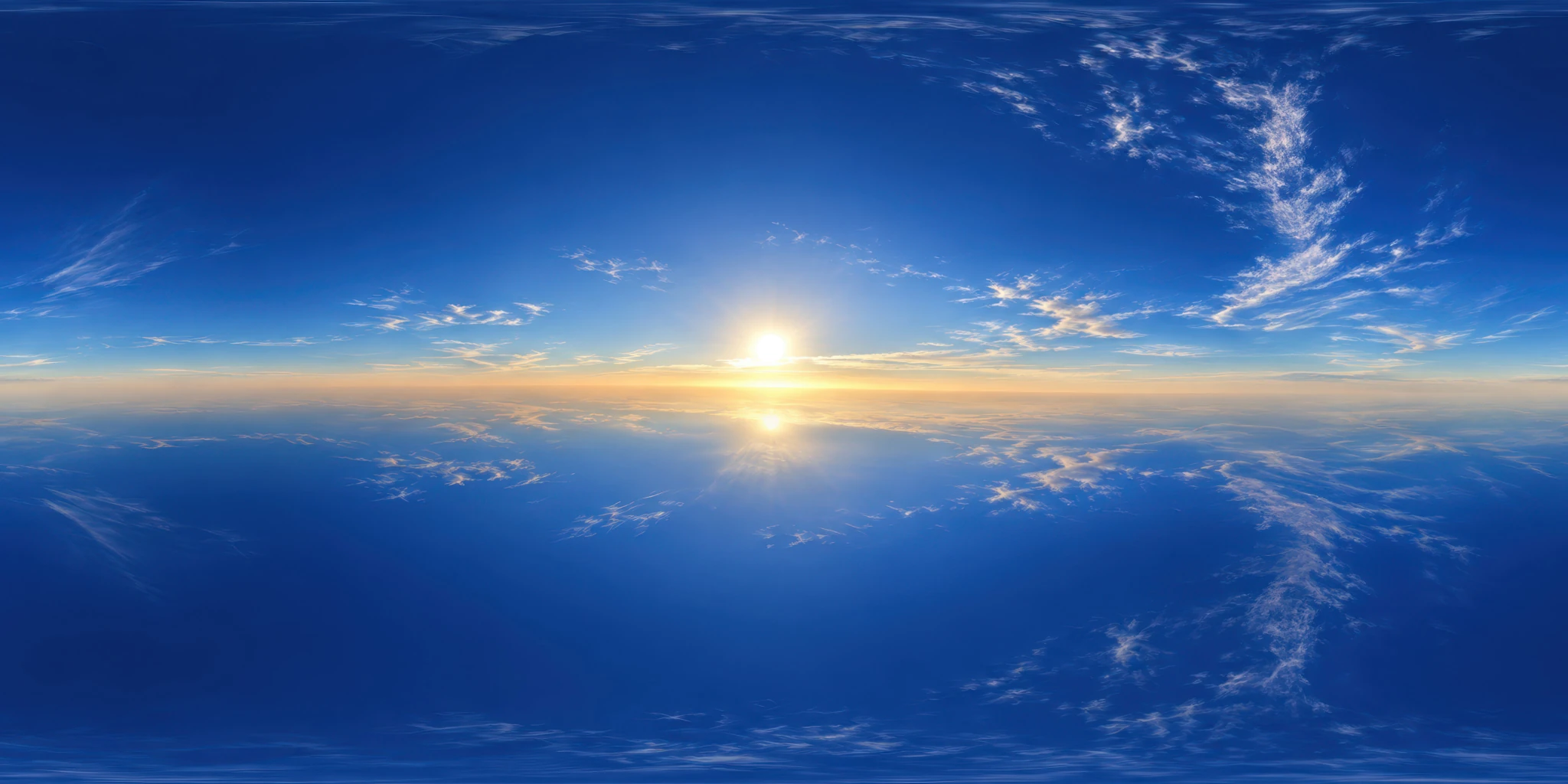
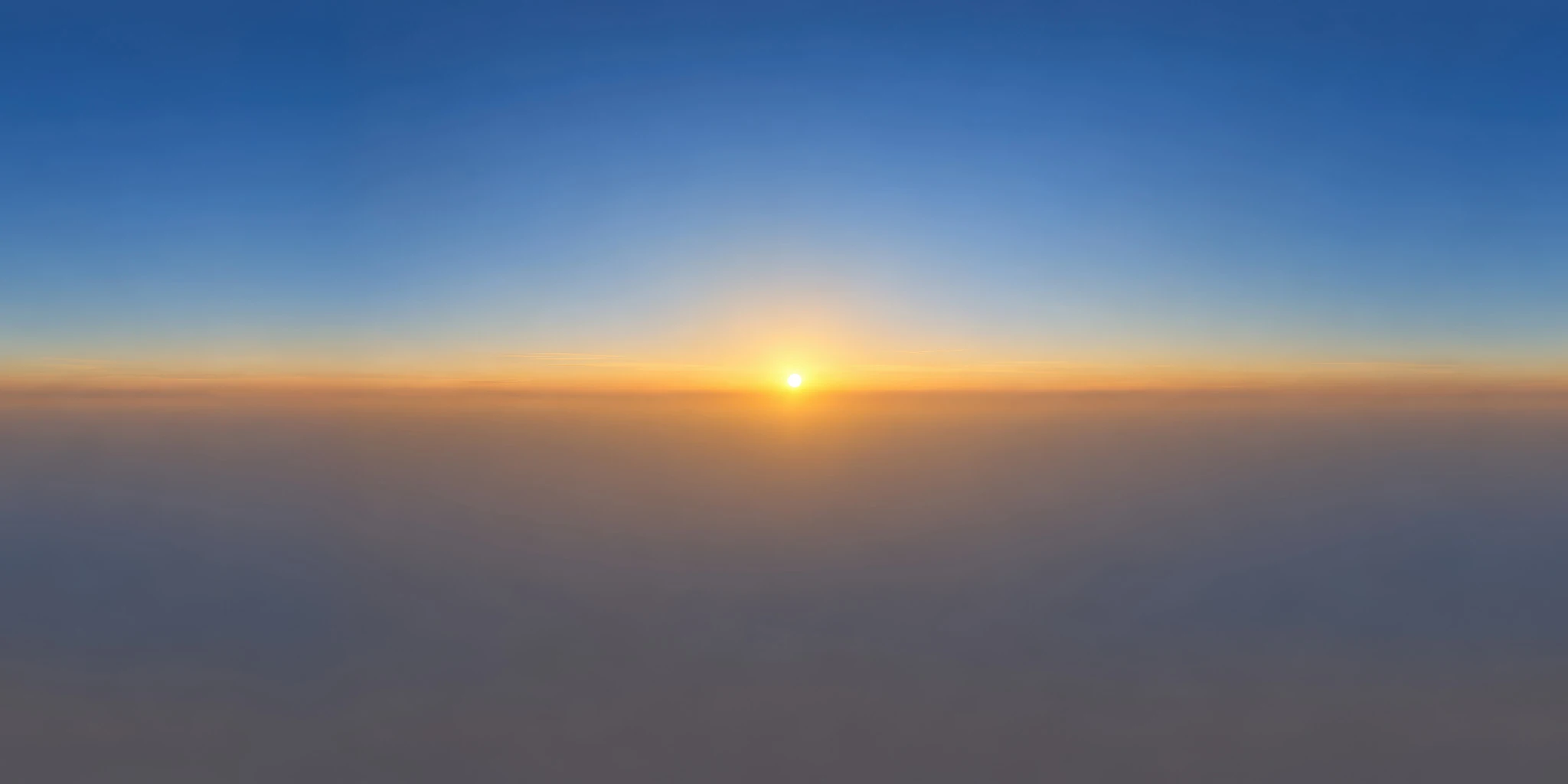
Try Bright Blue Sky with Mirrorlike Reflections when you want more visible cloud structure across a glossy surface. For a lower sun and a warmer horizon, test Muted Sunrise with a Hazy Horizon.
Use the same material and camera for the first comparison, then record each environment’s rotation and any intensity or exposure adjustments. Do not assume that identical slider values make different HDRIs equally bright, or that “unclipped” defines a universal exposure setting.
Expand Your Daylight and Evening Options
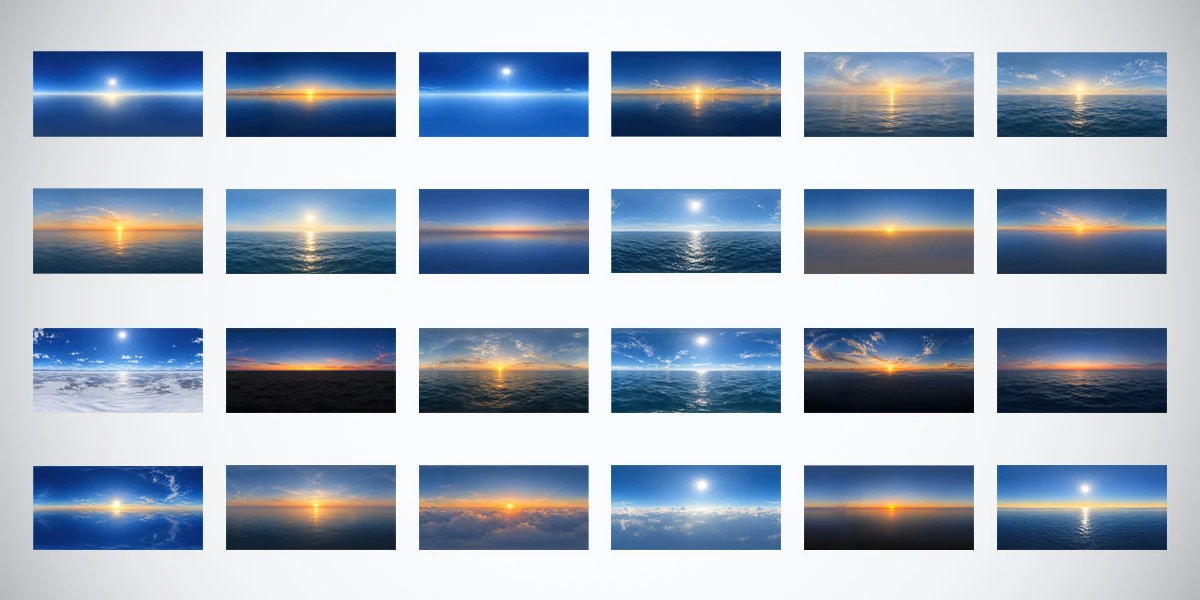
This environment is part of the 24 Unclipped Sky & Ocean HDRIs Bundle. The AI-assisted, manually refined premium collection adds cloud layers, ocean views, warm low suns and twilight choices, with 10K, 4K and 2K versions of each environment in 32-bit HDR format. Explore that separate package when you need a wider range of lighting moods after testing the free asset.