A Warm Sunrise with a Quiet Horizon
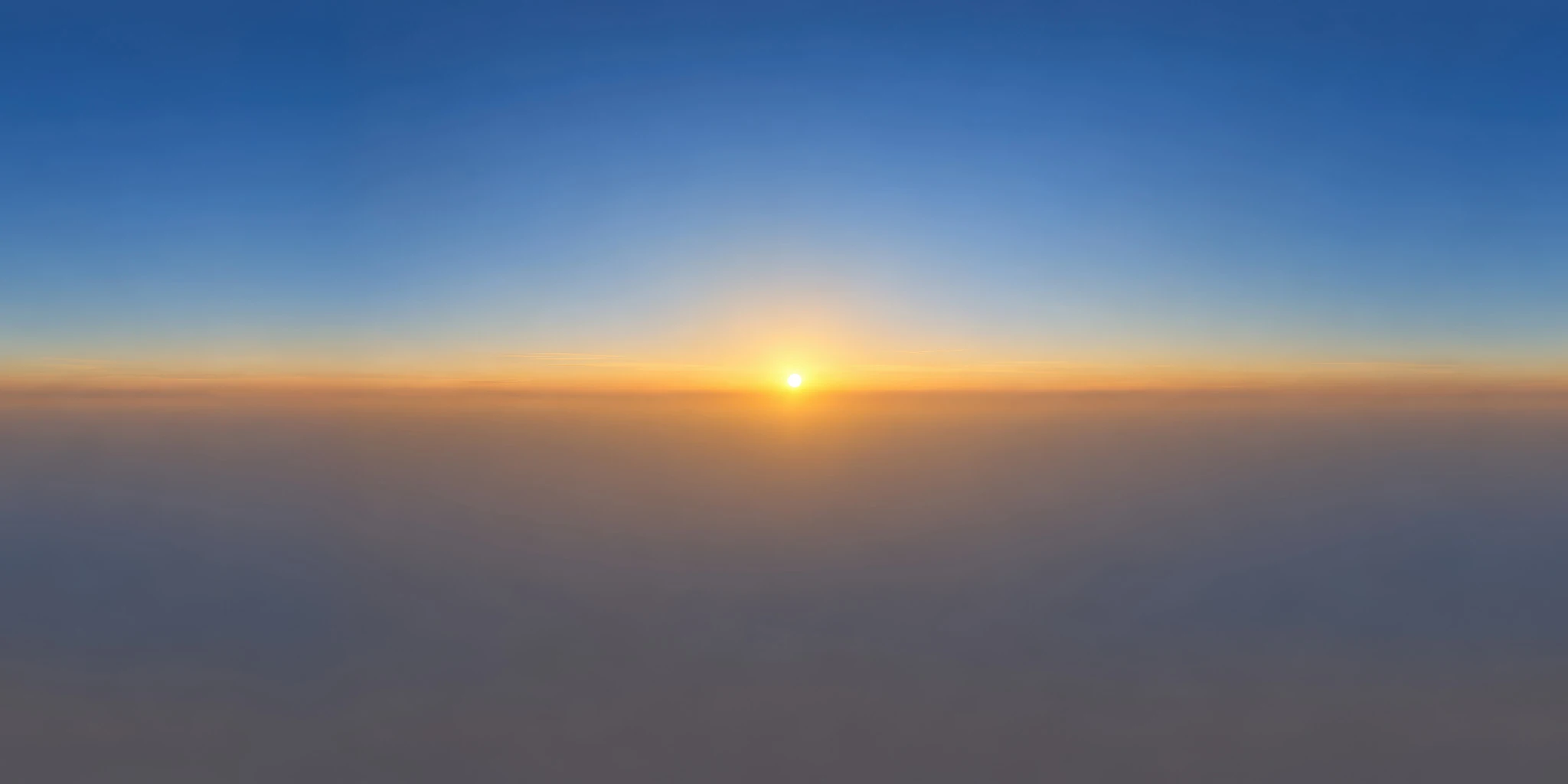
Muted Sunrise with a Hazy Horizon combines a small low sun, a narrow orange band and a gradual transition into muted blue. The lower half of the preview is subdued by gray haze, with little fine detail competing for attention. This gives you a different visual starting point from a richly patterned cloud sky.
Try this free unclipped HDRI for a warm product presentation, an atmospheric prop render or a comparison of low-sun lighting. Its restrained horizon may suit a composition where the object needs to remain the main focus. Haze visible in the panorama is image content; it does not automatically add volumetric fog to your 3D scene.
Keep the Warm Mood Separate from Material Color
Use the HDRI supplied in the ZIP with your renderer’s environment-lighting workflow. In Blender, the HDRI product-lighting guide walks through connecting the environment and testing its orientation. Use the downloadable lighting asset for this step, rather than the display preview above.
Start with a neutral reference object beside your subject. Rotate the environment to see where the low sun falls, then inspect both the warm side and the shaded side of the model. Keep a neutral-light comparison if you also need to communicate a product’s base color accurately.
The outdoor HDRI selection guide explains why warm illumination and material color should be evaluated separately. Avoid editing a correct texture simply because the sunrise changes its appearance. Choose the lighting mood deliberately, then adjust the presentation around that choice.
Compare a Low Sun with Open Blue Daylight
Switch to High Sun in a Saturated Blue Sky to study a higher sun and a cooler-looking sky composition. For a more detailed reflected environment, try Bright Blue Sky with Mirrorlike Reflections.
Keep the model, material and camera fixed during the first comparison. Review the resulting render at its intended display size: a subtle warm edge may read well close up but disappear in a small catalog image. The HDRI resolution guide explains why lighting, visible backgrounds and reflections deserve separate inspection. Record any environment-strength or exposure changes instead of assuming all maps share the same brightness.
Find More Sunrise, Sunset and Ocean Variations
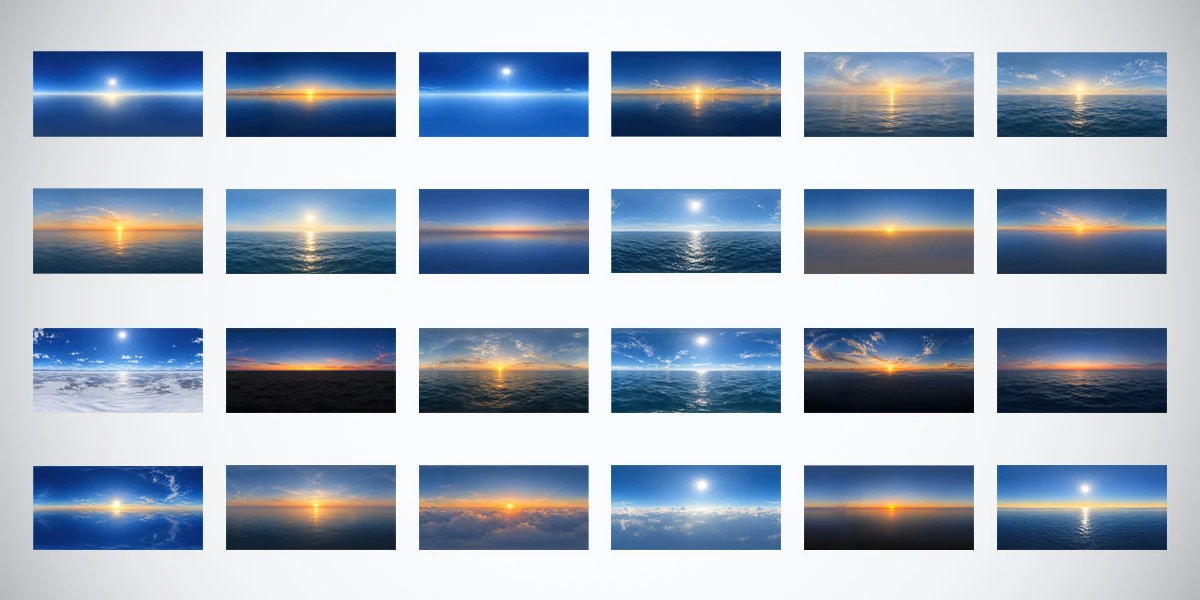
This free environment comes from the 24 Unclipped Sky & Ocean HDRIs Bundle, created with AI assistance and manual refinement. The premium collection provides 24 environments in 10K, 4K and 2K as 32-bit HDR files. It expands the choices to clearer daylight, cloud decks and varied evening horizons; those resolution and format specifications belong to the complete bundle.