Match HDRI Lighting to a 3D Ground Plane in Blender
Ground your 3D subject under HDRI lighting in Blender. Match contact, sun direction and camera perspective, then choose a visible plane or shadow catcher.
Read article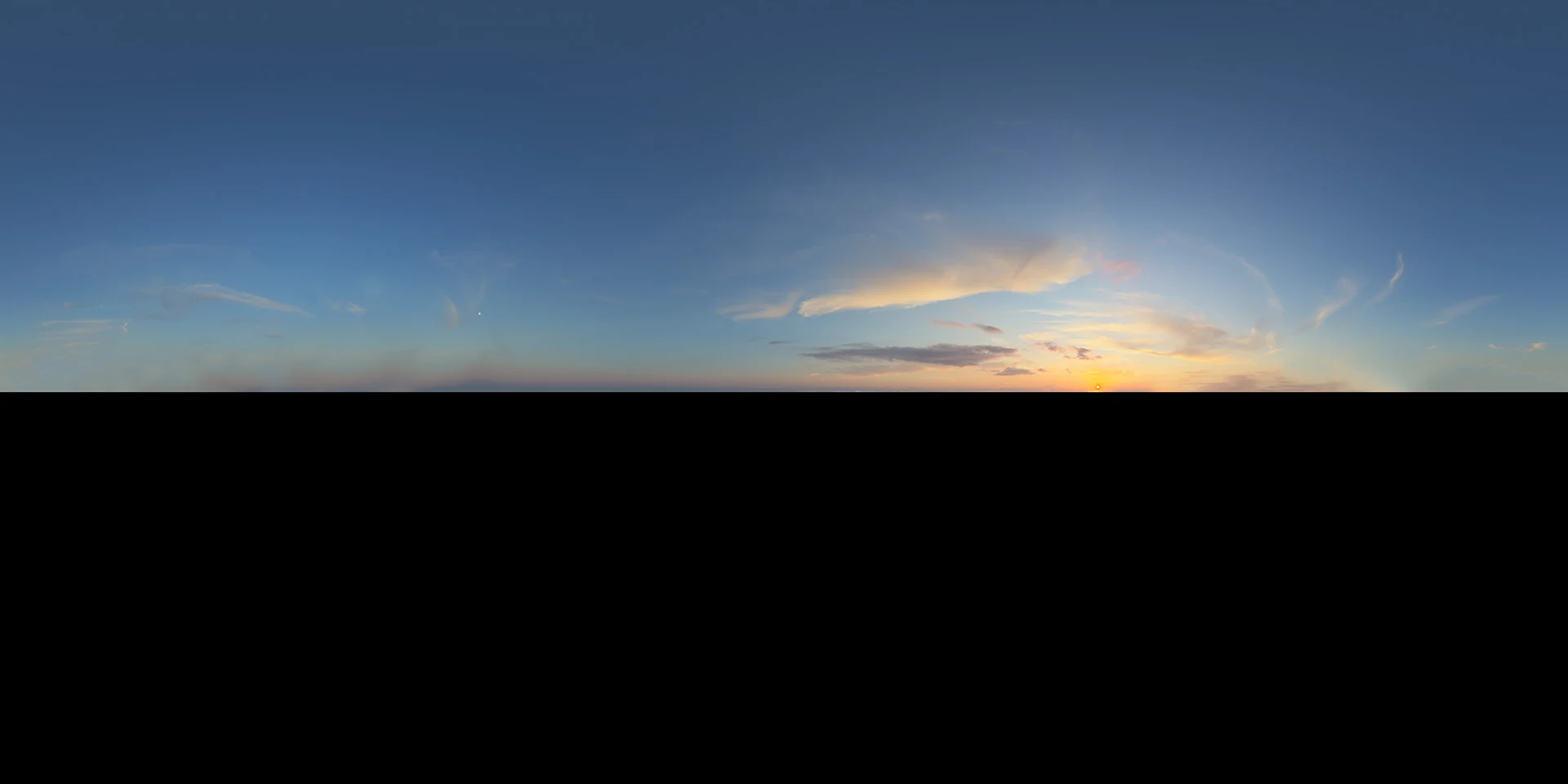
Open the image to explore the details.
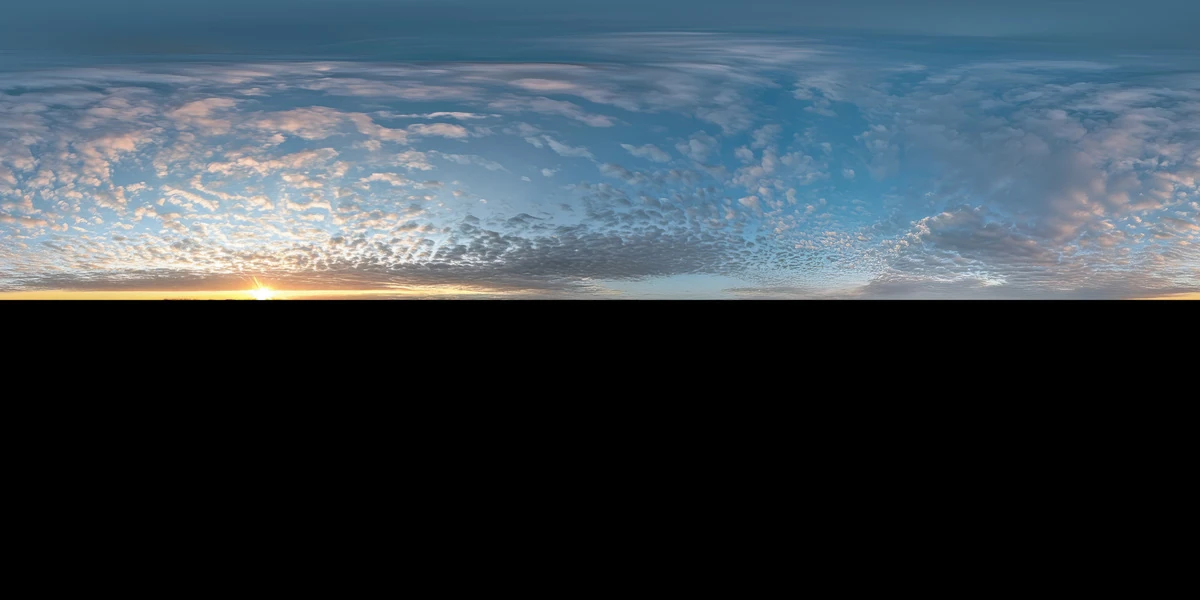
Explore Sky 029 HDRI with a warm sunset horizon beneath a broad blue sky. Use 10K, 6K, 3K or 1K HDR maps for gentle color contrast and outdoor reflections.
See current pricing, available files and license details on the marketplace.
A broad blue sky opens above a warm sunset horizon, with a few orange-lit clouds near the right side and a black lower half in the preview.
Try this sky for a product silhouette or an architectural exterior where the horizon should provide a warmer accent. The larger clear area gives reflections room to read without a dense cloud pattern. Keep material color unchanged while comparing the blue upper light and the warmer horizon contribution.
The product page lists 10K, 6K, 3K, 1K files in .hdr format. Choose the resolution for the detail visible in the final camera framing and reflections. The web image above is a compressed preview; use the purchased HDR file to light your scene.
The supplied image shows the sky with black below it. Preserve this layout when previewing the panorama; add your own ground or foreground geometry for a complete scene. The JPEG preview cannot establish the lighting contribution of the purchased map below the horizon.
Learn how to add a ground plane for HDRI lighting so that your objects have local contact shadows. Use the Blender HDRI lighting workflow to load and rotate the environment.
Compare Soft Sunset Scattered Clouds HDRI to compare a broad clear upper sky with more scattered sunset cloud shapes. Keep your material and exposure fixed to make the comparison useful.
Compare Sky 032 Sunset HDRI to compare a narrow sunset glow with a broader clear upper sky.
Browse the HDRI lighting collection to combine environment, lighting and scene filters.
Photographed in Italy. The creator identifies the panorama as a photographic capture in Italy. The catalog image is a compressed preview of that environment.
Ground your 3D subject under HDRI lighting in Blender. Match contact, sun direction and camera perspective, then choose a visible plane or shadow catcher.
Read articleSet up HDRI lighting in Blender, rotate the environment, balance exposure, and check PBR materials with a practical workflow for clearer product renders.
Read articleCompare HDRI and area lights in Blender. Learn how to control reflections, reveal product shape and combine light sources without flattening your render.
Read articleExplore a soft sunset HDRI with scattered clouds and a golden horizon. Compare 12K to 2K unclipped maps for calm exterior lighting and product reflections.
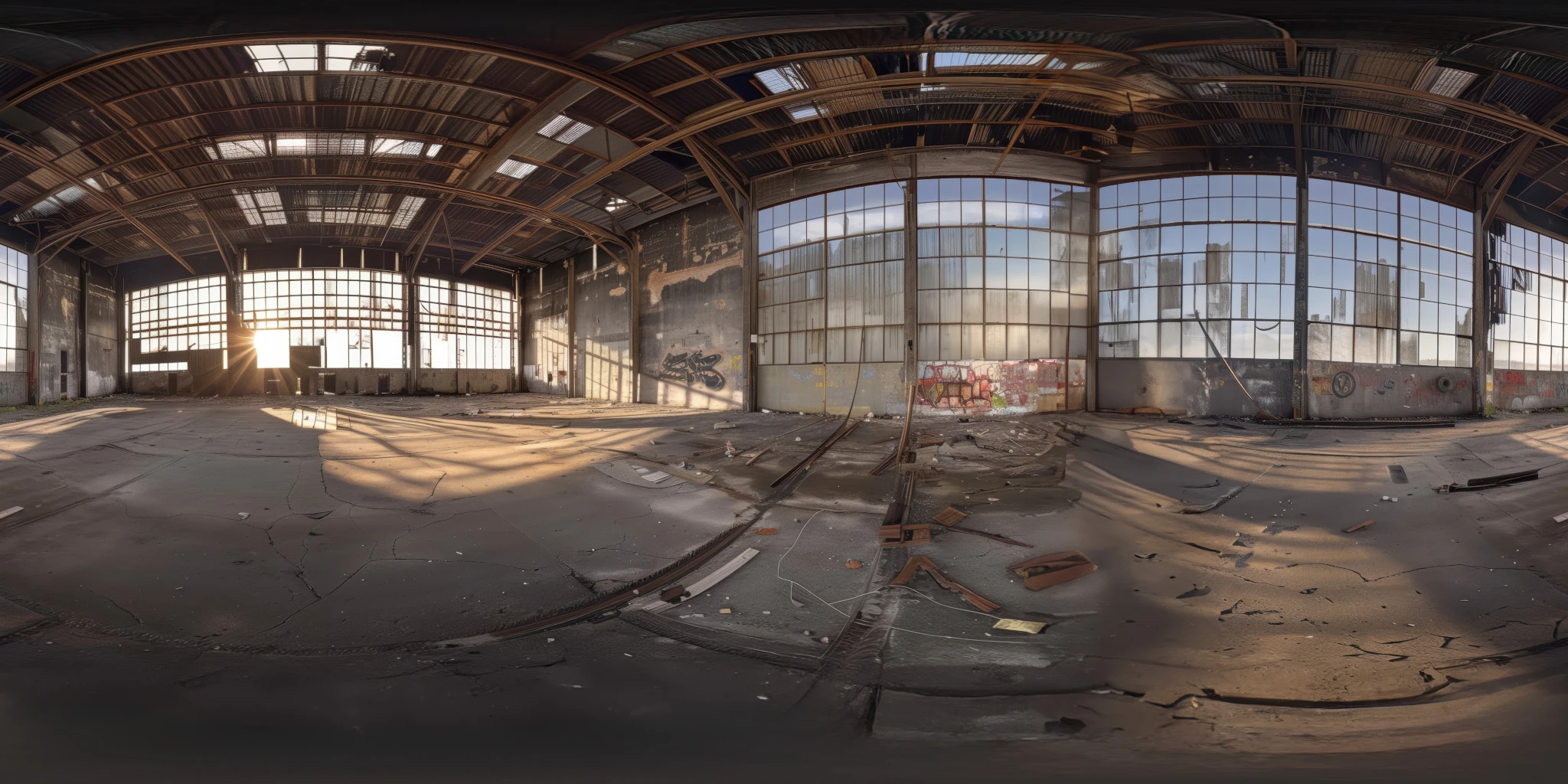
View assetExplore an abandoned warehouse HDRI with window light, roof trusses and worn concrete. Choose 12K to 2K unclipped maps for industrial props and reflections.
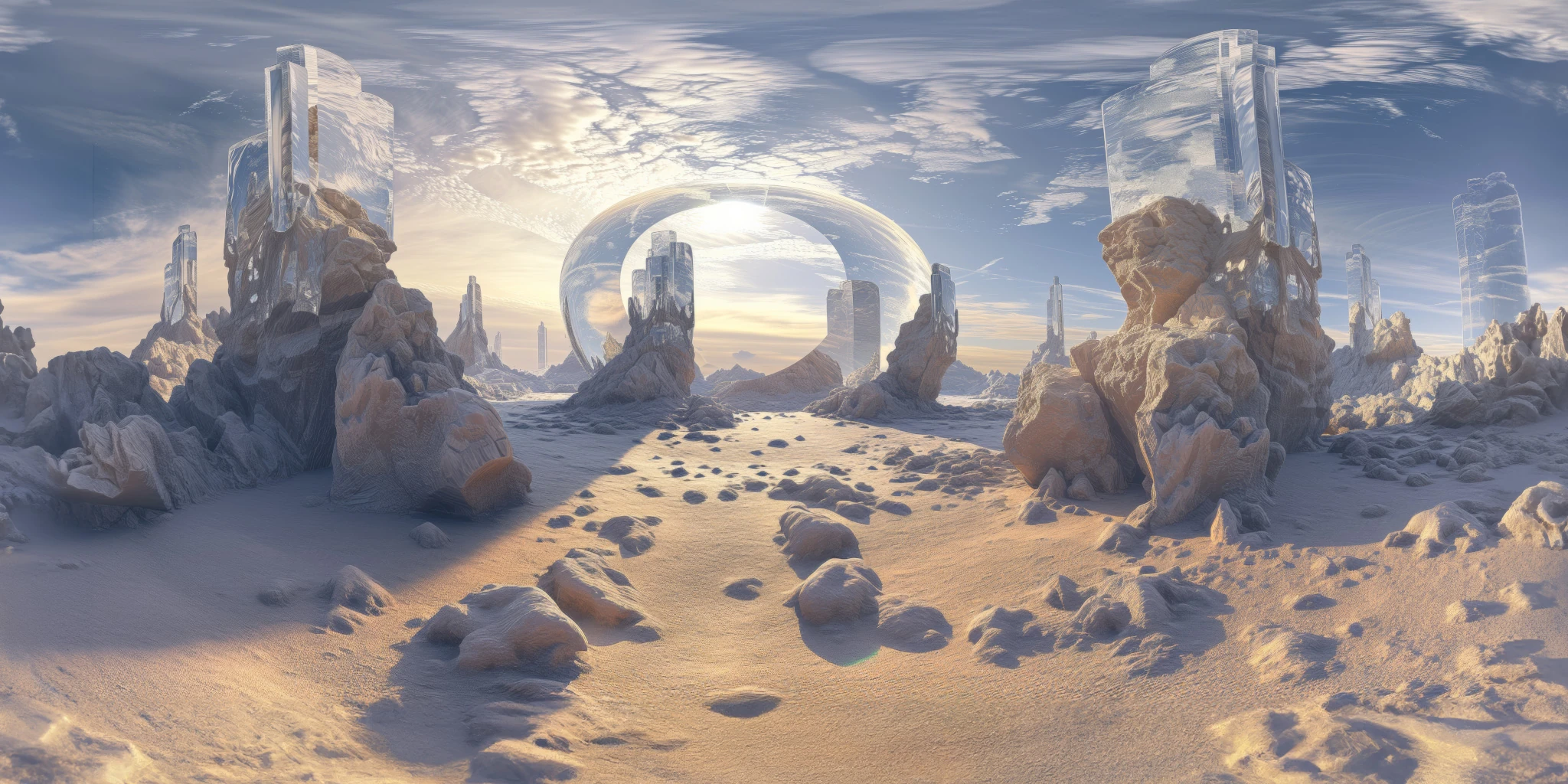
View assetExplore a crystal valley HDRI with pale formations, sandy terrain and a monumental arch. Choose 12K to 2K maps for bright sci-fi lighting and reflections.
View asset