HDRI Lighting in Blender: A Practical Product Render Workflow
Set up HDRI lighting in Blender, rotate the environment, balance exposure, and check PBR materials with a practical workflow for clearer product renders.
Read article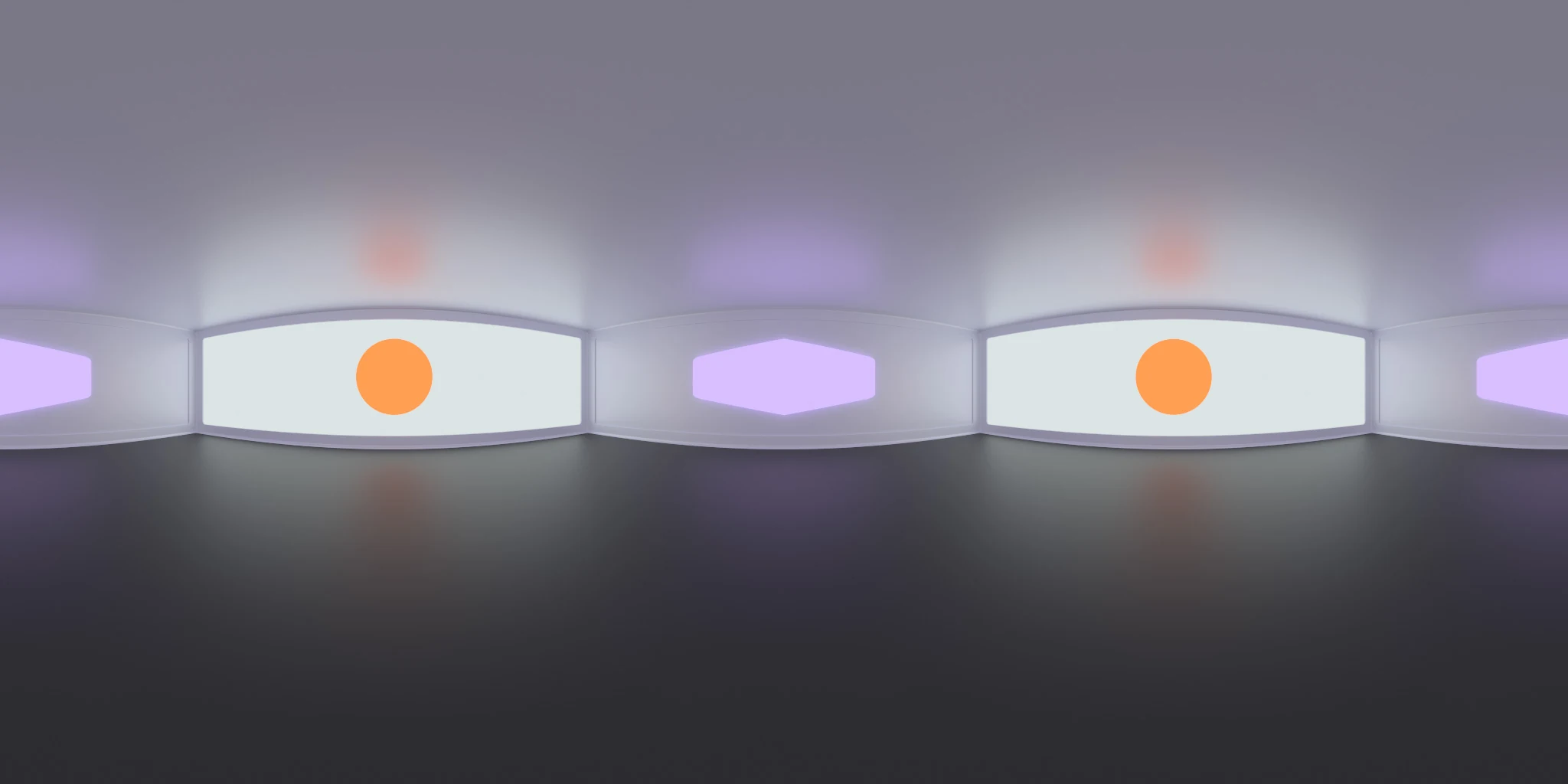
Open the image to explore the details.
Explore Studio Lighting 014 HDRI with violet tones and warm circular accents. Use 10K to 2K HDR maps for distinctive product highlights and reflections.
See current pricing, available files and license details on the marketplace.
Two pale rectangular panels contain warm orange circular centers, surrounded by soft violet accents against a neutral grey studio field.
The combination of rectangular and circular shapes creates layered highlights on polished props. Try a metal cup or a rounded container and watch how each shape wraps around the side. Adjust the environment rotation before changing roughness, since highlight placement and highlight softness solve different visual problems.
The product page lists 10K, 8K, 4K, 2K files in .hdr format. The supplied catalog image is a compressed web preview; load the purchased HDR map for environment lighting. Choose the map resolution to suit the detail visible in your final background and reflections.
Learn how to set up and rotate HDRI lighting in Blender. Use roughness maps in PBR to understand how surface roughness affects the reflected light pattern.
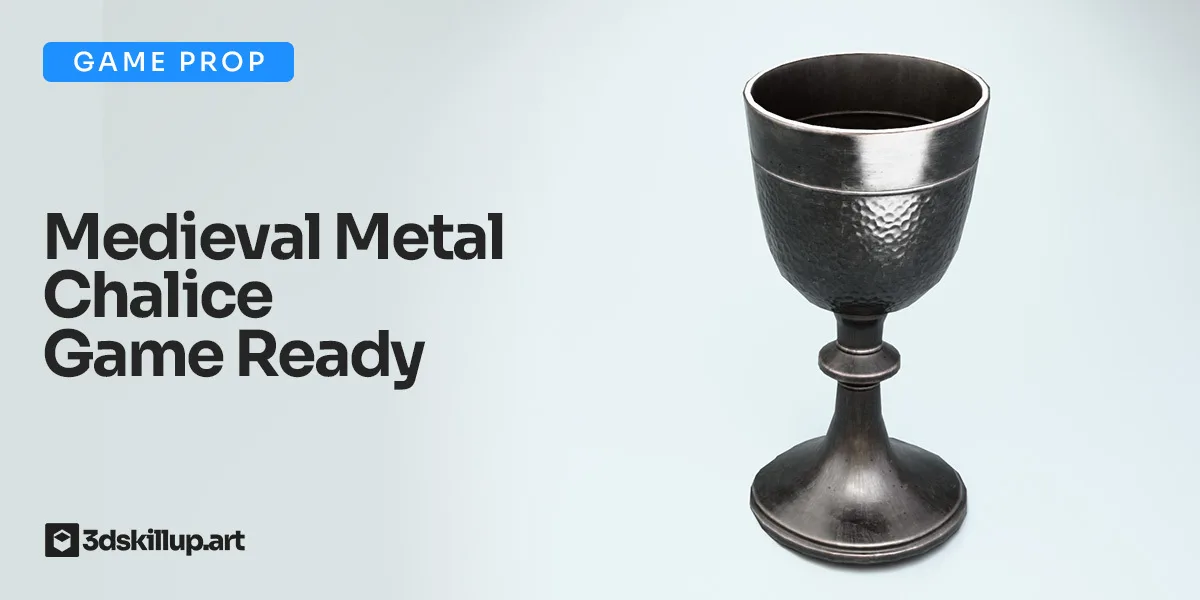
Compare Medieval Metal Chalice 3D Model – Game Ready PBR Asset to inspect layered circular and rectangular highlights on a curved metal chalice. Keep the camera and material fixed when evaluating the change.
Browse the HDRI lighting collection for more environments and combined lighting filters.
For another lighting comparison, try Studio Lighting 010 HDRI to compare small circular fixtures and broad panels with the layered accents of Studio Lighting 014.
For another lighting comparison, try Studio 021 HDRI to compare a continuous purple panel arrangement with smaller violet and warm circular accents.
Created in Blender. This is a rendered virtual environment; its lights and surrounding surfaces are part of the panorama.
Set up HDRI lighting in Blender, rotate the environment, balance exposure, and check PBR materials with a practical workflow for clearer product renders.
Read articleCompare HDRI and area lights in Blender. Learn how to control reflections, reveal product shape and combine light sources without flattening your render.
Read articleYou can model a clean asset, unwrap it properly, bake a solid normal map, and still end up with a material that feels wrong.
Read articleGame-ready medieval metal chalice 3D model with realistic hammered surface and optimized low poly geometry. Includes full PBR textures (4K–1K) and supports Unity, Unreal Engine, and Blender. Ideal for fantasy…
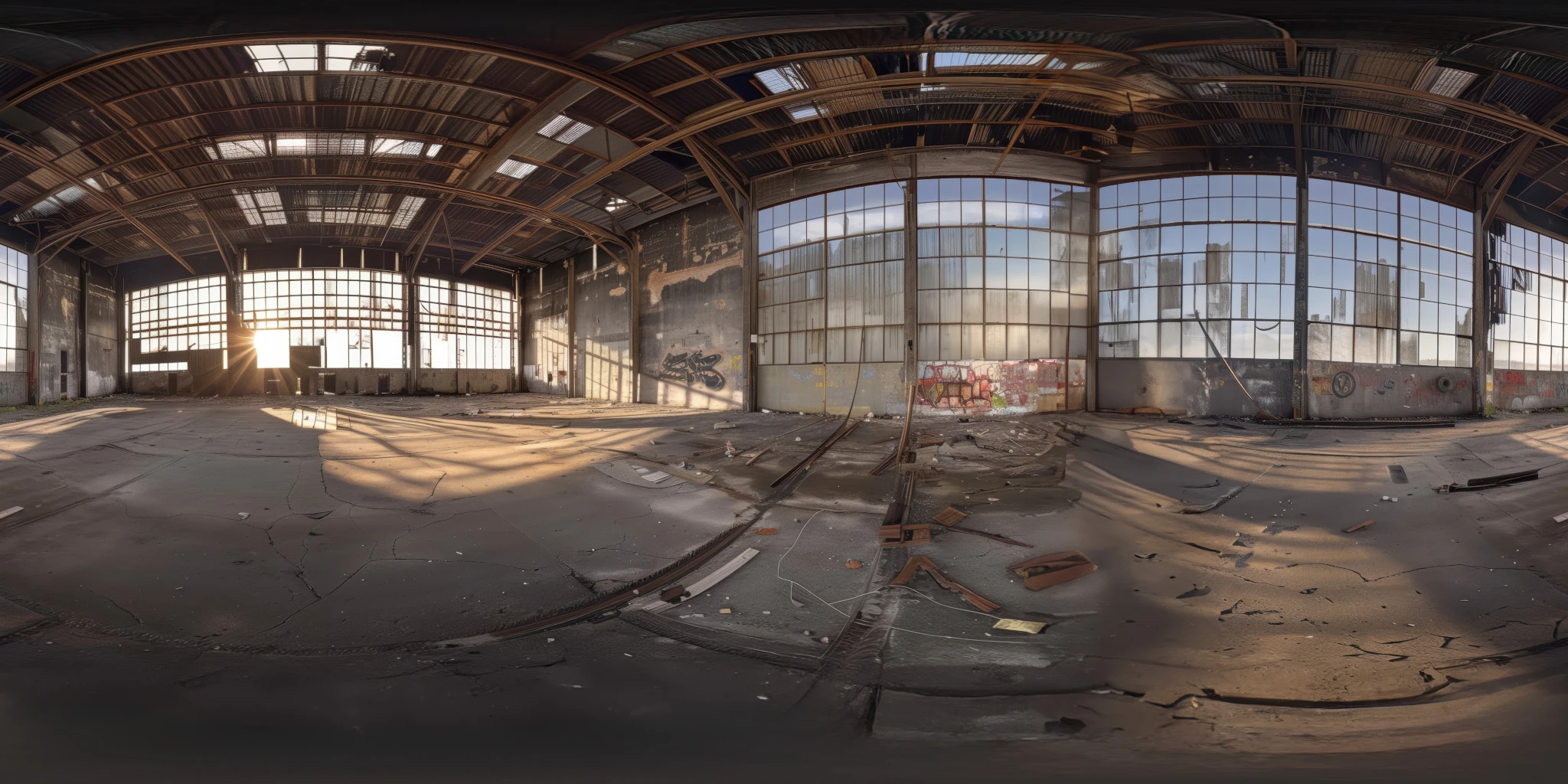
View assetExplore an abandoned warehouse HDRI with window light, roof trusses and worn concrete. Choose 12K to 2K unclipped maps for industrial props and reflections.
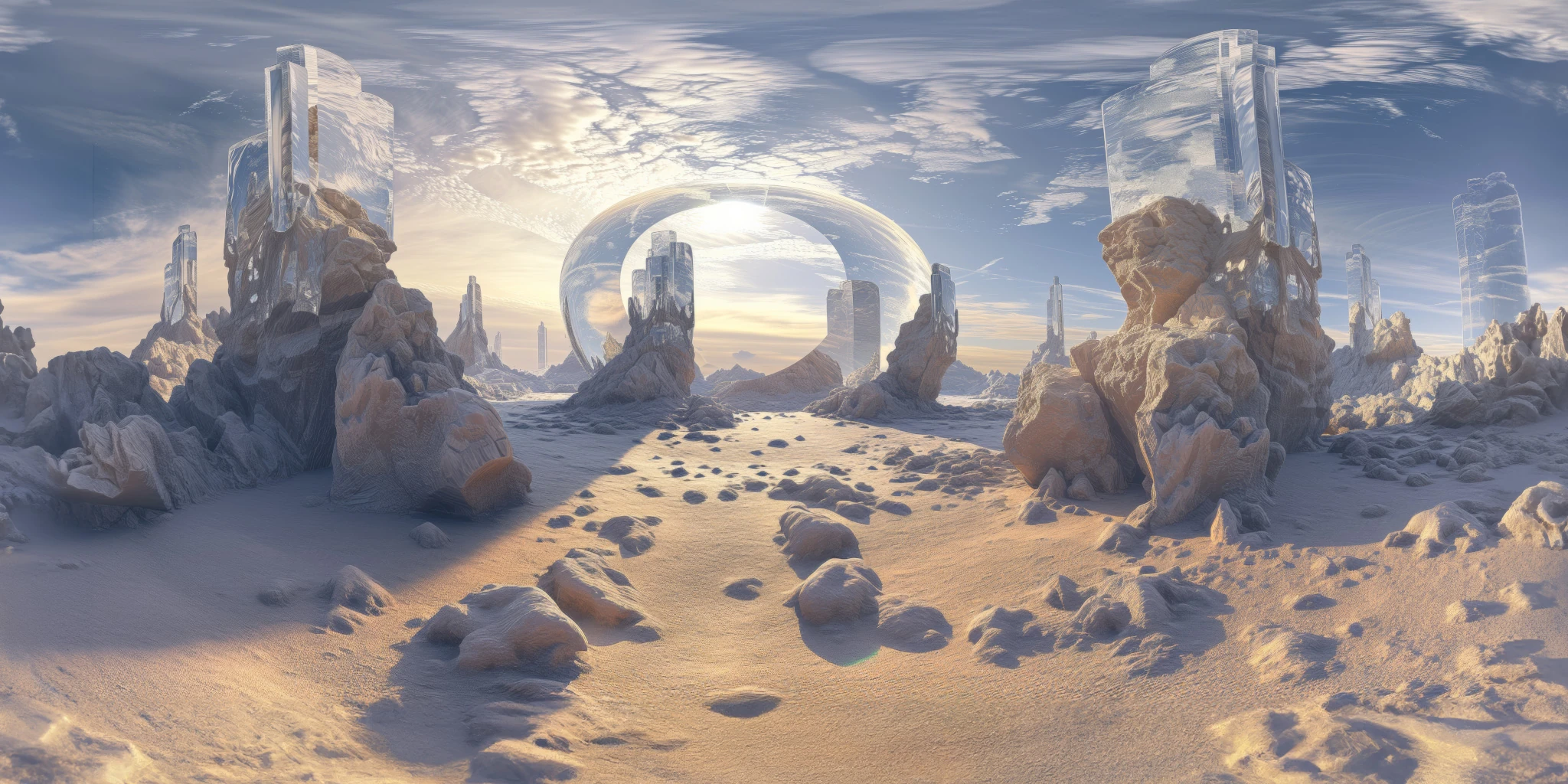
View assetExplore a crystal valley HDRI with pale formations, sandy terrain and a monumental arch. Choose 12K to 2K maps for bright sci-fi lighting and reflections.
View asset