HDRI Lighting in Blender: A Practical Product Render Workflow
Set up HDRI lighting in Blender, rotate the environment, balance exposure, and check PBR materials with a practical workflow for clearer product renders.
Read article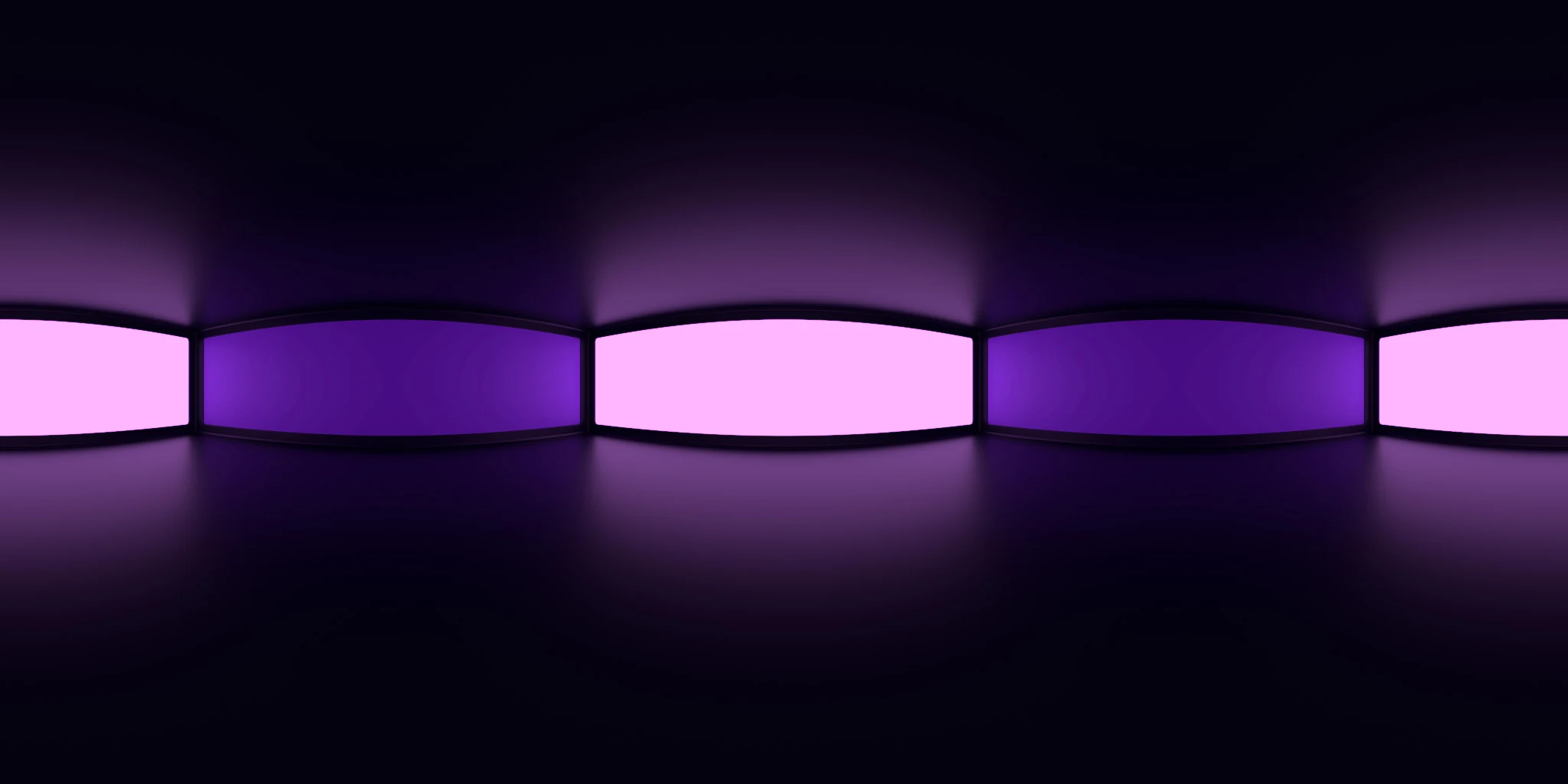
Open the image to explore the details.
Explore Studio 021 HDRI with pale magenta and deep violet panels on a dark horizon. Choose 10K to 2K HDR maps for purple product lighting and reflections.
See current pricing, available files and license details on the marketplace.
Pale magenta and deep violet rectangular panels repeat around a dark studio horizon, with soft purple reflections spreading below the lights.
This closely related pair of colors can give a product a consistent purple palette without using the same brightness everywhere. Rotate a pale panel toward the area that needs emphasis and let the darker violet panel describe the opposite side. Compare against a neutral setup when evaluating the original material color.
The product page lists 10K, 8K, 4K, 2K files in .hdr format. Choose the resolution for the detail visible in the final camera framing and reflections. The web image above is a compressed preview; use the purchased HDR file to light your scene.
Learn how to set up and rotate HDRI lighting in Blender. The guide to HDRIs and area lights explains how to add a local light when a particular product detail needs emphasis.
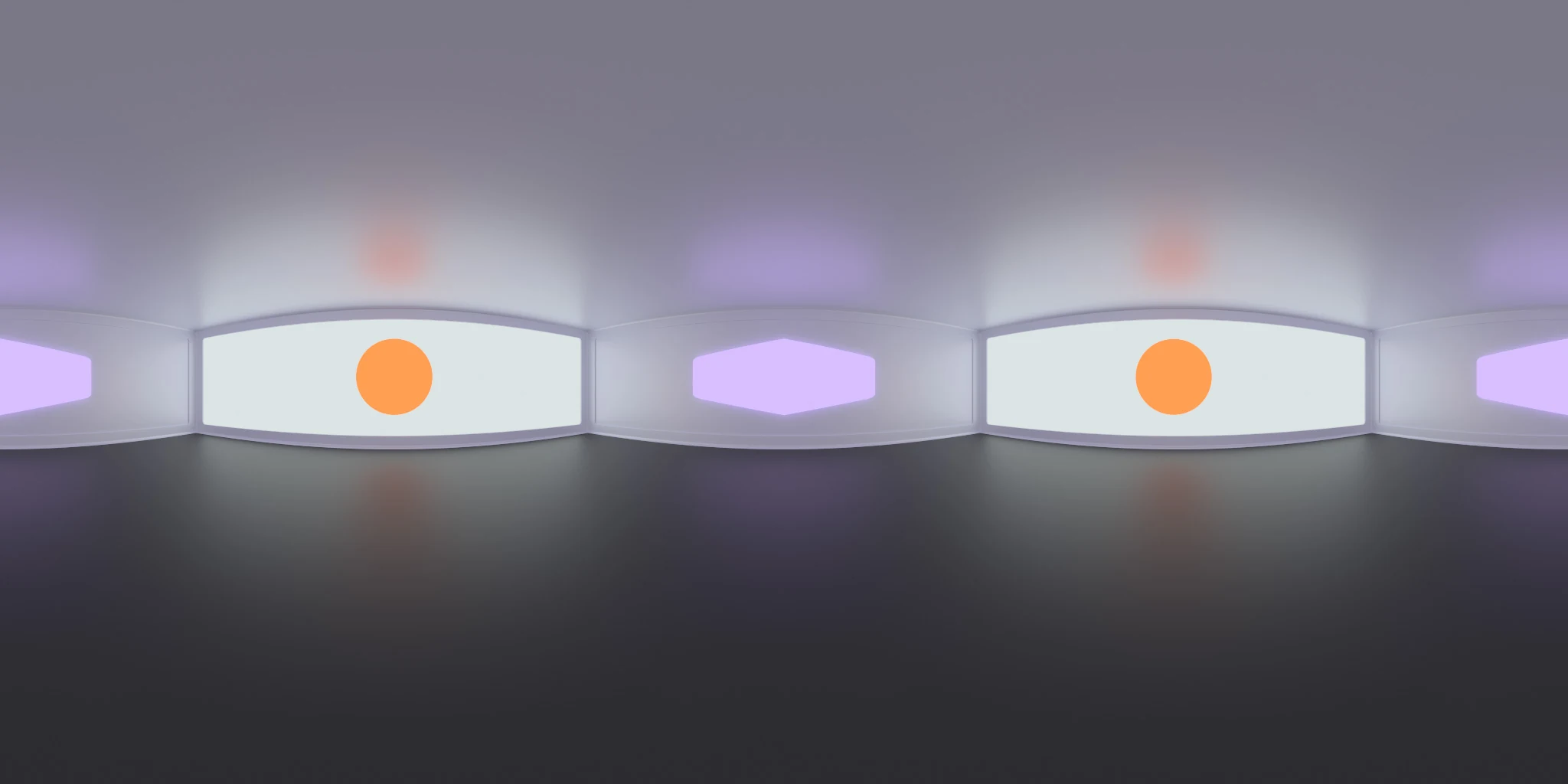
Compare Studio Lighting 014 HDRI to compare a continuous purple panel arrangement with smaller violet and warm circular accents. Keep your material and exposure fixed to make the comparison useful.
Compare Studio 020 HDRI to compare a purple palette with neutral white and grey panels.
Browse the HDRI lighting collection to combine environment, lighting and scene filters.
Created in Blender. The creator describes a rendered virtual lighting environment. Use the purchased map as an environment texture; the preview does not contain editable lamps or room geometry.
Set up HDRI lighting in Blender, rotate the environment, balance exposure, and check PBR materials with a practical workflow for clearer product renders.
Read articleCompare HDRI and area lights in Blender. Learn how to control reflections, reveal product shape and combine light sources without flattening your render.
Read articleYou can model a clean asset, unwrap it properly, bake a solid normal map, and still end up with a material that feels wrong.
Read articleExplore Studio Lighting 014 HDRI with violet tones and warm circular accents. Use 10K to 2K HDR maps for distinctive product highlights and reflections.
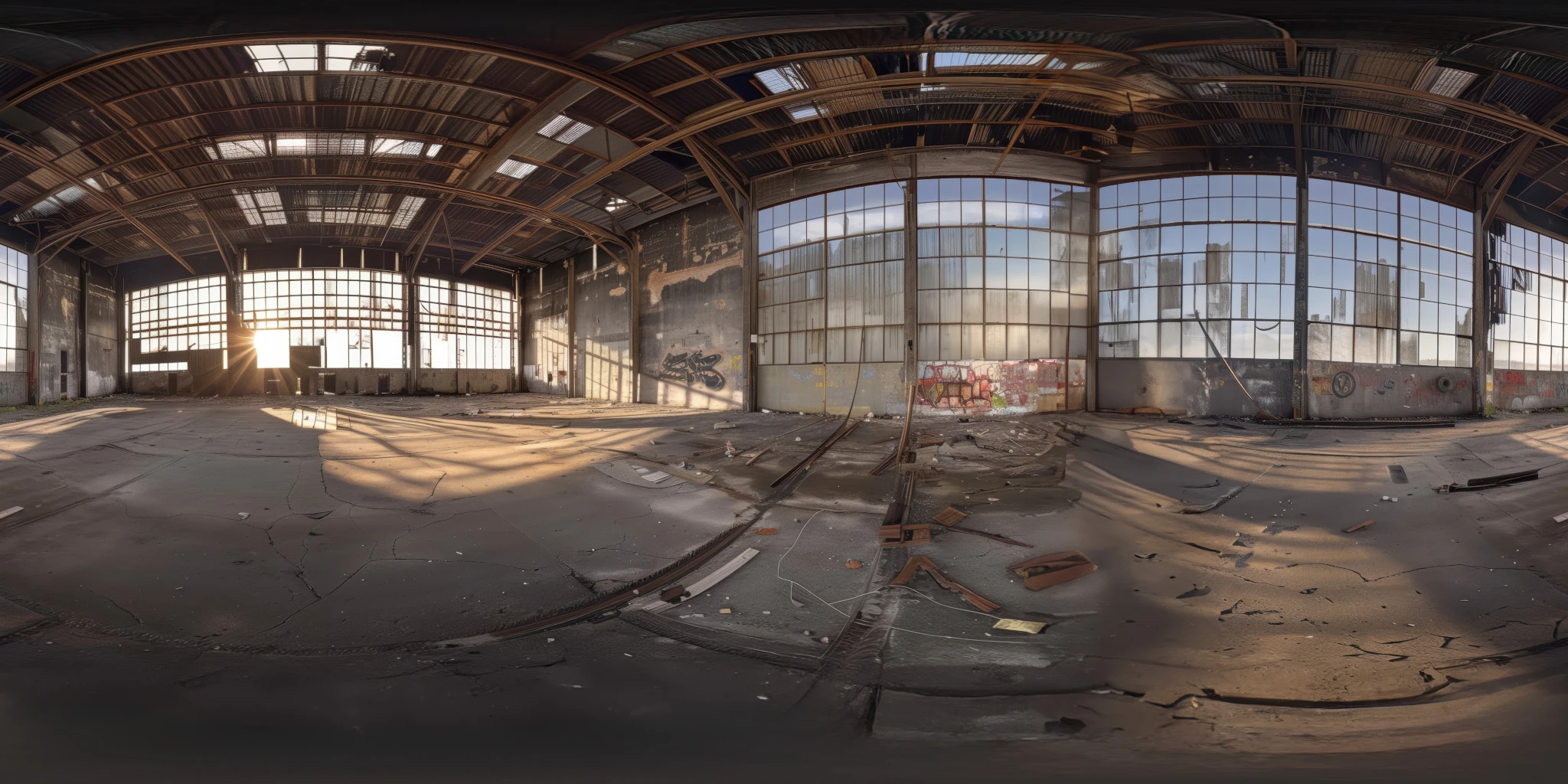
View assetExplore an abandoned warehouse HDRI with window light, roof trusses and worn concrete. Choose 12K to 2K unclipped maps for industrial props and reflections.
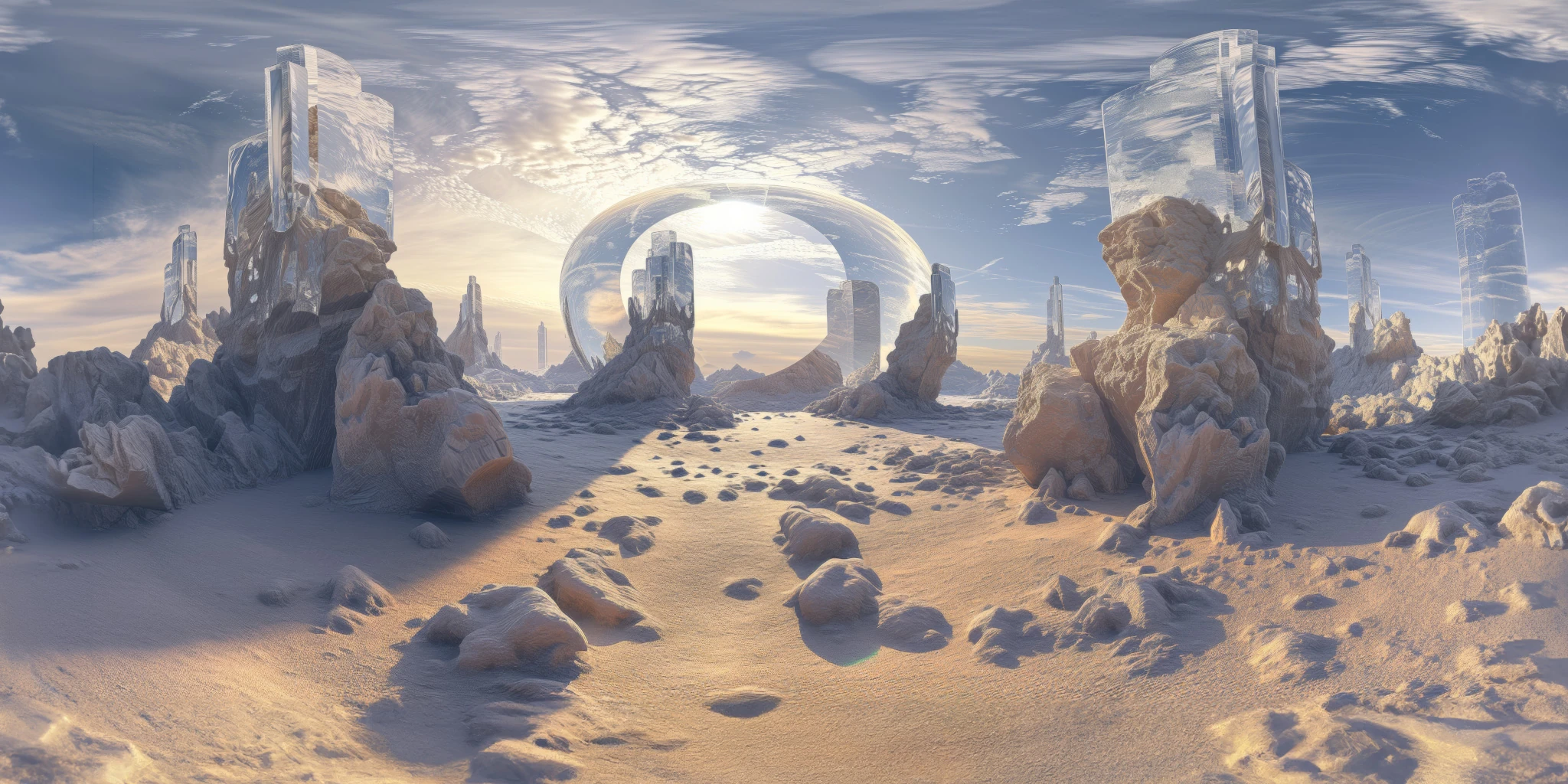
View assetExplore a crystal valley HDRI with pale formations, sandy terrain and a monumental arch. Choose 12K to 2K maps for bright sci-fi lighting and reflections.
View asset