About This Free Granite Material
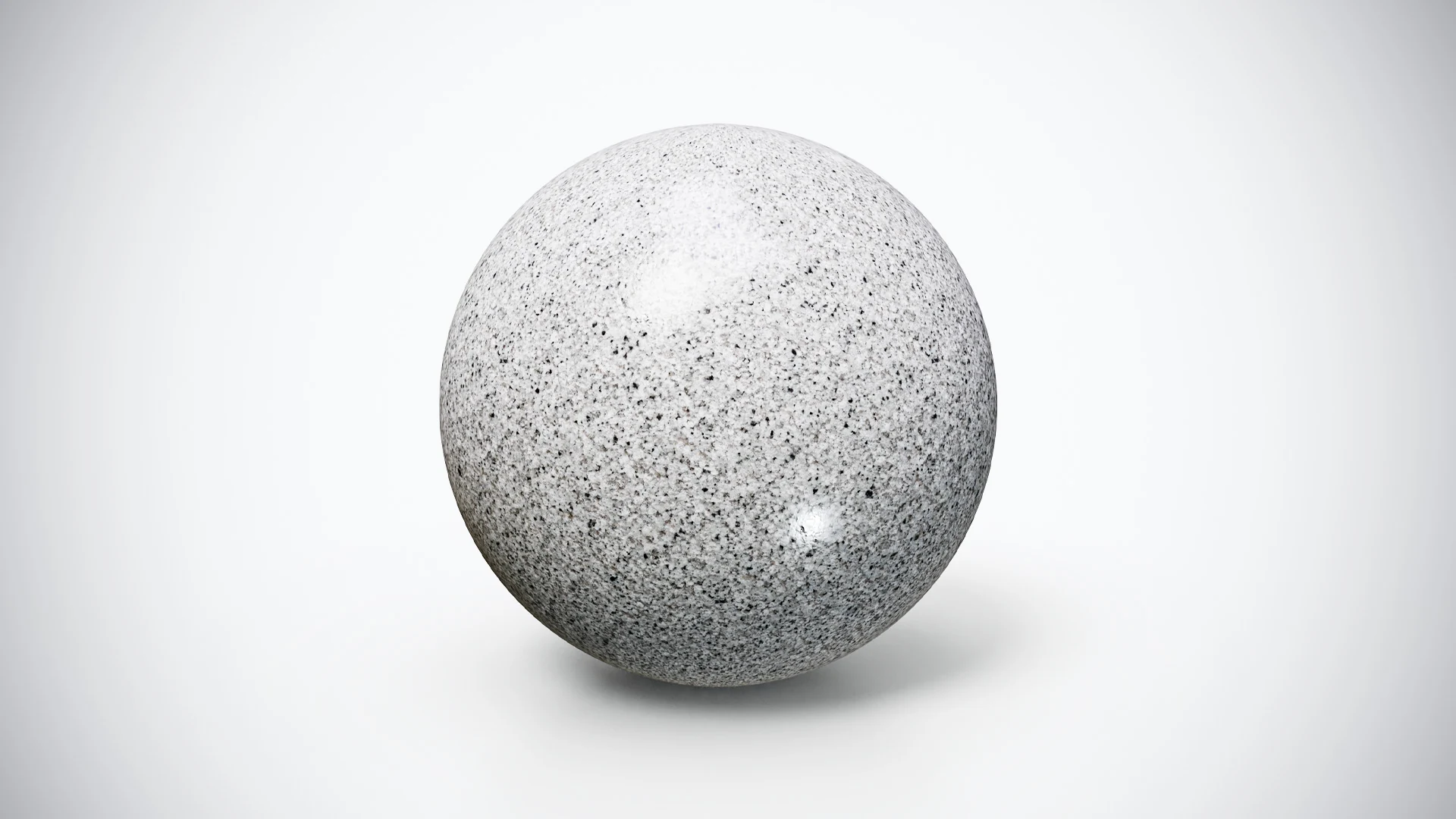
Smooth Silver Gray Granite has a pale, cool-looking base with fine gray grain and small dark speckles. Its restrained pattern offers a useful starting point when a stone surface should support a scene without introducing a strong directional vein.
Try it on a kitchen countertop, a reception desk, a shelf or a simple display base. The light appearance can help separate a darker object from its support, while the small flecks keep a broad surface from reading as a flat color. Compare it at the intended output size, where fine grain may read differently from a close material preview.
The supplied sphere preview demonstrates the surface. The download provides a PBR material resource for your own geometry; it does not provide a finished countertop scene. “Smooth” identifies the visual variation and does not prescribe one universal roughness value for every lighting setup.
Included Resolution and Preset
The free ZIP contains 2K textures supplied with the PBR Metallic-Roughness preset. It is a practical version for testing the material on a known-size sample or a scene prop before choosing a final palette.
You can use the PBR Material Previewer to inspect compatible local texture files, then confirm the grain scale on the actual countertop or panel in your scene.
Inspect the supplied image channels and configure your material in the destination application. Keep the source images together and record any changes you make. The free preset is Metallic-Roughness; the full bundle separately offers 4K resources and Unity and Unreal texture presets.
Test the Granite on a Countertop
Begin with a simple slab and a checker texture. Confirm that the top and visible edge have a consistent mapping scale before replacing the checker with the granite. Small speckles can hide distortion more easily than a long marble vein, so inspect the geometry with both the checker and the final material.
Follow the Blender stone countertop exercise to work through dimensions, edge profiles and UV continuity. Keep all matching texture channels aligned when adjusting the material’s placement. Judge the grain against the slab dimensions instead of using the image resolution as a physical-size measurement.
Then compare the surface from a normal interior camera and a close corner view. The wider shot reveals whether the grain supports the room; the close view exposes stretched detail around the edge. A saved PBR material test scene makes these comparisons repeatable when you try another finish.
Compare the Other Free Stone Finishes
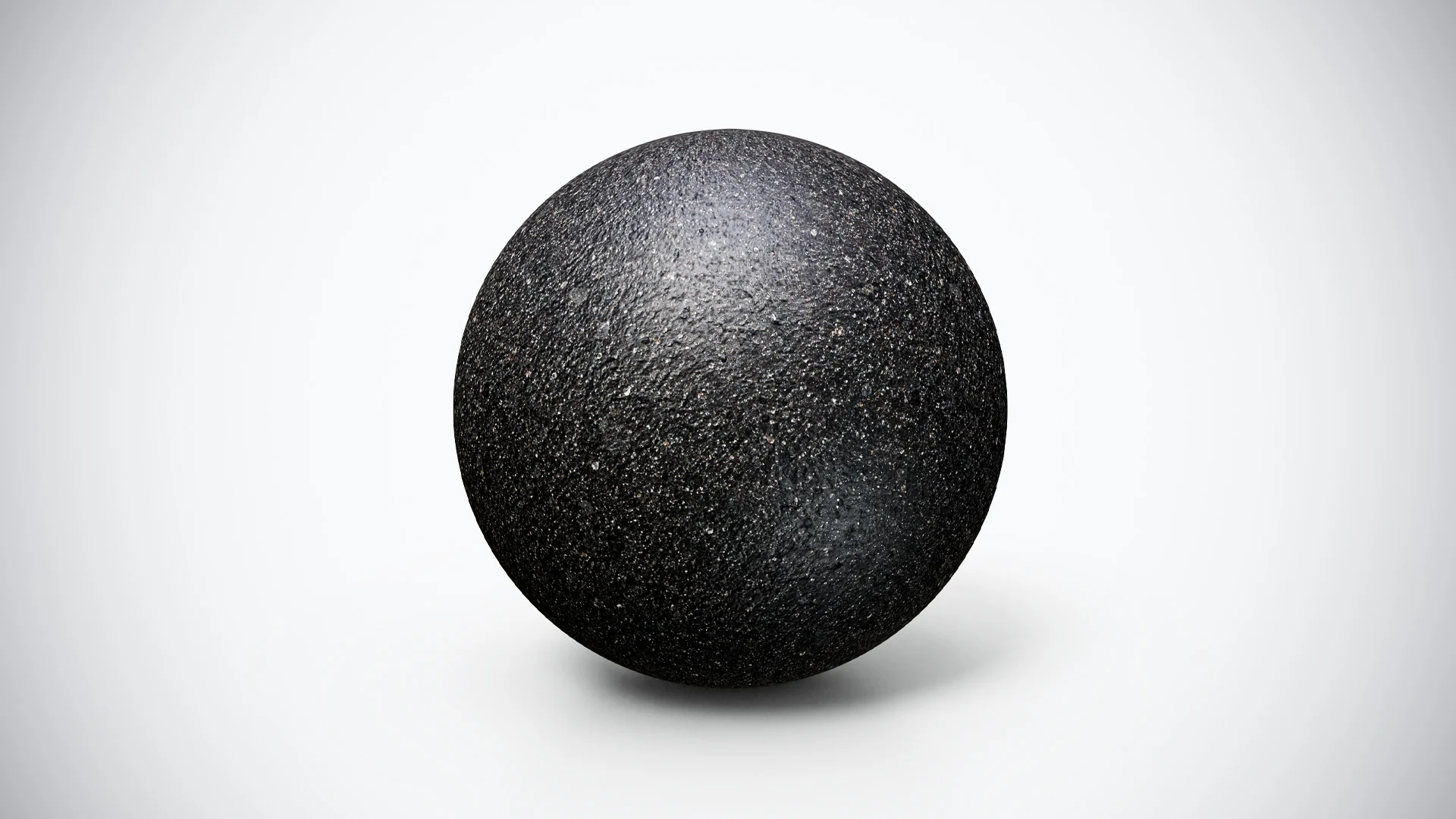
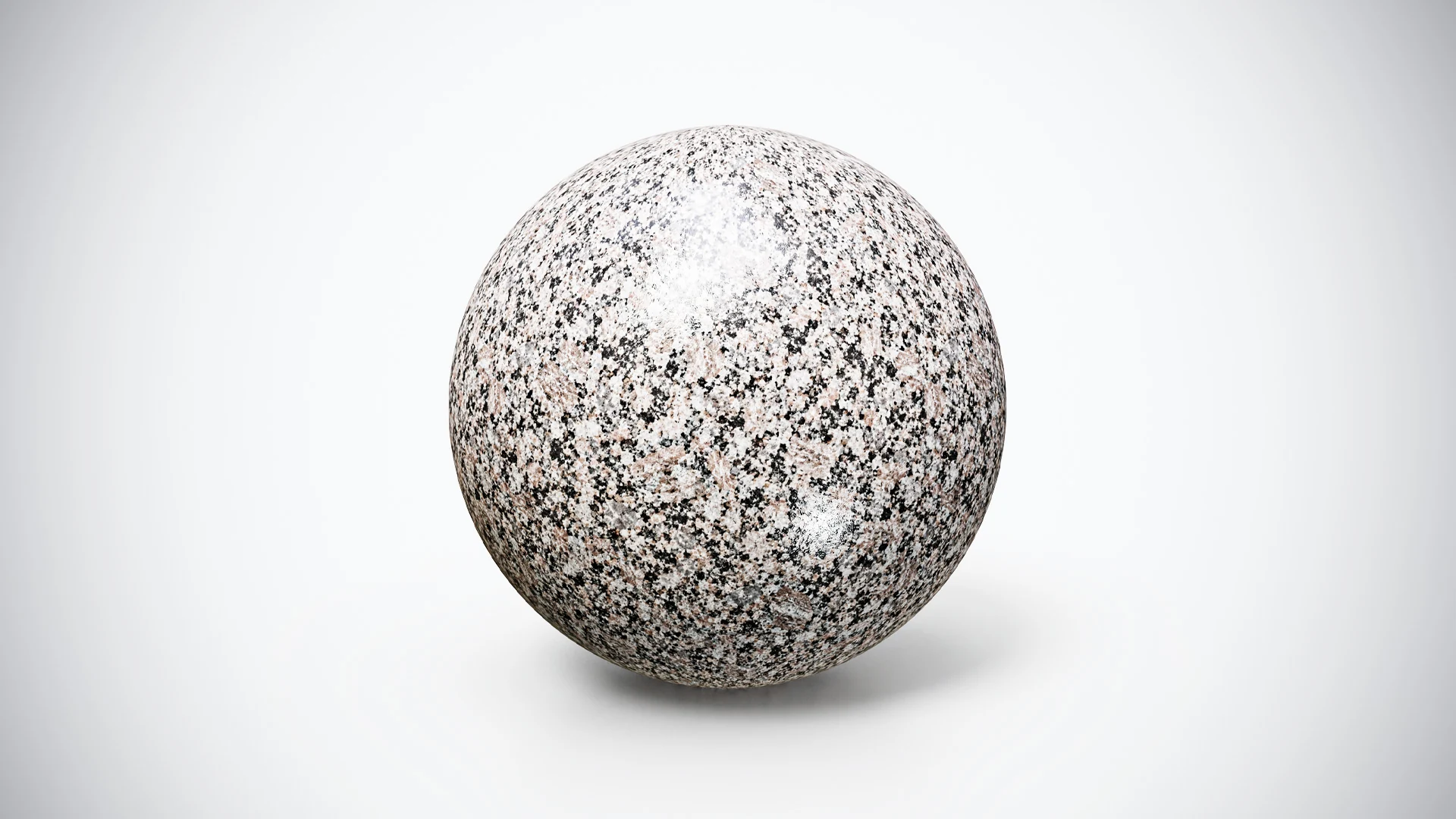
For a warmer palette and stronger light-dark variation, try the free Warm Pink and Black Granite. For a much darker accent with visible surface texture, compare the free Deep Black Textured Basalt.
Keep the geometry, camera and lighting consistent between candidates. Choose a plausible grain scale for each, then compare how much attention the surface attracts. The goal is a material that fits the object and the room, not simply the brightest preview.
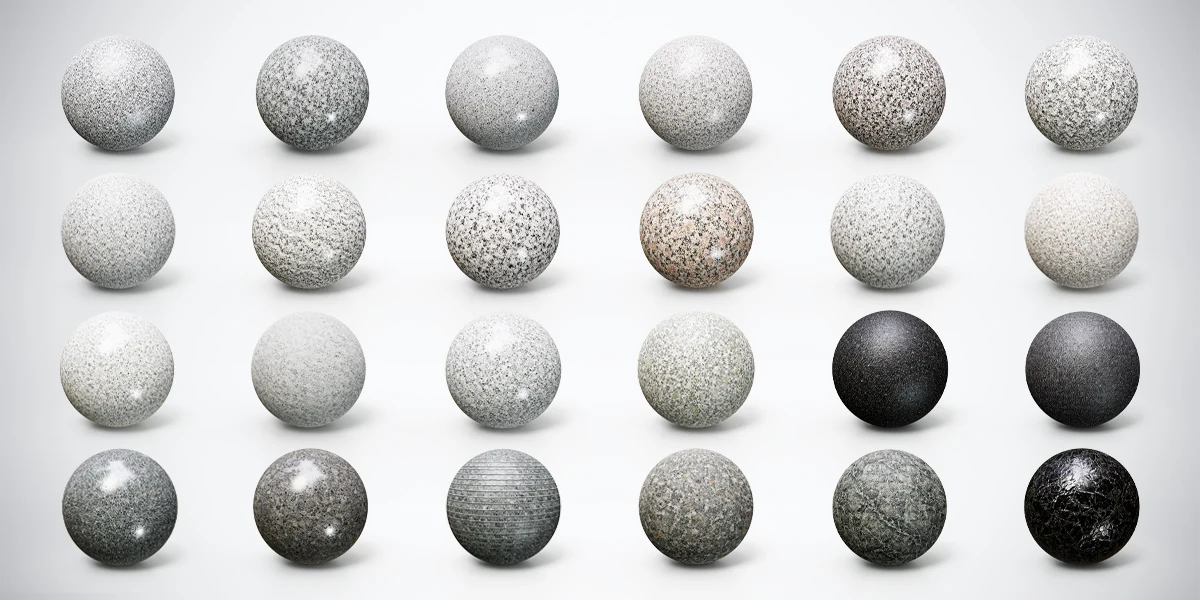
Explore the Full Granite, Marble and Stone Bundle
This free surface belongs to the 24 Granite, Marble & Stone 4K PBR Materials Bundle. The complete collection includes 24 finishes, 4K textures and Metallic-Roughness, Unity and Unreal texture presets. Start with this free 2K material to check the visual fit, then browse the bundle for coarser granites, darker stone and veined marble alternatives.