About This Free Pink and Black Granite
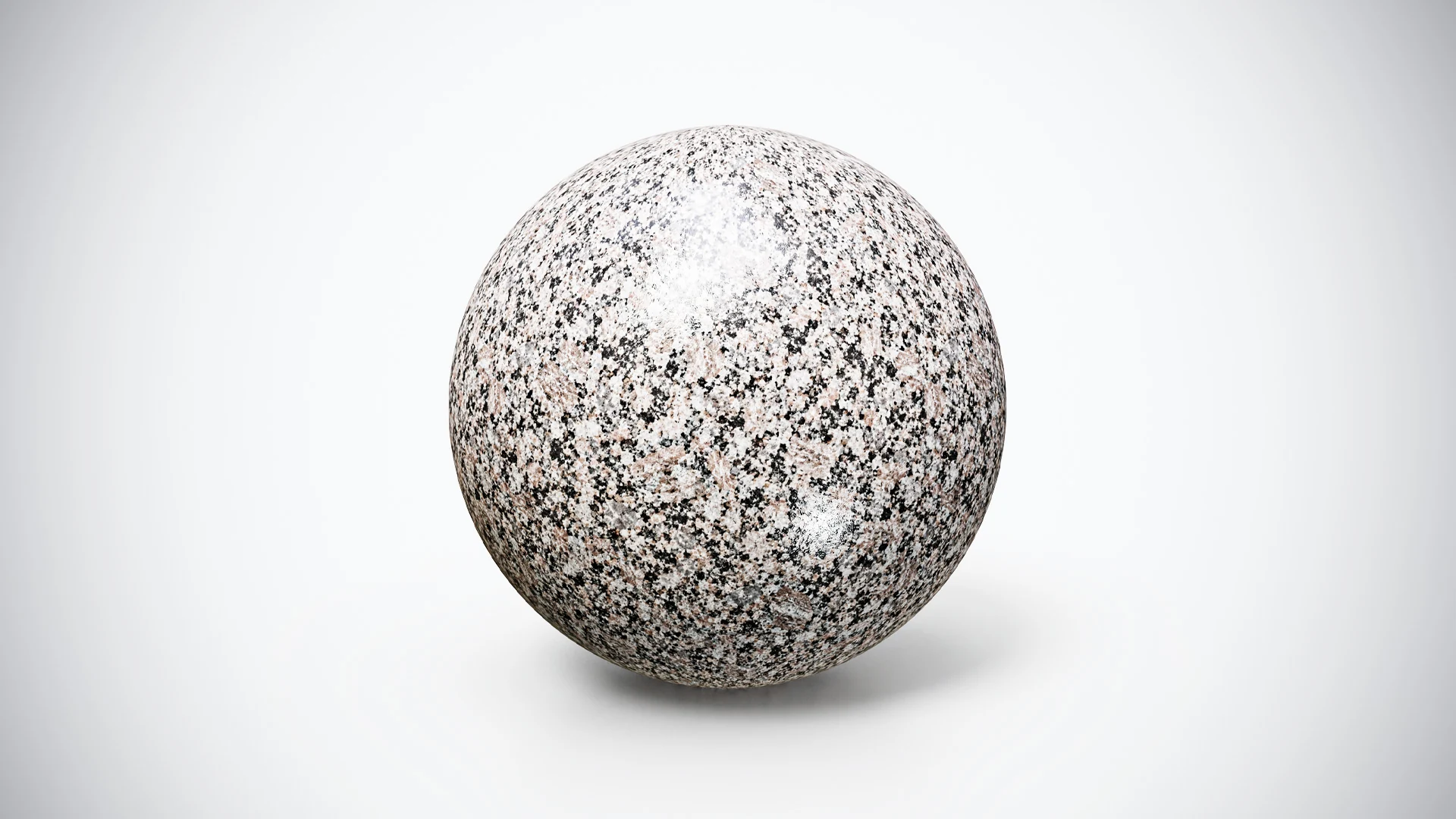
Warm Pink and Black Granite combines pale pink and cream tones with irregular dark flecks. The pattern has stronger light-dark contrast than a fine, evenly speckled gray stone, giving a broad surface a more noticeable visual rhythm.
Try it on a counter, a tabletop, a wall panel or a stone display object. Its warmer areas can provide a useful comparison against cool gray surfaces, while the black flecks add definition when the material is viewed closely. Keep nearby patterns restrained if this granite is meant to carry the main surface detail.
The preview shows the material on a sphere to reveal its grain and response across different angles. This is a PBR material download for use on your own geometry, rather than an included architectural model. Select the pattern scale and surrounding colors to suit the scene you are building.
Included Resolution and Preset
The free ZIP contains 2K textures with the PBR Metallic-Roughness preset. Use it to test the grain on a simple panel or prop and see whether its warmer palette works under your project’s lighting.
Inspect compatible local texture files with the PBR Material Previewer when you want a quick surface comparison before building the material into a larger scene.
Import the provided images, identify their intended roles and connect them to the appropriate shader inputs. The free package is offered in Metallic-Roughness. The premium bundle provides the separate 4K collection with Metallic-Roughness, Unity and Unreal texture presets; do not assume those additional presets are part of this free download.
Make the Contrasting Grain Work for the Scene
Test the material on a flat surface with known dimensions. Choose the apparent size of the dark flecks deliberately, then review a render at the delivery resolution. Grain that looks balanced in a close crop can become busy across a large countertop or compete with a detailed object placed on it.
Use the granite and marble material selection exercise to give the surface a clear role. For example, let a warm patterned counter carry the detail while a quieter wall supports it. Compare one material change at a time so you can tell whether the improvement comes from color, grain size or a different finish.
If you apply the granite to a slab, inspect the top, front strip and corners together. The Blender countertop workflow explains how to distinguish continuous surfaces from separately assembled pieces and keep the texture scale consistent across them. A less directional pattern still benefits from deliberate UV placement.
Compare a Cooler or Darker Alternative
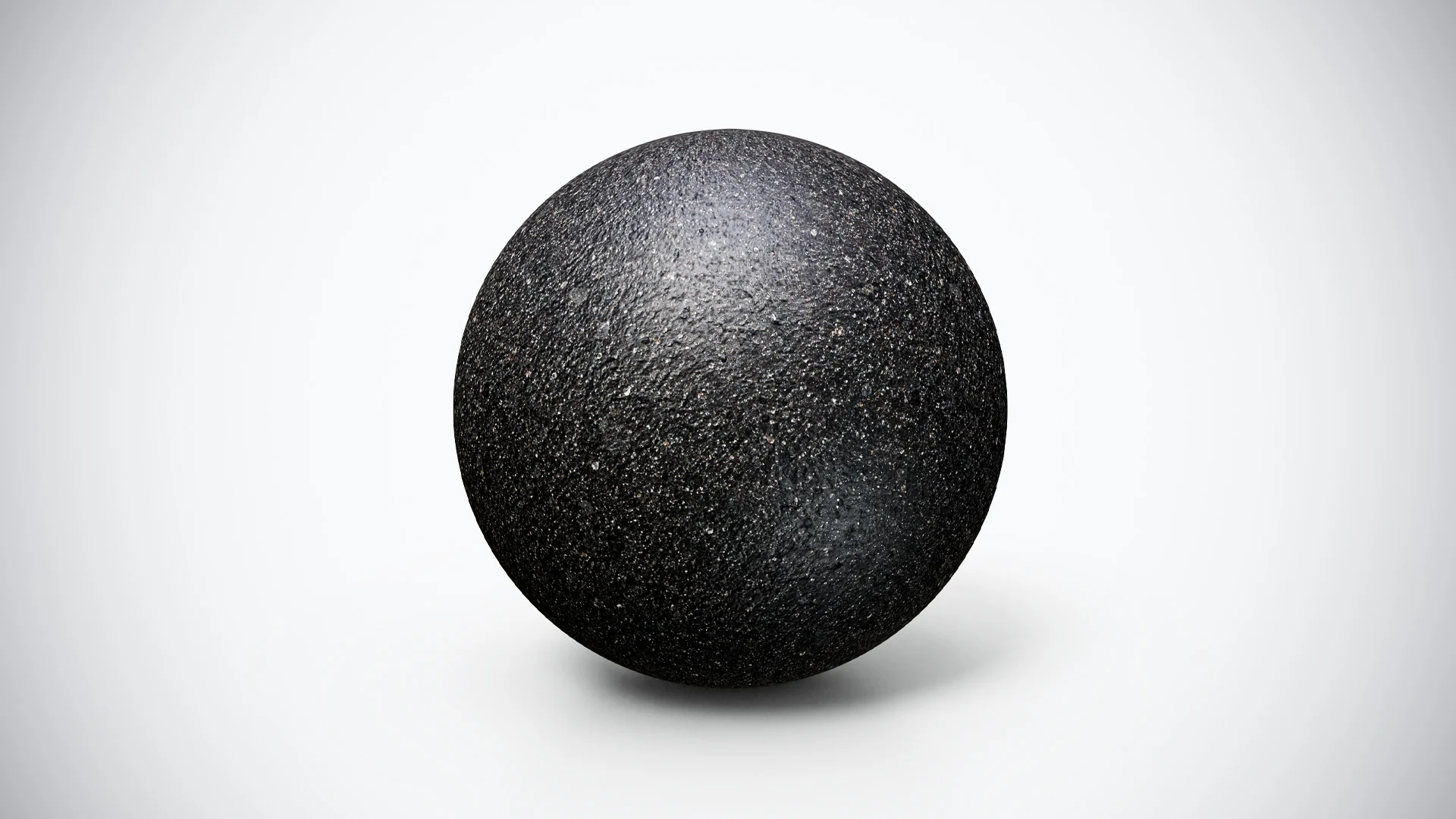
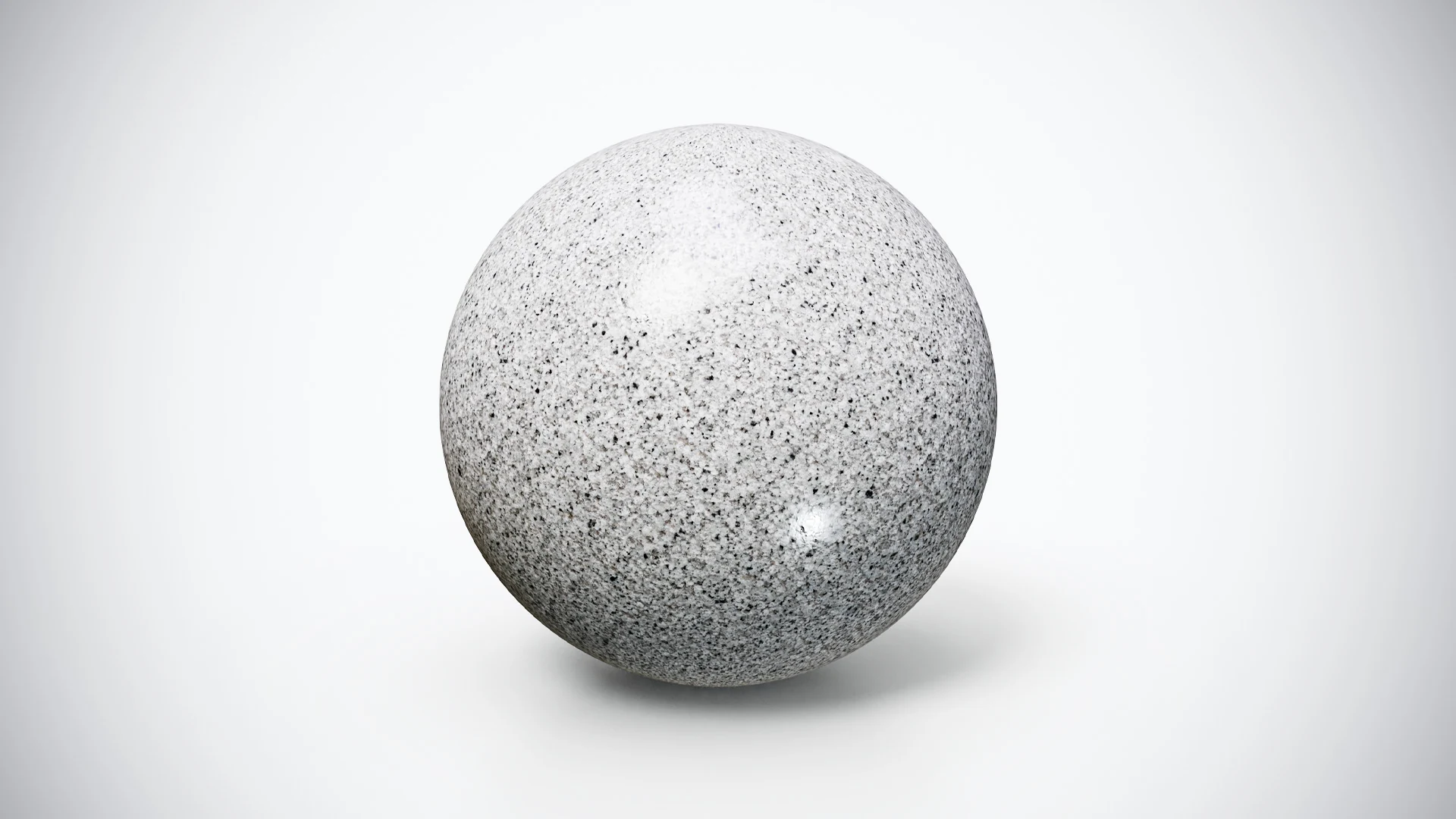
The free Smooth Silver Gray Granite offers a lighter, cooler-looking reference with finer dark speckles. The free Deep Black Textured Basalt provides a darker alternative when the scene needs a supporting accent rather than another pale patterned surface.
Use the same camera and lighting when switching between them. After choosing a provisional material, review it beside the actual surrounding objects. A surface can work well on an isolated sphere and still compete with the colors or patterns of the finished scene.
Expand the Palette with the Complete Bundle
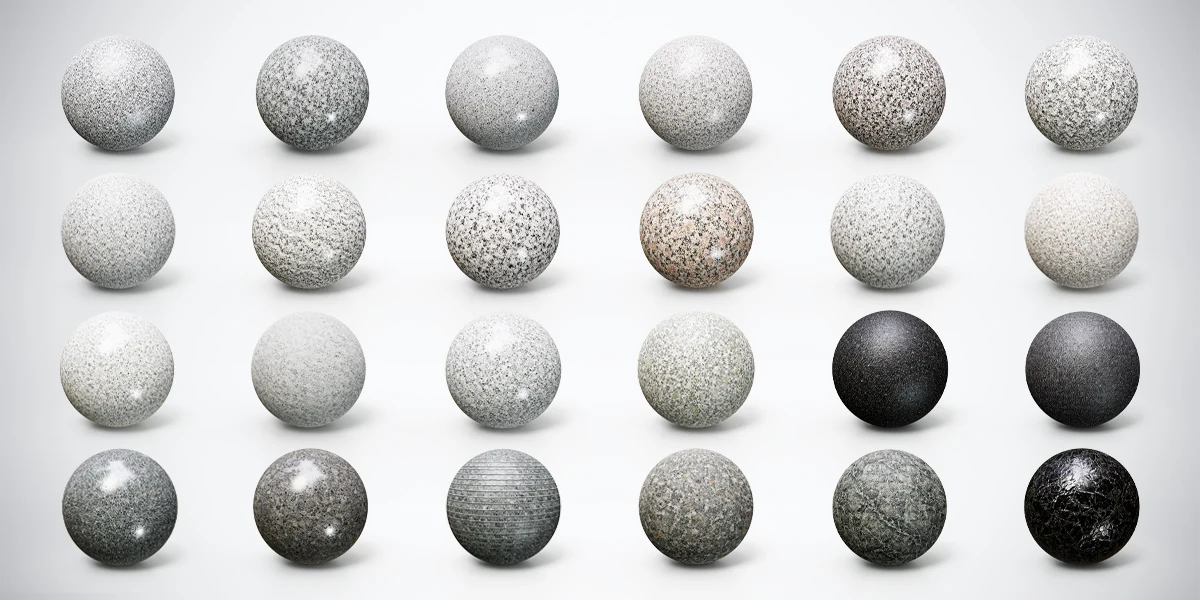
This material comes from the 24 Granite, Marble & Stone 4K PBR Materials Bundle. The full collection provides 24 finishes, 4K textures and Metallic-Roughness, Unity and Unreal texture presets. Try this free 2K version first, then use the bundle when a project needs a broader set of coordinated stone options or higher-resolution resources.