
Server Room HDRI Lighting in Blender: A Practical Guide for Tech Products
Light tech products in Blender with server room HDRIs. Compare three free 4K maps, control reflections and exposure, and build a repeatable indoor lighting setup.
Read article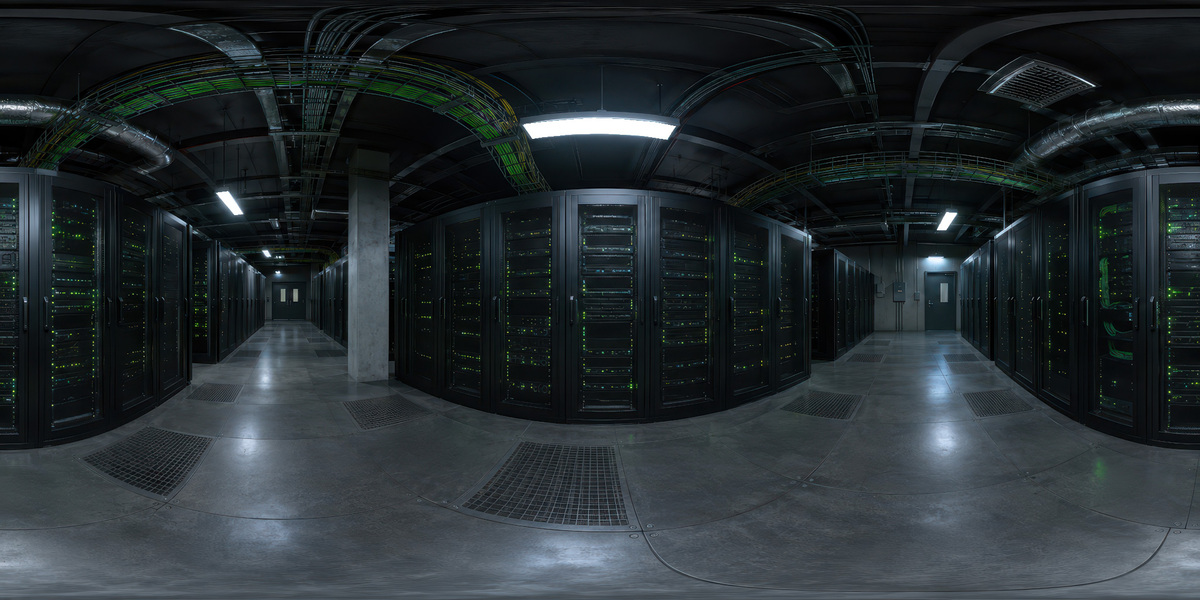
Open the image to explore the details.
Explore a dark server aisle HDRI with green status lights and cool ceiling strips. Includes unclipped 10K, 4K and 2K maps for lighting and reflections.
See current pricing, available files and license details on the marketplace.
Dark rack fronts, tiny green status lights and cool ceiling strips create a restrained technical atmosphere. The panorama combines large shadowed areas with narrower bright shapes, making it a useful candidate for testing how a reflective product reads against darker surroundings.
Try the aisle with black electronics, brushed-metal housings or a cybersecurity-themed product presentation. Rotate the overhead strips into a useful reflection before raising environment strength. On a dark object, a small shift in the bright reflection can reveal an edge more effectively than increasing the brightness of the whole scene.
The green indicators are small features in the preview. Their contribution to illumination and visibility in a reflection depends on the actual HDR, material roughness, image resolution and camera framing. If a specific green rim is essential, test a deliberate local light instead of assuming the indicators will provide it.
Follow the server room HDRI lighting guide to compare maps with a fixed camera and material setup. For reflective housings, the metal lighting guide explains how bright and dark regions reveal form.
Created by 3DSkillUp, this environment is listed in 10K, 4K and 2K, in 32-bit HDR format with an unclipped, 360° equirectangular layout. The image above is a web preview, not the HDR lighting file. Its appearance cannot establish a measured exposure range.
Start with 2K for lighting tests, then compare 4K or 10K when smooth reflections or a visible background need more detail. Load the purchased HDR in your renderer’s environment-lighting workflow. In Blender, use a World Environment Texture connected through Background to World Output; the HDRI setup guide covers the steps.
This dark aisle is one environment from the collection. Use the full pack when you need to compare darker technical moods with bright halls and colored rack corridors.
Explore the complete 24 Unclipped Server Room HDRIs bundle for the collection overview and three free 4K samples. Those samples are separate environments; this individual HDRI is a premium asset.
For a focused comparison, try Server Corridor with Red Rack Panels HDRI for stronger red cabinet shapes and a brighter overhead reflection pattern. Browse the HDRI catalog to filter other environments by lighting and scene.
AI-assisted, manually refined. This asset is designed primarily for environment lighting and reflections. Inspect fine details before using it as a prominent background. The panorama supplies image data, not server models or room geometry. You can separate the camera background from the HDRI while retaining the reflected environment.
Preview image: Copyright 3DSkillUp. Check the current package and license details on the linked Superhive product page.
Light tech products in Blender with server room HDRIs. Compare three free 4K maps, control reflections and exposure, and build a repeatable indoor lighting setup.
Read articleLight metal objects in Blender with controlled reflections. Build a readable highlight, preserve dark edges and compare studio HDRIs before changing roughness.
Read articleKeep HDRI lighting and reflections while using a different background in Blender Cycles. Connect Light Path and Mix Shader nodes and check common mistakes.
Read article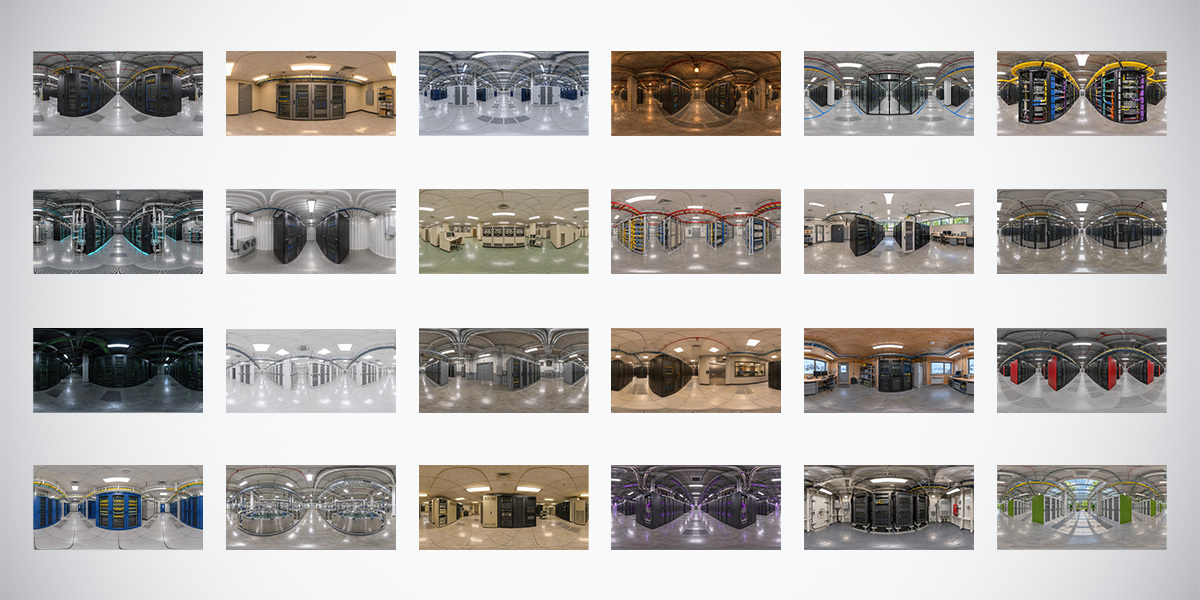
Explore 24 unclipped server room HDRIs in 10K, 4K and 2K. Compare indoor lighting and reflections, and try three free 4K data center environments.
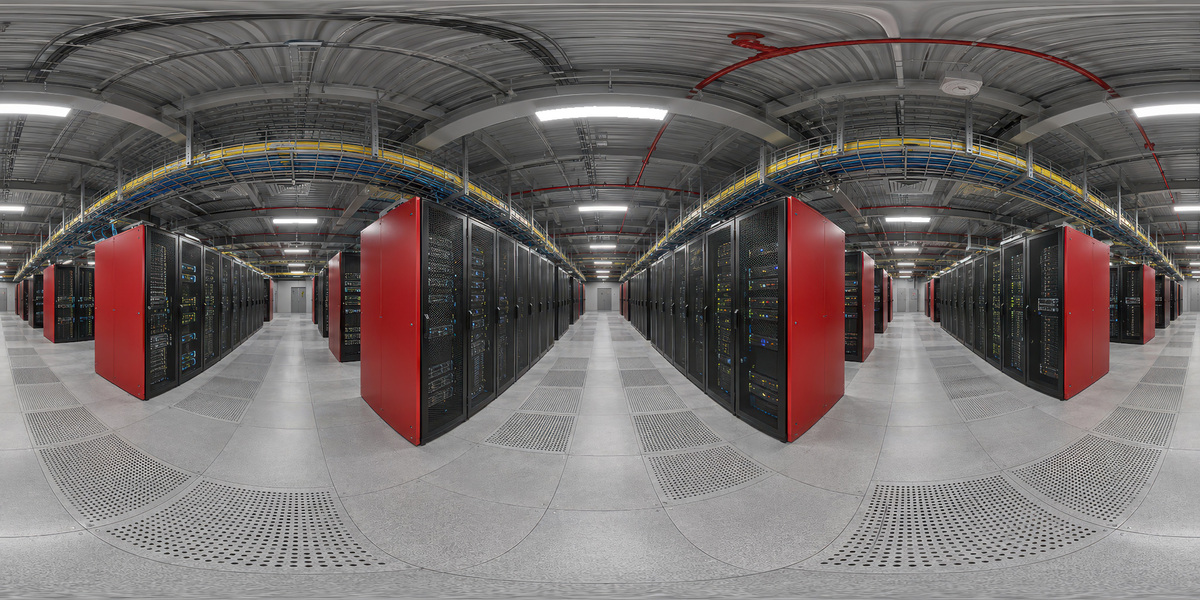
Explore a server corridor HDRI with red rack panels, ceiling strips and industrial detail. Includes unclipped 10K, 4K and 2K environment lighting maps.
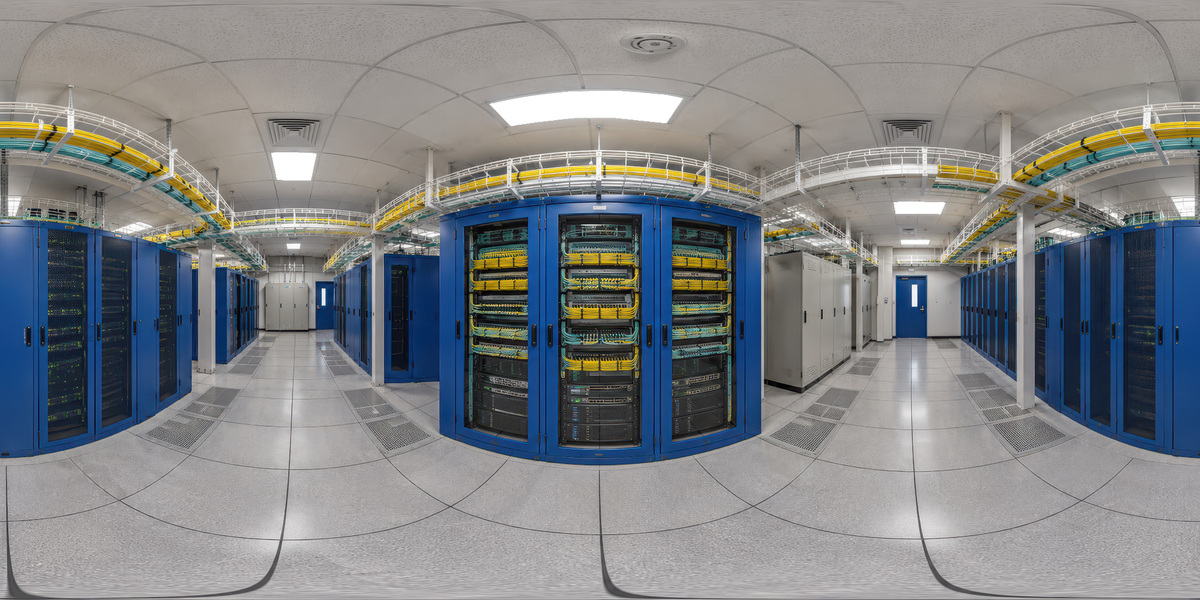
Explore blue server racks and yellow cable trays in a bright indoor HDRI. Includes unclipped 10K, 4K and 2K maps and a link to the 24-map collection.