
Server Room HDRI Lighting in Blender: A Practical Guide for Tech Products
Light tech products in Blender with server room HDRIs. Compare three free 4K maps, control reflections and exposure, and build a repeatable indoor lighting setup.
Read article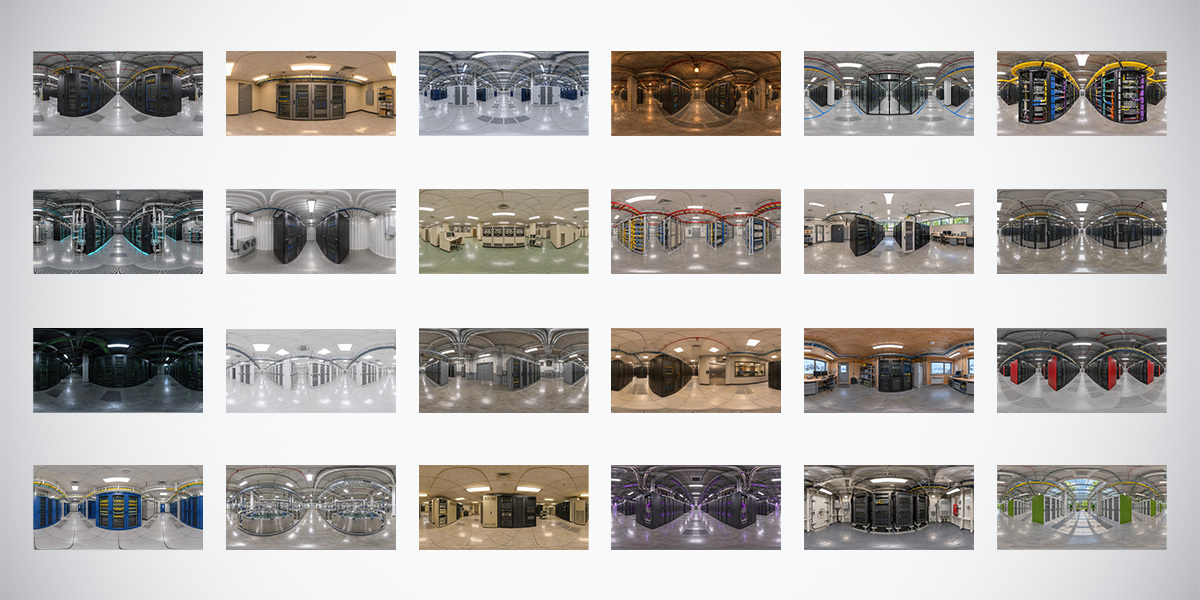
Open the image to explore the details.
Explore 24 unclipped server room HDRIs in 10K, 4K and 2K. Compare indoor lighting and reflections, and try three free 4K data center environments.
See current pricing, available files and license details on the marketplace.
Build a varied indoor lighting library with 24 server room and data center HDRIs, each supplied in 10K, 4K and 2K. Explore bright white halls, dense rack aisles, colored network cabling, darker technical corridors and warmer equipment spaces. The collection is designed for environment lighting, reflections and material presentation.
Created by 3DSkillUp, these 360° equirectangular panoramas are provided in 32-bit .HDR format. They were made with AI assistance and manually refined, including exposure and panorama-edge work. The cover is an overview of the collection’s visual variety; it is not the downloadable lighting data.
The pack contains HDR image assets. It does not include server meshes, complete scenes or preconfigured Blender, Unity or Unreal projects. Configure the images in your renderer’s supported environment-lighting workflow.
A technical interior can provide both broad ceiling highlights and smaller reflected details. Choose a white hall when you want large bright regions; try darker racks when a metal edge needs separation; test colored cables when an accent supports the object’s visual identity. Evaluate the actual HDR in the scene, because a preview image cannot quantify its light intensity.
The server room HDRI lighting guide walks through the comparison with a fixed camera and materials. It explains how to rotate the environment, preserve readable labels and decide whether an area light would solve a specific problem.
Each of these free ZIP downloads contains one 4096 × 2048 HDR map, a README and a CC BY 4.0 license. Attribution is to 3dskillup.art. The premium collection’s license is separate.
Yellow overhead trays and bundles of blue, purple and turquoise cables give this server aisle a strong technical identity. Dark rack fronts alternate with pale floor and ceiling areas, creating a varied surrounding pattern for reflective products.
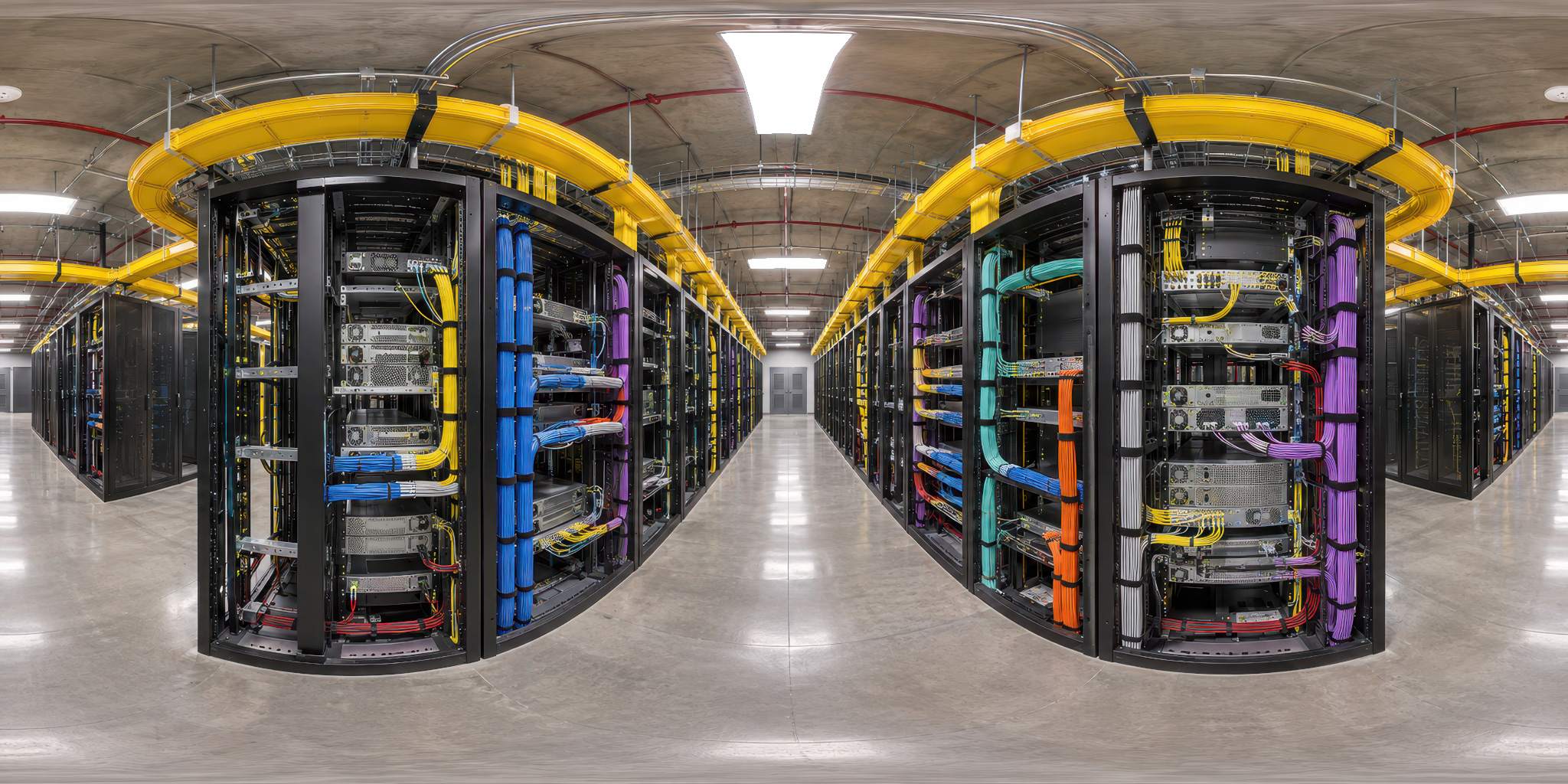
View and download the free Color-Coded Network Cabling Aisle HDRI.
White cabinets, broad pale surfaces and overhead fixtures make this environment a useful starting point for a bright technology-product presentation. Dark cabinet openings and seams provide smaller contrasting shapes within the otherwise light interior.
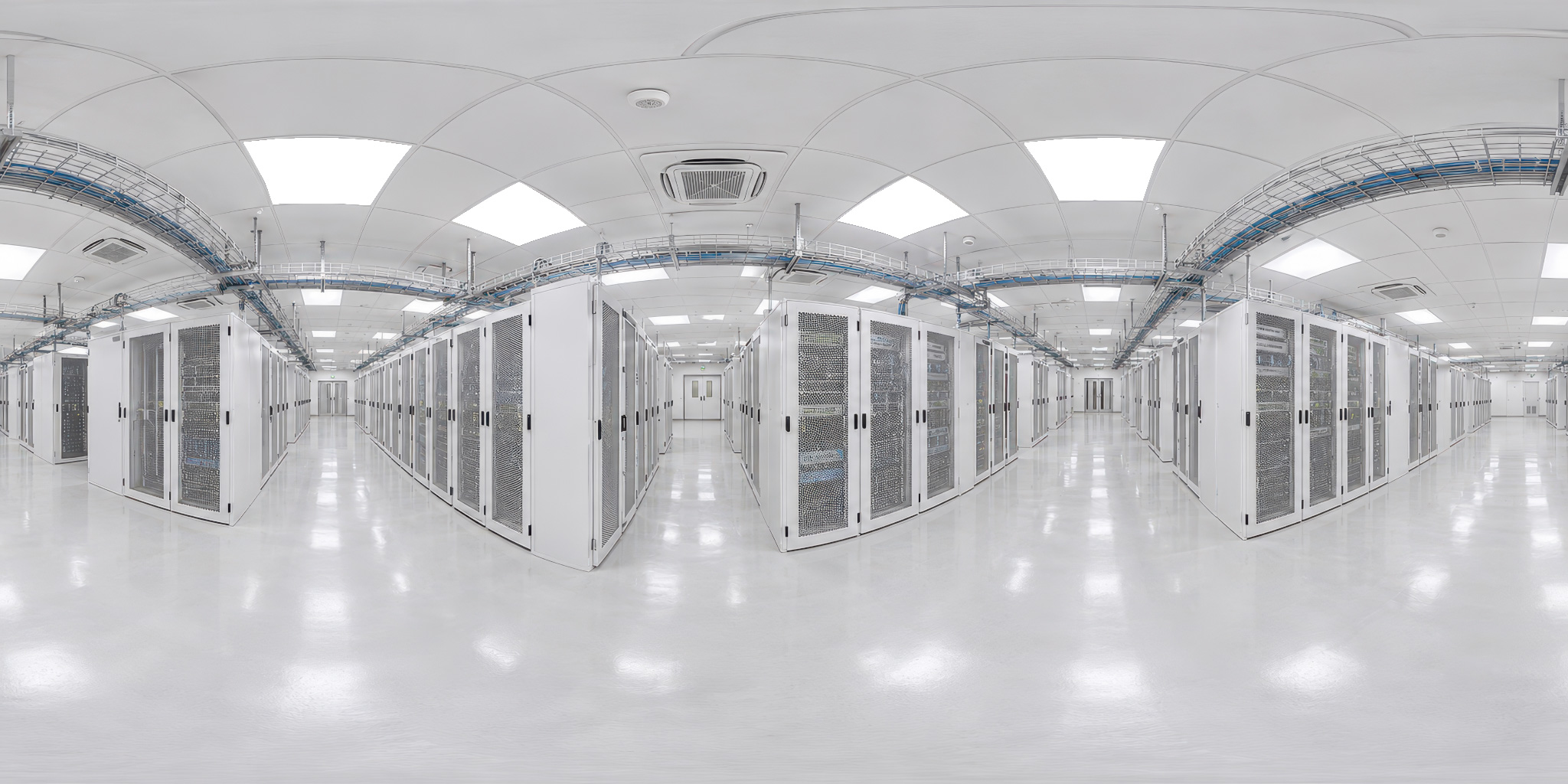
View and download the free High-Key White Server Hall HDRI.
Mesh security cages surround the server racks, creating dark grids beneath bright ceiling fixtures. Pale overhead structure, yellow cable trays and a gray floor add contrasting regions around the viewer.
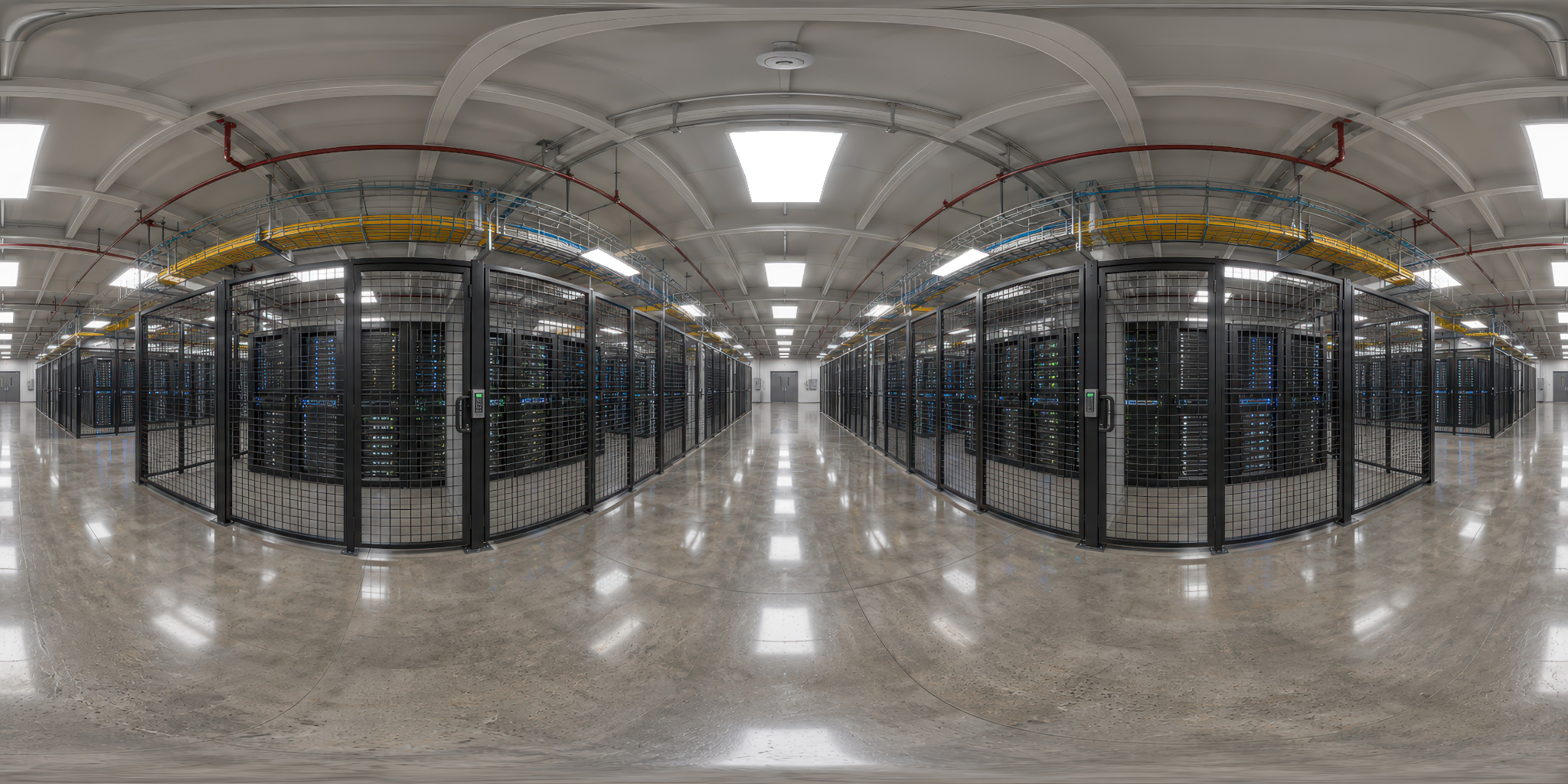
View and download the free Secure Mesh-Caged Data Center HDRI.
Load the HDR file through an Environment Texture node in the World shader and use equirectangular projection. Connect its Color output to Background Color, then connect Background to World Output. Start with a fixed camera and simple materials, rotate the environment, and adjust strength only after finding a useful reflection.
Follow the HDRI product-lighting workflow for a complete setup. For metal housings and machined parts, the metal lighting guide explains how alternating bright and dark reflections reveal form. Compatible engines can use the HDR images in their supported environment workflows; import settings vary.
Use 2K for an initial lighting study, then compare 4K or 10K if smooth reflections or a visible background need more spatial detail. Higher resolution does not automatically improve exposure or material readability. Compare the same environment at the final output size before committing more memory to it.
The HDRI resolution guide explains this distinction. This bundle supplies 2K, 4K and 10K; other sizes discussed in the guide are not additional package contents.
These AI-assisted environments were refined manually for lighting and reflected surroundings. Some small architectural details may be less precise than those in a traditionally photographed or modeled facility. They are best used as environment-lighting sources; inspect details carefully if the panorama will be a prominent standalone background.
The racks and floor remain image content, not scene geometry. Add a physical floor using the HDRI ground-plane workflow when the object needs contact shadows. For catalog images, you can separate the camera background from the environment while keeping useful reflections.
For outdoor daylight and horizons, compare the separate 24 Sky & Ocean HDRIs bundle. Browse the HDRI asset collection for other themes. Select environments by the lighting job and verify current package contents and commercial license terms on Superhive.
Light tech products in Blender with server room HDRIs. Compare three free 4K maps, control reflections and exposure, and build a repeatable indoor lighting setup.
Read articleLight metal objects in Blender with controlled reflections. Build a readable highlight, preserve dark edges and compare studio HDRIs before changing roughness.
Read articleKeep HDRI lighting and reflections while using a different background in Blender Cycles. Connect Light Path and Mix Shader nodes and check common mistakes.
Read article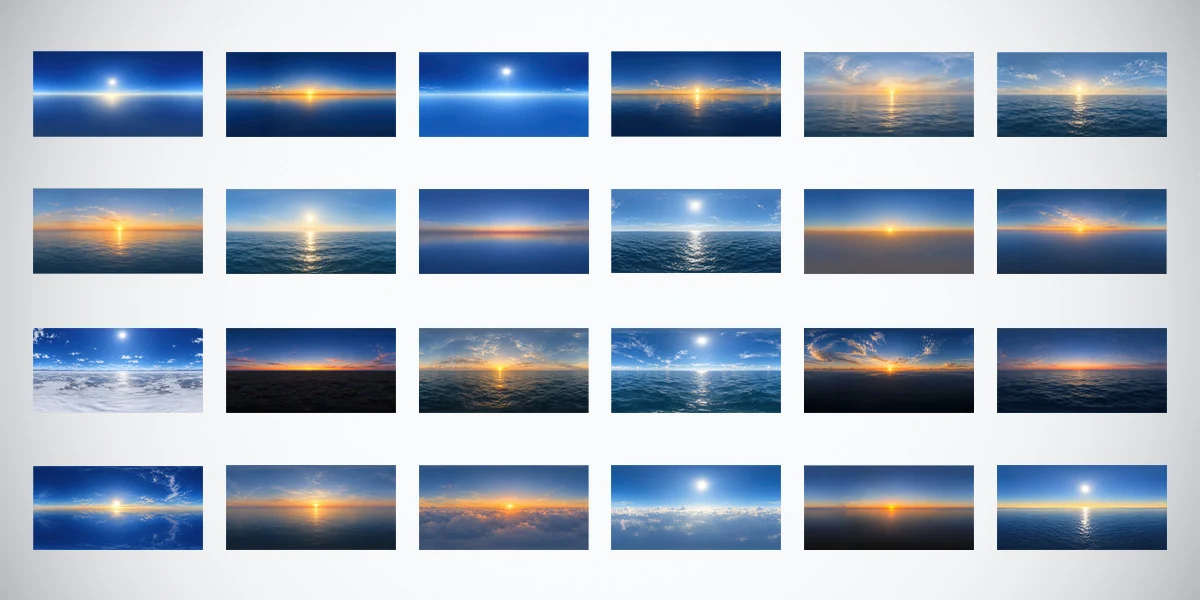
Explore 24 unclipped sky and ocean HDRIs in 10K, 4K and 2K. Use 32-bit HDR environments for daylight, sunset lighting and reflections in your 3D renders.
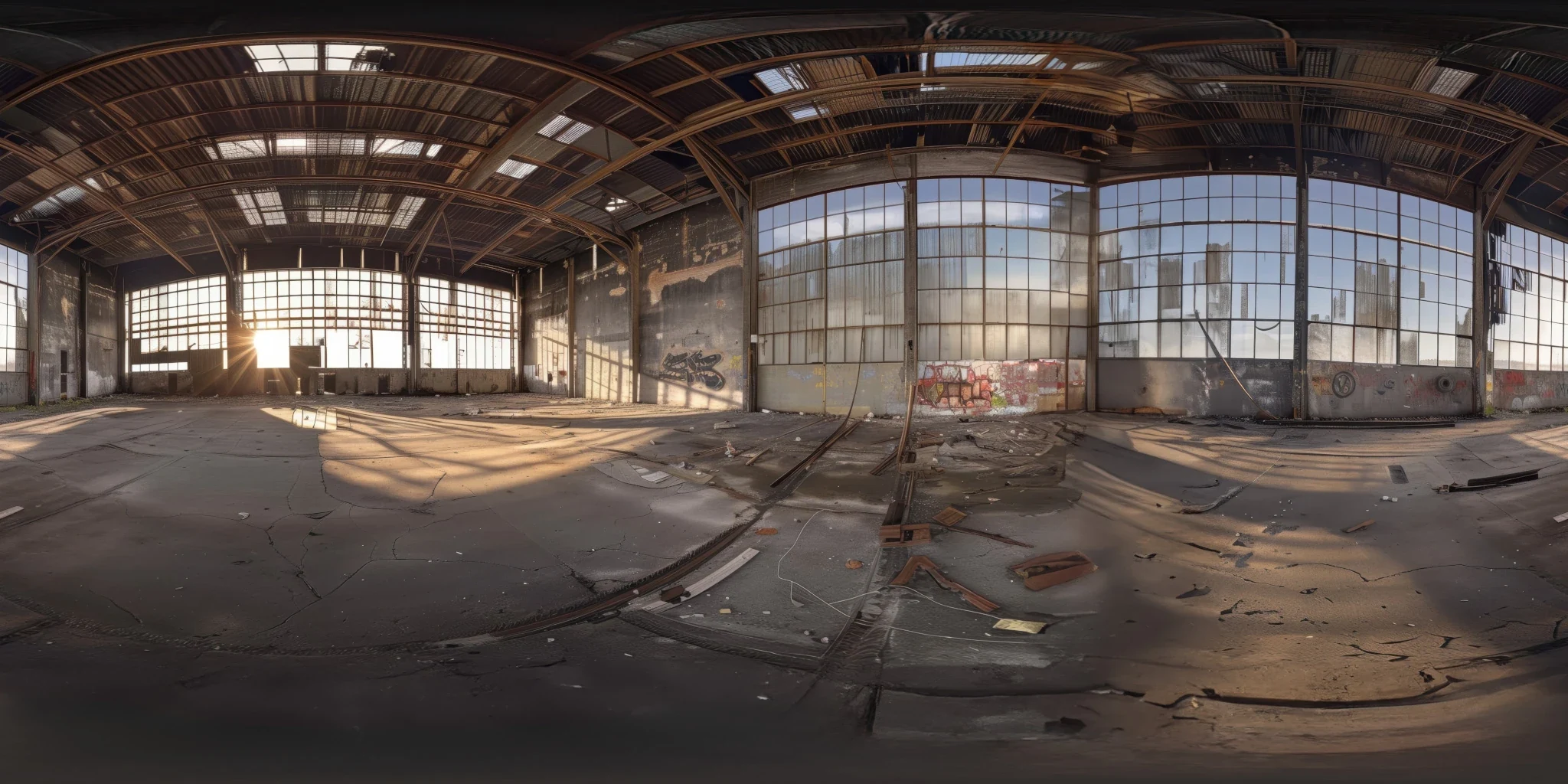
Explore an abandoned warehouse HDRI with window light, roof trusses and worn concrete. Choose 12K to 2K unclipped maps for industrial props and reflections.
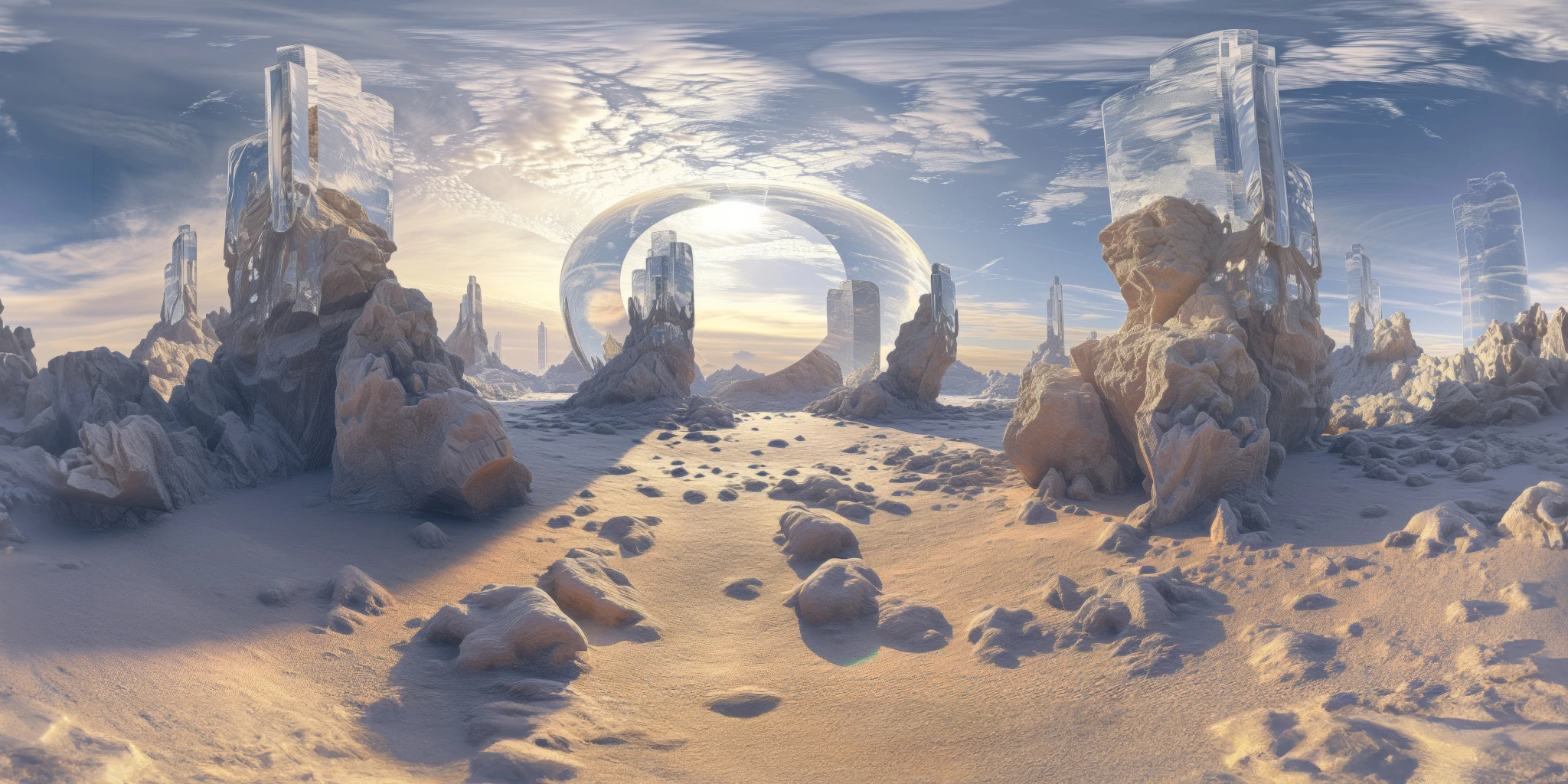
Explore a crystal valley HDRI with pale formations, sandy terrain and a monumental arch. Choose 12K to 2K maps for bright sci-fi lighting and reflections.